
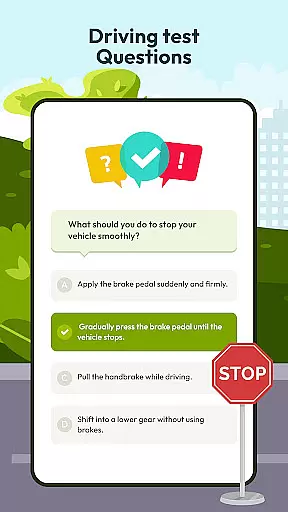
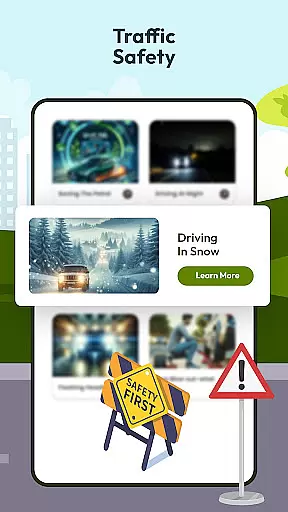
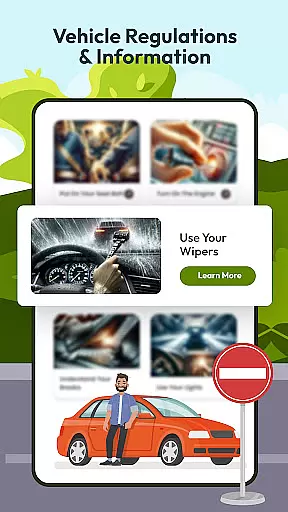
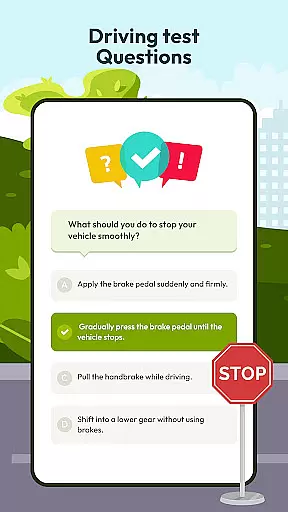
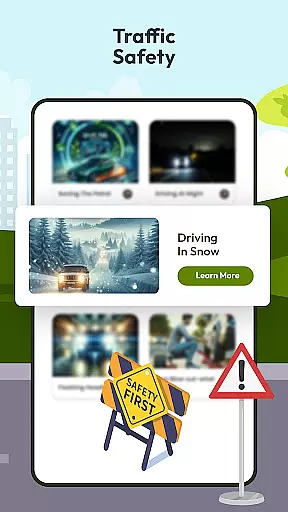
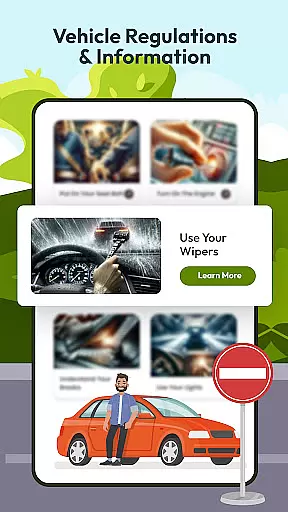
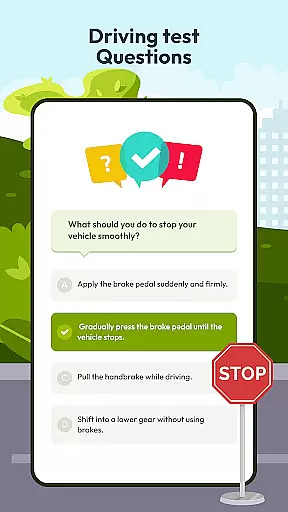
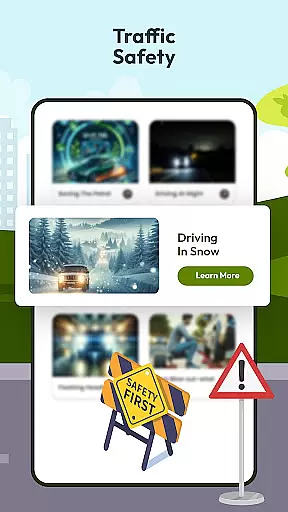
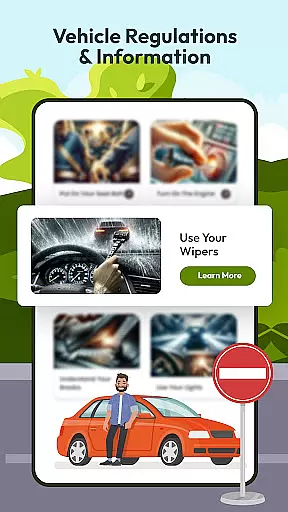
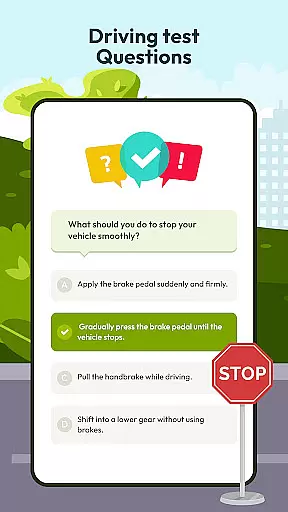
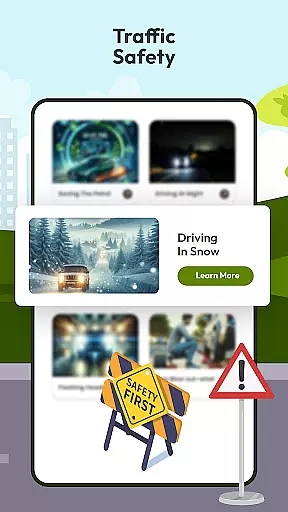
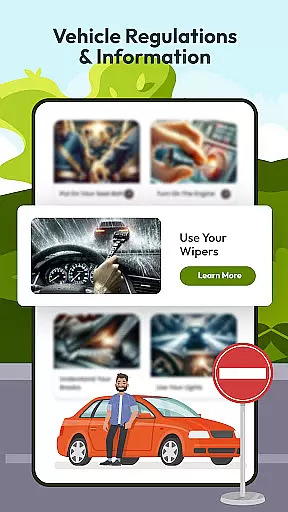
Driving Instructor-Theory Test is a comprehensive traffic app designed to enhance driving skills and ensure safe road practices. The app offers an extensive selection of test drive questions covering all critical areas of driving, preparing users not only for their driving test but also for real-world scenarios. With features like radar, speed camera detection, and HUD (Head Up Display), it provides crucial information directly to the driver without distraction.
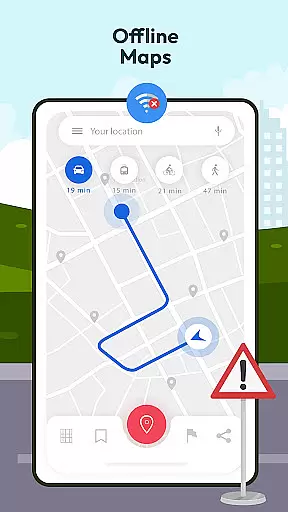
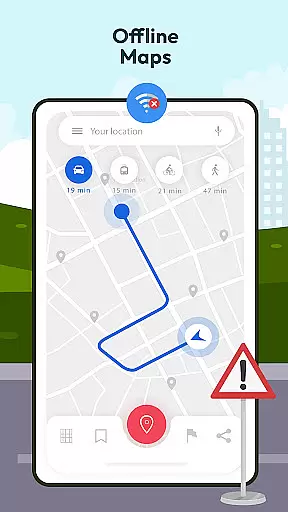
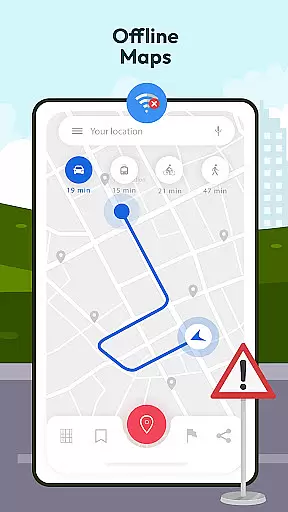
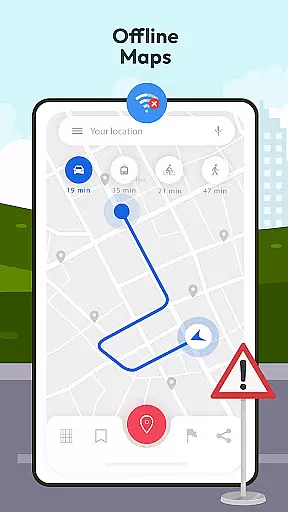
The app includes offline map and GPS functionality, allowing drivers to navigate confidently even without an internet connection. It also educates users on international traffic signs and vehicle controls while offering guidelines, tips, and tricks for various driving conditions. Suitable for both beginners and experienced drivers, this app ensures that users are well-equipped with knowledge and tools to stay safe and informed on the road.
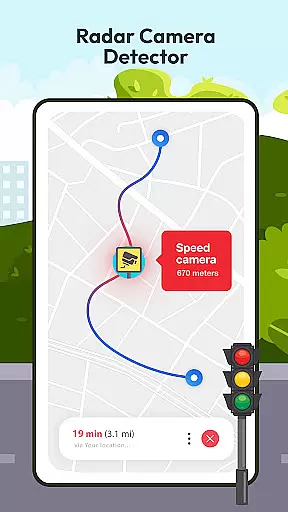
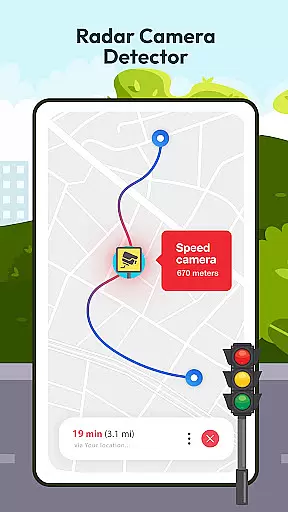
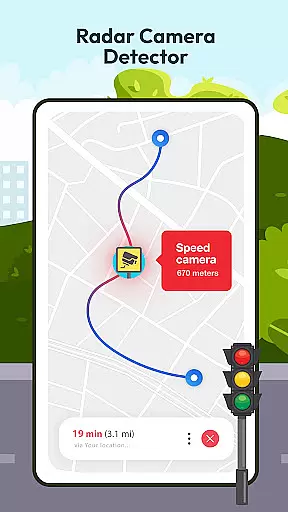
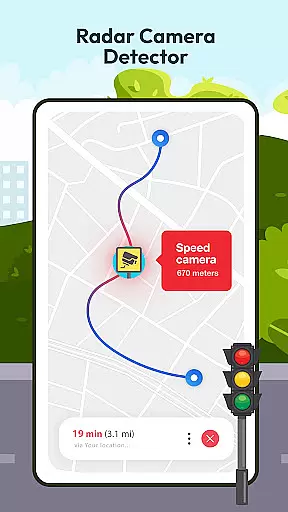
Driving Instructor-Theory Test stands out with its advanced features tailored for driver education and safety. The app's test drive questions prepare users thoroughly by simulating real-world driving challenges. Its radar and speed camera detector helps drivers adhere to speed limits, reducing the risk of penalties and promoting safer driving habits.
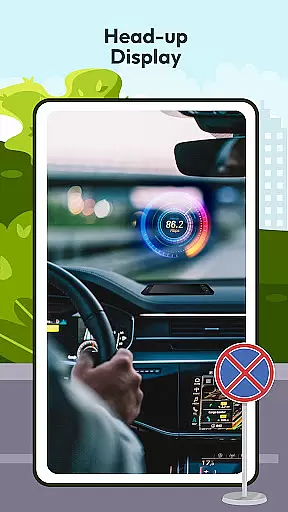
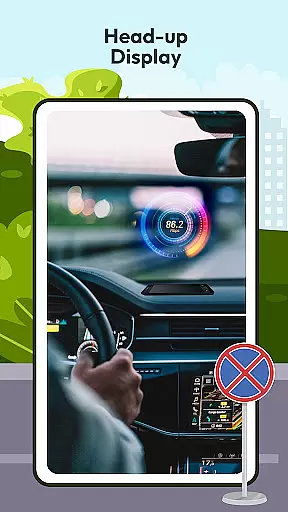
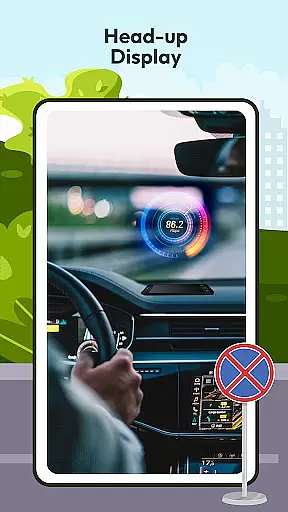
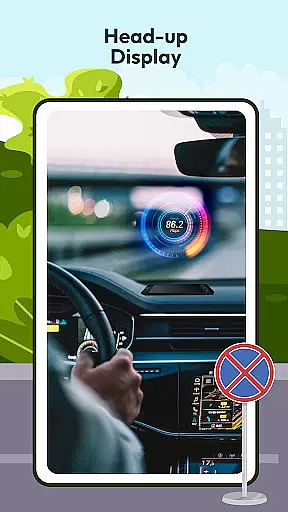
One of the key highlights is the HUD (Head Up Display) feature, which projects essential driving information onto the windshield, allowing drivers to maintain focus on the road. The offline map and GPS functionality ensure reliable navigation in all locations, while the detailed explanations of traffic signs and car controls further enhance user knowledge. Additionally, the app provides valuable guidelines and tips, making it an indispensable tool for anyone looking to improve their driving skills.
Understanding your vehicle's specifications and performance metrics is crucial for safe driving. The Driving Instructor App provides comprehensive details about various car controls, ensuring users are well-acquainted with their vehicle's mechanisms.
The app features an integrated speedometer that allows drivers to monitor their speed accurately. This functionality not only enhances user awareness but also promotes better speed management on the road.
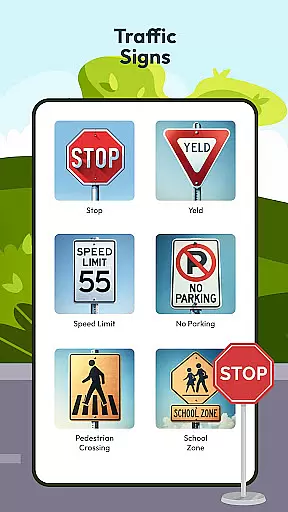
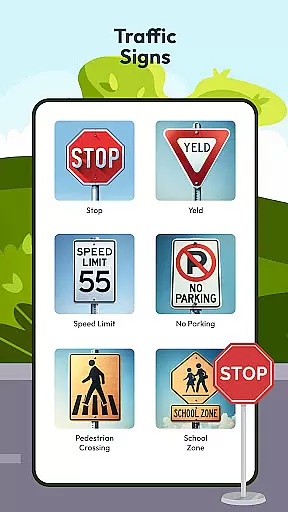
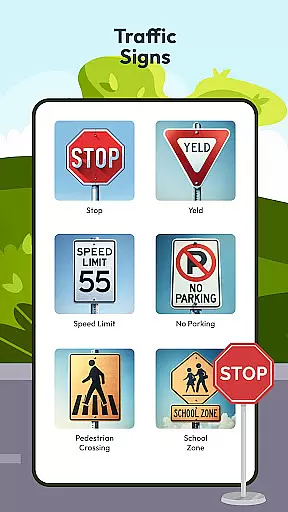
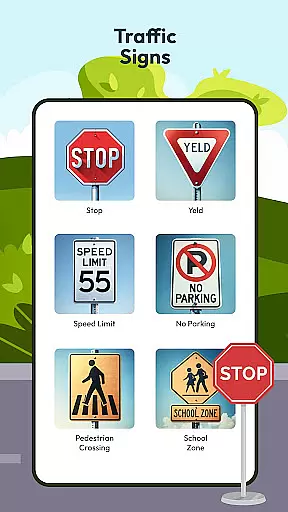
Additionally, the application offers a detailed guide on international traffic signs and their meanings. By expanding knowledge in this area, drivers can navigate roads worldwide with increased confidence and safety.
With these tools at hand, users gain a deeper understanding of their vehicle's capabilities and limitations. Such insights empower drivers to make informed decisions while driving, ultimately leading to a safer road experience.
While the Driving Instructor App focuses primarily on enhancing driving skills, it also emphasizes the importance of cost awareness related to vehicle usage. Although the app itself is designed to be affordable, it educates users on potential expenses associated with driving.
Through its advanced radar and speed camera detector feature, the app helps drivers avoid unnecessary fines and penalties. By alerting users to speed checks and camera locations, it encourages adherence to legal speed limits.
Moreover, the offline map and GPS functionalities ensure that drivers can access navigation services without incurring data charges. This feature is particularly beneficial when traveling through areas with limited connectivity or high roaming costs.
By promoting financial prudence alongside skill development, the app delivers exceptional value to its users. Drivers can enjoy peace of mind knowing they are minimizing unexpected expenses while improving their driving proficiency.
User-friendly interface
Comprehensive test preparation
Advanced safety features
Offline navigation support
Educational content on traffic rules
Limited vehicle compatibility
Occasional GPS inaccuracies
Basic design aesthetics
In-app purchases required
Heavy battery consumption

Monitor specific TOYOTA parameters by adding this plugin to Torque Pro.
 2.00
2.00
Secure mobile payments & fuel savings at Phillips 66®, Conoco® and 76® stations
4.40
DMV practice test 2025: Driver License permit test & written test for all states
4.70
Find, search, and browse 40,000+ used cars, SUVs, and trucks.
4.50
Find Your Local Store or Shop Online for the Car, Truck, or SUV Parts You Need
4.70
Quick and easy car diagnostics to get you the right fix.
4.70
A smarter way to park and reserve your spot ahead of time.
4.40
Browse millions of cars, track vehicle listings or sell your car today
4.70
Get price alerts, vehicle history details and more for cars near you!
4.50
Play what you want through Android Auto
4.90
Car Values, Research and More
4.80
Shop, finance, or sell today.
4.80
Shop cars & see your financing
4.60
Easy connect & control your cars from afar. Remote Lock & unlock car and carplay
4.60
On the CarShield app, you can view contracts, make payments, & request roadside.
4.40
myAudi offers users services and Audi connect services for Audi drivers
4.10
Monitor your behind-the-wheel behavior to become a safer driver and save.
4.10
Read and delete OBD codes with any ELM327 OBD scanner. Coding functions included
3.40
O'Reilly Pro will streamline your parts lookup and ordering process!
3.20


User Reviews