
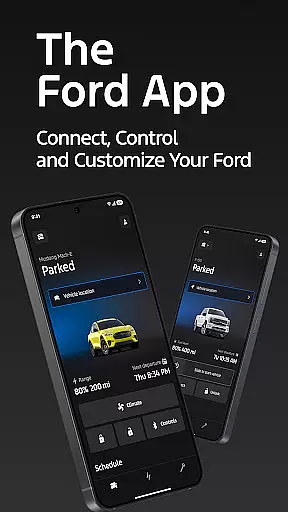
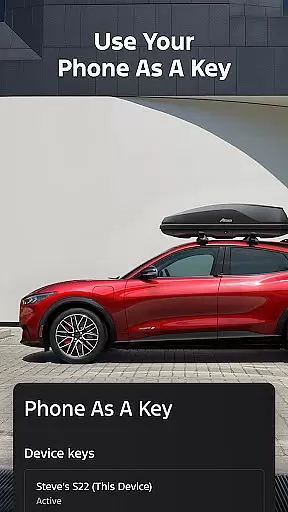
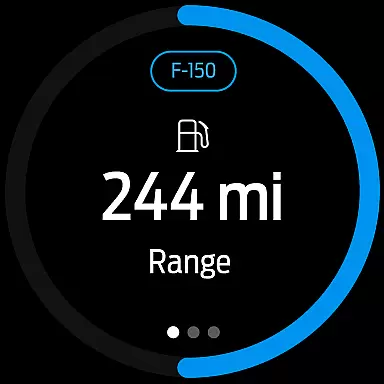
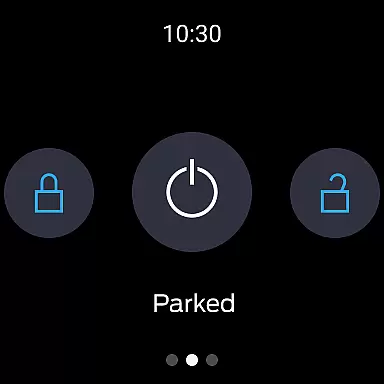
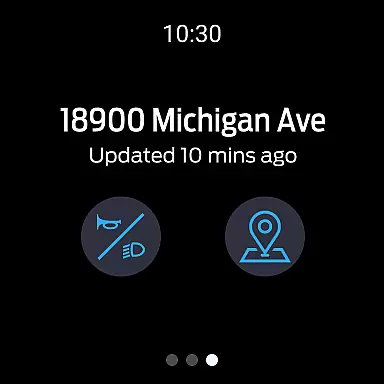
The Ford app is a comprehensive mobile solution designed to enhance the ownership experience for Ford vehicle owners. This all-in-one application provides essential remote control features, vehicle management tools, and connected services that keep drivers connected to their vehicles at all times.
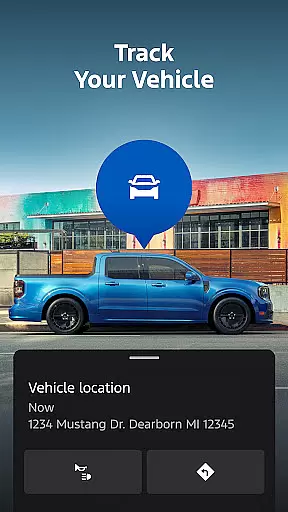
Key functionalities include remote start, lock and unlock capabilities, vehicle status monitoring, and GPS tracking - all accessible through the user's smartphone. The app also supports advanced features for electric vehicles and offers integration with wearable devices running Wear OS, making it an indispensable tool for modern Ford drivers.
This application is particularly valuable for busy professionals who need to manage their vehicles on-the-go. Whether it's remotely starting the car on a cold morning or finding its location in a crowded parking lot, the Ford app delivers convenience and peace of mind through innovative technology.
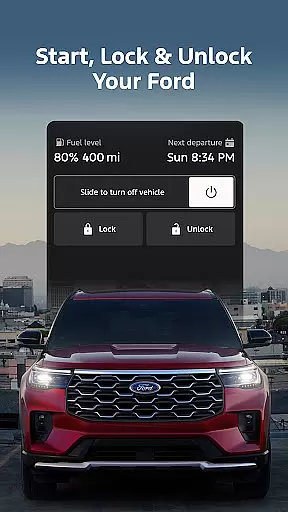
The Ford app distinguishes itself through a robust set of features designed to simplify vehicle ownership. Its remote functionality allows users to perform essential operations such as starting the engine, locking doors, and checking fuel levels from anywhere using their mobile device.
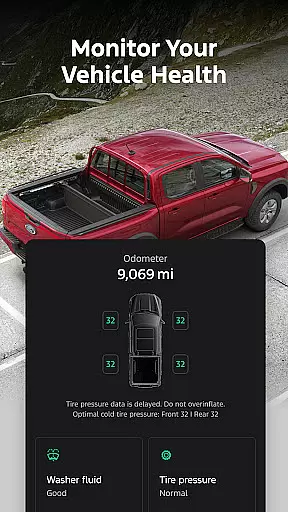
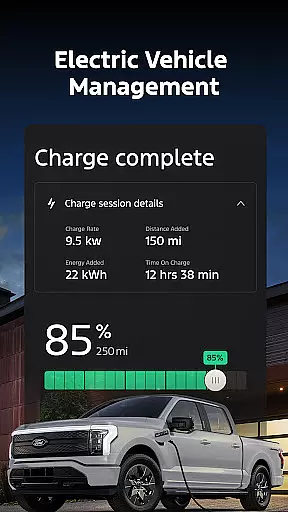
For maintenance management, the app provides detailed vehicle statistics and enables users to schedule service appointments with authorized dealers. Electric vehicle owners benefit from specialized features including charge level monitoring and public charging station information. The integration with wearable technology extends these capabilities to smartwatches, offering unprecedented convenience.
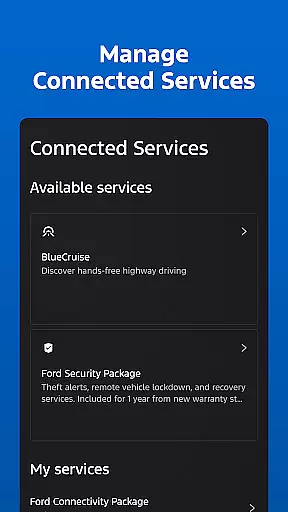
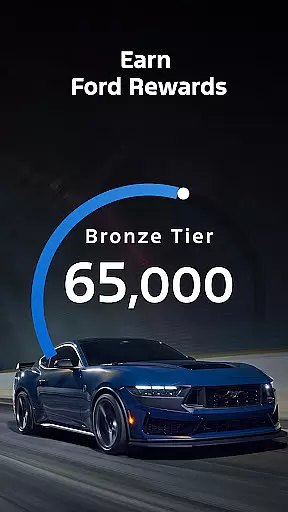
Additional notable features include over-the-air software update scheduling, Ford Rewards program access, and various connected services like BlueCruise. These features collectively create a seamless ecosystem that enhances the overall driving experience while providing valuable tools for vehicle management and maintenance.
Companion app integration is essential for users who want seamless connectivity between their smart devices and vehicles. The Ford app excels in this area by offering a comprehensive suite of features that work in harmony with Wear OS smartwatches.
Through the Ford app, users can send commands and check their vehicle status directly from their wrists. This includes remote start, lock and unlock functions, and vehicle stats monitoring. Such integration ensures that you are always connected to your vehicle, providing convenience and peace of mind.
The real value lies in the app's ability to keep you informed and in control, no matter where you are. Whether you're at home or on the go, the Ford app ensures that your vehicle is just a tap away, enhancing your overall driving experience.
Wear OS/device compatibility is crucial for ensuring that your smartwatch can effectively communicate with your vehicle. The Ford app supports a range of Wear OS smartwatches, making it versatile and user-friendly.
This compatibility allows users to enjoy features like remote start, lock and unlock, and vehicle status checks right from their wrists. By simply tapping on their Wear OS devices, users can conveniently interact with their Ford vehicles without needing to take out their phones.
Ultimately, this compatibility enhances user convenience and accessibility. It ensures that Ford drivers can enjoy a modern, connected experience that fits seamlessly into their daily routines, whether they're managing their vehicle from home or while out and about.
User-friendly interface
Comprehensive vehicle control
Regular feature updates
Wearable device integration
Free core functionality
Limited vehicle compatibility
Requires data connection
Premium feature costs
Occasional connectivity issues
Steep learning curve

Christmas watch face. For Wear OS devices.
 4.30
4.30
Precision analog watch face with 7 complications and style options
4.5
Current temperature, weather hourly, weather radar by the weather forecast app
4.40
A full-featured Amazon Alexa voice assistant that can show you things.
3.70
Bold, Modern Hybrid Watch Face for Wear OS. 10 Colors, Rich Info Display.
4.30
Reliable phone calls with spam protection, caller ID and more helpful features
4.40
The Chevron App allows you to pay for fuel from the comfort of your car!
4.80
Daily Weather forecast with 15 weather images for Day & Night plus Big Bold time
4.10
A white realistic classic analog watch face with many customization options.
4.40
Real-time weather radar with temperatures, warnings, hurricanes, and widgets
4.80
WTW M17 is a premium and luxurious hybrid watch face
4.70
Monitor health with the stress test and pulse checker in the heart rate app.
4.60
Stylish, Energizing and Modern Watch Face crafted by Dominus Mathias.
4.50
Locate your family members by GPS phone location tracker everywhere and anytime
4.30
Your music, your playlists, and more—offline and unlimited.
4.20
The #1 source of faces for your smartwatch!
4.00
Authentic military-tactical design with ZULU time! Realistic and functional!
3.80
Your local weather forecast, storm tracker, radar maps & live weather news
3.40
Christmas and New Year - Themed Watchface
4.5


User Reviews