
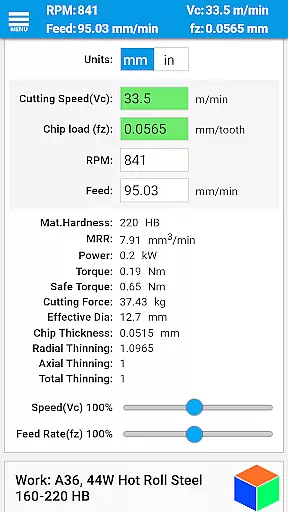
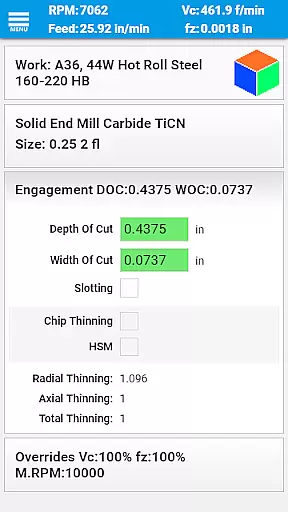
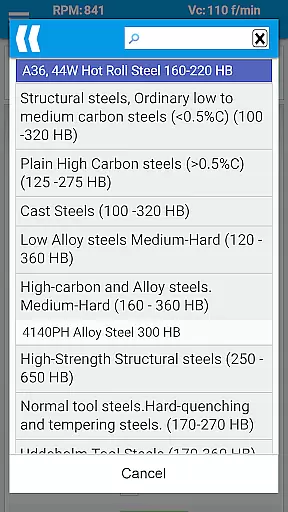
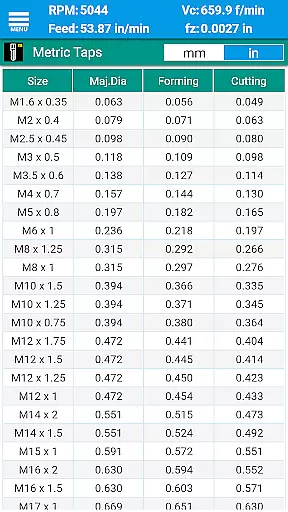
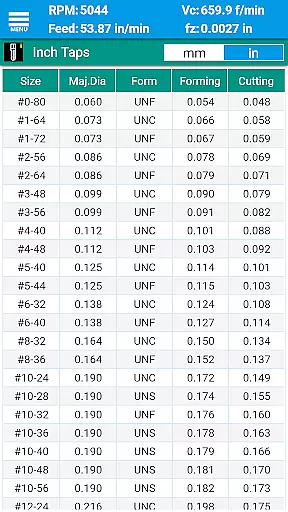
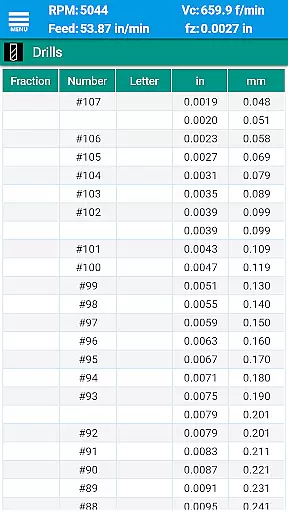
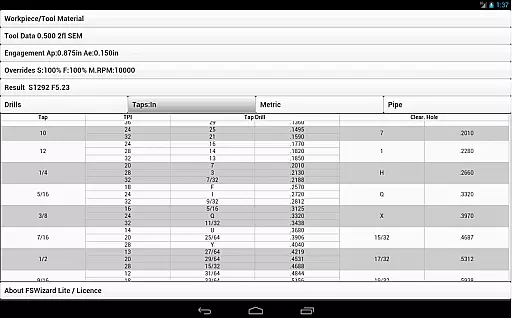
FSWizard Pro Machinist Calc is a premier CNC milling and turning speed and feed calculator designed specifically for machinists. This productivity tool simplifies the process of calculating speeds and feeds by allowing users to select their work and tool material without needing to know specific numbers. It automatically applies recommended cutting speeds and chip loads for various tools, including indexed and solid endmills, drills, and taps.
The app is crafted by a CNC machinist, ensuring it meets the practical needs of professionals in the field. FSWizard Pro helps improve machining productivity and optimize cutter life through advanced calculations like Chip Thinning and High-Speed Machining (HSM). Whether you're working with metric or imperial units, this app provides comprehensive charts and calculators that cover a wide range of machining operations.
FSWizard Pro Machinist Calc offers an extensive array of features tailored for CNC machinists. The app includes milling speeds and feeds, ball nose endmill calculations, drilling and tapping speeds, and feeds. Additionally, it provides optimal machining depth and width parameters, essential for efficient and safe operations.
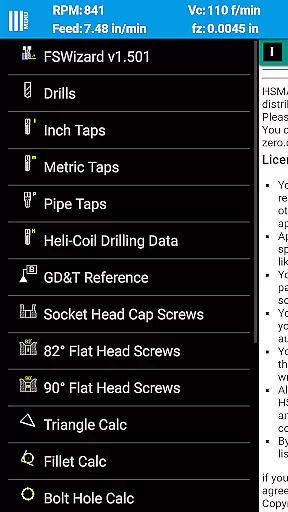
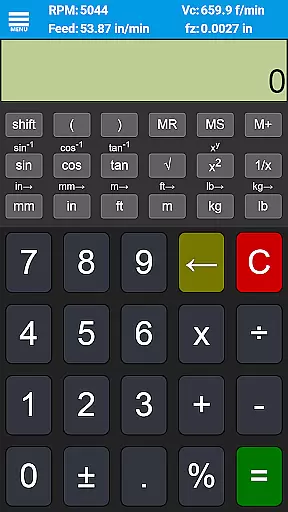
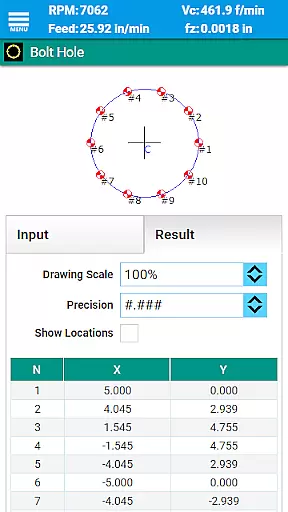
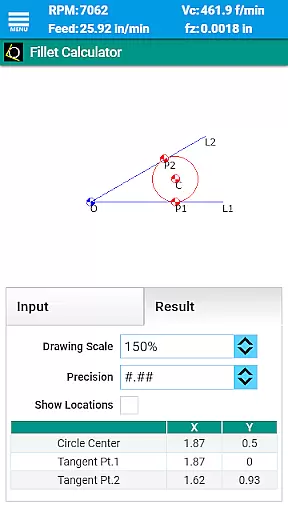
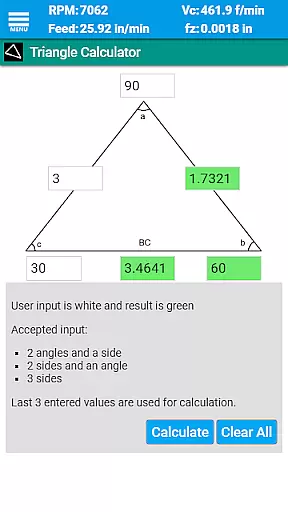
Beyond basic calculations, FSWizard Pro incorporates specialized tools such as oblique triangle calculators, fillet calculators, bolt circle calculators, countersink and drill point calculators, and true position calculators. These tools are complemented by scientific calculators with trigonometric functions and interactive GD&T references, making it an all-in-one solution for machinists.
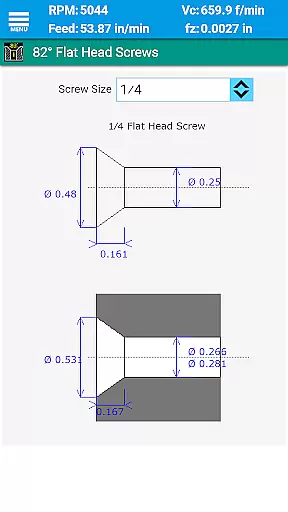
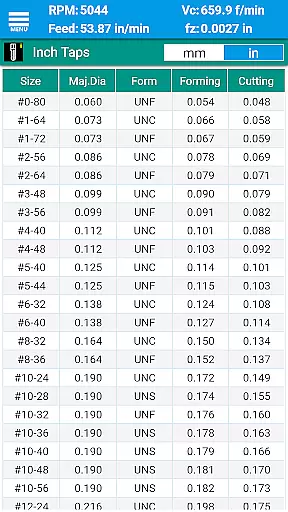
Users can access detailed charts for drill sizes, tap drills, BSP and NPT pipe threads, HeliCoil threaded inserts, and screw references for both imperial and metric systems. With its focus on user experience and precision, FSWizard Pro stands out as an indispensable tool for improving machining efficiency and accuracy.
FSWizard Pro Machinist Calc excels in core task management by offering a comprehensive suite of calculators tailored for CNC milling and turning operations.
The app provides machinists with precise speeds and feeds calculations, simplifying complex machining tasks through an intuitive interface. By selecting the workpiece and tool material, users can effortlessly obtain recommended cutting parameters.
This functionality significantly enhances productivity by optimizing cutter life and improving machining efficiency. The app's ability to calculate chip thinning and high-speed machining parameters ensures optimal performance.
With specialized calculators for milling, drilling, tapping, and turning operations, FSWizard streamlines workflow management for CNC machinists, making it an indispensable productivity tool.
While FSWizard Pro Machinist Calc primarily operates as a standalone application, its reliability extends to maintaining consistent data across various use cases.
The app ensures that all calculations and reference materials remain up-to-date and accurate regardless of the device used. This consistency is crucial when working with different CNC machines or collaborating with team members.
Although direct cross-device synchronization isn't its primary feature, the app maintains excellent reliability through regular updates and a comprehensive database that remains current across all installations.
Machinists can trust that their calculations and reference materials will yield identical results whether using the app on their phone or tablet, ensuring reliable performance throughout their workflow.
User-friendly interface
Comprehensive tool library
High-speed machining support
Accurate calculations
Wide material compatibility
Premium version required
Complex for beginners
Limited free features
No offline mode
Occasional bugs

AI Video AI Image Private LLM AI Browser Llama Gemma Ollama Connect LLM Studio
 4.2
4.2
The long-awaited modern gallery app for your Nextcloud server
4.70
Take control of your clipboard with Clipper!
3.90
The Pro Version of Android's tiniest Notepad app. Just 0.3MB but feature-packed!
4.60
PDF scanner & converter for files, photos, lottery, QR codes. One swipe away!
4.50
Docker, Kubernetes management over Portainer Mobile
4.40
The ultimate file manager for rooted devices. The original and still the best.
4.00
Experience and share your SolidWorks designs on your Android® phone and tablet.
2.50
Access your phone's notifications, calls, apps, photos & texts on your PC
3.90
Android Wallet Password Manager
4.80
We're working to become the best machining app on the market! www.cncdirt.com
4.80
App lock - lock apps with fingerprint, password, pin or pattern, protect privacy
4.70
Quickly and easily keep track of your work shifts
4.70
This small app MUST BE INSTALLED after purchase, else license won't work
4.40
Total remote control for your Android device, PC and cloud services (IFTTT)!
4.20
Pwnagotchi companion app
4.20
Create and edit presentations with Google Slides, part of Google Workspace.
4.00
Ultimate Virtual AI Character for immersive Roleplay Chat. Perfect Companion
3.90
Mega cloud explorer plugin for Solid Explorer
3.80


User Reviews