
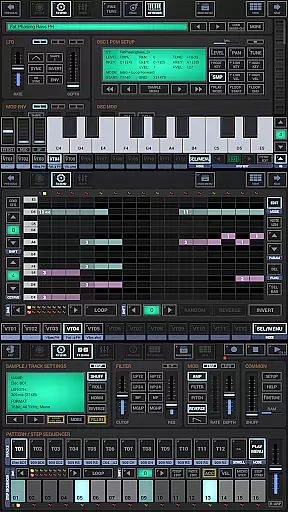
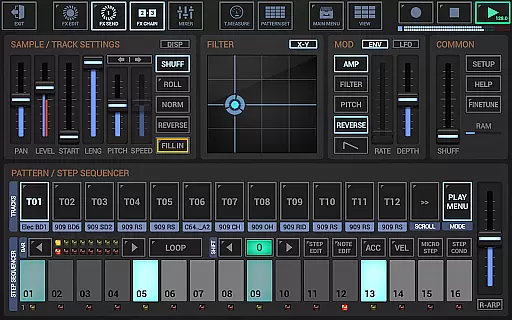
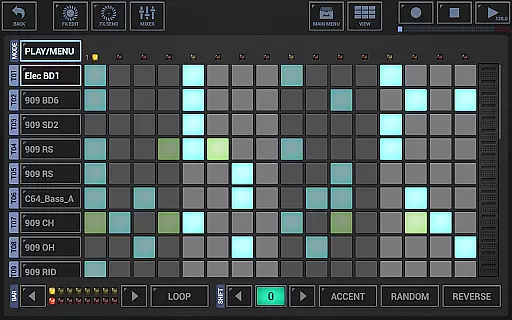
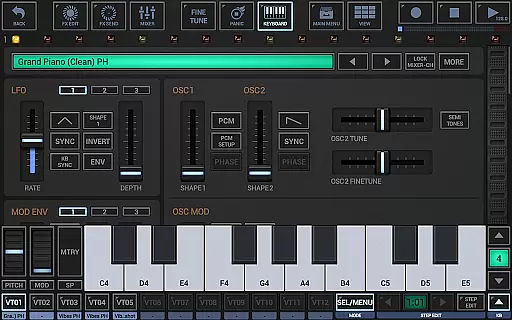
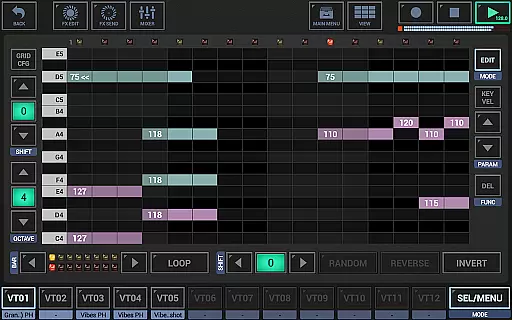
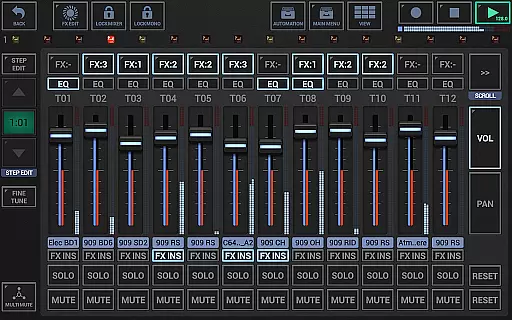
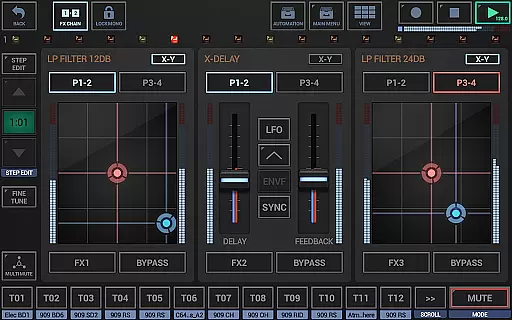
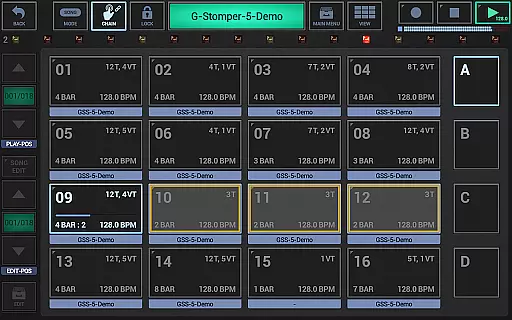
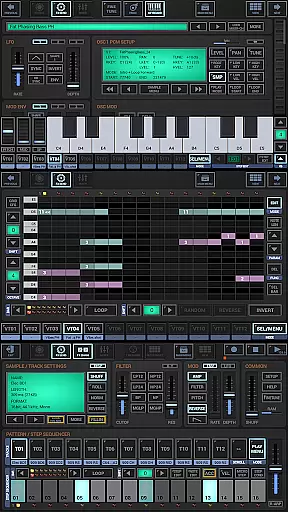
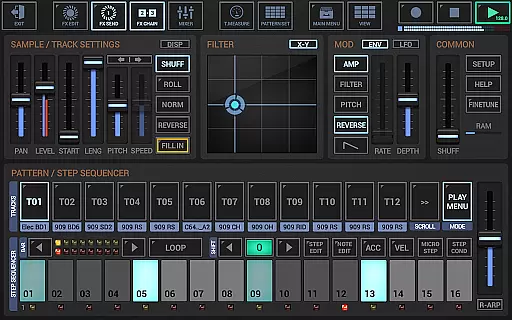
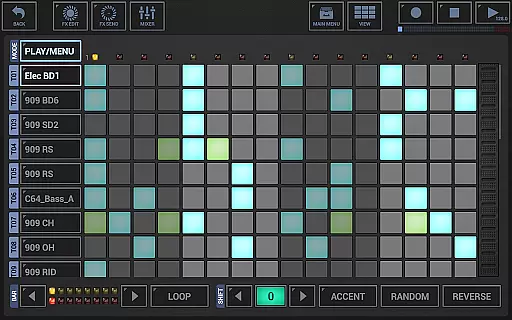
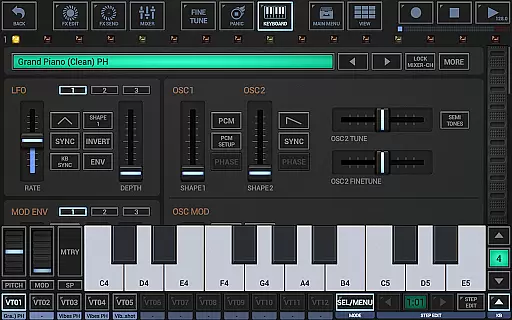
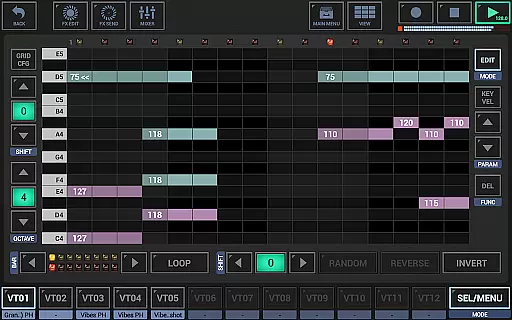
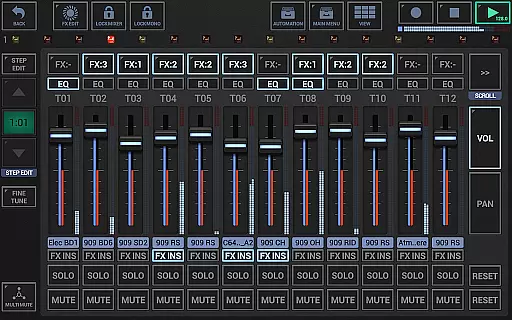
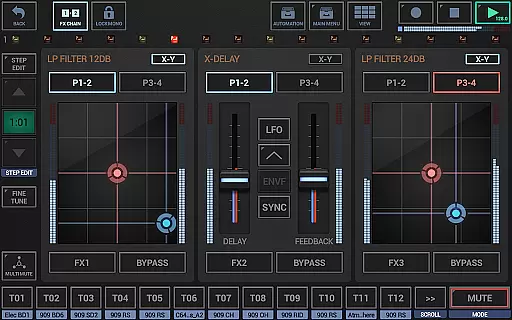
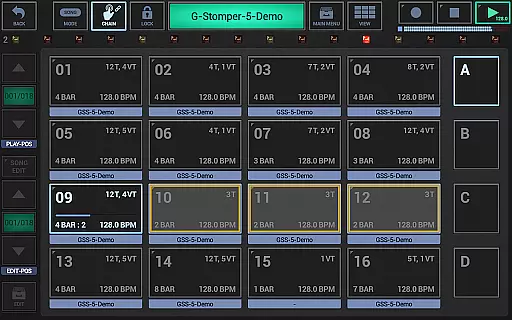
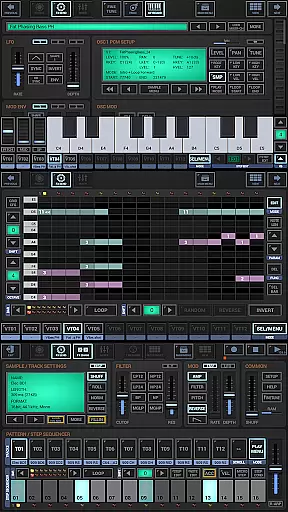
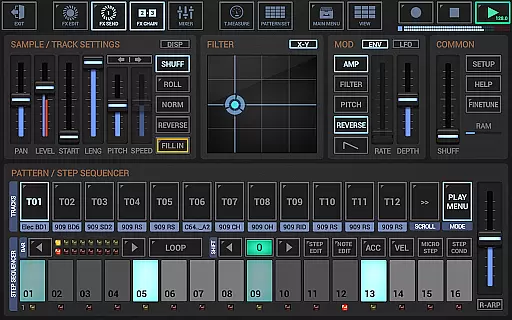
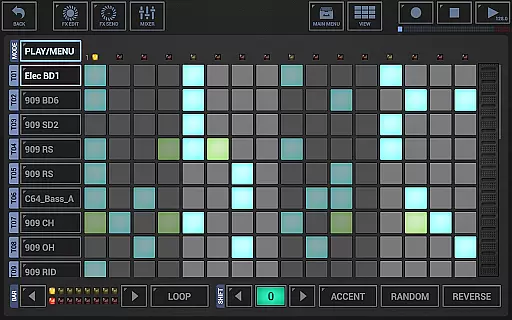
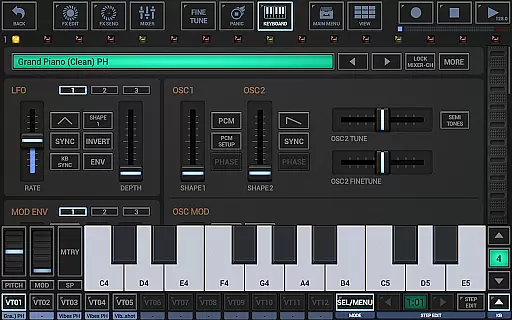
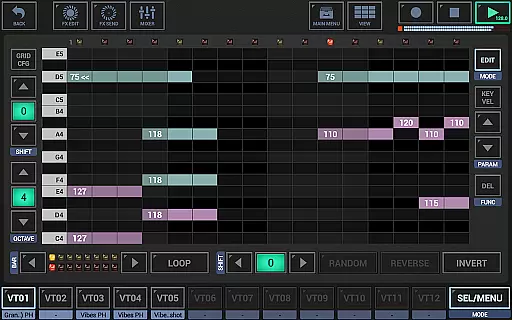
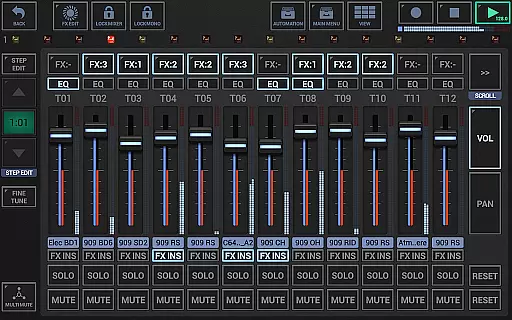
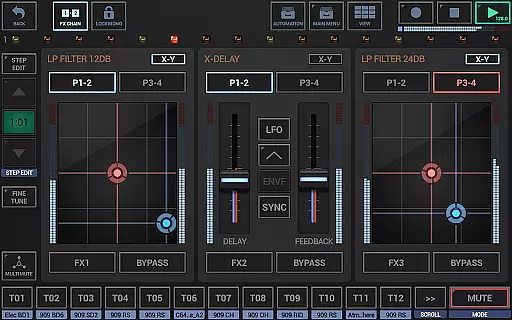
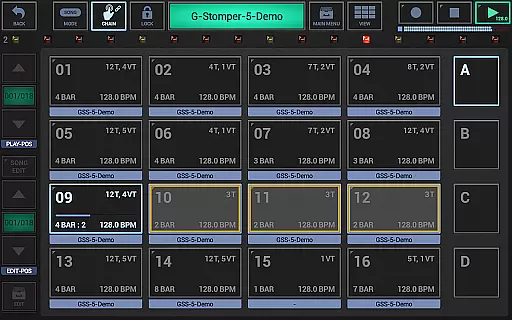
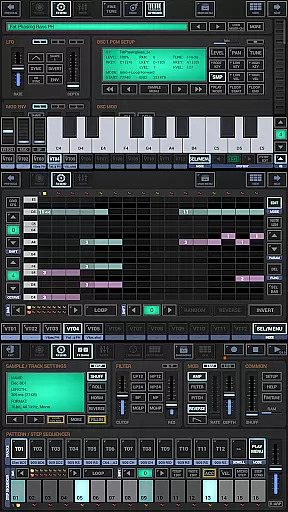
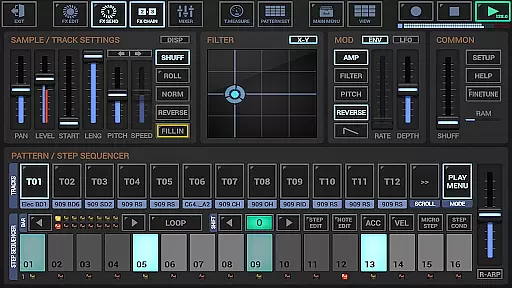
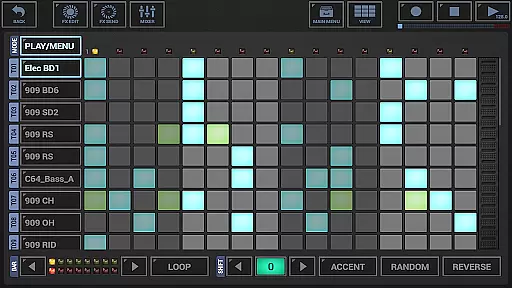
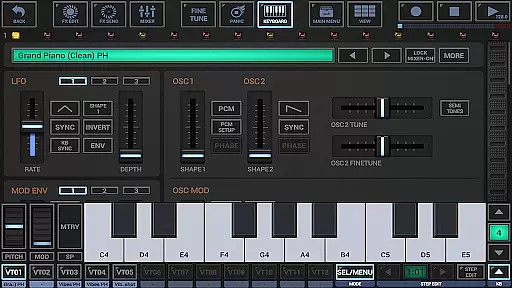
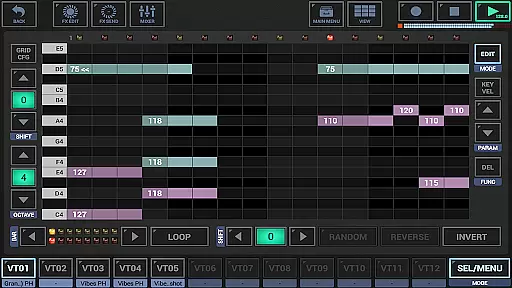
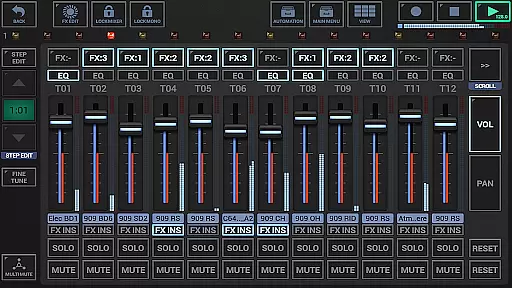
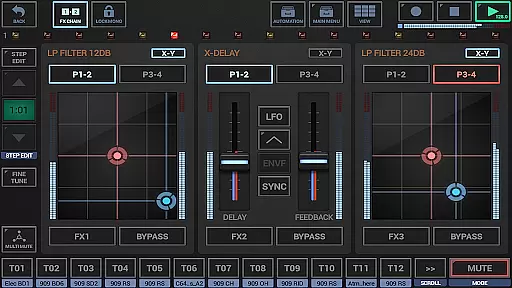
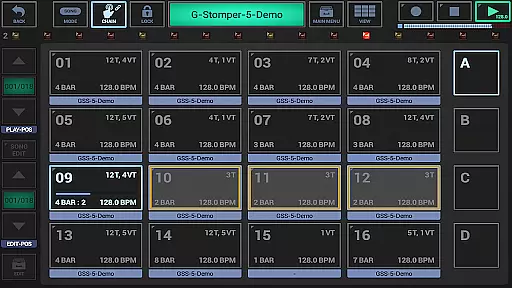
G-Stomper Studio is a comprehensive music production tool optimized for electronic live performances in studio quality. This feature-packed application combines a step sequencer-based drum machine, sampler, virtual analog synthesizer (VA-Beast), polyphonic and monophonic sequencers, piano keyboard, effect rack, mixer, and arranger. It enables users to create high-quality music on the go with its intuitive interface and powerful sound design capabilities.
The integrated VA-Beast synthesizer allows both beginners and experienced sound designers to produce complex synthetic sounds. With support for advanced FM synthesis and waveform-based synthesis, users can explore factory sounds or design their own impressive studio-quality sounds quickly and efficiently. The app's extensive features make it an ultimate mobile solution for music producers who need professional-grade tools at their fingertips.
Whether you're performing live or producing tracks in a studio setting, G-Stomper Studio offers versatile instruments and sequencing options that cater to various musical styles. Its compatibility with Ableton Link, full MIDI integration, and high-quality audio engine ensure seamless synchronization and pristine sound output. Ideal for musicians, DJs, and producers, this app transforms your mobile device into a portable music studio.
G-Stomper Studio boasts an array of sophisticated features designed to enhance music creation. The app includes a sample-based drum machine with up to 24 tracks, a multi-track step sequencer, and a monophonic melodic step sequencer. Additionally, it provides 24 drum pads for live playing and a polyphonic virtual analog synthesizer known as VA-Beast, which supports advanced FM and waveform-based synthesis.
The mixer section is equally impressive, featuring a line mixer with up to 36 channels, each equipped with a parametric 3-band equalizer and insert effects. An effect rack with three chainable effect units and a master section with two sum effect units further refine the sound output. These tools allow users to craft detailed mixes with precision and clarity.
For arrangement and automation, G-Stomper Studio offers a live pattern/song arranger with support for 64 concurrent patterns. The graphical sample editor/recorder facilitates precise editing and recording of samples. With features like Ableton Link support, full round-trip MIDI integration, and a high-quality audio engine with 47 effect types, users can achieve professional results. Whether importing MIDI files or exporting WAV files, this app ensures flexibility and quality in every step of the music production process.
G-Stomper Studio offers an extensive music library that caters to both beginners and experienced sound designers. The app includes a variety of factory sounds and supports user samples in multiple formats such as WAV, AIFF, MP3, OGG, and FLAC. This ensures that users have access to a wide range of high-quality audio resources for their music production needs.
The inclusion of a polyphonic virtual analog synthesizer (VA-Beast) allows users to create complex synthetic sounds with impressive studio quality. Whether exploring pre-designed factory sounds or crafting unique audio samples, the app provides the tools necessary for comprehensive sound design. This flexibility empowers musicians to produce the exact sounds they envision for their tracks.
Copyright authenticity is maintained through proper licensing and support for uncompressed and compressed audio formats. Users can import their own samples or utilize the built-in library, confident that all audio content adheres to legal standards. This commitment to copyright compliance protects users from potential legal issues related to unauthorized sample usage.
One of G-Stomper Studio's standout features is its high-quality audio engine, which utilizes 32-bit float DSP algorithms. This advanced technology ensures pristine audio quality throughout the music production process, from initial sound creation to final export. Users can expect clear, dynamic sound reproduction that meets professional studio standards.
The app offers a selection of 47 effect types, including dynamic processors, resonant filters, distortions, delays, reverbs, vocoders, and more. These effects come with additional features like sidechain support, tempo sync, LFOs, and envelope followers, providing users with extensive control over their audio output. Such versatility enables musicians to craft unique soundscapes and achieve their desired audio aesthetics.
For those seeking the utmost in audio fidelity, G-Stomper Studio supports WAV file export at resolutions ranging from 8 to 32 bits and sample rates up to 96kHz. This capability allows producers to maintain exceptional audio quality when transferring projects to digital audio workstations for further refinement. Additionally, real-time audio recording of live sessions ensures that every performance detail is captured with precision.
User-friendly interface
High-quality audio engine
Extensive instrument library
Real-time audio recording
Seamless MIDI integration
Steep learning curve
Resource-intensive
Limited free version
No cloud backup
Occasional bugs

Equalizer, Bass Booster and Volume Booster (Eq & Bass) improve sound quality
 4.30
4.30
Formerly known as Spotistats! View your top tracks, artists, albums and more!
4.40
Music Streaming suite for Ampache, Nextcloud Music and compatible backends.
4.2
The alternative folder based music player.
4.20
Enjoy singing any song, no matter how high or low it is
4.30
Let your Android device with the sound effects you want
4.50
Turn your Android phone into a professional audio analyser with up to 120 bands.
4.00
MilkDrop for Android TV
3.00
Reverse your voice & songs instantly! Fun singing challenge with cool effects.
4.60
Tune in to the greatest hits on UK Radio | The home of Capital, Smooth & Heart.
4.90
JBL PartyBox APP works with 110/310/710/120/320/520/Encore/Encore 2/Encore Ess 2
4.80
Simple & Intuitive Metronome
4.70
Over 100 million tracks available for high quality streaming and download
4.60
Pay Once, no monthly payment
4.60
Bass Booster & Volume Equalizer Pro improves your music and video sound quality
4.60
Time Guru will strengthen your internal sense of musical time via random muting.
4.30
Offline and always ad-free - stream in the highest quality available.
4.10
Turn your phone into a musical instrument from the future!
3.90
Sheet music reader, piano & music note player. Play music score & learn to read.
3.90


User Reviews