
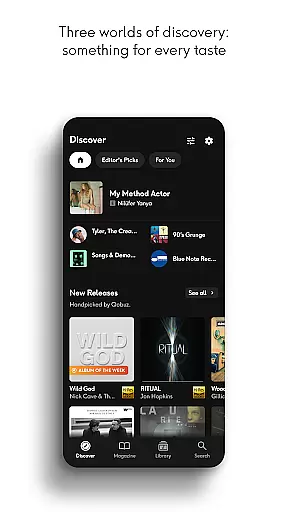
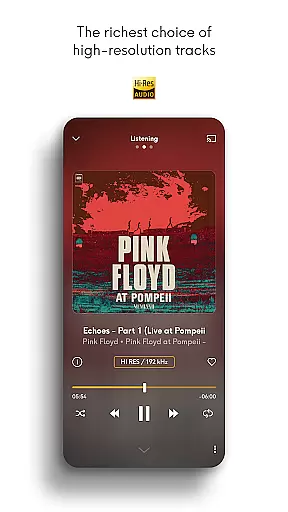
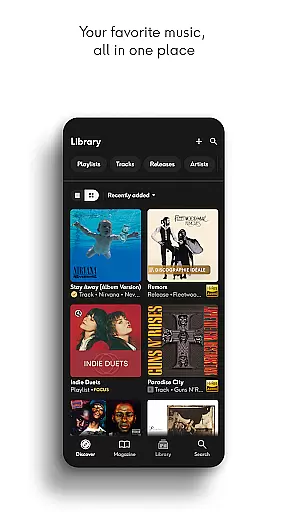
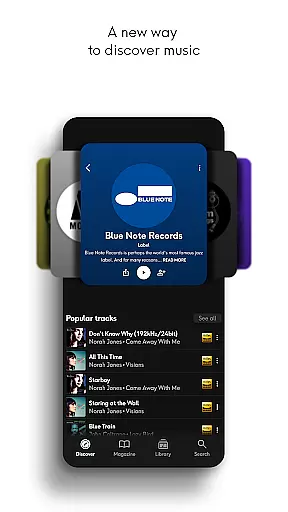
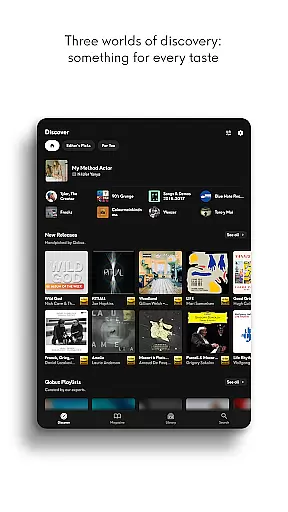
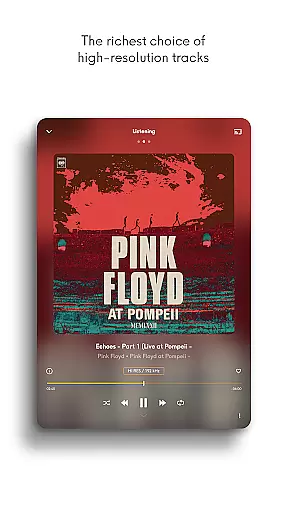
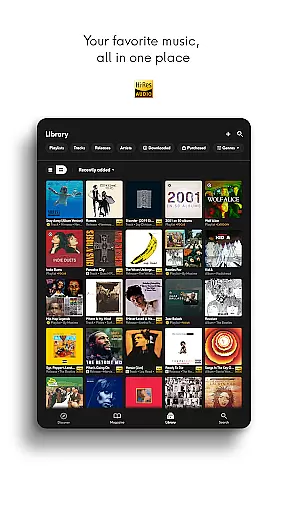
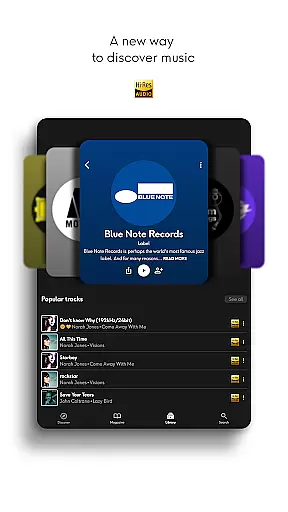
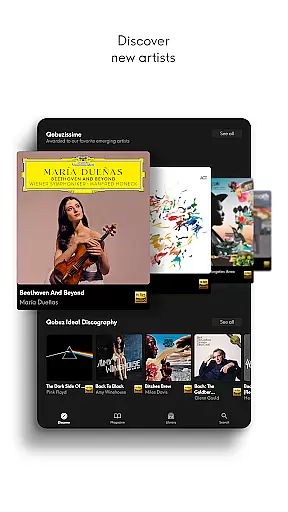
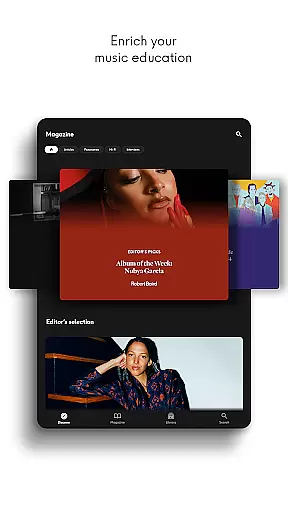
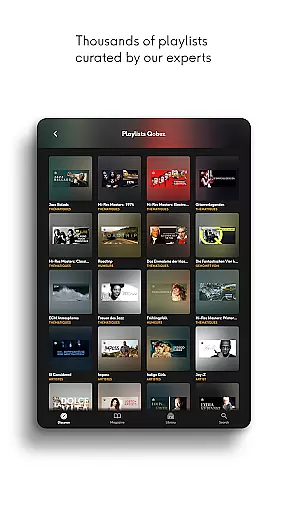
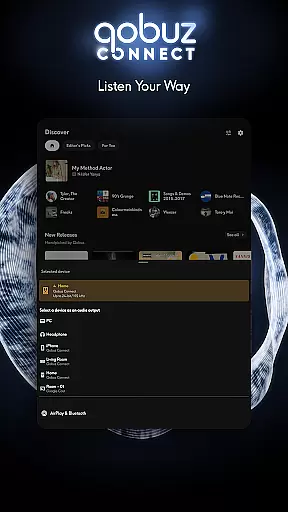
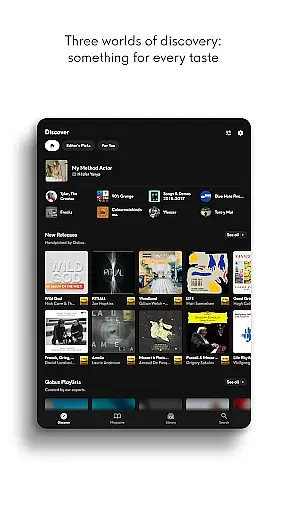
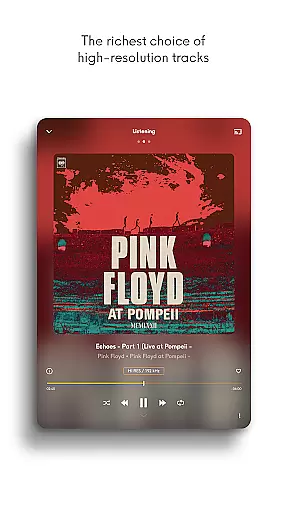
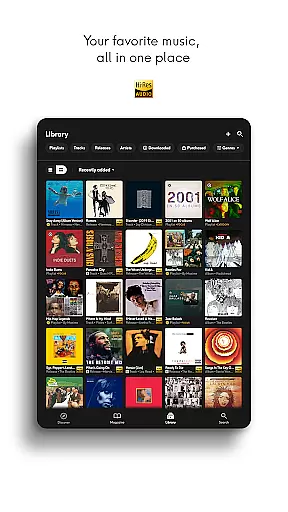
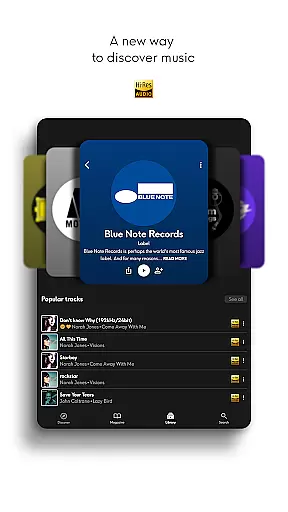
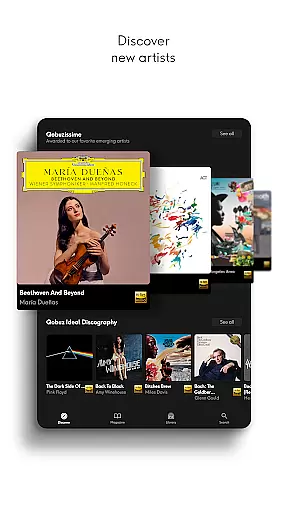
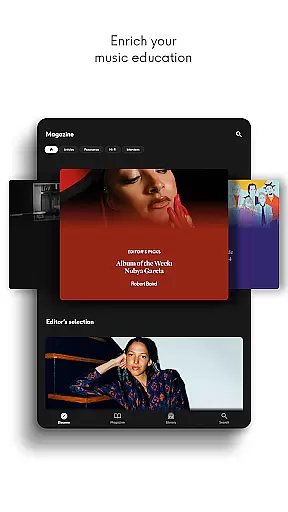
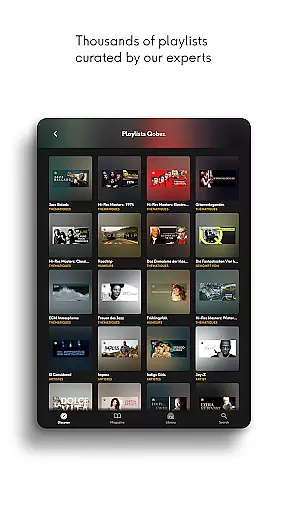
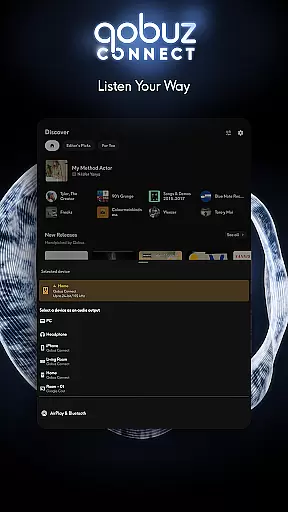
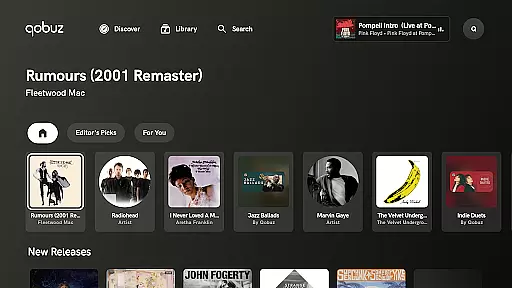

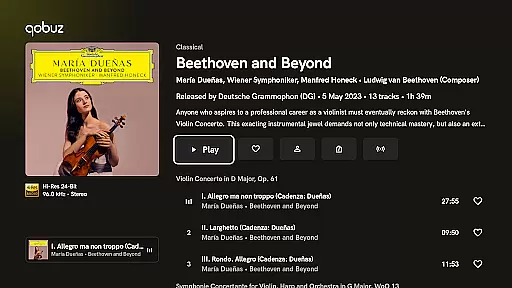
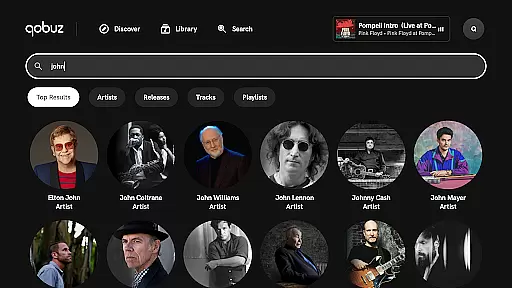
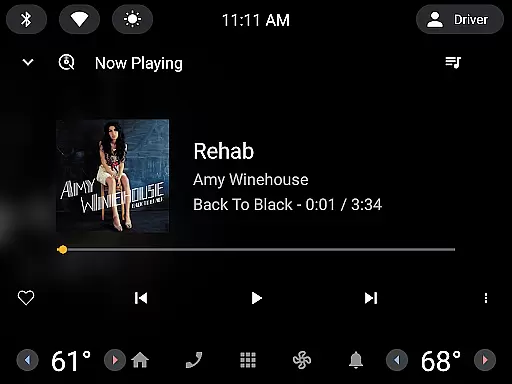
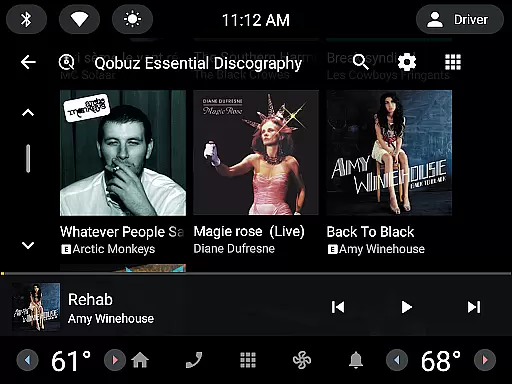
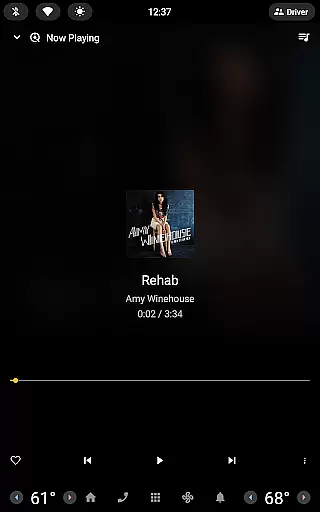
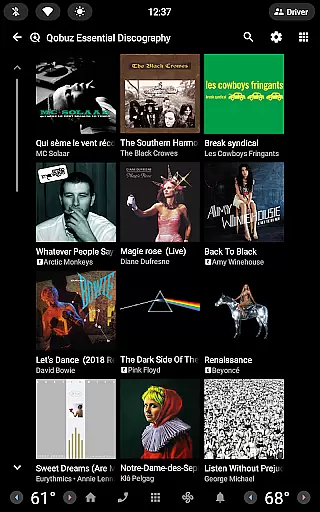
Qobuz is a premier music streaming and download platform that offers an unparalleled listening experience in high-resolution audio. With over 100 million tracks available in CD quality and Hi-Res formats, it caters to audiophiles seeking authentic sound reproduction. The service goes beyond just streaming by providing expertly curated playlists, in-depth editorial content, and exclusive articles that enrich users' musical knowledge and discovery.
The app's unique features extend to its offline capabilities, allowing uninterrupted playback even without an internet connection. Qobuz also supports various high-end audio devices and platforms like Chromecast and Airplay, ensuring the highest quality playback across different systems. Music enthusiasts can explore new releases, rediscover classic albums, and access digital booklets with detailed liner notes, making it an all-encompassing platform for both casual listeners and dedicated audiophiles.
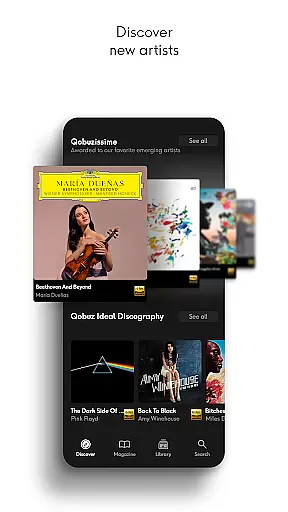
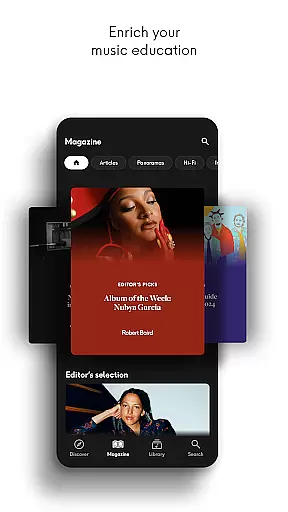
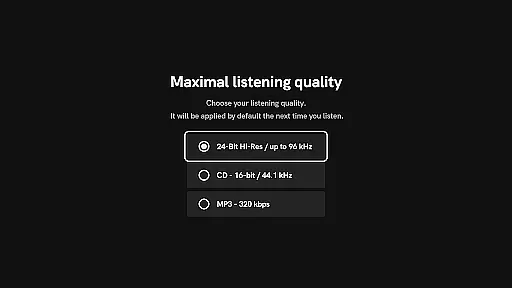
Qobuz stands out with its comprehensive approach to music streaming. The platform offers lossless audio quality up to 24-Bit/192 kHz, providing an exceptional listening experience that captures every nuance of the original recording. Its Discover page presents a simplified yet rewarding interface where users can explore news articles, artist interviews, and deep dives into specific genres or periods through Panorama features.
One of the key strengths of Qobuz is its integration with Hi-Fi equipment from prestigious brands, ensuring optimal sound quality. The app includes a background player controllable via Android notifications, plus widgets for quick access to recent articles and listening sessions. Additionally, users can transfer playlists from other platforms using Soundiiz, creating a seamless transition for those switching services while maintaining their personalized music libraries.
Qobuz offers an extensive music library with over 100 million tracks available in high resolution and CD quality. This vast collection ensures that users have access to a wide variety of music genres, from classical to contemporary hits.
The platform is committed to copyright authenticity, providing users with legally acquired music. By working directly with artists and labels, Qobuz guarantees that all content is properly licensed, giving users peace of mind while enjoying their favorite tunes.
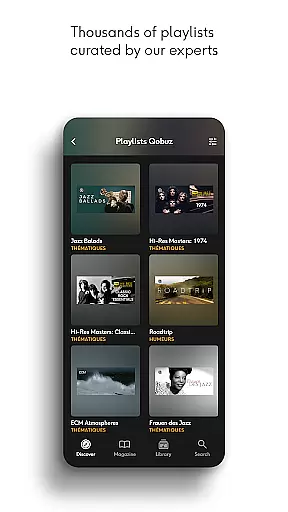
With thousands of human-curated playlists and original editorial articles, Qobuz enriches the listening experience by offering context and insights into the music. These curated selections are crafted by experts, ensuring a high-quality and engaging user journey through sound and story.
Experience authentic sound with Qobuz's commitment to high-quality audio streaming and downloads. The service offers lossless/CD quality (FLAC 16-Bit/44.1 kHz) and Hi-Res quality (24-Bit encoded sound up to 192 kHz), delivering an exceptional listening experience straight from the studio.
Qobuz stands out as the only platform providing both music streaming and downloads in Hi-Res, catering to audiophiles who demand the best in sound fidelity. This dedication to superior audio quality allows listeners to hear music exactly as the artist intended.
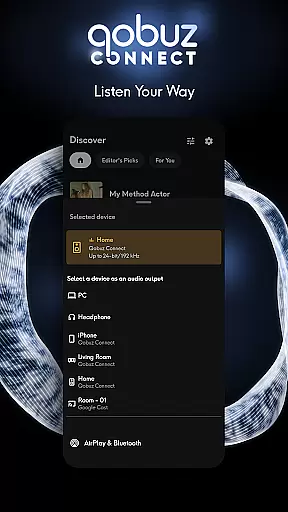
In addition to premium sound options, Qobuz supports various wireless listening devices like Chromecast, Airplay, Roon, and more. Compatibility with prestigious Hi-Fi brands ensures that users can enjoy uninterrupted playback on their preferred audio equipment without any loss in quality.
High-quality audio streaming
Expert-curated playlists
Extensive editorial content
Offline playback capability
Cross-platform compatibility
Premium subscription required
Limited free trial period
Interface may overwhelm beginners
Specialized focus on audiophiles
Smaller user community compared to mainstream services

Equalizer, Bass Booster and Volume Booster (Eq & Bass) improve sound quality
 4.30
4.30
The Skullcandy App Experience
3.20
Gorgeous UI, Powerful music Search and Equalizer, the great choice for you!
4.70
A High-Precision Audio Spectrum Analysis App
4.20
USB audio recording and playback finally possible on Android 3.1 or higher!
3.90
The best music and audio player, with beautiful UI, music search and equalizer.
4.60
Bass Booster & Volume Equalizer Pro improves your music and video sound quality
4.60
Learn to play the piano using falling notes!
3.80
Turn your Android phone into a professional audio analyser with up to 120 bands.
4.00
Responsive piano with great sounds, graphics, and songs
4.80
Listen to live FM radio stations, sports, music and news on global radios online
4.70
Guzheng Master supports many playing techniques as an acoustic Guzheng
4.50
10-Band Audio Equalizer, Sound / Bass Booster for Spotify Users & Music Players
4.40
Advanced 10-Band Audio Graphic Equalizer Sound Booster Pro
4.30
The official Sonos app
4.10
Turn your phone into a musical instrument from the future!
3.90
The only true audiophile music player with Hi-Fi audio rendering and DSP engine
3.90
Offline Tunes, Unlimited Vibes
3.90
The Cubase remote control app
3.60


User Reviews