
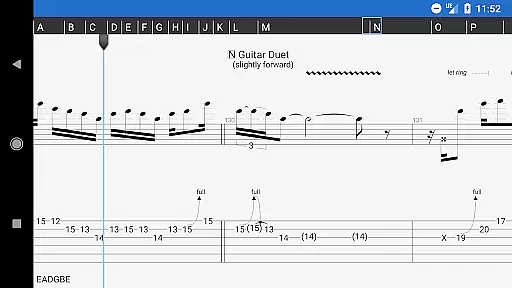
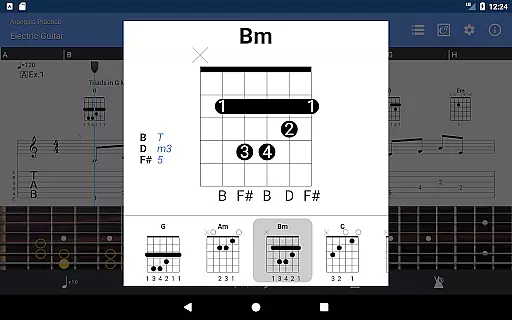
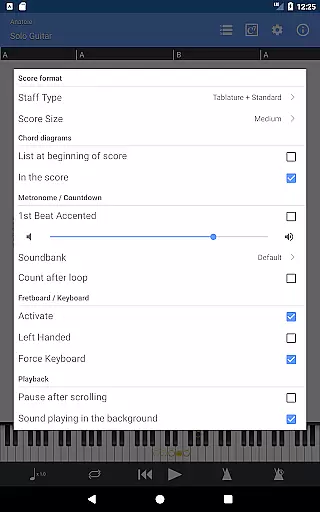
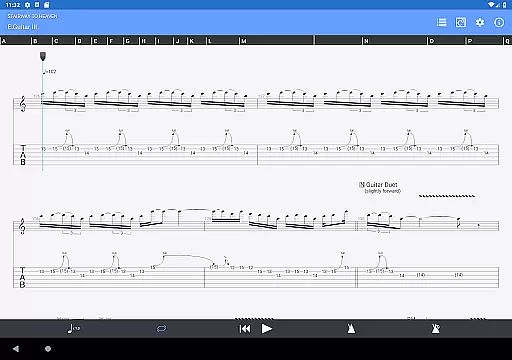
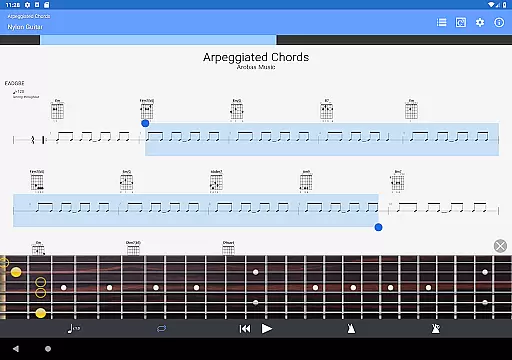
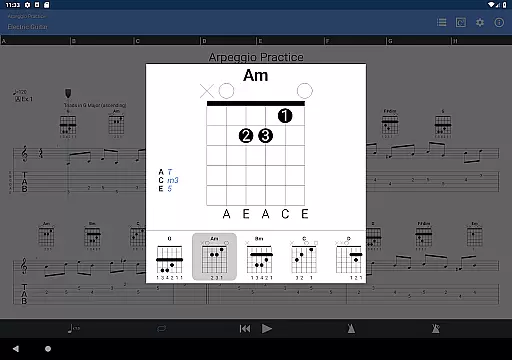
Guitar Pro is a powerful mobile application designed specifically for guitarists and musicians who want to create, edit, and play tablature on the go. The app supports multiple file formats including GP3/4/5/6/7/8 (.gp), allowing users to easily load and view their existing tablature files. With its intuitive interface, Guitar Pro makes it simple to practice songs anytime, anywhere, while offering advanced features like multitrack playback and global transposing.
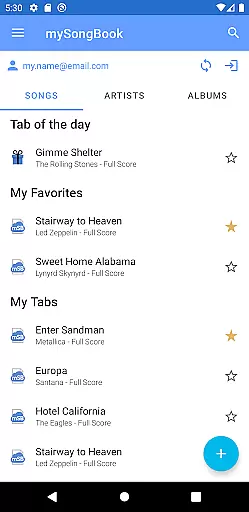
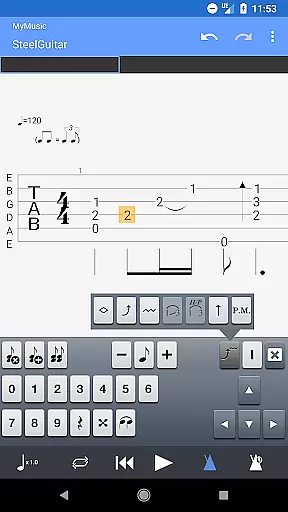
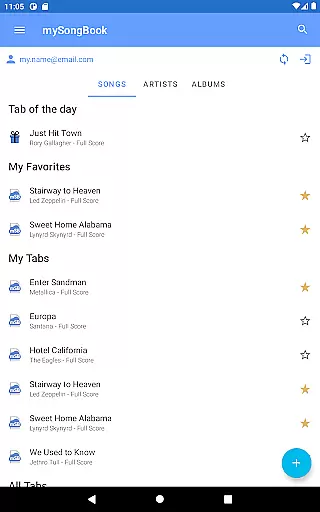
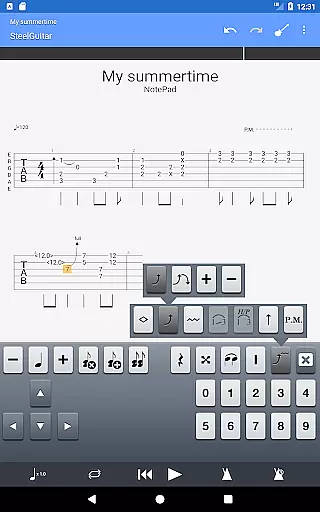
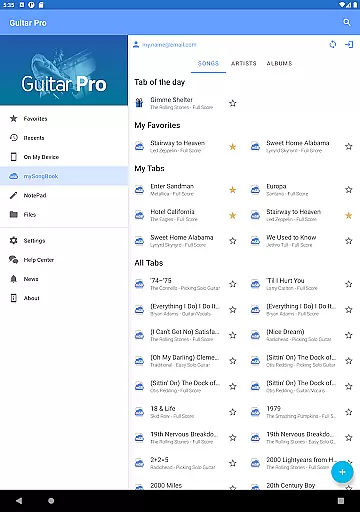
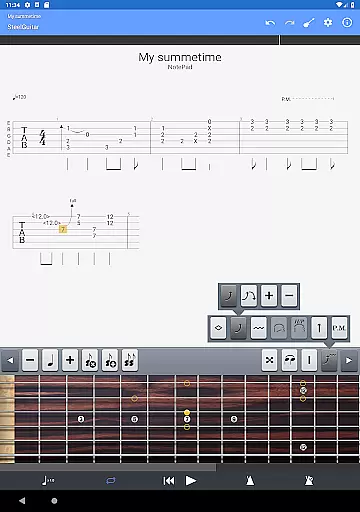
One of the standout features of Guitar Pro is its NotePad tool, which allows musicians to quickly jot down musical ideas in a single-track tablature format. Whether you're working with guitar, bass, banjo, ukulele, or mandolin, the NotePad provides customizable tuning and tempo settings, making it easy to capture your creativity. Additionally, the app offers seamless integration with the mySongBook portal, giving users access to a vast library of sheet music (subscription required). This combination of portability and functionality makes Guitar Pro an essential tool for both amateur and professional musicians.
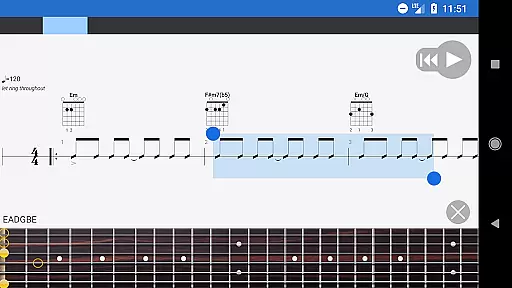
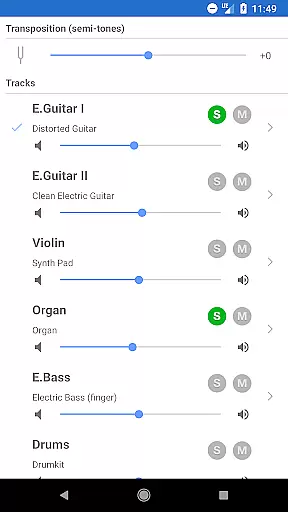
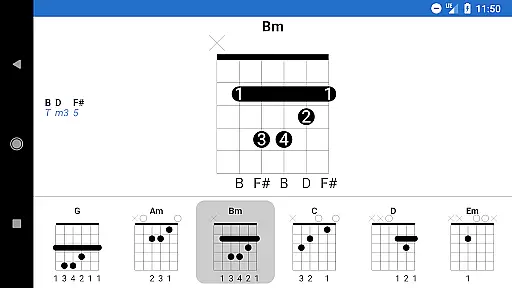
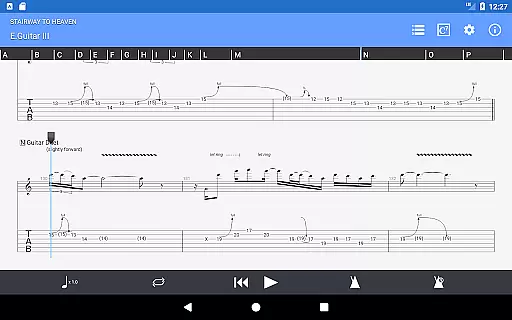
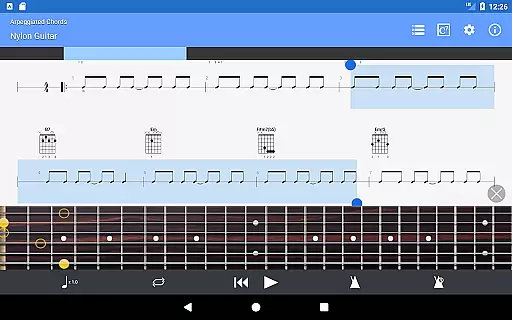
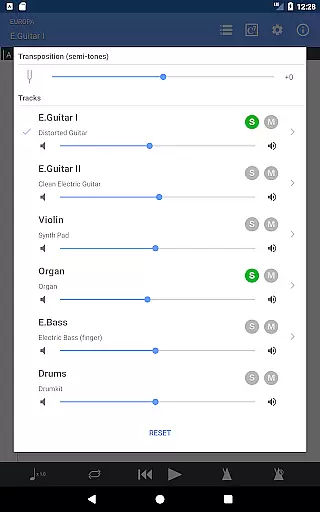
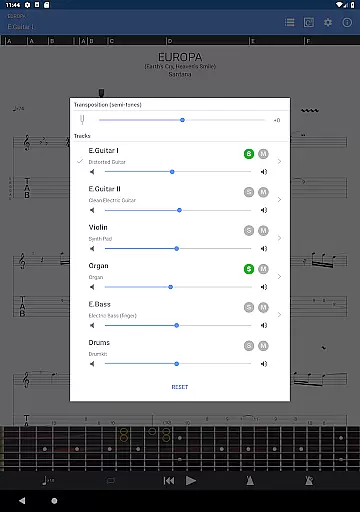
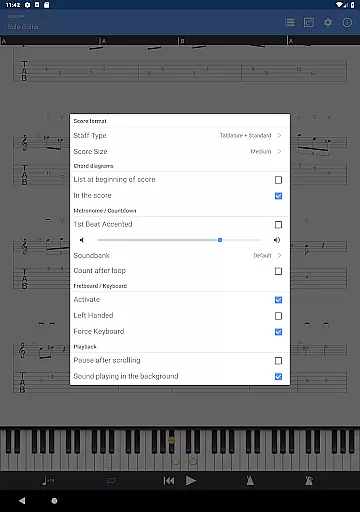
Guitar Pro stands out with its comprehensive set of features tailored for musicians. The app includes a powerful score player that supports various notations such as tab, slash, and standard notation. Users can take advantage of the integrated sheet-music library, which offers search, filter, and favorite functionalities, ensuring quick access to desired scores. The multitrack player comes with a soundboard that allows control over volume, solo/mute options, and soundbanks, providing a rich audio experience.
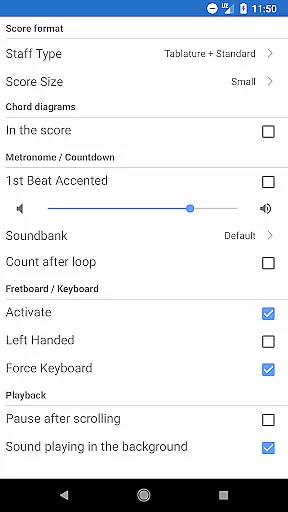
In addition to playback capabilities, Guitar Pro offers practical tools like a metronome, visual countdown, and three zooming levels for better visibility. Musicians can also make on-the-fly tempo changes and transpose tracks by half-tones, enabling dynamic practice sessions. The NotePad tool further enhances the creative process by letting users draft ideas and export them into Guitar Pro desktop formats. With these robust features, Guitar Pro ensures a versatile and efficient music creation and practice environment.
Guitar Pro offers an extensive music library that caters to musicians of all levels. The app supports GP3/4/5/6/7/8 file formats, allowing users to access a wide range of compositions. This compatibility ensures that guitarists can enjoy a vast selection of songs and exercises tailored to their musical preferences.
The integration with the mySongBook portal further expands the available sheet music repertoire, although a monthly subscription is required for full access. Users can load files via various methods including WiFi, web browser, and email, making it convenient to import and manage their personal collections. These features collectively contribute to a comprehensive and versatile music library.
Copyright authenticity is taken seriously within Guitar Pro. By supporting official file formats and providing tools for proper music notation, the app ensures that composers' works are represented accurately and legally. This commitment to copyright compliance gives users peace of mind when accessing and sharing musical content.
Audio quality in Guitar Pro is maintained through several advanced features that enhance the playback experience. The multitrack player includes a soundboard with adjustable volume, solo-mute options, and diverse soundbanks. These tools allow musicians to customize their listening experience according to their practice or performance needs.
The app provides 19 built-in sounds within the NotePad tool, enabling users to experiment with different tones while composing single-track tablatures. Customizable tuning and tempo settings further contribute to achieving the desired audio output. Such flexibility ensures that both simple practice sessions and complex compositions maintain high-quality sound reproduction.
While the mobile version doesn't support audio tracks like its desktop counterparts, it maintains professional-grade audio standards through precise MIDI-based playback. The ability to export ideas into Guitar Pro 6 and 7 formats preserves audio integrity when transitioning between mobile and desktop platforms. This seamless integration guarantees consistent audio quality across different devices.
User-friendly interface
Wide file format support
Integrated sheet-music library
Multitrack playback options
On-the-fly tempo adjustments
No audio track editing
Limited to single-track tablature
Subscription needed for full mySongBook access
Drum track editing unavailable
Standard notation creation limited

Over 100 million tracks available for high quality streaming and download
 4.60
4.60
Most Advanced AI Song Generator and Music Creator. Rap, Pop, Rock, Gospel & more
4.70
Bass Booster Pro takes auto-equalizing to the next level!
4.30
Record, Mix & Master with all n-Track effects, 64-bit audio and Stem Separation.
4.70
A sleek, no-frills player designed for true music lovers.
4.20
Play your hearts out on TouchTunes jukeboxes & connect with fellow music lovers.
4.80
A complete sound package for the sound engineer or enthusiast
4.60
Sheet music reader, piano & music note player. Play music score & learn to read.
3.90
Be a true music maker: create beats, mix and make music like a real DJ!
4.30
Tune in to the greatest hits on UK Radio | The home of Capital, Smooth & Heart.
4.90
Walkout Song DJ is the most intuitive app to manage your sports music.
4.70
Your HD audio recorder on the go for music, meetings, ambience, animal sounds…
4.30
Master Salsa Rhythm quickly and with a lot of fun!
4.30
Time Trainer: accurate metronome w tools to help you develop your internal time!
4.20
The alternative folder based music player.
4.20
Next generation modular control surface
4.10
The ultimate media player for Android devices
3.90
Make music anywhere. Turn your device into an instrument.
4.0
Remove ads permanently from Music Visualizer
4.2


User Reviews