
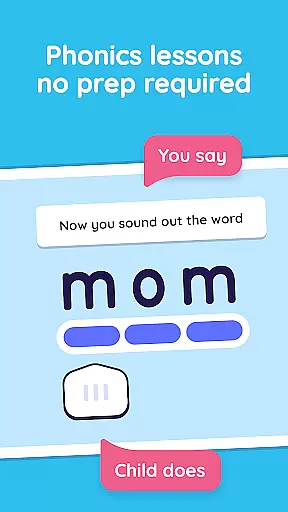
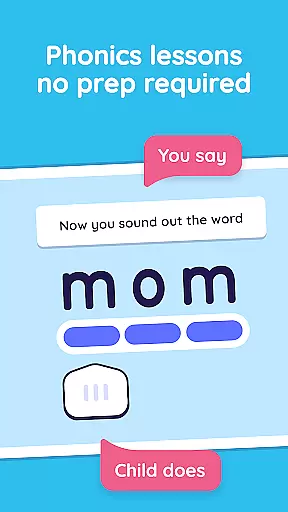
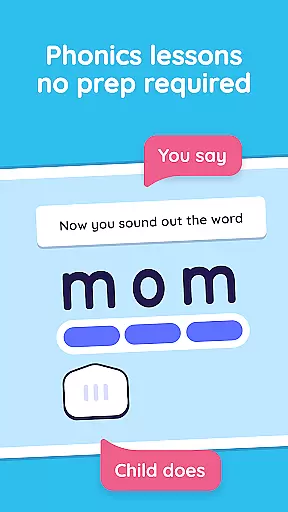
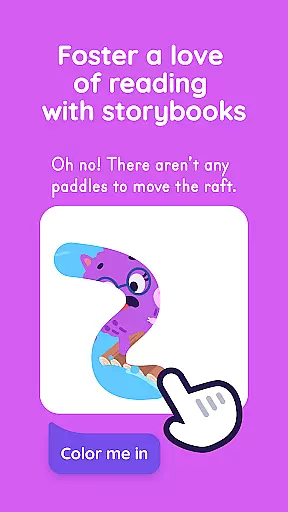

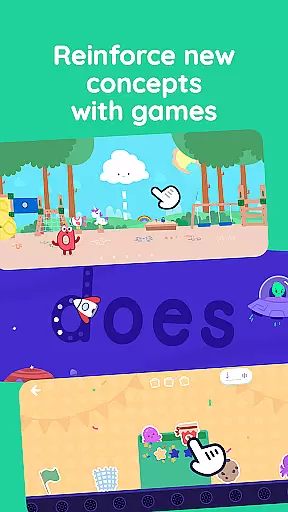
Learn to Read is an innovative educational app designed specifically for young learners and their parents. Developed by Teaching.com, this phonics-based reading program helps children in preschool through first grade develop essential reading skills. The app features 99 structured phonics lessons that progress from letter recognition to confident reading at a late first-grade level. Each lesson takes only 15-20 minutes to complete, making it easy to incorporate into daily routines.
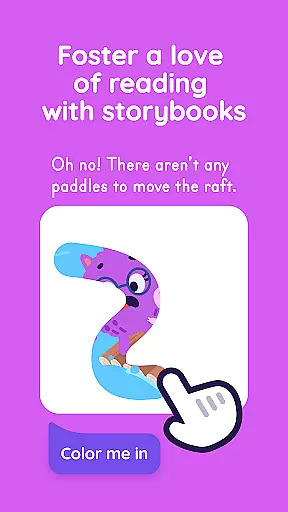
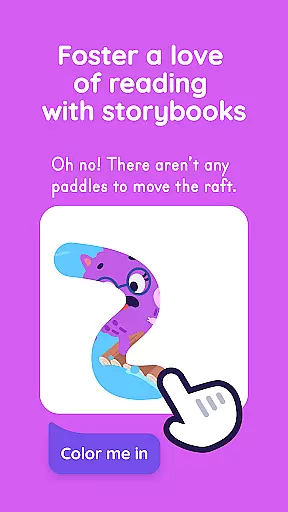
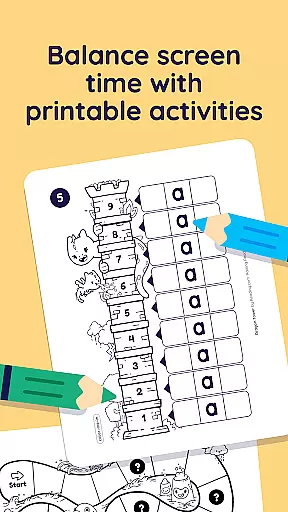
The app's unique co-play design encourages parental involvement, which research shows makes children 19 times more likely to learn effectively. As kids master letters, sounds, and words, they unlock engaging content including interactive books, educational videos, and fun reading games. The program also includes printable activities for offline reinforcement and three expertly-designed independent play games that help practice crucial reading skills.
This comprehensive learning tool provides everything needed to build a strong reading foundation without requiring special teaching knowledge from parents. With its structured approach and engaging content, Learn to Read creates a meaningful shared experience that fosters both academic success and a lifelong love of reading.
Learn to Read offers an extensive array of features designed to support early literacy development. The app includes 60 decodable digital books that progressively increase in difficulty as children advance through the program. These interactive books are complemented by 42 educational videos featuring letters, sounds, and an exclusive alphabet song that makes learning phonics fun and memorable. The program's structured approach guides parents and children through each step of the reading journey.
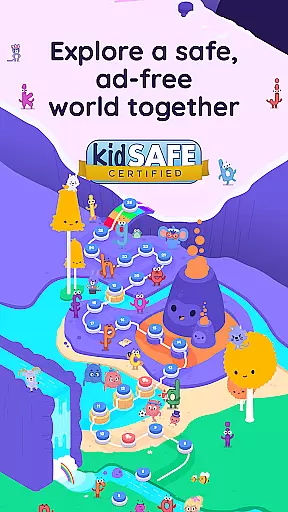
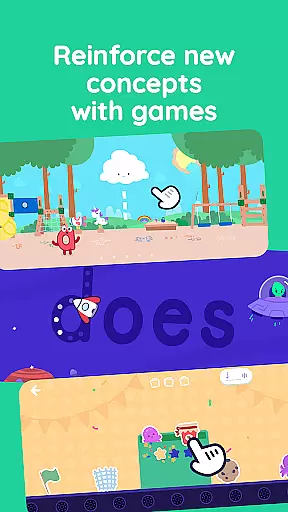
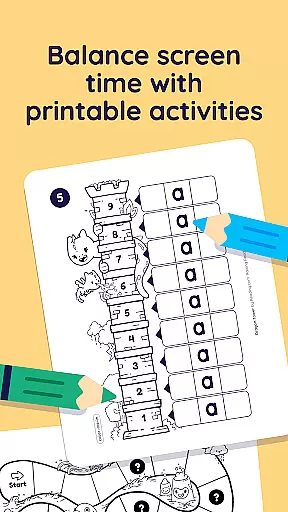
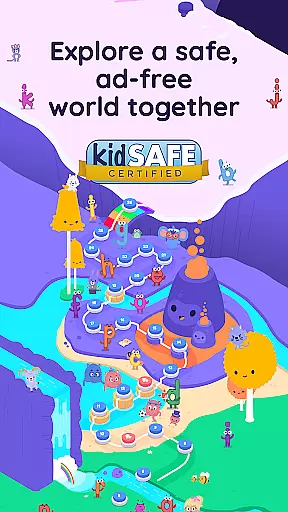
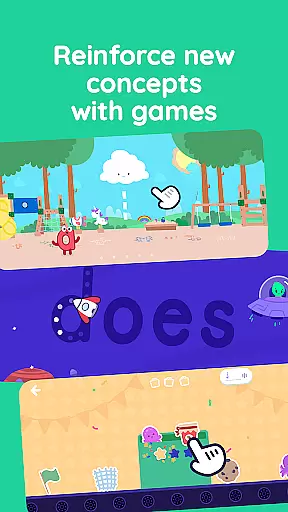
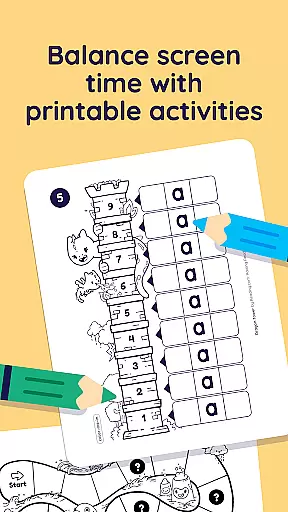
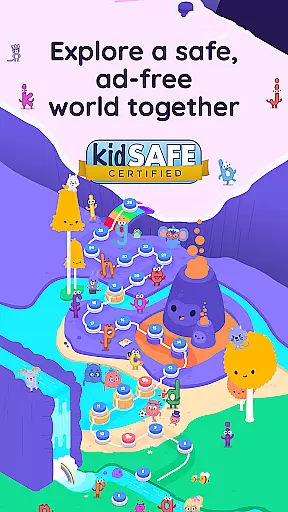
Three specially designed reading games provide opportunities for independent practice while reinforcing key skills such as letter recognition, phoneme correlation, and vocabulary building. The app supports multiple child profiles under one subscription, allowing families to track individual progress while maintaining an ad-free learning environment. Printable activities extend the learning experience beyond the screen, offering hands-on reinforcement of important concepts.
What sets Learn to Read apart is its comprehensive scope and research-backed methodology. The program systematically covers all essential reading components, from basic letter recognition to advanced decoding skills and reading fluency. Each phase builds upon previous knowledge, ensuring steady progress toward reading proficiency. The app's thoughtful design combines structured lessons with engaging interactive elements, creating an optimal learning environment for young readers.
When it comes to educational applications, especially those focused on foundational skills like reading, content accuracy and authority are paramount. Reading.com ensures that its phonics-based lessons are not only engaging but also grounded in solid educational research.
The app provides a fully scripted curriculum, meaning parents do not need any specialized training to guide their children through the lessons effectively. This approach democratizes the teaching process, allowing every parent to become an effective educator.
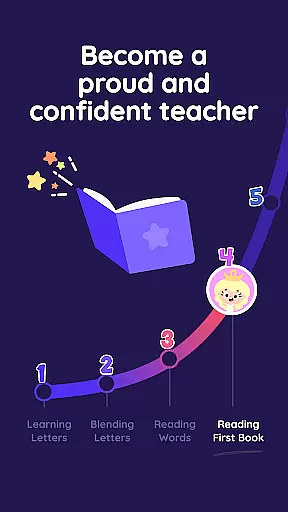
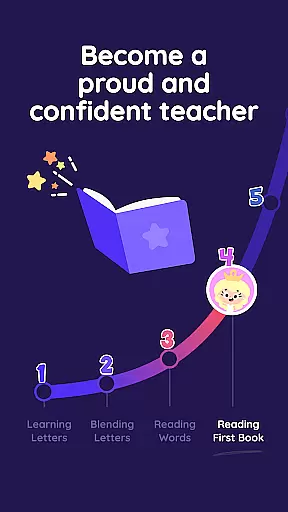
Each lesson is designed to build upon the previous one, taking children from basic letter recognition to advanced decoding skills. The structured progression helps ensure that children develop a strong foundation in reading while maintaining engagement through interactive books, videos, and games.
By emphasizing authoritative content backed by expert design, Reading.com fosters both skill acquisition and a love for reading, making it a reliable tool for early education.
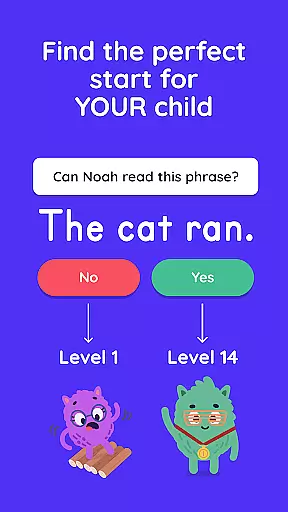
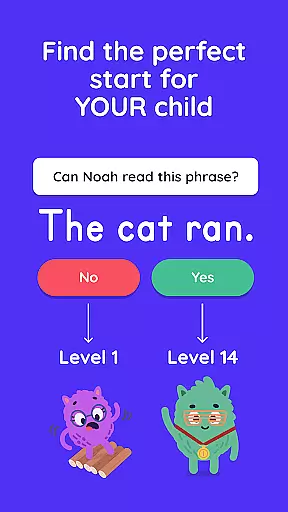
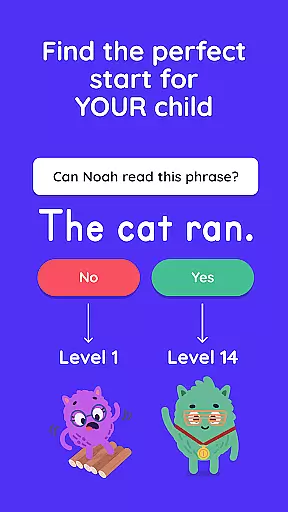
One of the standout features of Reading.com is its ability to create personalized learning paths for each child. The app recognizes that every learner is unique and adapts accordingly to cater to individual needs and paces.
Through its 99 step-by-step phonics lessons, children can progress from recognizing letters to confidently reading books at their own speed. The app's guided instruction allows parents to witness their child's growth, ensuring that milestones are met with understanding and retention.
Interactive elements such as digital books, videos, and reading games further enhance this personalization by providing diverse ways for children to engage with the material. These resources support different learning styles, whether visual, auditory, or kinesthetic.
Ultimately, the personalized learning paths offered by Reading.com empower children to achieve reading fluency while enjoying the process, instilling a lifelong appreciation for learning.
User-friendly interface
Comprehensive curriculum
Parent-child co-play
Ad-free environment
Multi-profile support
Paid subscription model
Limited to early grades
Internet connection required
No advanced levels
Device compatibility issues

Watch and Play Elmo's World!
 4.00
4.00
Ignite curiosity, spark learning: All babybus videos &games
4.30
Explore myths and gods across cultures with in-depth insights and stories.
5.00
The official CCM Glossary app, including 700+ terms and definitions.
2.90
An interactive enhancement of the Sesame Street classic.
4.50
Study for your 608 certification.
4.50
Quiz App to help case managers studying for CCMC Certification, 200+ Questions
3.40
For medical training - Visualize complex vein maps and structures in real-time.
4.10
MONOPOLY JUNIOR brings Hasbro's classic the board game to life.
3.00
Short Lessons for Better Finances, Health, Skills, Jobs & Relationships.
4.80
Age-Related Child Developmental Milestones
4.80
Guitar chord finder, analyzer, smartly visualized theory, progressions, quizzes.
4.70
Learn Words Daily in Just Minutes - Boost Your Language Skills Fast!
4.60
A fast and fun way to learn guitar - works with any guitar.
4.60
Turn scrolling hours into improving your knowledge, communication, intelligence
4.50
Dinosaurs coloring book game. Drawing and painting dinos.
4.50
Latest TLC Practice Questions! Multiple languages available!
4.50
Explore numbers the Starfall way!
4.00
Snap a dog photo to identify its breed instantly. Fast, accurate and easy to use
3.40


User Reviews