
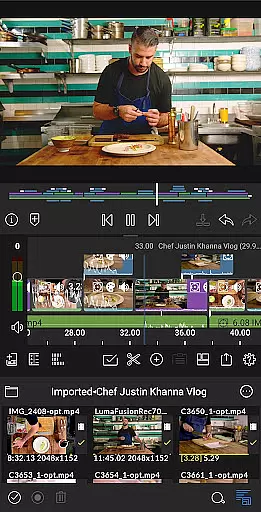
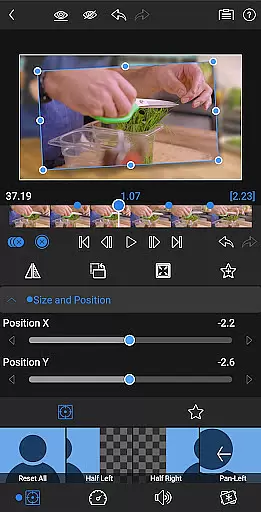
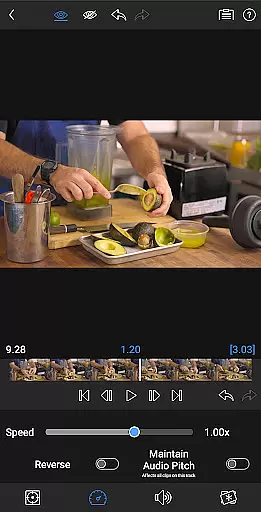
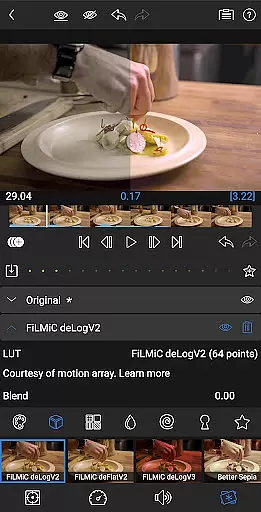
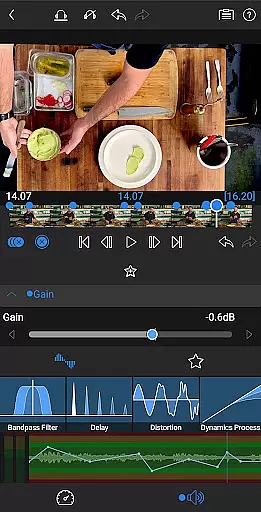
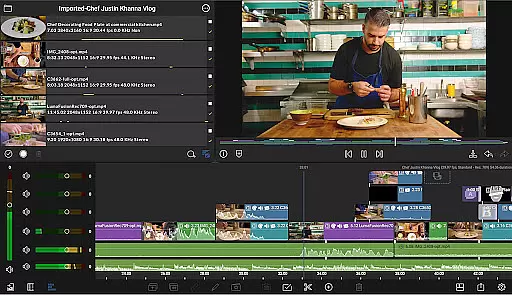
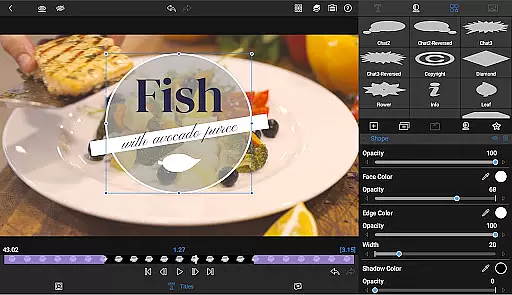
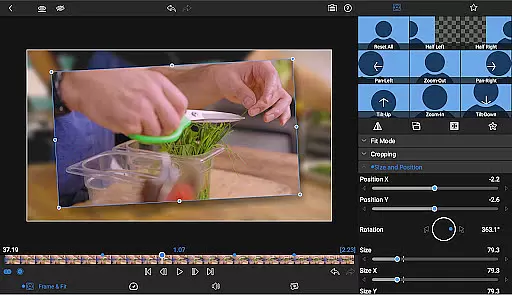
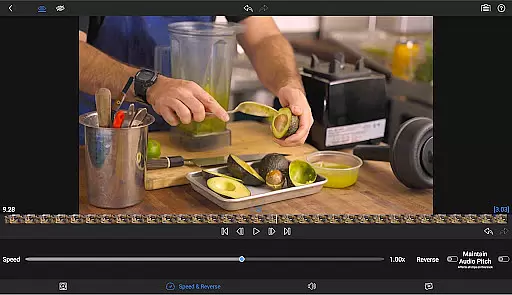
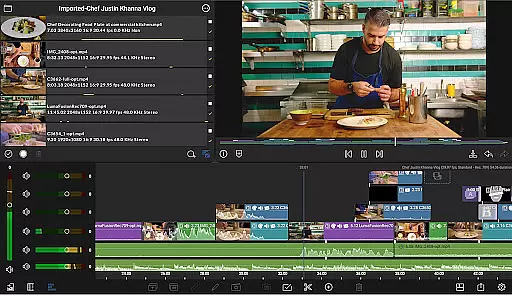
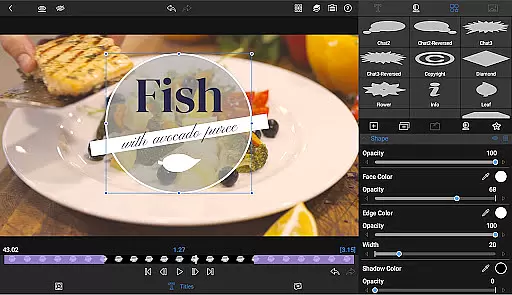
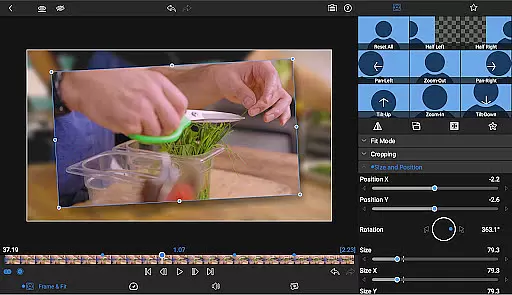
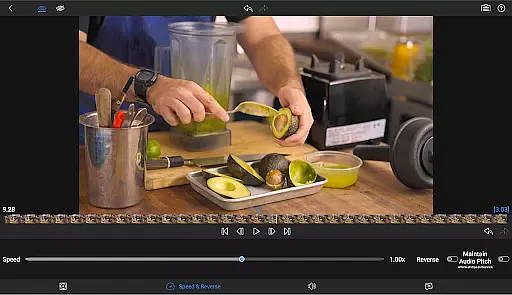
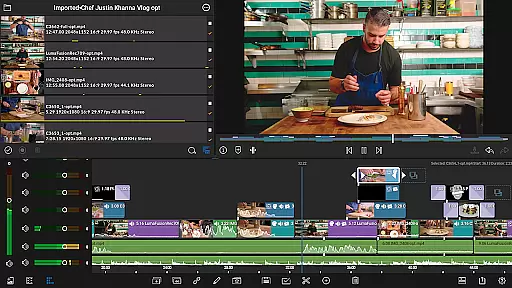
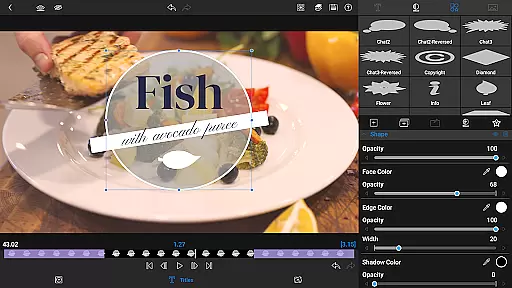
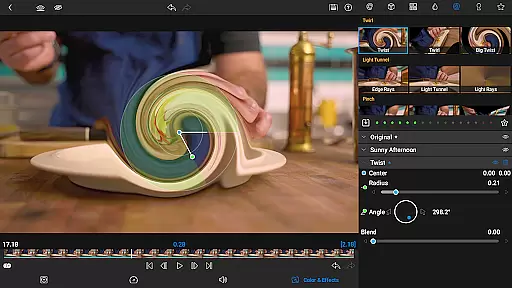
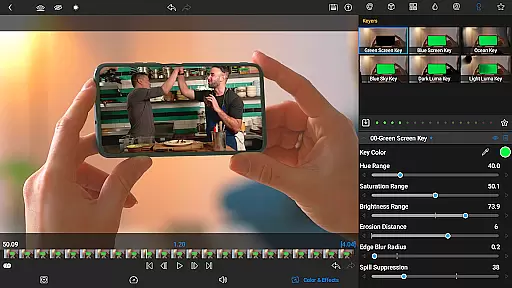
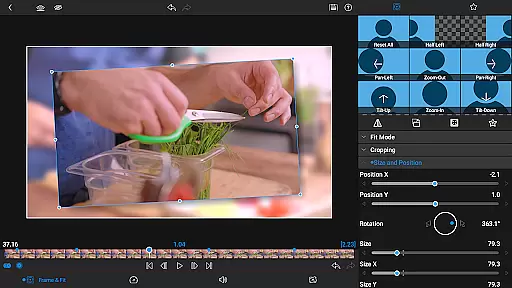

LumaFusion stands as the premier video editing application for storytellers, offering a seamless and intuitive touch-screen editing experience. With professional-grade features, it supports up to six video-with-audio or graphic tracks and six additional audio-only tracks, enabling complex edits with media up to 4K resolution. The app's flexible timeline, combined with advanced transitions, markers, tags, and voiceover capabilities, ensures an organized and efficient workflow.
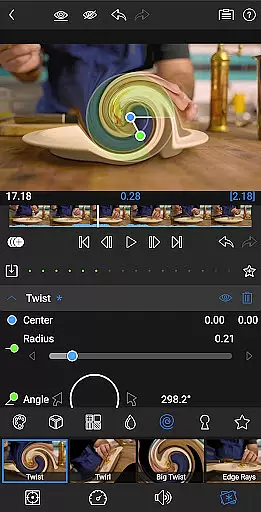
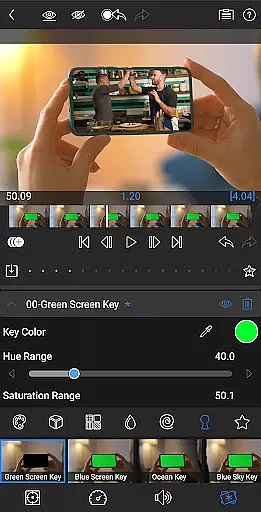
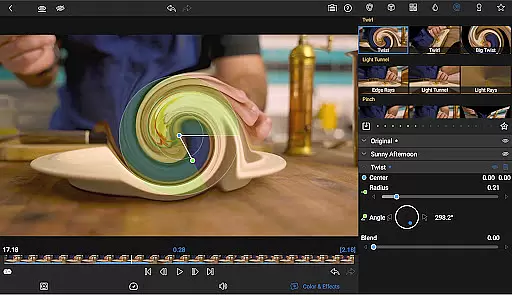
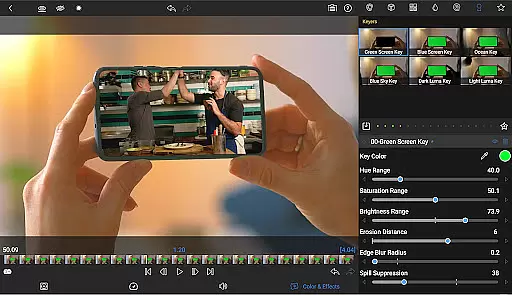
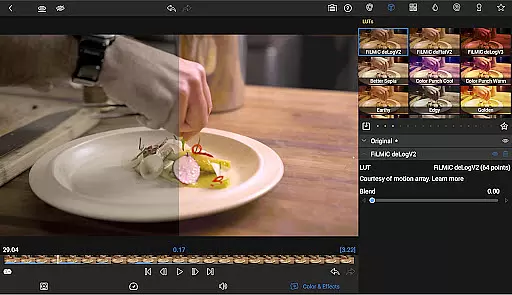
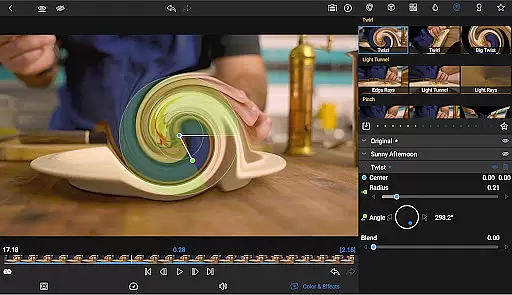
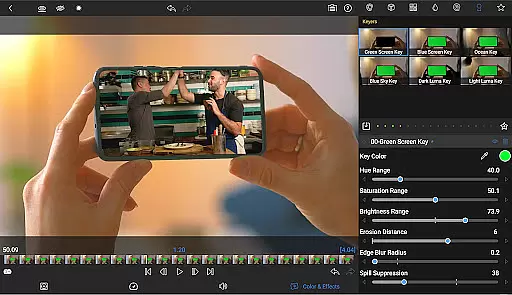
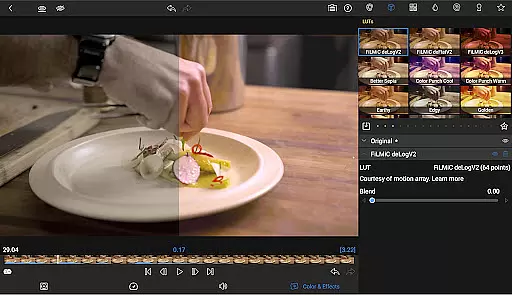
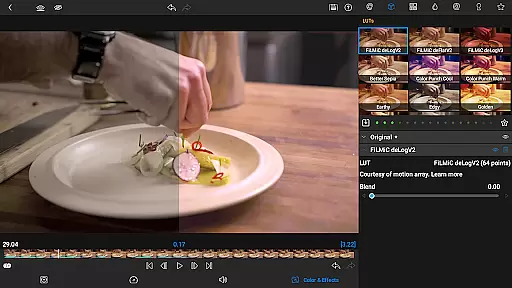
Enhance your projects with layered effects and color correction tools, including green screen, luma, chroma keys, and waveform scopes. LumaFusion also provides advanced audio controls, creative title options, and project flexibility through varied aspect ratios and frame rates. Sharing your creations is effortless, with customizable export settings and destinations. Optional features like Speed Ramping and the Creator Pass subscription further expand its capabilities, making LumaFusion a comprehensive tool for video editors.
LumaFusion distinguishes itself with a robust set of features tailored for professional video editing. It offers a dual timeline system that combines track-based and magnetic timelines, allowing for fluid editing experiences. Editors can utilize an array of transitions, implement Dex Mode for external screen viewing, and adjust track heights for optimal visibility on any device. These functionalities ensure that users can efficiently manage and produce high-quality video content.
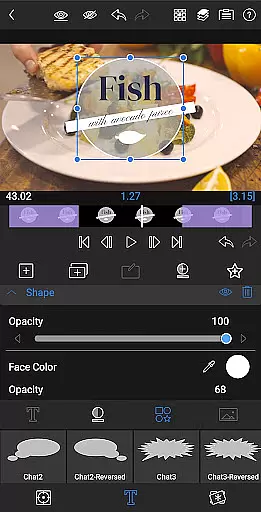
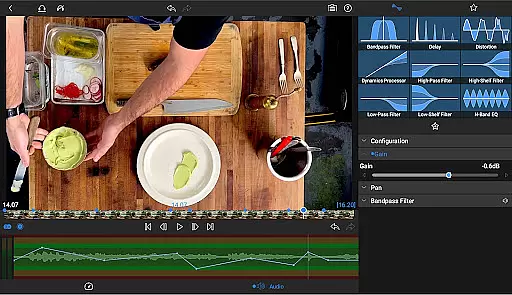
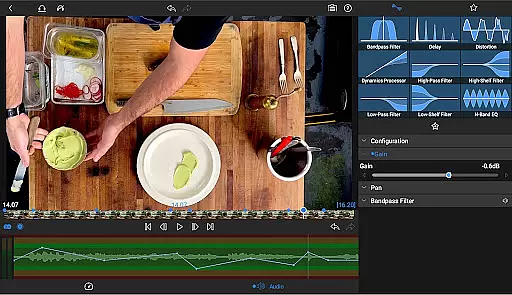
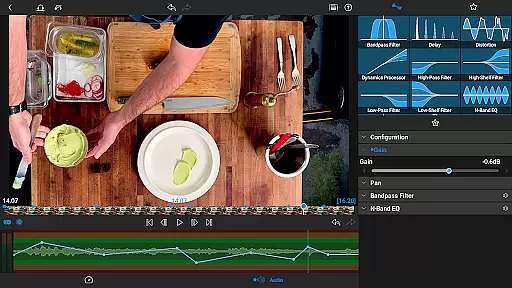
The application excels in audio manipulation and visual effects. It includes parametric and graphic EQs, keyframe audio adjustments, and support for stereo and dual-mono audio, which are crucial for creating balanced soundscapes. For visual enhancement, LumaFusion provides powerful color correction tools, video waveform scopes, and customizable text presets. Additionally, the optional Speed Ramping feature and Creator Pass subscription offer extended creative possibilities, such as Bézier curves and access to a vast library of royalty-free assets, elevating the editor's toolkit to new heights.
Video format compatibility is a crucial feature for any video editing application, and LumaFusion excels in this area. The app supports a wide range of video formats, allowing creators to import and edit media without worrying about conversion issues. This flexibility ensures that users can work with footage from various sources, including professional cameras, smartphones, and stock video libraries.
LumaFusion's robust handling of different file types extends beyond just basic support. The app enables seamless editing of videos up to 4K resolution across six video-with-audio or graphic tracks. This capability allows editors to maintain high-quality output throughout the post-production process. Additionally, the software provides extensive audio track options, supporting both stereo and dual-mono configurations, which is essential for complex audio mixing in video projects.
The benefits of LumaFusion's format compatibility are numerous. Editors can directly access media from USB-C drives and cloud storage services, streamlining their workflow. This direct access eliminates the need for time-consuming file transfers and conversions. Furthermore, the app's ability to handle multiple layers of video, audio, and graphics while maintaining smooth performance demonstrates its technical superiority in the mobile video editing space.
For professional creators, this comprehensive format support translates into significant time savings and enhanced creative possibilities. The combination of broad format compatibility with advanced editing features like speed ramping and Bu00e9zier curve animations makes LumaFusion a powerful tool for producing high-quality content across various platforms and devices.
While LumaFusion distinguishes itself through traditional editing excellence, it also incorporates AI-powered editing features that enhance the creative process. These intelligent tools assist editors in achieving professional results more efficiently. For instance, the app's advanced color correction tools utilize sophisticated algorithms to help users create custom looks and apply professional-grade LUTs with precision.
The integration of AI extends to audio processing as well. LumaFusion's Graphic EQ and Parametric EQ features employ smart processing to enable precise audio adjustments. The app's audio ducking functionality automatically balances dialogue and background music, demonstrating how artificial intelligence can streamline complex audio tasks. Additionally, the voiceover recording feature includes intelligent processing that maintains optimal audio levels while capturing narration.
One of the most innovative aspects of LumaFusion's AI implementation is its approach to motion graphics and animation. The app's keyframing system incorporates intelligent easing functions that create natural movement patterns. Bu00e9zier curve animations benefit from algorithmic assistance that produces smooth, organic transitions between keyframes. These features combine traditional editing techniques with modern AI capabilities to deliver unprecedented control over motion graphics.
The practical impact of these AI-powered features is substantial. Editors can achieve complex effects and corrections with minimal effort, allowing them to focus more on creative decisions rather than technical execution. This fusion of artificial intelligence with professional-grade tools positions LumaFusion as a forward-thinking solution in the video editing landscape, bridging the gap between manual craftsmanship and automated efficiency.
User-friendly interface
Professional editing tools
Advanced audio controls
Comprehensive sharing options
Optional Creator Pass
Subscription required for full access
Some features need in-app purchase
Complex for beginners
High system requirements
Limited free support

Online Videos Player
 3.90
3.90
Your media, on your terms.
4.10
HD video maker with no watermark, no ads & vlog maker with music, PIP, text
4.50
Pro video editor app for Instagram, edit video with song, AI, effect & slowmo.
4.80
Manage your IPTV live channels and VOD playlists (no playlist included)
3.80
Flud is a simple and beautiful BitTorrent client for Android.
4.80
#1 Torrent App on Android ** No Ads Ever + Battery Saver **
4.80
Web Browser for LG TV to stream webvideos, online movies and livestreams in HD
4.20
VLC for Android is the best open source video and music player, fast and easy!
4.10
An easy-to-use and all-round screen recorder with audio
4.80
Download Hub, easy and private way to download and enjoy your videos offline
4.80
?100% FREE! Download & save videos? safely in this app. All formats supported.
4.60
Watch IPTV on your Android device
4.60
Fast & Private HD Video Downloader with Built-in Proxy Browser and Video Player.
4.50
Powerful Video Editor & Photo Editing App —— Quick Edits & Stunning Effects!
4.30
Connect 2 UVC devices for recording and broadcast video/audio stream
3.90
Browser for Sony TV to stream web videos, online movies and live tv
3.20
Powerful HD video player with support for all formats & subtitles.
4.2
Play and download HD videos from all sources — fast, simple, and all-in-one.
4.1


User Reviews