
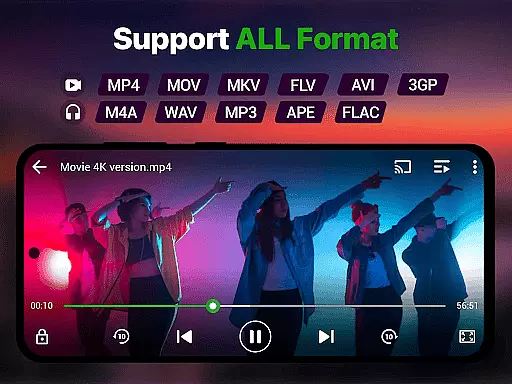
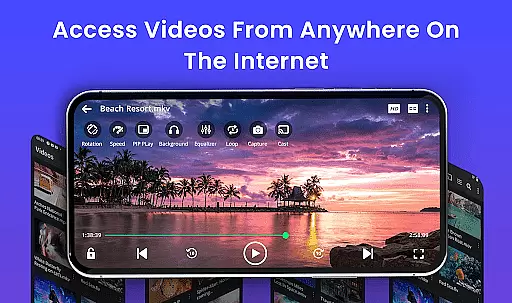
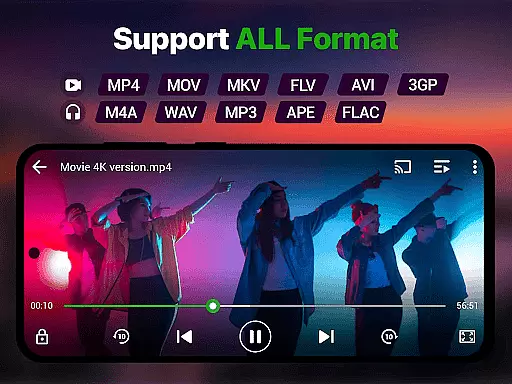
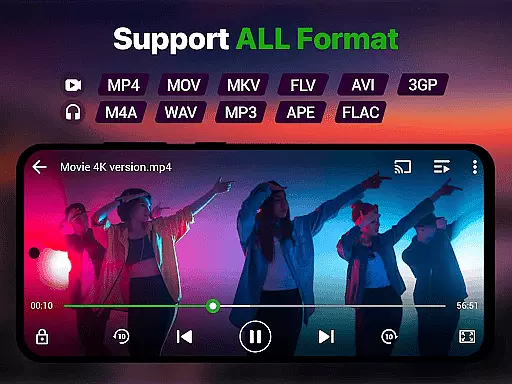
Video Player is a feature-rich video playback application designed to deliver an exceptional viewing experience on Android devices. Supporting Ultra HD and 4K quality, this app ensures smooth, high-performance playback for all major video formats including MP4, MKV, AVI, MOV, FLV, 3GP, and WMV.
With advanced decoding technology and AI-enhanced rendering, the app optimizes video clarity and frame rates, making it ideal for watching movies, tutorials, or managing media collections. Its smart gesture controls, subtitle support, and background play options provide users with both convenience and customization.
Perfect for entertainment enthusiasts, Video Player transforms any Android device into a cinema-grade experience while offering practical features like private folders and Chromecast support for added versatility.
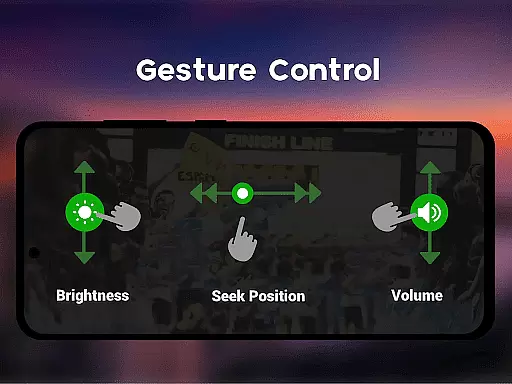
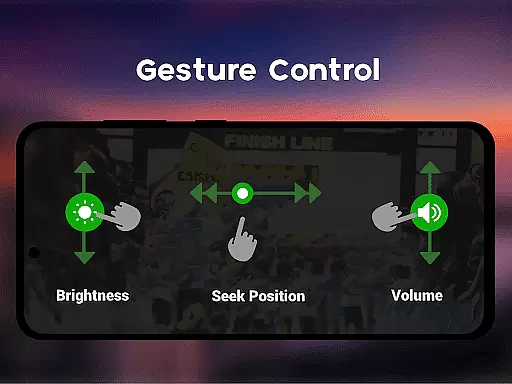
Video Player stands out with its comprehensive set of features tailored for diverse user needs. The app supports Ultra HD and 4K playback, ensuring stunning visuals across all popular video formats such as MP4, MKV, AVI, and more. Smart gesture controls allow users to easily adjust volume, brightness, and seeking functions.
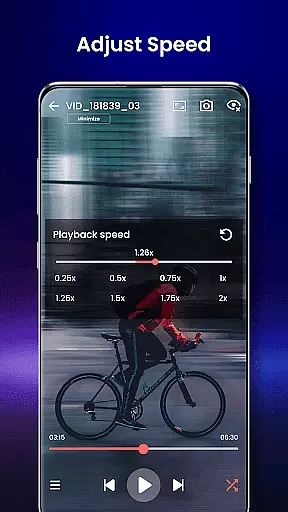
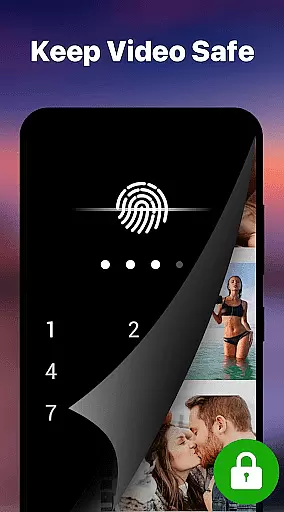
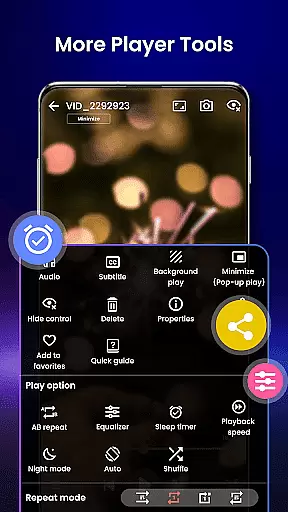
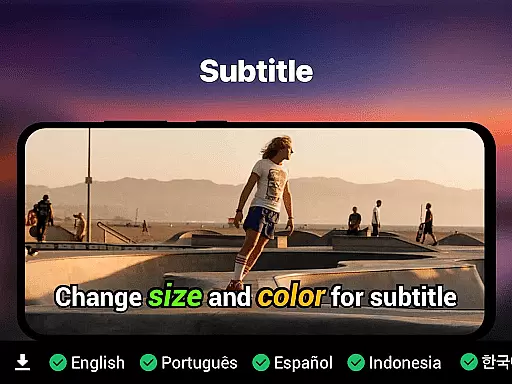
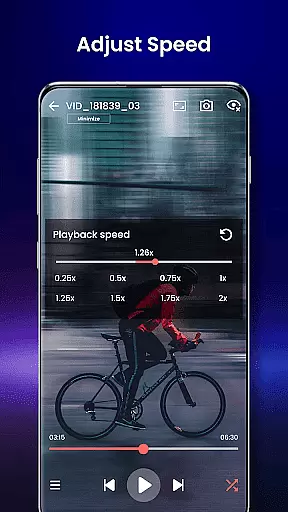
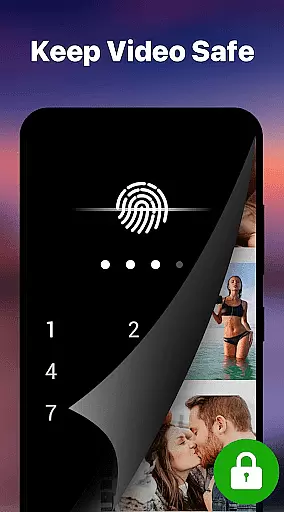
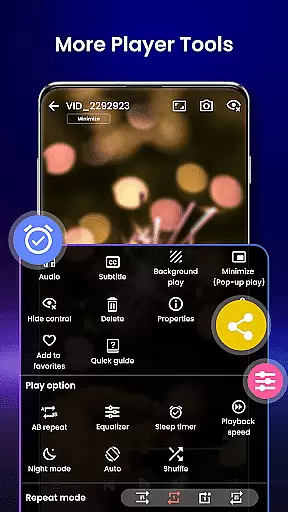
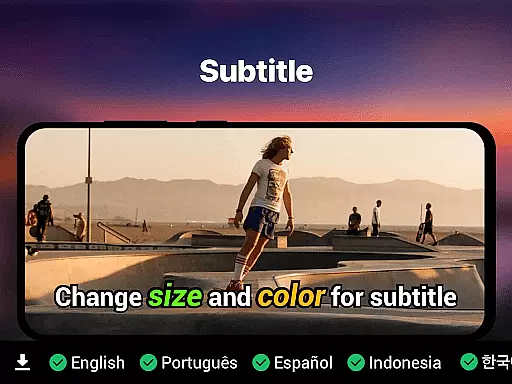
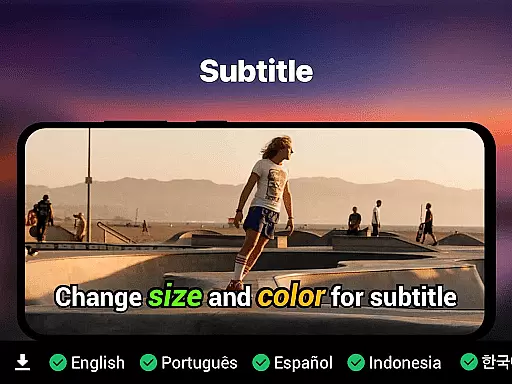
Subtitle support includes SRT, SSA, ASS, and VTT formats, with built-in track detection for seamless integration. Additional functionalities include background play, pop-up window mode, and speed control ranging from 0.25x to 4x. A file manager organizes videos automatically, while a private folder secures sensitive content with PIN protection.
For enhanced usability, the app offers Chromecast support, resume playback, and night mode for eye protection. These features collectively create a versatile tool that combines performance with user-centric design.
Video format compatibility is a crucial feature for any video player, ensuring that users can play videos in various formats without the need for conversion. Our Video Player app supports an extensive range of video formats including MP4, MKV, AVI, MOV, FLV, 3GP, WMV, and more. This wide compatibility ensures that no matter what type of video file you have, our app will handle it with ease.
The importance of this feature lies in its ability to save time and effort for users who would otherwise need to convert files into a playable format. With our app, you can directly play your videos right after downloading or transferring them to your device. The implementation of advanced decoding technology guarantees smooth playback even for high-resolution videos like Ultra HD and 4K content.
Users benefit from having a versatile video player that adapts to their needs, whether they are watching movies, recorded clips, or downloaded files. They can enjoy premium video quality with zero lag, thanks to AI-enhanced rendering which optimizes frames for a seamless viewing experience. This makes our Video Player not just compatible but also intelligent in handling different types of media.
AI-powered editing features represent the cutting-edge advancement in video players, allowing users to enhance their viewing experience through smart processing. Our Video Player app incorporates AI-enhanced rendering that boosts clarity and optimizes frames during playback. This results in an improved visual experience, especially when playing high-resolution videos such as Ultra HD and 4K content.
This innovative feature set includes speed control options ranging from slow-motion at 0.25x to fast forward at 4x, catering to diverse user preferences. Additionally, gesture controls provide intuitive ways to adjust volume, brightness, and seeking positions without interrupting the movie flow. Subtitle support is equally robust with SRT, SSA, ASS, VTT formats detected automatically alongside built-in track detection capabilities.
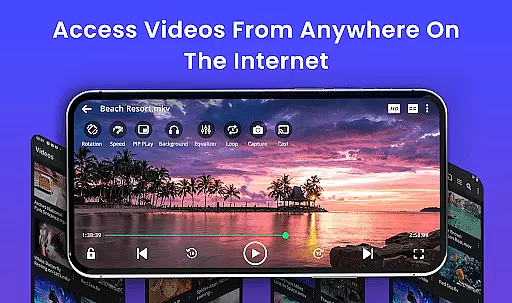
By integrating these sophisticated tools within a lightweight design framework, we ensure that our application remains responsive while delivering powerful performance enhancements. Users gain access not only to traditional playback functionalities but also modern conveniences like background play mode and pop-up windows for multitasking purposes. Such comprehensive integration elevates the overall utility of our Video Player beyond mere entertainment value.
Ultra HD & 4K support
All video formats compatible
Smart gesture controls
Private folder security
No ads
Advanced settings may overwhelm beginners
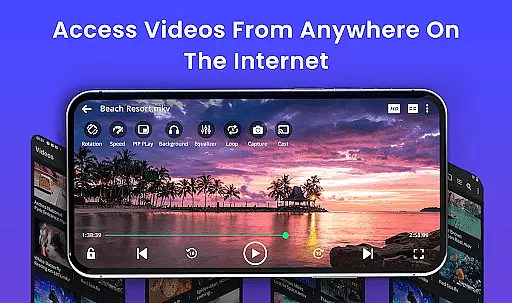
Limited cloud streaming options
Occasional format compatibility issues
Heavy on system resources
Interface not fully intuitive

HD Video player all format, HD Videos, Cast & Subtitle. No annoying ads.
 4.60
4.60
HD video & music player - All format support with floating & PIP mode!
3.80
Full HD Video mp3 Player, MP4 player play 1080p, File manager, Video Downloader
4.40
VLC Remote lets you control your VLC Media Player on Mac, PC or Linux.
4.60
High-Quality USB Camera Viewer & HDMI Display
4.70
Download website videos fast&privacy
4.40
Find, download, and play torrents with the official BitTorrent® Pro app
4.70
Video&Drama Player All Format is a HD video player, music player
3.00
Photo editor & video maker with music and slideshows.
4.10
GENRAL PRO - General Pro is the best video player that fully supports all formats.
4.70
Video Player - Unlimited features, 30 days money back guarantee.
4.60
Watch a large amount of high-definition short drama content
4.60
Auto video maker with music & exclusive filters. Video editing made simple.
4.50
Browser for Fire TV to stream webvideos, online movies, livestreams in HD
4.40
KMPlayer Plus (Divx Codec) officially support Divx codec.
4.30
Live TV, anywhere in your home
3.80
Watch full episodes of your favorite Cartoon Network and Cartoonito shows!
3.50
Client application for NextPVR software
3.00
The smartest M3U IPTV Player your playlists have ever seen.
4.3


User Reviews