
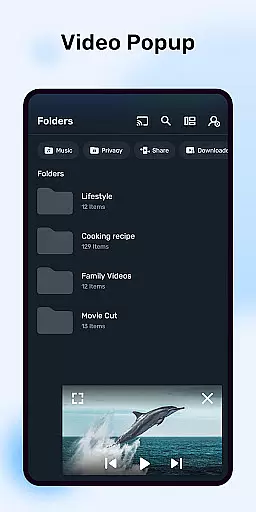
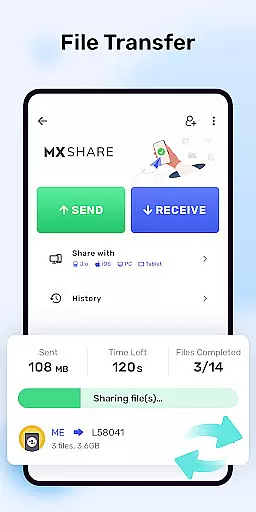

MX Player is a powerful video and music player designed for Android devices, offering advanced hardware acceleration and comprehensive subtitle support. The app utilizes a new HW+ decoder to enhance video playback on supported devices, ensuring smooth performance even with high-resolution files.
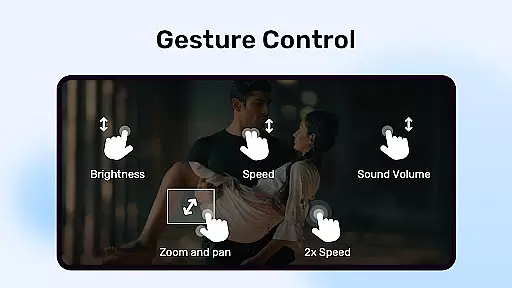
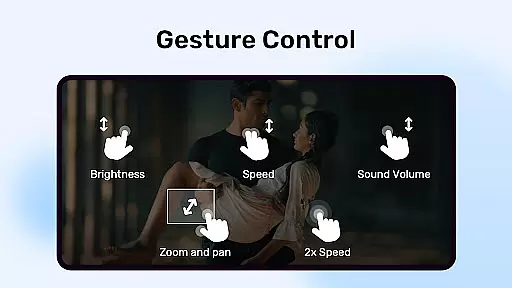
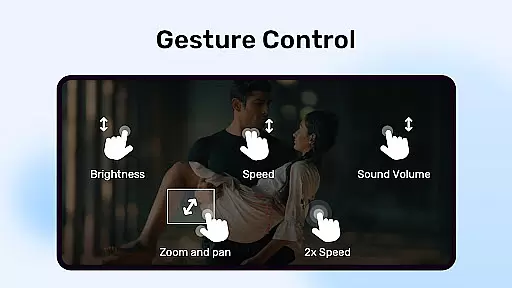
One of the standout features is its multi-core decoding capability, which significantly improves playback performance on multi-core devices by up to 70% compared to single-core devices. With intuitive gesture controls for zooming and subtitle adjustments, MX Player provides a user-friendly experience while maintaining professional-grade functionality.
The app also includes practical features like a Kids Lock mode, allowing parents to safely entertain children without worrying about unintended device interactions. Whether you're managing media files or streaming content, MX Player delivers a versatile and reliable playback solution across various formats.
MX Player distinguishes itself through several innovative features tailored for an optimal media viewing experience. Its pinch-to-zoom functionality allows users to easily zoom in and out of video frames, while precise pan controls enable effortless navigation within the video display area.
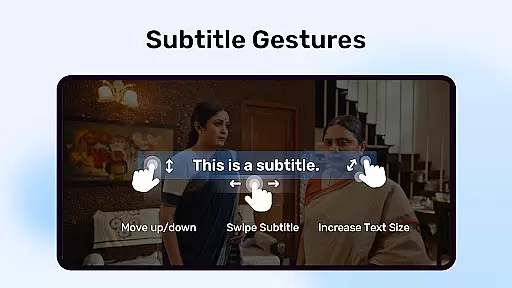
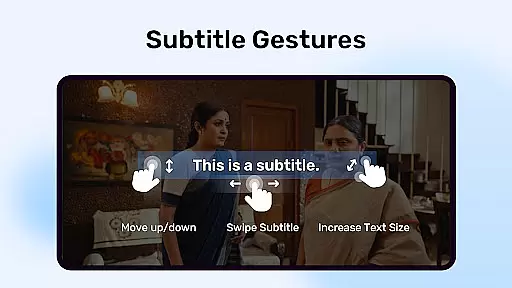
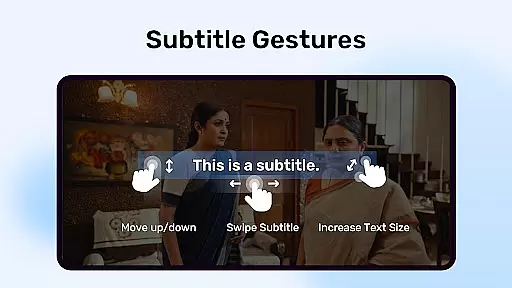
Subtitle support is another core strength, accommodating numerous formats including SubStation Alpha, SAMI, SubRip, and many others. Users can scroll through subtitles, adjust text positioning, and modify font sizes directly through intuitive touch gestures. This level of customization ensures accurate and comfortable subtitle viewing.
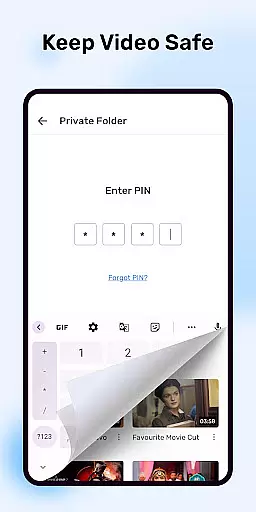
Additional features such as the Privacy Folder and Kids Lock provide added layers of security and convenience. The Privacy Folder lets users hide personal videos, safeguarding sensitive content, while the Kids Lock prevents accidental access to other apps or phone functions during use. These thoughtful additions make MX Player not just a video player but a comprehensive media management tool.
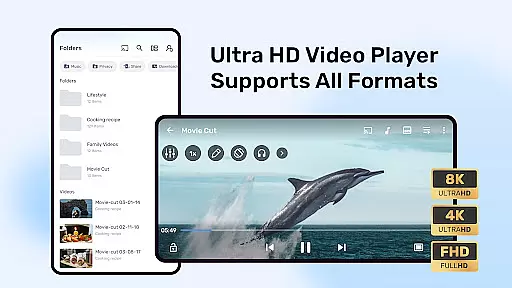
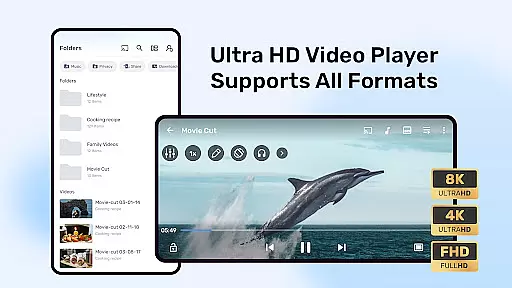
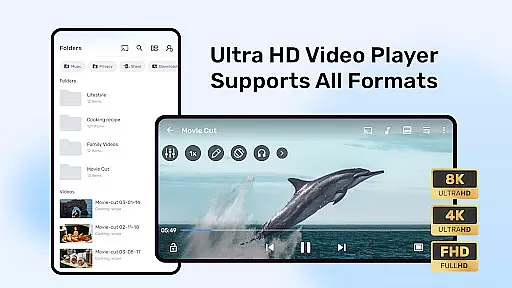
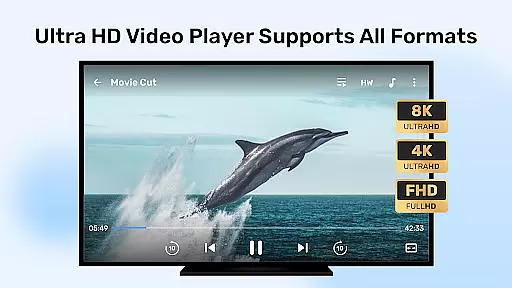
MX Player stands out in the Video Players & Editors category by offering extensive video format compatibility. This ensures that users can play almost any video file without the need for conversion or additional codecs.
The application supports a wide range of formats including but not limited to AVI, MKV, MP4, and FLV. This versatility allows users to enjoy their media collection without worrying about format restrictions.
With its advanced hardware acceleration and multi-core decoding, MX Player delivers smooth playback even for high-resolution videos. These features significantly enhance the user experience by reducing buffering and improving video quality.
By supporting various subtitle formats like SubRip, MicroDVD, and SubStation Alpha, the player caters to a global audience. Users can enjoy foreign language content with accurate and customizable subtitles, making it an essential tool for video enthusiasts.
While primarily known for its playback capabilities, MX Player also incorporates AI-powered editing features that add value for users looking to make quick edits. These smart tools simplify the editing process, allowing users to trim, crop, and adjust video settings effortlessly.
The inclusion of basic editing functions means users can make necessary adjustments without switching to a dedicated video editor. This convenience saves time and enhances workflow efficiency for casual editors.
Although not as feature-rich as professional editing software, these AI-driven tools provide sufficient functionality for everyday use. The intuitive interface ensures that even beginners can achieve satisfactory results without extensive training.
These editing capabilities, combined with the player's robust playback features, position MX Player as a versatile solution in the Video Players & Editors category. Users benefit from having both playback and editing functions in a single application.
Advanced hardware acceleration
Multi-core decoding support
Comprehensive subtitle formats
User-friendly gesture controls
Secure privacy options
Occasional compatibility issues
Ads in free version
Complex permission requirements
Limited iOS availability
Heavy resource usage

Client application for NextPVR software
 3.00
3.00
Video Player - Unlimited features, 30 days money back guarantee.
4.60
HD video maker with no watermark, no ads & vlog maker with music, PIP, text
4.50
Fast & easy HD video downloader for all formats, support 4K playback & download.
4.60
Add date and time watermark to photos and videos
4.50
Mix with Virtual DJ directly from your phone or tablet !
3.10
Browser for Samsung TV to stream webvideos, online movies and livestreams in HD
4.10
AI Video Editor with Music, Filter, Slideshow, Effect, Merge & Trim Video.
4.80
Download Hub, easy and private way to download and enjoy your videos offline
4.80
Play ALL formats in 4K & HD. Video downloader, MP3 player, Chromecast & more.
4.80
Pro video editor app for Instagram, edit video with song, AI, effect & slowmo.
4.80
An easy-to-use and all-round screen recorder with audio
4.80
High-Quality USB Camera Viewer & HDMI Display
4.70
Screen recorder with audio to take live videos & Screenshot in high quality!
4.70
Seamlessly connect and control your smart devices, anytime, anywhere with ease.
4.60
IPTV Loader, loads your own Playlist. DOES NOT CONTAIN ANY LIST OR CHANNELS
4.60
AI Video Editor:AI Music, Text to Video,Text to Speech,Auto Caption,Video Effect
4.00
HD video & music player - All format support with floating & PIP mode!
3.80
You can play SWF format file!
2.50


User Reviews