
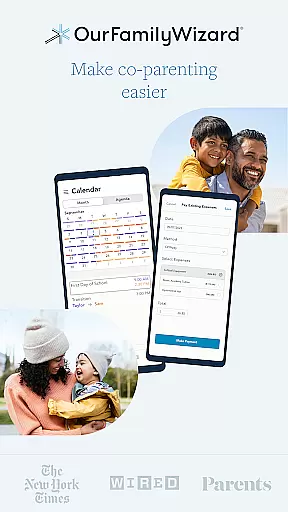
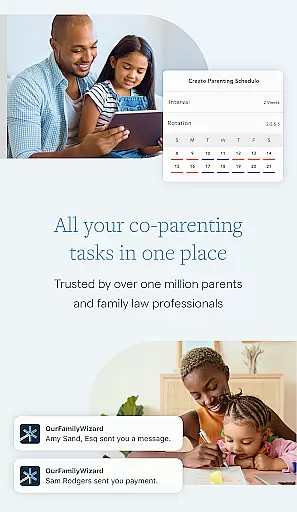
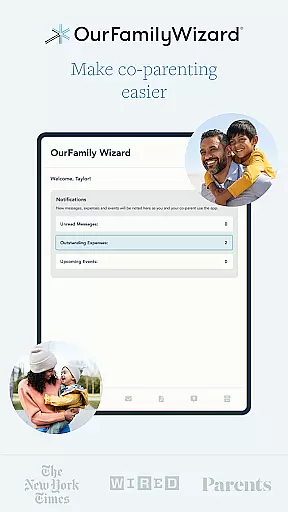
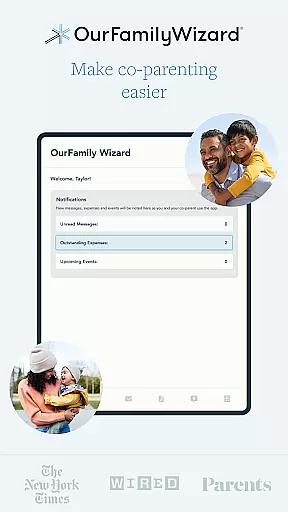
OurFamilyWizard is a leading co-parenting app designed to help separated or divorced parents manage their shared responsibilities efficiently. It focuses on reducing conflict and shielding children from adult disputes, enabling them to thrive despite family changes.
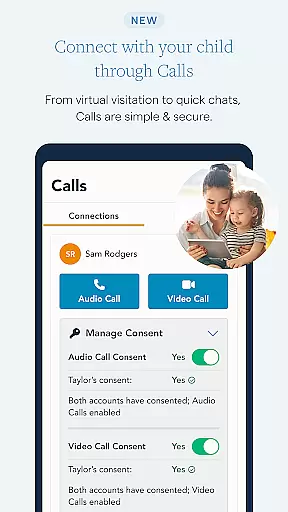
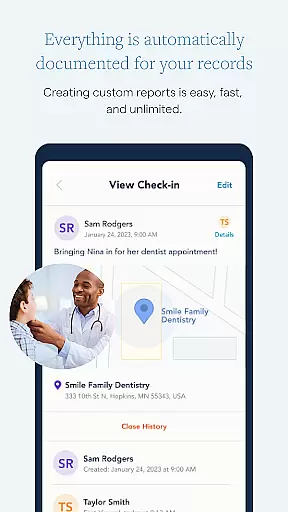
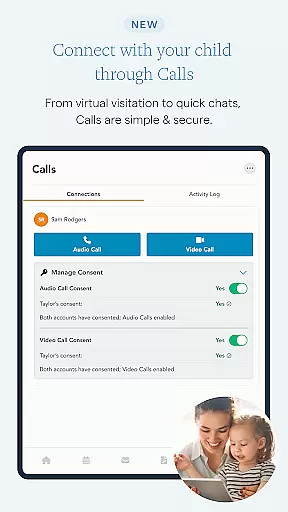
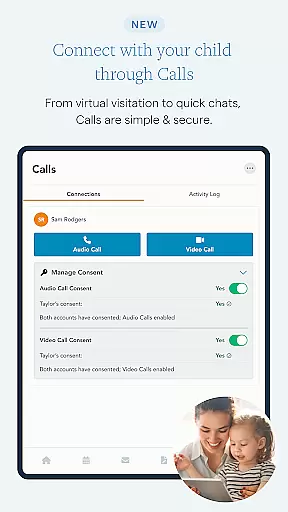
The app consolidates all co-parenting interactions into one secure platform, offering tools for communication, scheduling, expense tracking, and documentation. Its standout feature is the ability to document every interaction automatically, including calls, messages, and calendar events. This ensures accountability and simplifies record-keeping for legal needs. Additionally, the app supports virtual visitation through audio and video calls, which is particularly beneficial for long-distance co-parenting.
With over 20 years of experience, OurFamilyWizard has become a trusted solution recommended by courts across the United States and Canada. It caters not only to parents but also to family law professionals, therapists, and mediators, fostering collaboration and minimizing misunderstandings.
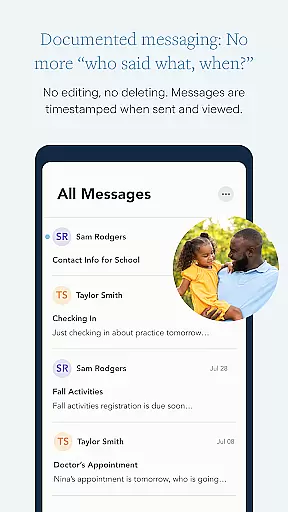
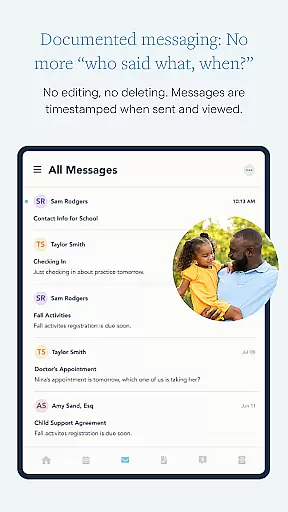
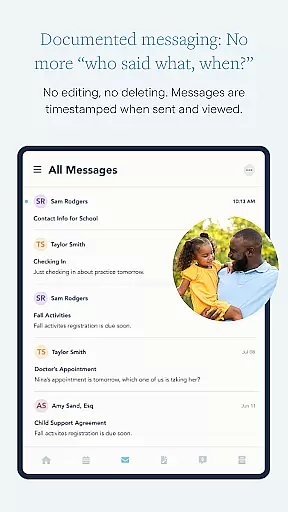
OurFamilyWizard offers comprehensive co-parenting management tools that simplify communication and organization. The app provides a secure platform for messaging with permanent records and timestamps, ensuring transparency and reducing conflicts.
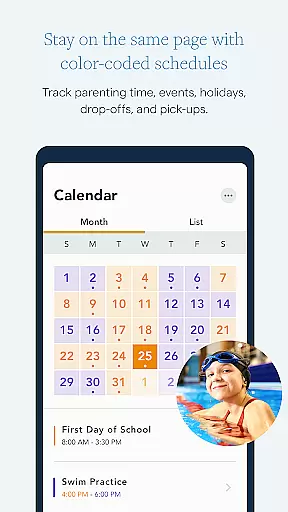
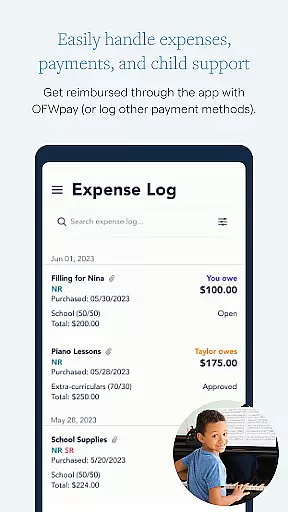
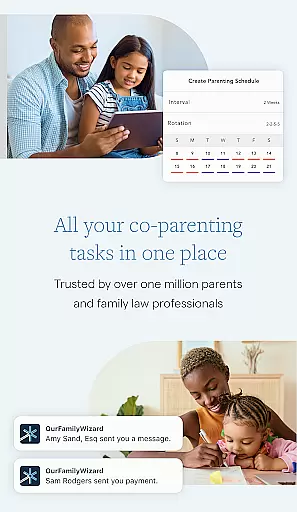
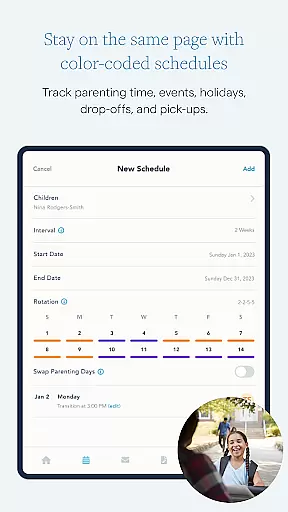
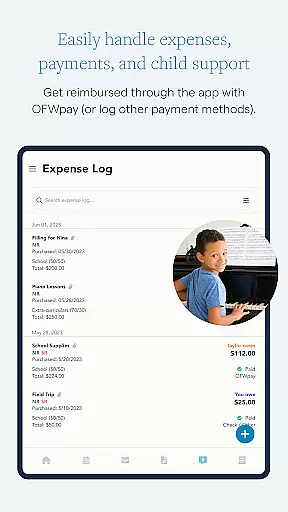
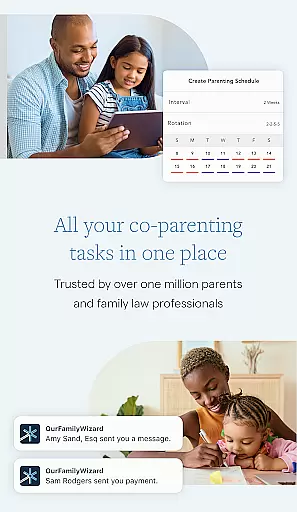
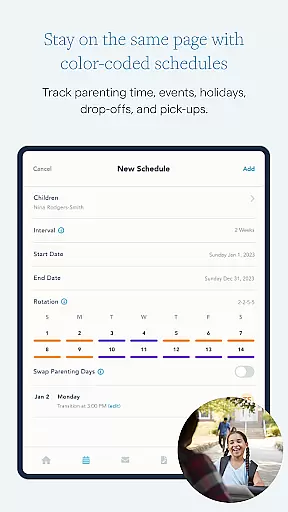
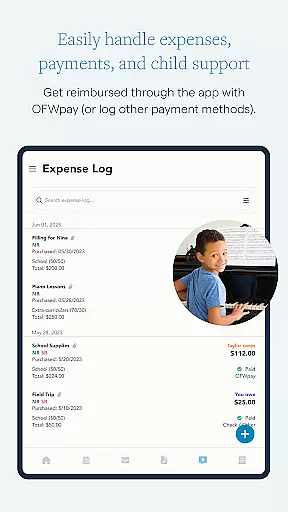
One standout feature is the color-coded Calendar, which allows parents to create parenting schedules, request changes, and track events effortlessly. This helps maintain consistency and reliability in co-parenting arrangements. Additionally, the app's expense tracking simplifies financial management by allowing users to categorize expenses, upload receipts, and even process payments through OFWpay.
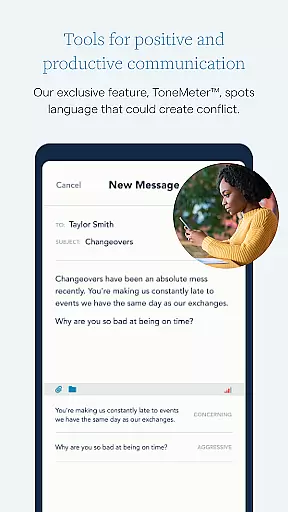
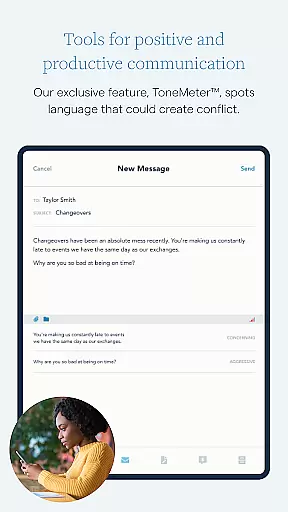
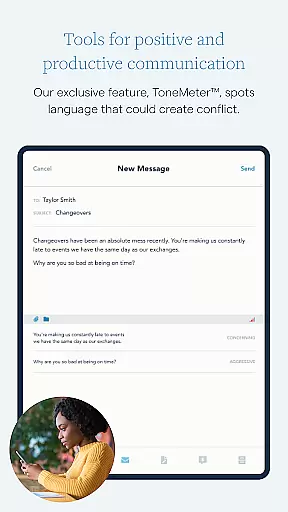
The app also includes unique features like ToneMeter™, which analyzes messages for potentially inflammatory language, promoting calmer interactions. Furthermore, its Documentation and Reports functionality enables users to generate detailed records for legal purposes, making court proceedings smoother. By granting family law professionals access, users can streamline mediation and potentially lower legal costs.
When it comes to parenting apps, the credibility of content and expert validation are paramount. OurFamilyWizard ensures that all information shared within the app is reliable and beneficial for co-parents. The app has been developed with input from family law professionals, ensuring that its features align with legal requirements and best practices in co-parenting.
The app's functionality includes tools like ToneMeteru2122, which helps users communicate calmly by identifying language that could escalate conflict. This feature has been designed based on expert knowledge in conflict resolution and communication. Additionally, the app allows users to document all interactions, including messages, calls, and schedule changes, providing a clear and accurate record that can be used in legal proceedings if necessary.
OurFamilyWizard also offers resources such as articles and tips from experts in the field of co-parenting and child psychology. These resources help parents make informed decisions about their children's well-being. By integrating expert-validated content into the app, OurFamilyWizard ensures that users have access to trustworthy guidance that supports healthy co-parenting relationships.
Tracking a child's growth and development is crucial for co-parents who want to ensure their children thrive post-separation or divorce. OurFamilyWizard provides accurate growth tracking through its comprehensive journaling feature, allowing parents to log significant moments and observations about their childrenu2019s lives. This feature not only captures memories but also serves as a valuable tool for monitoring developmental milestones.
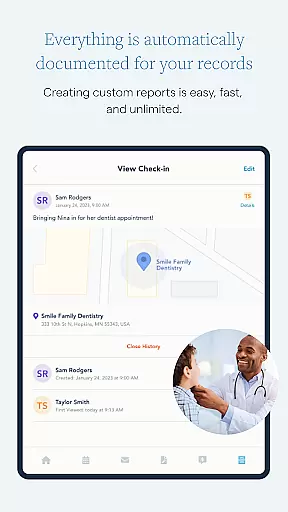
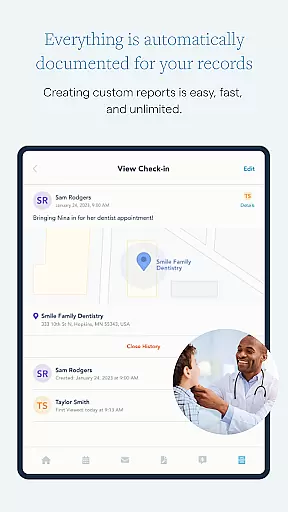
The app's GPS Check-Ins enable parents to verify their presence during drop-offs and pick-ups, adding another layer of accountability and documentation. This ensures that both parents are actively involved in their child's life and can track important events without relying solely on verbal communication. Furthermore, the Info Bank allows parents to store essential details about their children, such as medical records and school information, ensuring that both parties have access to up-to-date and accurate data.
By centralizing all this information in one secure location, OurFamilyWizard empowers co-parents to maintain a consistent and supportive environment for their children. The ability to generate detailed reports from any app feature further enhances the accuracy of growth tracking, making it easier for parents to present comprehensive updates during court hearings or mediation sessions. This level of precision and organization ultimately benefits the child by fostering a stable and nurturing co-parenting dynamic.
Comprehensive tools
Secure messaging
Automatic documentation
Professional access
Virtual visitation
Subscription fees apply
Limited free features
US-only calls
Complex setup
Learning curve

SENSORYSOOTHE and SENSORSAFE: Making car seats smarter and families safer.
 4.70
4.70
The Baby’s Bounty App is your hub to register for our diaper banks in Nevada
3.70
Family GPS locator app — child location tracker. GPS kids tracker, family safety
4.70
Little loved one's monitoring, Sleep tracking and Parenting content.
3.80
Family parental control app: limit screen time, block apps, GPS tracker.
4.20
Keep Your Family Safe with Pollog Family Assistants
4.10
A simple way to track your baby’s breastfeeding, diaper changes, sleep patterns.
4.90
App/Game blocker & GPS tracker
4.50
FamilyAlbum helps you share, save, and remember your child's special moments.
4.80
Introduce real food to baby with First Foods® Database, baby led weaning BLW
4.80
Track your pregnancy & your baby's growth in 3D. Get support from our community
4.60
GPS phone tracker: find kids on map. Location tracking and parental control.
4.50
GeoLog - Real-Time Location Tracker
4.40
Find unique + popular baby names for your little peanut.
4.30
Protect kids online safety through GPS tracking,screen time control,app blocking
4.20
Pregnancy and baby formula tips for moms, plus Enfamil coupons & cash back
4.10
Watching baby, helping parents
4.10
Discover fun videos, kids songs, bedtime stories and games
3.60
Track pregnancy health and wellness with pregnant tracker from healthcare advice
4.4


User Reviews