
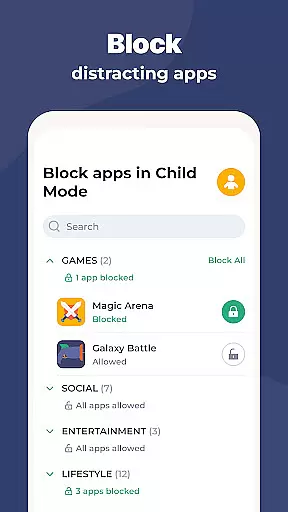
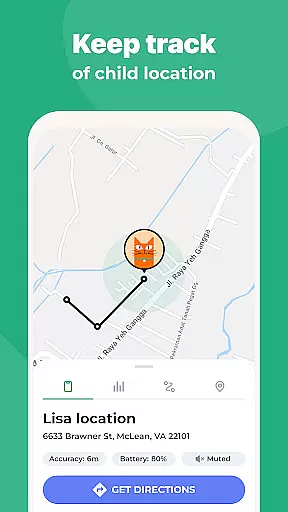
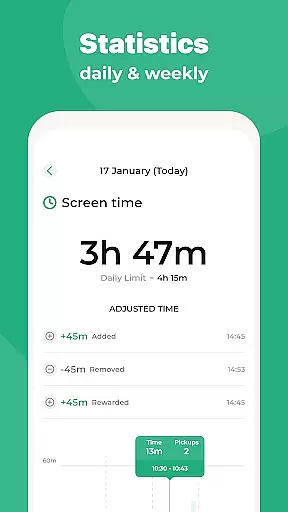
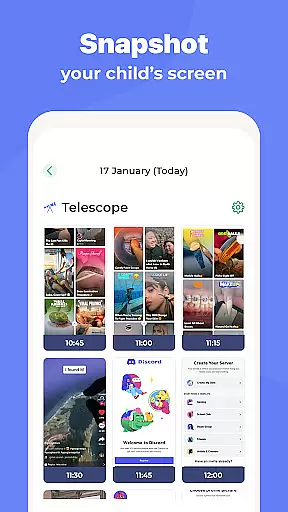
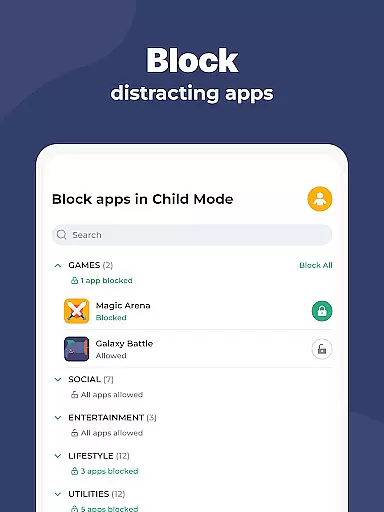
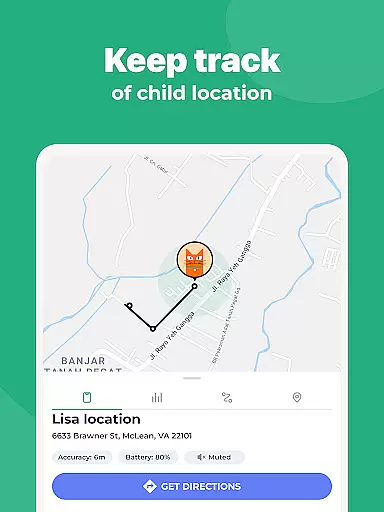
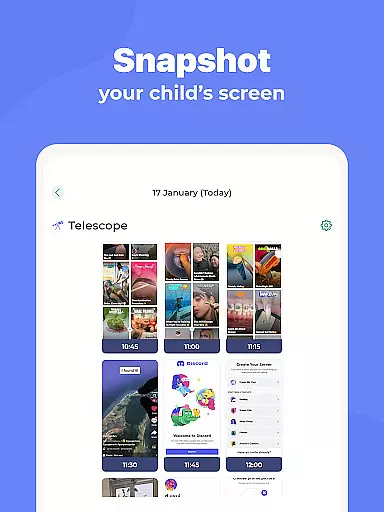
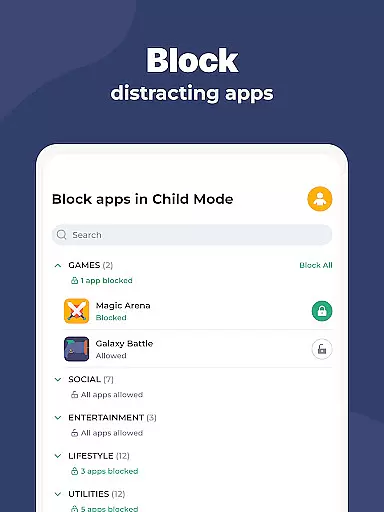
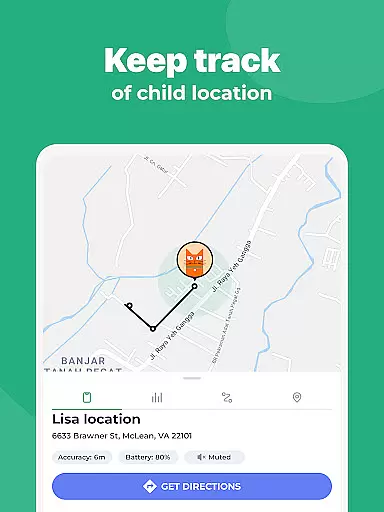
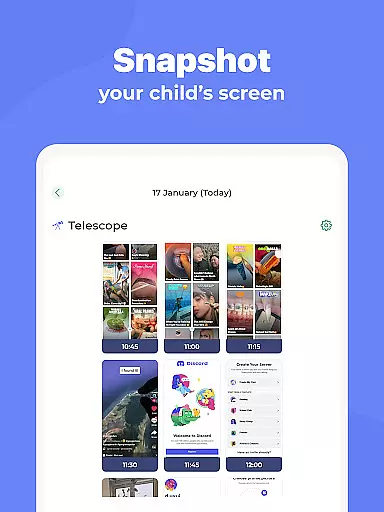
Kidslox Parental Control App is a comprehensive solution for parents seeking to manage their children's digital habits effectively. This app allows parents to control screen time, track location, block inappropriate content, and monitor app usage across multiple devices including Android, iOS, Windows, and Mac. With features like instant lock, daily time limits, and custom modes, Kidslox helps establish healthy tech habits while ensuring online safety.
The application also provides GPS tracking capabilities, enabling parents to receive notifications when their child enters or leaves designated areas. Its content filtering blocks adult material and in-app purchases, while the parental lock feature ensures safe browsing. Available as a mobile app, desktop version, and web-based control panel, Kidslox offers flexible management options that adapt to different parenting styles and family needs.
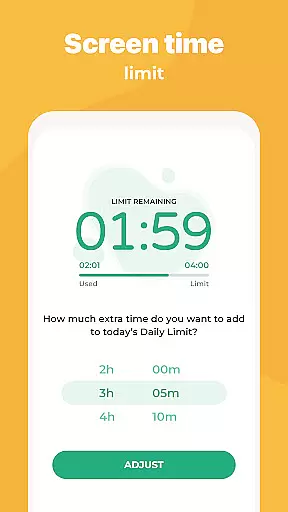
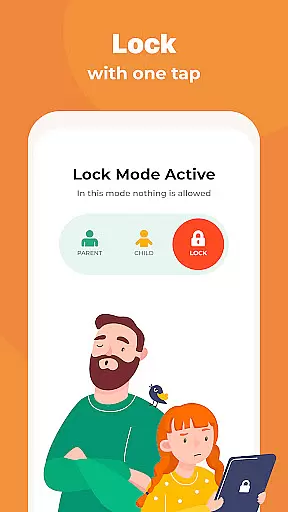
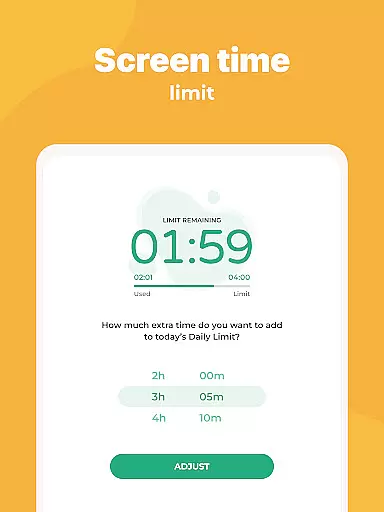
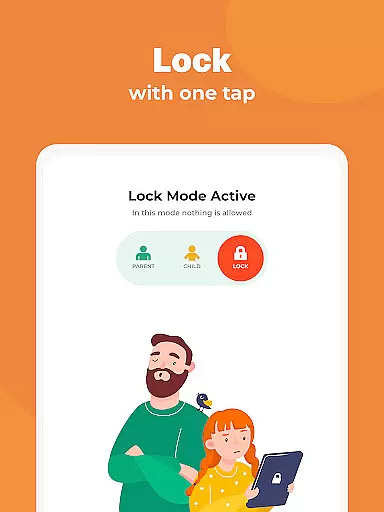
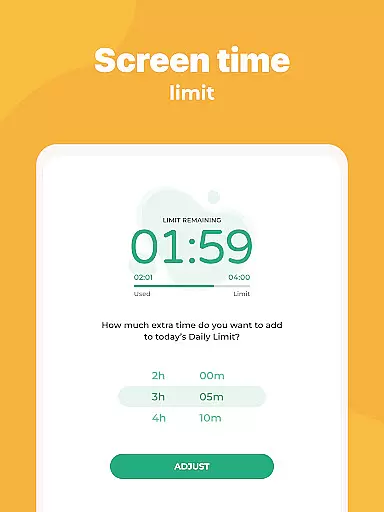
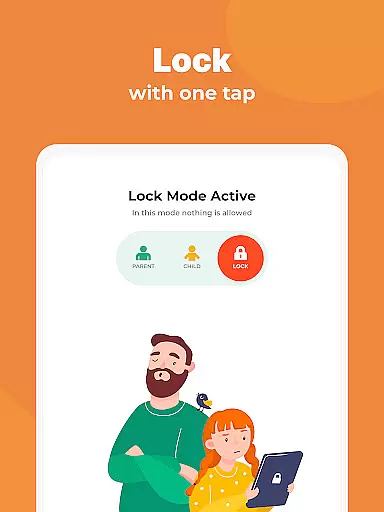
Kidslox stands out with its diverse range of parental control features designed to address various aspects of digital wellbeing. The app's instant lock functionality allows parents to remotely disable apps on both Android and iOS devices, providing immediate control over device usage. Screen time schedules enable setting specific periods when children can use their smartphones, such as establishing bedtime curfews or study hours, helping maintain a balanced routine.
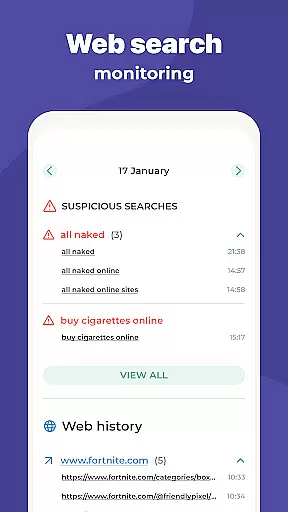
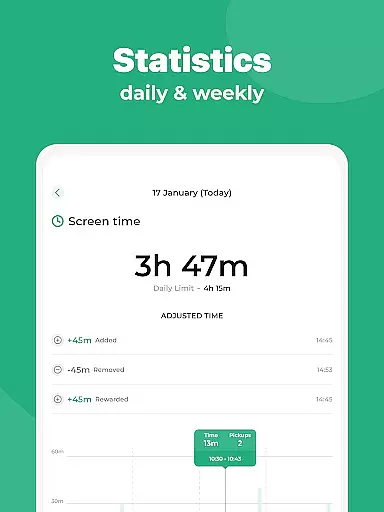
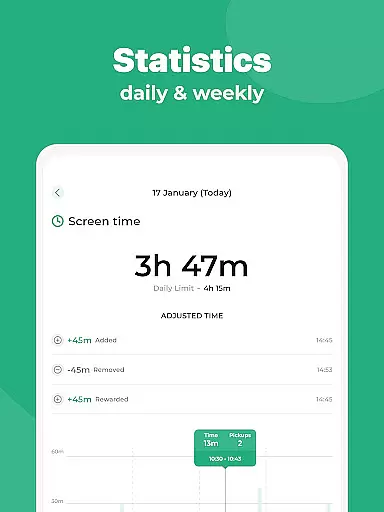
One of the key innovations is the combination of daily time limits with reward systems. Parents can automatically lock devices after reaching predefined usage thresholds while offering extra screen time as incentives for completing chores or homework. The monitoring tools provide detailed insights into app usage, website visits, and overall screen time patterns. Additionally, custom modes let parents create personalized access rules, allowing educational apps during schoolwork while restricting entertainment apps to leisure periods only.
When it comes to parenting apps, the credibility of content and expert validation are paramount. Kidslox Parental Control App understands this need and provides a secure environment for parents to manage their children's digital activities. The app is designed with input from child psychology experts and educators, ensuring that its features align with modern parenting practices.
The application offers various tools such as screen time management, location tracking, and content blocking, all of which have been developed considering the latest research on child development and digital wellbeing. These features not only help in setting boundaries but also encourage healthy tech habits among children.
Parents can trust Kidslox to deliver accurate information regarding their child's app usage and web activities. With real-time monitoring capabilities, the app ensures transparency, allowing parents to make informed decisions about their child's digital consumption. This level of detail and accuracy in reporting reinforces the reliability of Kidslox as a parenting aid.
Furthermore, Kidslox maintains an open line of communication with its users through in-app support and email assistance, ensuring any concerns or queries are addressed by knowledgeable professionals. This commitment to customer service reflects the app's dedication to providing validated and trustworthy parenting solutions.
Accurate growth tracking is essential for understanding a child's development over time. Kidslox Parental Control App excels in this area by offering precise monitoring tools that allow parents to track their child's digital habits effectively. By setting up schedules and time limits, parents gain insights into how much time their children spend on devices and which apps they use most frequently.
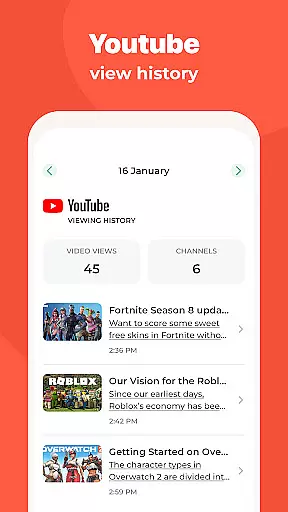
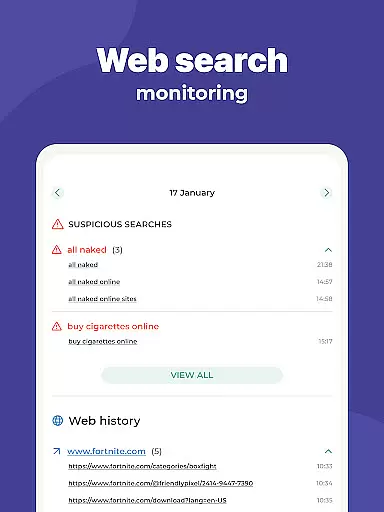
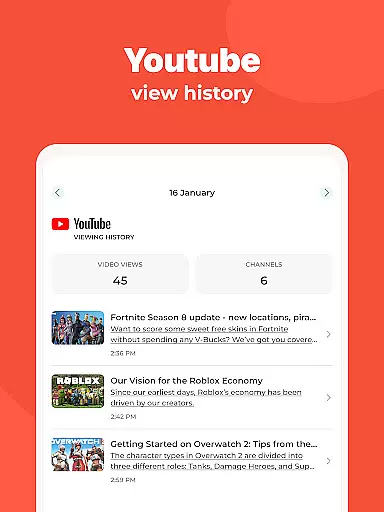
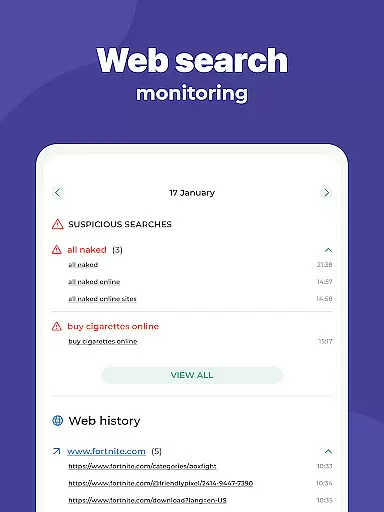
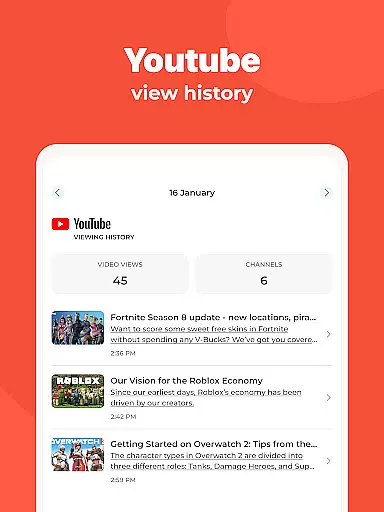
The app's ability to monitor activities extends beyond mere screen time. It includes detailed reports on app usage and web browsing history, giving parents a comprehensive view of their child's online behavior. This data is crucial for identifying patterns and making necessary adjustments to promote balanced device usage.
Kidslox also supports geofencing and location tracking, enabling parents to receive notifications when their child enters or leaves designated areas. This feature not only enhances safety but also contributes to a broader understanding of a child's daily movements and routines.
With these accurate tracking capabilities, Kidslox empowers parents to guide their children's growth in the digital age responsibly. The app's focus on providing reliable data ensures that parents can make well-informed decisions regarding their child's digital wellbeing and overall development.
Comprehensive cross-platform support
Real-time location tracking
Flexible screen time management
Advanced content filtering
User-friendly interface
Requires constant internet connection
Some features need special permissions
Paid subscription model
Limited free trial period
Occasional performance issues

Comprehensive Parental Control & Child Safety — Hear & Protect Your Child World
 4.30
4.30
Sleep better with white noise app! Discover rain sounds, fan noise and more.
4.70
Track your pregnancy, kick & contraction counter, baby & mom's heartrate monitor
4.60
Play activities, milestones, expert-led classes, baby tracker, and more!
3.00
Real-time family location with consent, check-ins & SOS—private by default.
4.40
3D Baby size, Fruit comparisons, Smart Checklist, Trending Names & Training.
4.90
Live Location, Alerts & 2-Way Voice for Kids and Adults with Special Needs
4.60
Kids story books for children. Baby reading books with audio for pre-k toddlers
4.70
Introduce real food to baby with First Foods® Database, baby led weaning BLW
4.80
Track your labor contractions
4.90
Pregnancy+ App has helped 80m moms track their pregnancy with info & support!
4.80
The Most Trusted Co-Parenting App.
4.60
It is a screen time management tool for games and mobile applications
4.50
Join over 1MM parents & professionals who've used OFW to navigate co-parenting
4.40
Speech Therapy Exercises For All!
4.40
Free symptom & med tracker with expert-reviewed tips.
4.30
Find unique + popular baby names for your little peanut.
4.30
Save money on diapers. Get the Pampers Rewards app.
3.90
The Baby’s Bounty App is your hub to register for our diaper banks in Nevada
3.70


User Reviews