
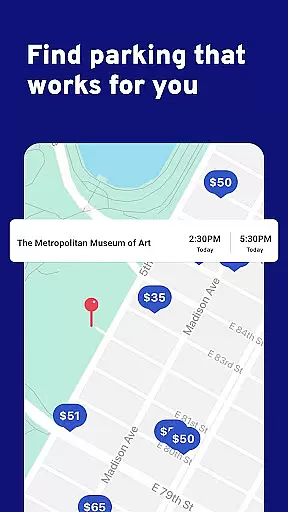
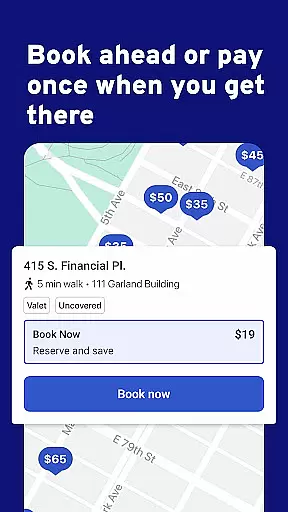
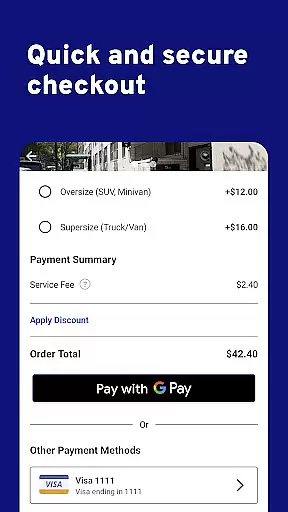
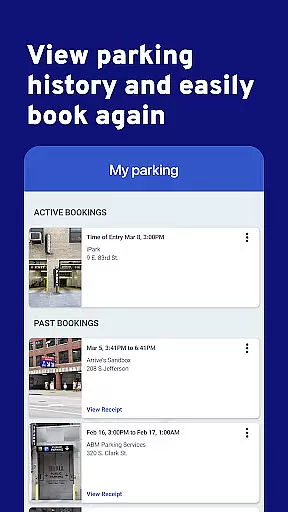
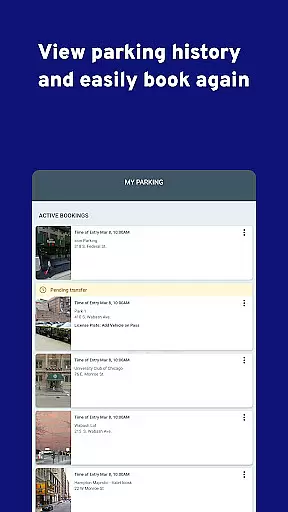
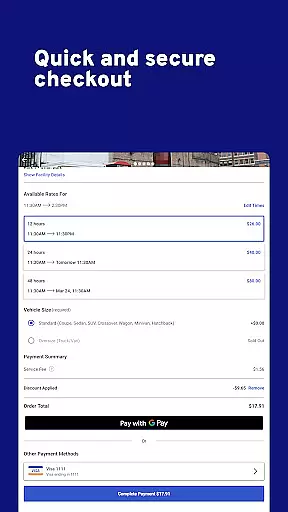
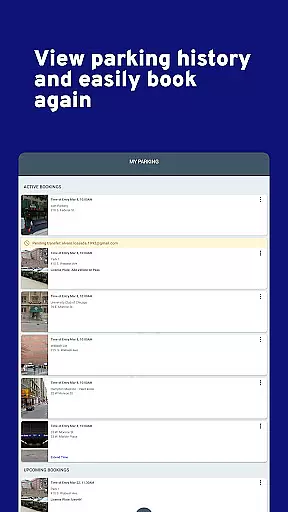
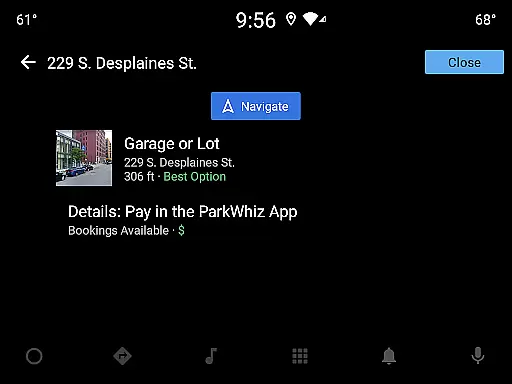
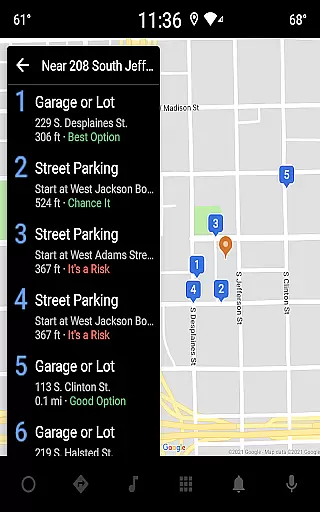
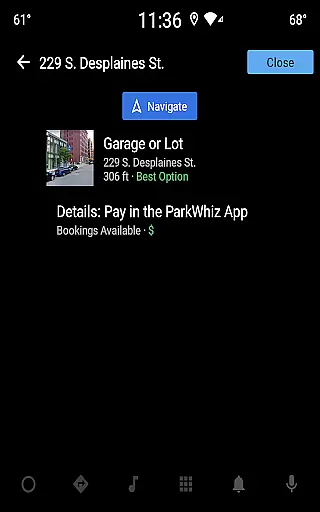
ParkWhiz is a leading parking solution app designed to simplify the parking experience in major cities across America. The app allows users to search thousands of parking locations, compare prices, and book spaces in advance, often saving up to 50%. Whether for business, commuting, or leisure activities like concerts and museum visits, ParkWhiz caters to all parking needs, including airport parking.
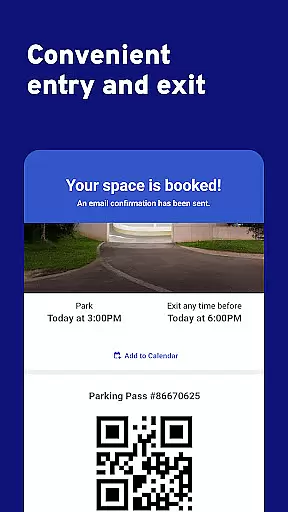
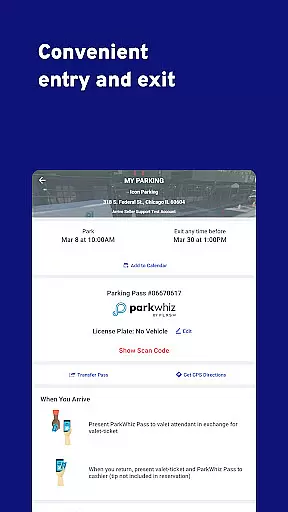
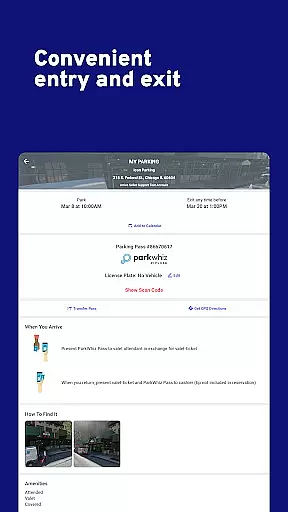
One standout feature is its mobile pass functionality, which enables seamless entry and exit from parking facilities. With insider pricing agreements with garages and lots nationwide, ParkWhiz delivers significant cost savings while eliminating the stress of finding parking in congested urban areas. Its robust customer service ensures real-time assistance via call or text, making it a reliable choice for drivers.
ParkWhiz stands out with its comprehensive suite of features tailored to streamline urban parking. Users can search through an extensive network of parking facilities nationwide, ensuring availability even in high-demand areas such as NYC, Chicago, and San Francisco. The app's comparison tool provides transparent pricing options, empowering users to select the most cost-effective solution.
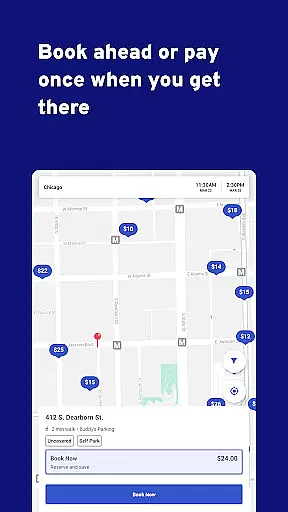
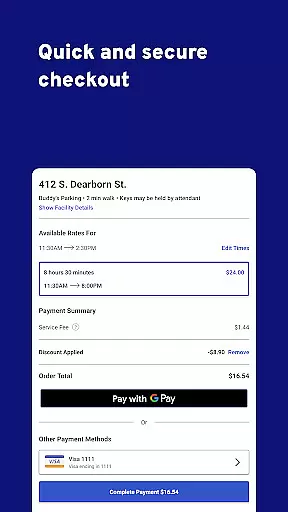
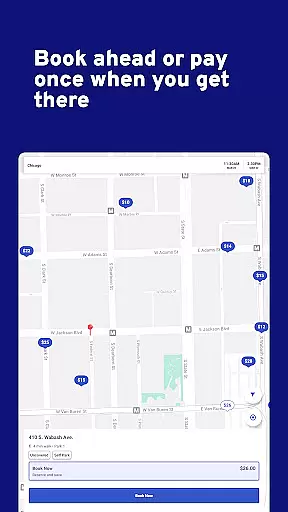
Booking is instant and user-friendly, thanks to the app’s intuitive interface. Once booked, users receive a mobile pass, allowing contactless entry and exit from parking lots. Additionally, ParkWhiz offers specialized services like alternate-side parking solutions in NYC, catering to specific local needs. With 24/7 customer support available via call or text, users can resolve issues quickly, enhancing their overall experience.
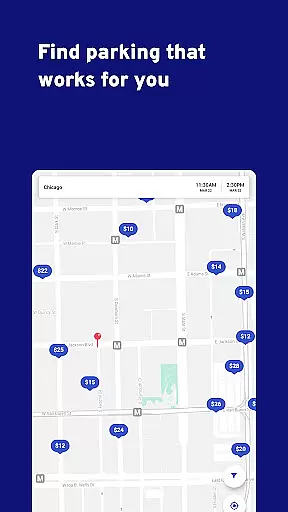
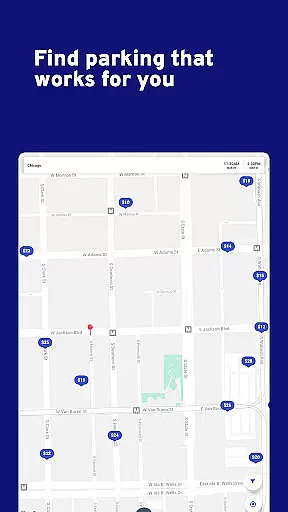
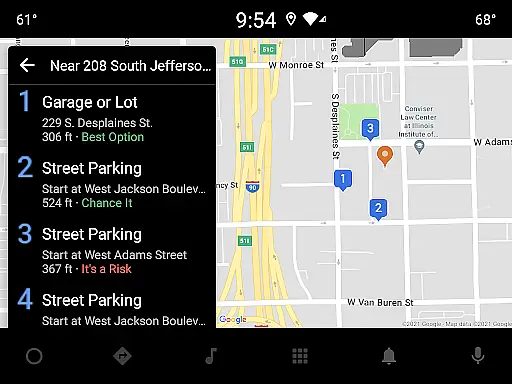
Map accuracy is essential for any navigation app, and ParkWhiz excels in this area by providing precise location data for parking facilities across the nation. The app's mapping feature aggregates information from thousands of garages and lots, ensuring comprehensive coverage and up-to-date details.
ParkWhiz employs advanced geolocation technology to pinpoint parking spots with remarkable precision. This allows users to find available parking options quickly, whether they are navigating busy urban centers like New York City or searching for airport parking in less congested areas.
For drivers, this level of map accuracy translates into saved time and reduced stress. Instead of circling blocks in search of parking, users can rely on ParkWhiz to guide them directly to their chosen parking destination. This efficiency not only enhances the driving experience but also contributes to reduced traffic congestion and lower emissions.
Effective route planning is a cornerstone of the ParkWhiz app, designed to streamline the user's journey from point A to point B. By integrating real-time traffic data and offering multiple route options, ParkWhiz ensures that drivers can select the most efficient path to their parking destination.
The app provides detailed route information, including estimated travel times and distance, empowering users to make informed decisions about their trips. Whether commuting to work, heading to a museum, or catching a flight, ParkWhiz's route planning capabilities adapt to various travel needs.
Moreover, ParkWhiz enhances route planning with additional features such as insider pricing and mobile passes, which simplify the entire parking process. These value-added services ensure that users not only reach their destinations smoothly but also enjoy cost savings and seamless access to parking facilities.
User-friendly interface
Cost-saving deals
Wide location coverage
Instant booking confirmation
Reliable customer support
Limited international options
Occasional price surges
Dependent on partner lots
No offline functionality
Requires data connection

Phone Tracker and GPS Location Sharing
 4.20
4.20
Get route map navigation with 3D satellite view, and live earth camera streaming
3.70
Bolt is a ride-hailing app for requesting fast, safe, and affordable transport
4.80
Explore Earth with live GPS, satellite view & street navigation
3.60
Live Satellite view app for find GPS navigation Direction and live location map
3.70
Get route, find shortest path, near by places and weather update
3.90
Route Planner is travel map to get turn by turn navigation & driving directions
3.90
Track friends in real-time and explore worldwide live cameras.
4.60
Use GPS Maps and GPS Voice Navigation to find your way and get directions
4.10
Get there with the Waymo Driver — The World’s Most Experienced Driver™
4.90
Truck Safe GPS Navigation & Maps: Parking, Fuel, Diesel, Weight Station
4.80
Find shortest way and save energy . Distance and area calculator.
4.70
Navigate with your watch and keep the phone in your pocket!
4.60
Complete offline 1:50k South Island topo map including DOC Hunting Permit Areas
4.60
Use GPS maps or search by property owner, address or parcel to view parcel data
4.30
GPS navigation offers route finder, compass, translator, currency converter, etc
4.30
Navigate seamlessly with Real-Time Traffic, Offline Maps, and Voice Navigation.
4.10
Easy, Moderate and difficult offroad adventures.
4.00
Ride CTA, Metra & Pace: Manage your fares, buy Metra tickets, get arrivals.
3.00


User Reviews