
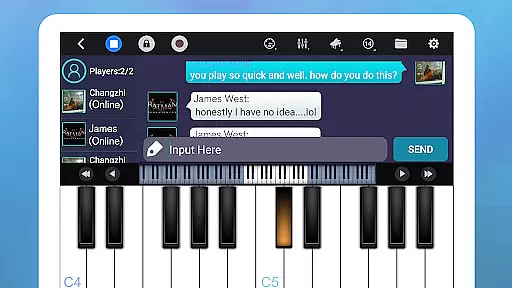
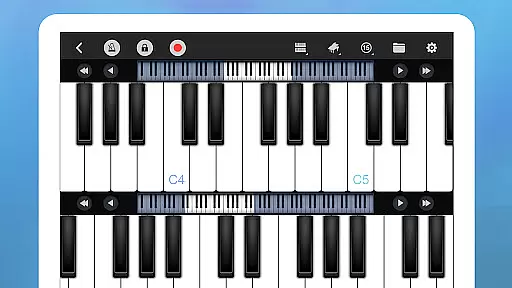
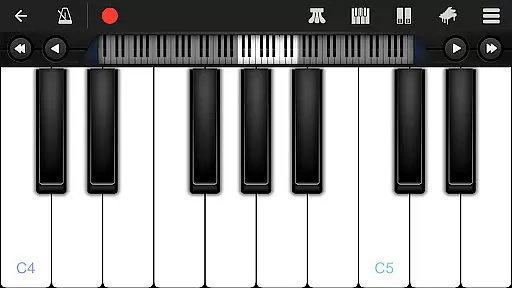
Perfect Piano is a feature-rich piano simulator designed for Android devices, offering an authentic piano experience with its built-in genuine piano timbre. The app provides multiple play modes and learning tools that cater to users of all skill levels, from beginners to advanced players.
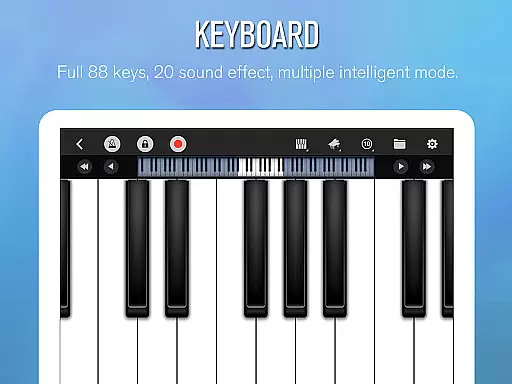
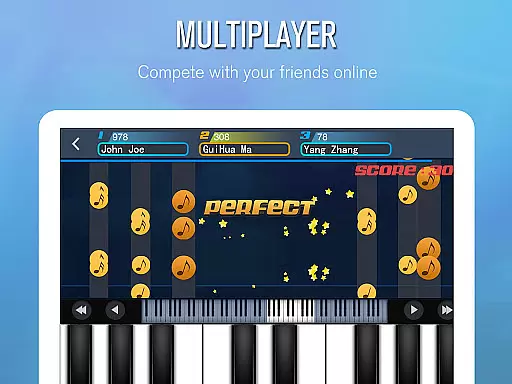
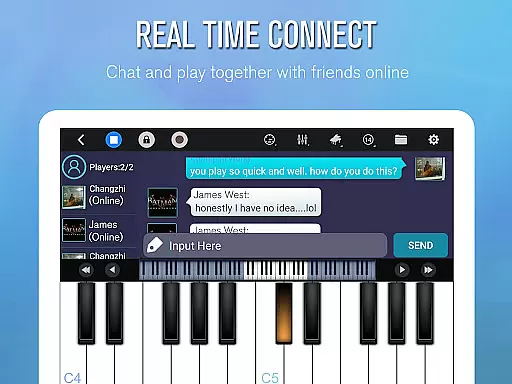
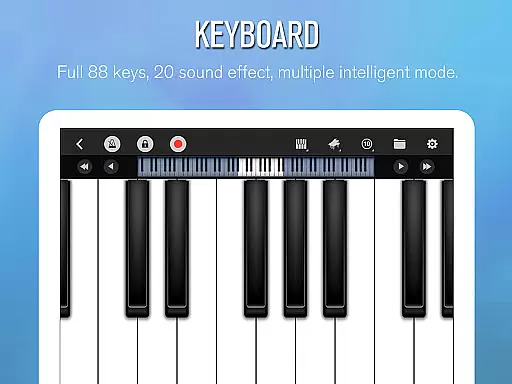
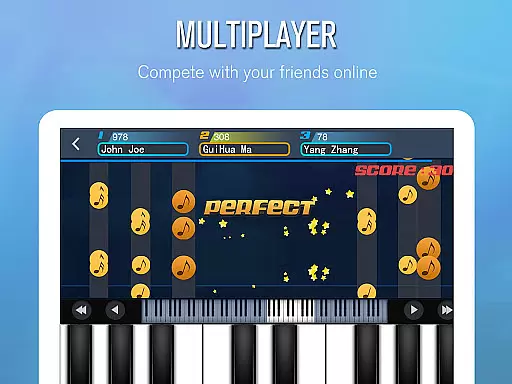
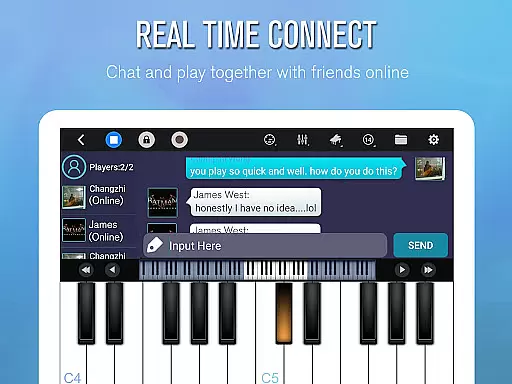
With support for USB MIDI keyboards and various sound effects, Perfect Piano ensures a versatile musical experience. Its intelligent keyboard supports multitouch, force touch, and adjustable keyboard width, while the app's social features enable real-time multiplayer connections and competitions with piano enthusiasts worldwide.
This application is ideal for those who want to learn piano on-the-go or professional musicians looking for a portable solution to practice and compose music anytime, anywhere.
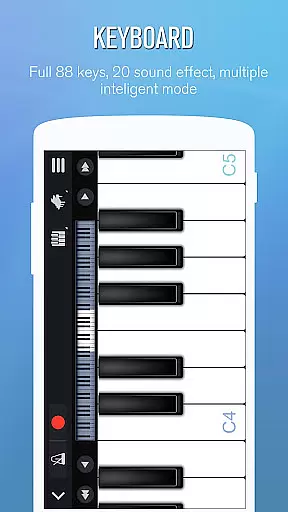
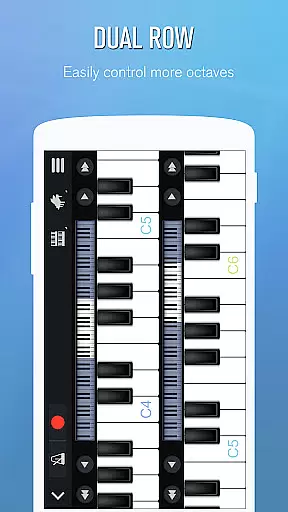
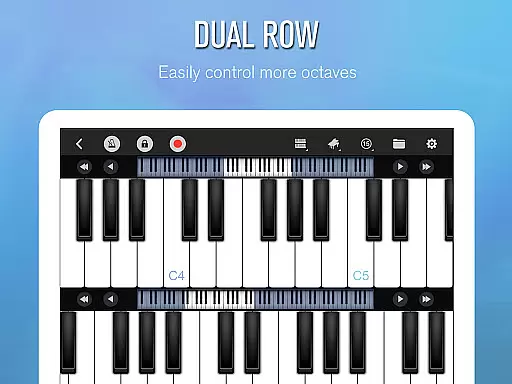
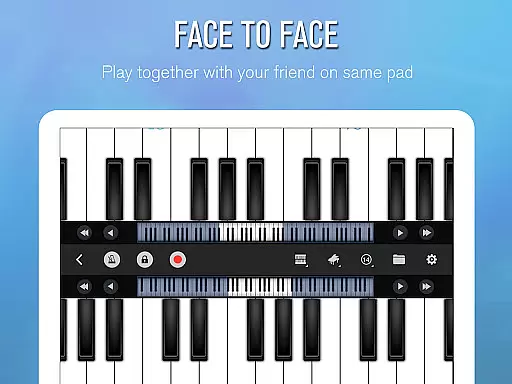
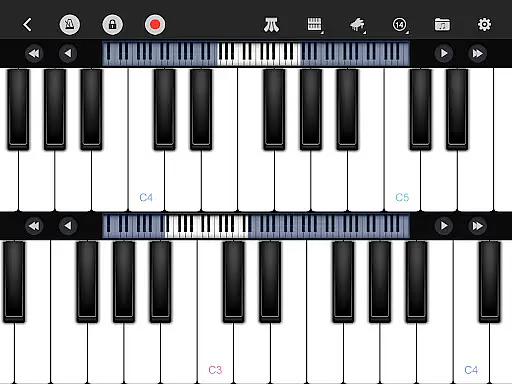
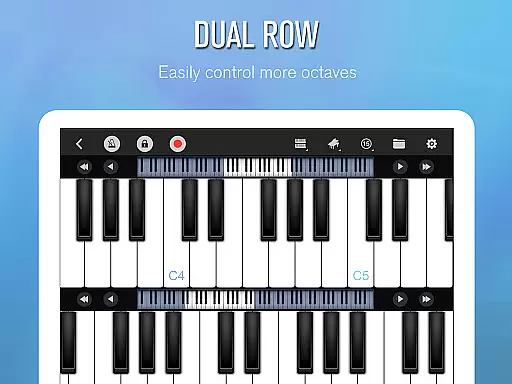
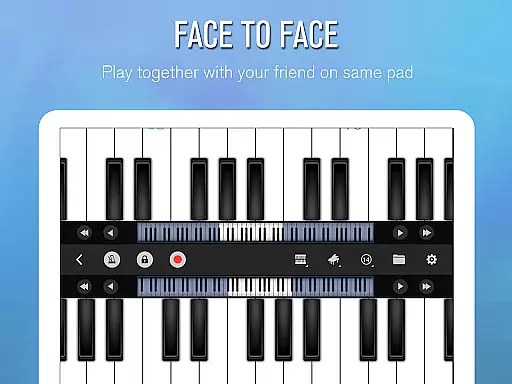
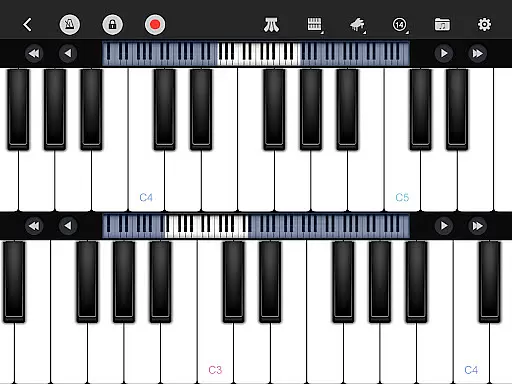
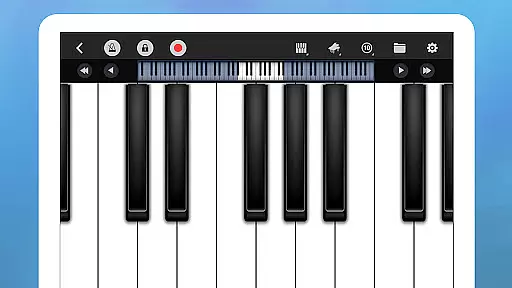
Perfect Piano stands out with its comprehensive feature set tailored for music enthusiasts. The app includes an 88-key intelligent keyboard with multiple modes such as single-row, double-row, dual players, and chords mode, supporting multitouch and force touch capabilities.
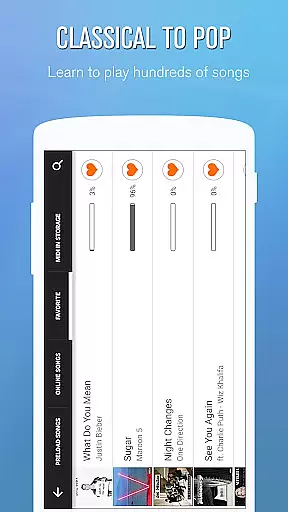
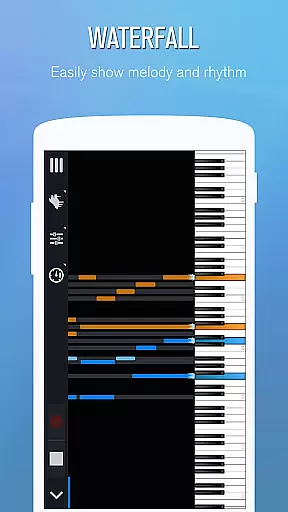
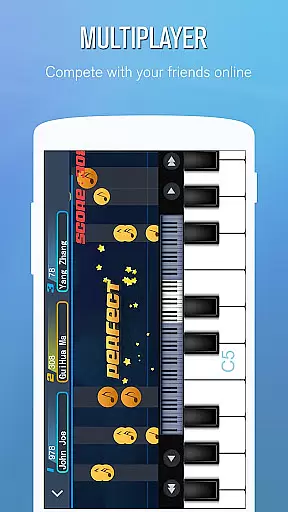
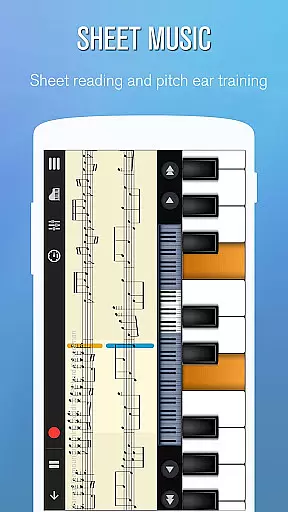
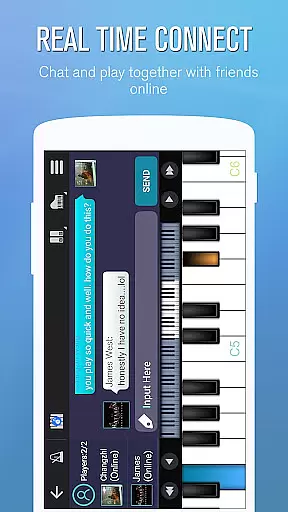
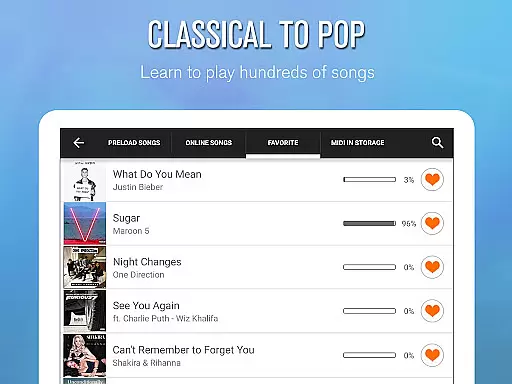
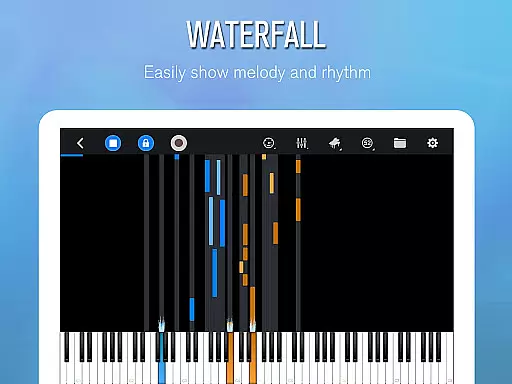
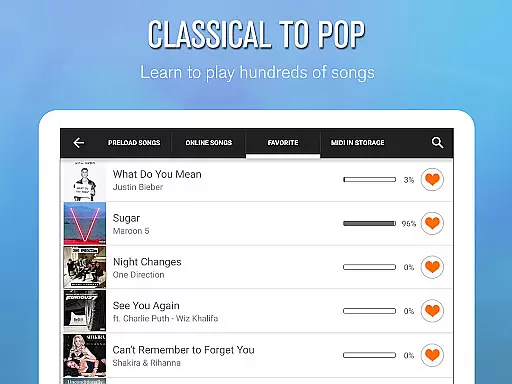
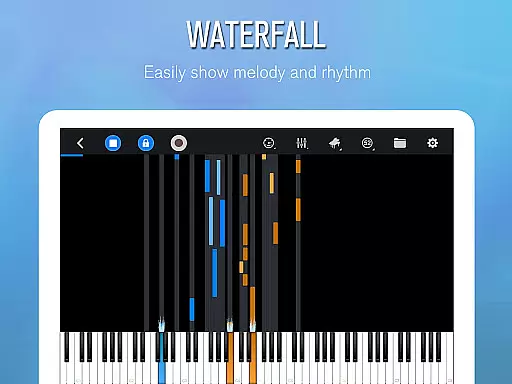
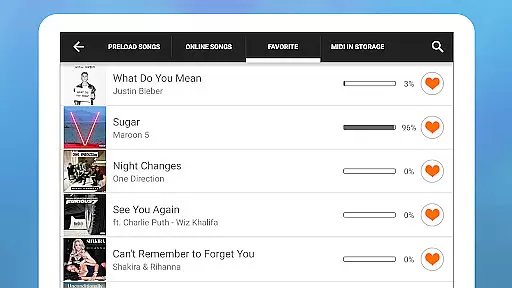
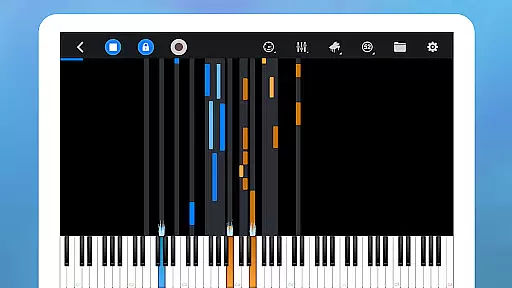
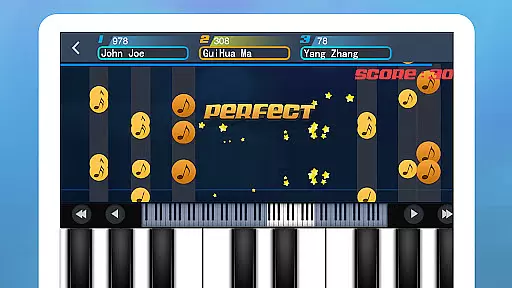
The Learn to Play section offers thousands of popular music scores with three guidance patterns and play modes, allowing users to adjust speed and difficulty. The Multiplayer Connection & Competition feature lets users connect with other players globally, engage in real-time chat, and participate in weekly challenges.
Additional functionalities include MIDI and ACC audio recording, metronome, direct sharing options, and support for USB MIDI keyboards and timbre plug-ins. These features collectively provide an immersive and customizable musical experience.
Perfect Piano offers an extensive music library that caters to a wide range of musical tastes and preferences. With thousands of popular music scores available, users can explore various genres and styles, ensuring there's something for everyone.
The app places a strong emphasis on copyright authenticity, providing users with legally licensed content. This commitment to legitimate music sources not only supports artists and composers but also guarantees that users have access to high-quality, accurate scores.
Additionally, Perfect Piano allows musicians to learn and play along with their favorite songs, thanks to its vast collection of music. The inclusion of different guidance patterns and play modes makes the learning process interactive and enjoyable.
By regularly updating its library with new songs and challenges, Perfect Piano keeps its content fresh and engaging. This dedication to maintaining a current and diverse music selection ensures that users always have access to the latest hits and timeless classics.
Perfect Piano stands out in the realm of audio quality, offering multiple sound effects that mimic genuine piano timbres. Users can choose from various high-fidelity options such as Grand piano, Bright Piano, Music Box, Pipe Organ, Rhodes, and Synthesiser, each delivering a rich and immersive auditory experience.
The app supports OpenSL ES low latency audio, which is crucial for musicians who require real-time feedback while playing. This feature ensures that there is minimal delay between pressing a key and hearing the sound, enhancing the overall performance.
Furthermore, Perfect Piano provides MIDI and ACC audio recording capabilities, allowing users to capture their performances with exceptional clarity. These recordings can be directly shared or set as ringtones, making it easy to showcase one's musical talent.
With adjustable keyboard width and force touch support, players have precise control over their music, affecting dynamics and expression. Such attention to detail in audio settings empowers users to create professional-sounding pieces from the comfort of their mobile devices.
User-friendly interface
Wide range of sound effects
Supports MIDI keyboards
Real-time multiplayer
Comprehensive learning tools
Some features require newer Android versions
External MIDI setup can be complex
In-app purchases may apply
Occasional bugs reported
Learning curve for beginners

Time Guru will strengthen your internal sense of musical time via random muting.
 4.30
4.30
DJ Music Mixer - DJ Remix: remix songs, make beat music & record mix of DJ.
4.40
Walkout Song DJ is the most intuitive app to manage your sports music.
4.70
Save hundreds of dollars for a physical strobe tuner and instead use this app.
4.50
More downloads than any other metronome. Includes drum machine & tempo trainer.
4.80
Advanced 10-Band Audio Graphic Equalizer Sound Booster Pro
4.30
Guzheng Master supports many playing techniques as an acoustic Guzheng
4.50
Voice recorder - Audio recorder. Best recorder for recording
4.90
Turn Every Moment into Music
3.60
Pay Once, no monthly payment
4.60
A complete sound package for the sound engineer or enthusiast
4.60
Reverse your voice & songs instantly! Fun singing challenge with cool effects.
4.60
Visualize the guitar fretboard, master scales & play through changes like a pro!
4.50
Formerly known as Spotistats! View your top tracks, artists, albums and more!
4.40
Manage your Sonos system directly from your home-screen!
4.40
Full featured mp3 and audio player with Chromecast and Android Auto support.
4.40
The Music Journey in Your Hands
4.30
No wifi music app. Mp3 offline. Tuner radio, young radio music. Music downloader
4.20
Offline Tunes, Unlimited Vibes
3.90


User Reviews