
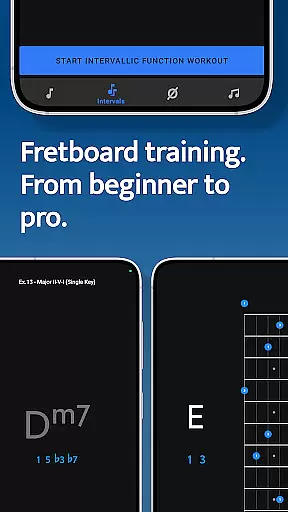
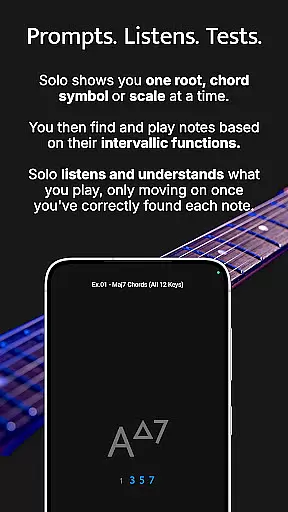

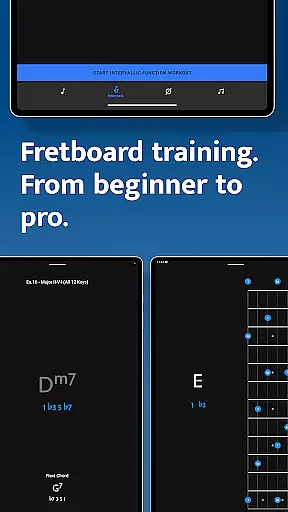
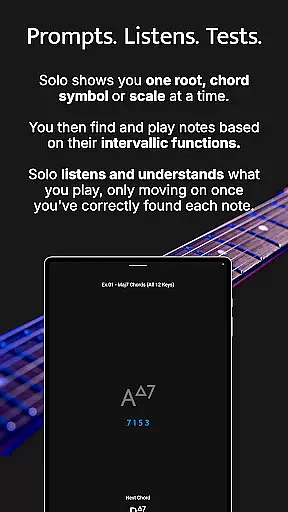

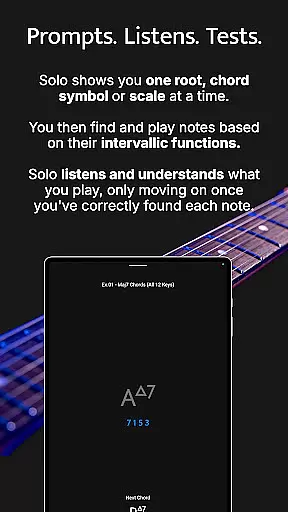

Solo is a comprehensive fretboard visualization app designed for guitarists and bassists seeking to master their instruments. Developed by renowned musicians Tom Quayle and David Beebee, this app offers four specialized training modules that target essential skills such as note recognition, interval shapes, chord changes, and scales. With its interactive approach, Solo listens to your playing and ensures you correctly identify each note's intervallic function before progressing, making it an invaluable tool for players at all levels.
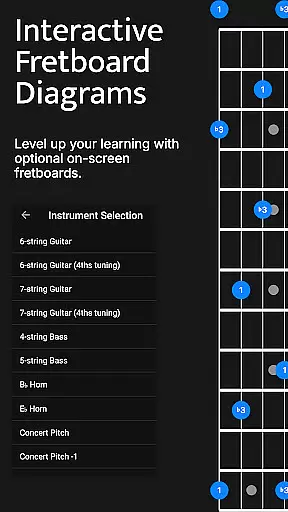
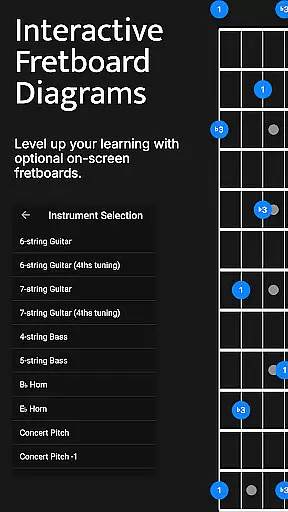
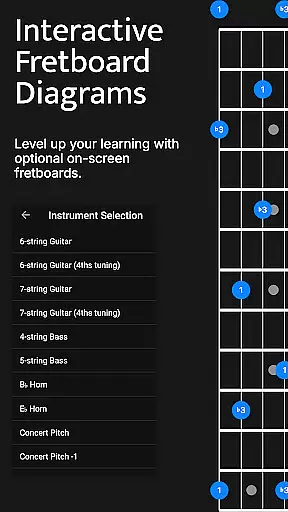
The app supports various string configurations including 6-string guitars (standard and 4ths tuning), 7-string guitars, 4-string basses, and 5-string basses. Whether you're a beginner learning basic notes or an advanced player working on complex melodic structures, Solo provides the tools needed to elevate your fretboard knowledge and improvisational skills. Its duration-based workouts and customizable practice options allow users to tailor sessions to their specific needs, ensuring efficient and effective practice routines.
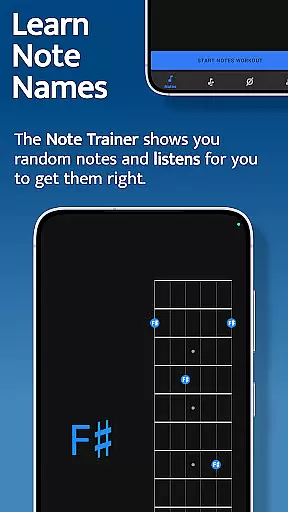
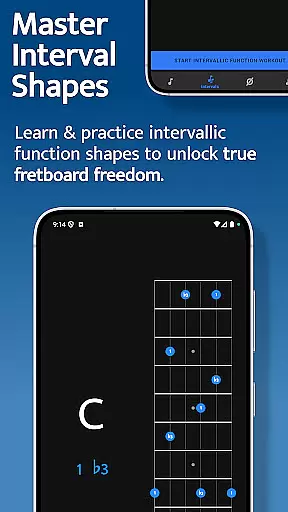
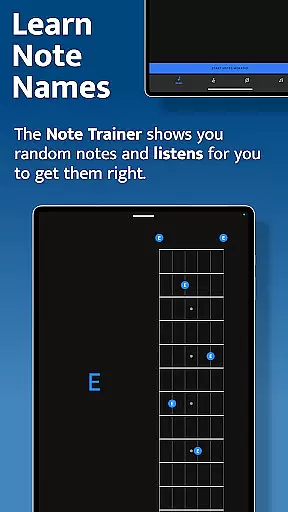
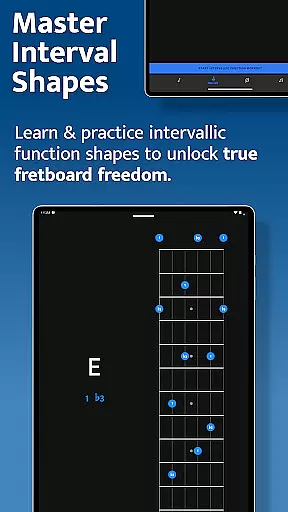
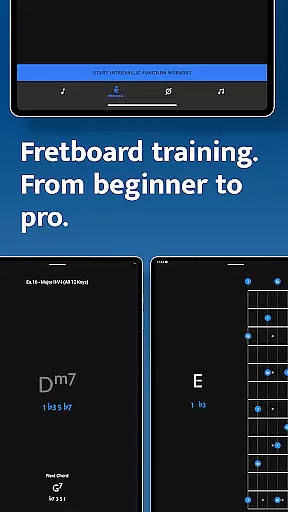
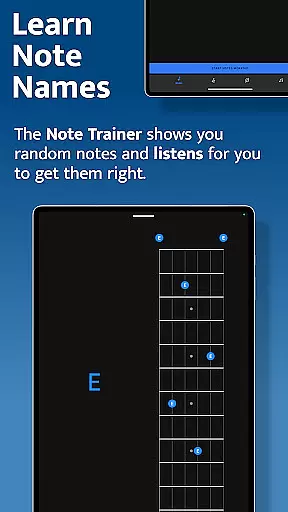
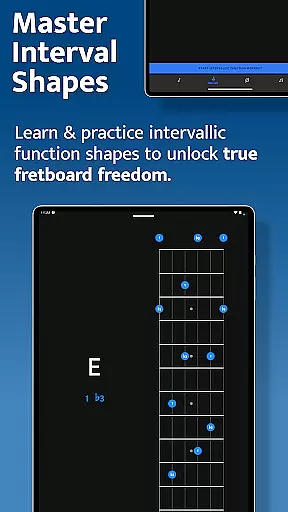
Solo stands out with its four powerful fretboard trainers, each focusing on a different aspect of musical mastery. The Note Trainer helps beginners and intermediates learn note names across the fretboard, offering interactive diagrams and alternative fingering options. The Interval Trainer allows users to practice any combination of intervals, create custom groups, or select intervals based on specific chords or scales. This feature is particularly useful for developing a deeper understanding of interval shapes and their applications.
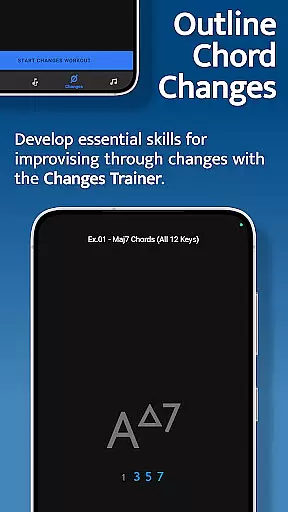
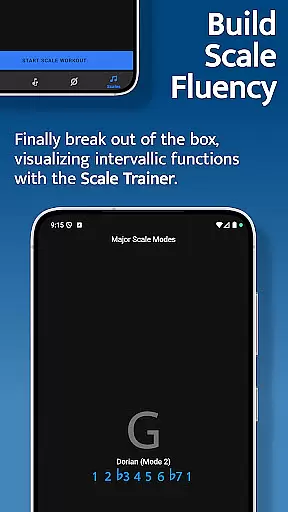
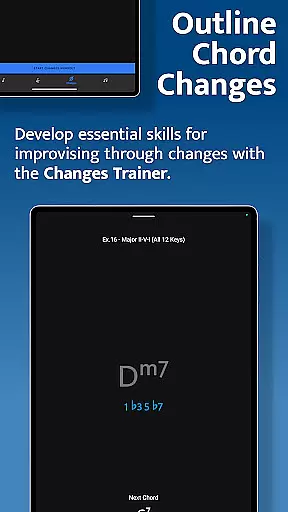
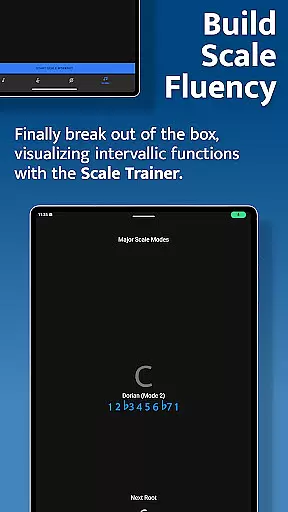
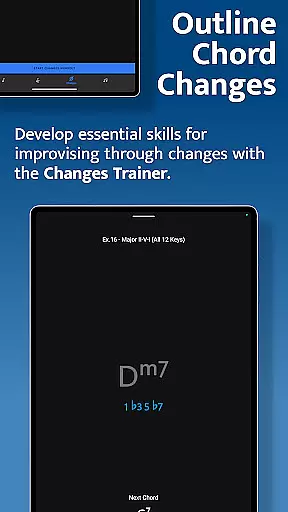
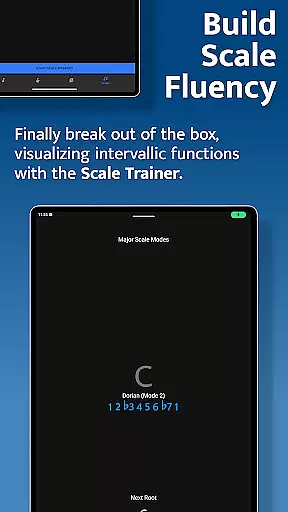
The Changes Trainer focuses on improvisation through chord progressions, providing over 100 common progressions and single-chord exercises. With 50 intervallic function levels, users can advance from simple chord tones to intricate melodic structures. The Scale Trainer contains more than 50 scales and modes, enabling players to break free from traditional scale boxes and explore new melodic possibilities. All trainers include duration-based workouts and challenging practice options, ensuring a personalized and progressive learning experience.
When it comes to music and audio applications, the size and authenticity of the music library are crucial factors. Solo - Fretboard Visualization offers an extensive collection of scales and modes, with over 50 options to choose from. This vast array ensures that musicians at all levels have access to the resources they need for comprehensive practice sessions.
The app's content is not only diverse but also authentic. Each scale and mode has been carefully selected and verified, ensuring users can trust the educational value of the material. This attention to detail in copyright authenticity means that learners can rely on the accuracy of the information provided, which is essential for mastering fretboard visualization.
Moreover, the app provides powerful workout options that allow musicians to break out of traditional scale boxes and develop a deeper understanding of how scales are constructed on the fretboard. These features contribute to a more engaging and effective learning experience, making it easier for users to achieve their musical goals.
Audio quality is paramount in music education apps, as it directly impacts the user's ability to discern nuances in sound. Solo - Fretboard Visualization excels in this area by offering high-quality audio options that enhance the learning process. Users can expect clear and crisp sound reproduction, which is vital when practicing scales and modes.
In addition to superior audio quality, the app supports various formats, catering to different preferences and equipment capabilities. Whether using headphones or external speakers, musicians can customize their listening experience to suit their needs. This flexibility ensures that every note played during practice sessions is heard as intended by the creators.
Furthermore, the app includes melodic sequence options that let users focus on starting from any chord tone within the scale. This feature, combined with duration-based workouts, allows for crafting the perfect practice session. As a result, users can improve their skills while enjoying an immersive and high-fidelity audio experience that motivates them to continue their musical journey.
Comprehensive training modules
Interactive fretboard diagrams
Customizable practice options
Wide range of scales and modes
Supports multiple instrument configurations
Steep learning curve for beginners
Limited visual customization options
No built-in metronome feature
Premium price point
Requires dedicated practice time

Performance-Synthesizer & Multi-Track-Sequencer, polyphonic + multi timbral!
 4.70
4.70
Network/Cloud Streaming, Visualization, Graphic Equalizer and Sound Effects.
4.20
The ultimate media player for Android devices
3.90
24,000 free audio books and no ads!
4.90
Voice recorder - Audio recorder. Best recorder for recording
4.90
Simple mp3 and mp4 player with advanced features.
3.40
Travel To The Music Universe
3.40
Uninterrupted Tunes, Unmatched Vibes
3.90
Listen to offline music and sounds from all categories
4.70
Your song collections with lyrics and chords on Android smartphones and tablets.
4.80
Play your hearts out on TouchTunes jukeboxes & connect with fellow music lovers.
4.80
SqueezePlayer turns your Android phone or tablet into a SqueezeBox on its own!
4.60
The best music and audio player, with beautiful UI, music search and equalizer.
4.60
AI Music Maker: Generate And Compose AI Tunes & AI Songs & AI Music & AI Melody!
4.60
Enjoy singing any song, no matter how high or low it is
4.30
The alternative folder based music player.
4.20
VB-AUDIO Software / VBAN-Receptor allows listening to any VBAN Streams
4.10
Next generation modular control surface
4.10
Remove ads permanently from Music Visualizer
4.1


User Reviews