
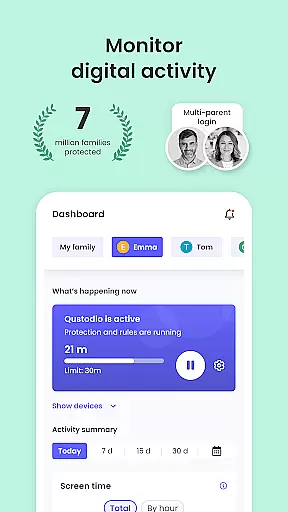
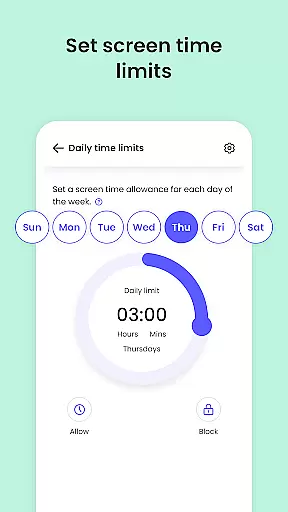
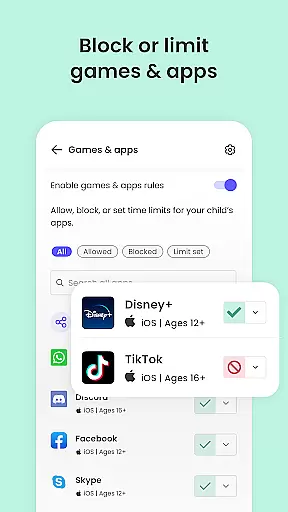
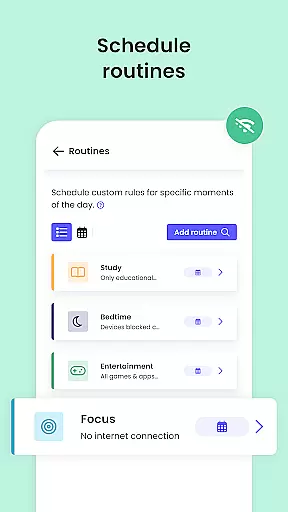
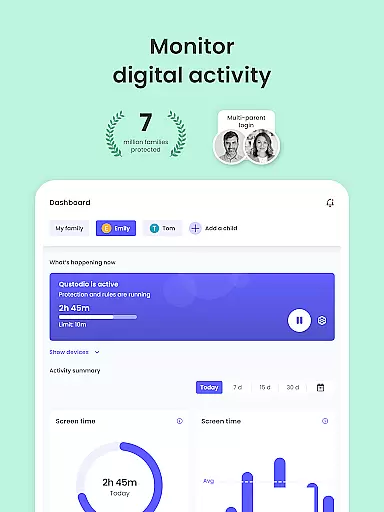
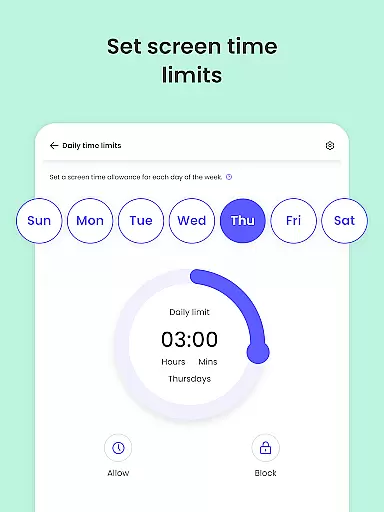
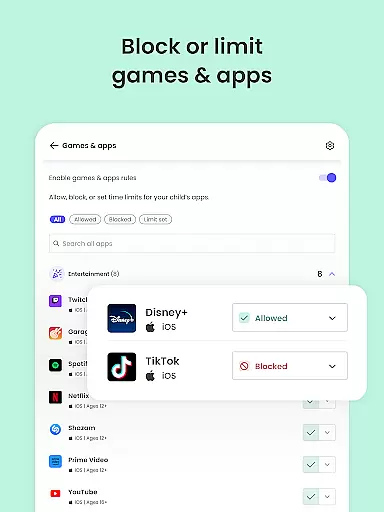
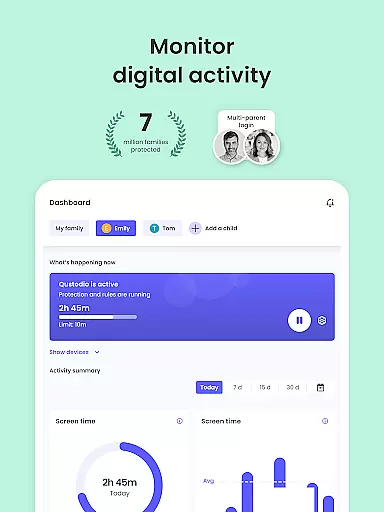
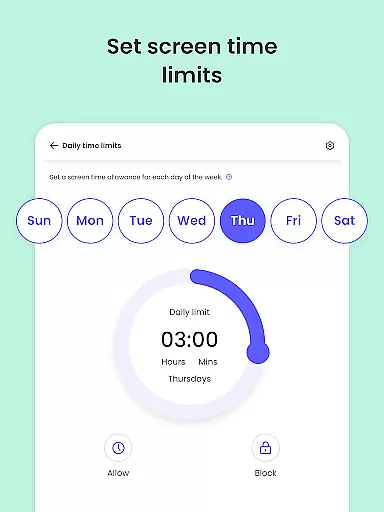
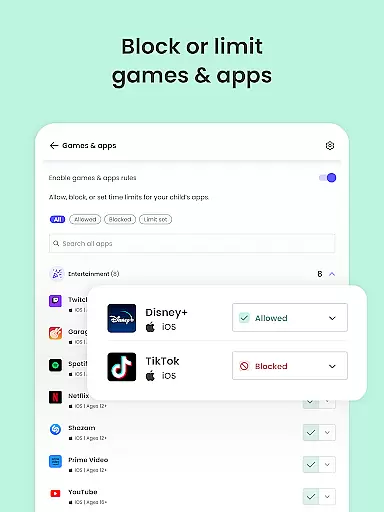
Qustodio Parental Control App is an advanced parenting solution that helps parents manage their children's digital lives. The app offers daily screen time limits, app blocking, location tracking, AI-powered search and message alerts, social media monitoring, and porn blocking. It ensures a safe online environment by filtering harmful content and providing detailed activity reports.
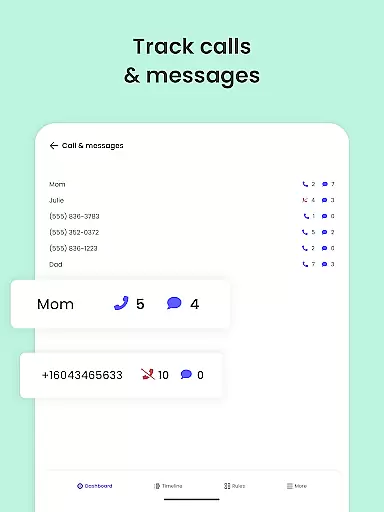
The application works as a two-part system. Parents install the Qustodio Parental Control App on their devices and the companion Kids App Qustodio on their children's devices. This setup allows seamless management of screen time across Android, iOS, and other major platforms. Parents can also monitor their child's online activities and receive alerts about suspicious behavior or inappropriate content.
Qustodio is particularly useful for modern families who want to protect their children's online safety while nurturing healthy digital habits. The app's comprehensive features provide peace of mind to parents by offering full visibility into their child's digital world and helping them locate family members through GPS tracking.
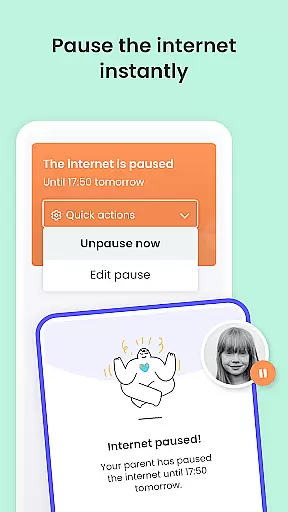
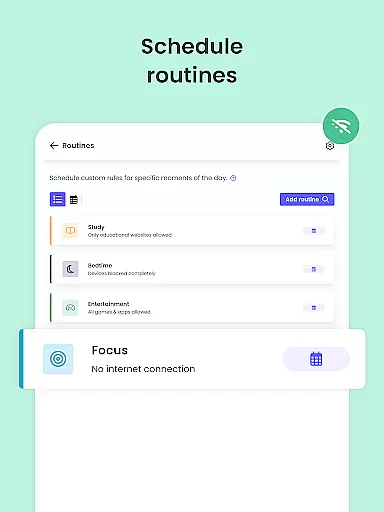
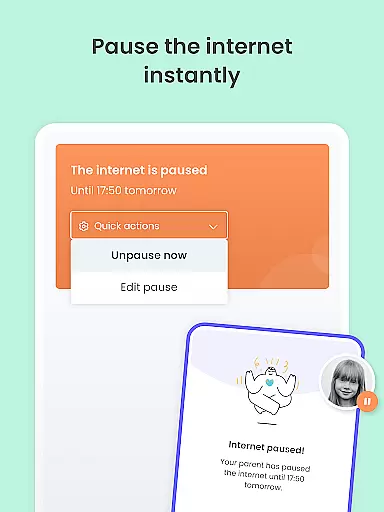
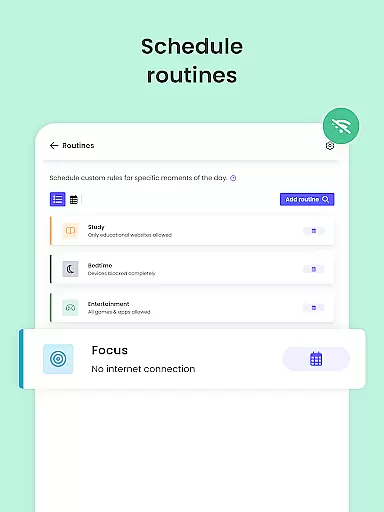
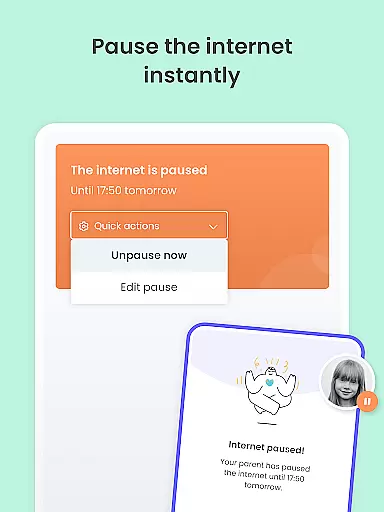
Qustodio Parental Control App stands out with its extensive feature set designed to provide complete parental control. The app enables setting daily screen time limits on all content, pausing the internet with a single touch, and creating custom routines for apps and websites. These features help parents establish healthy digital habits for their children.
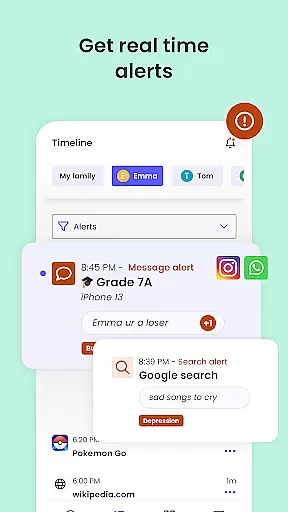
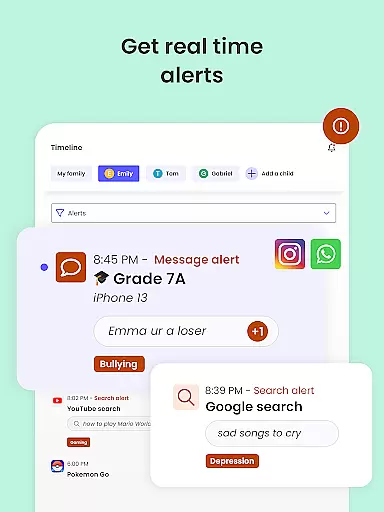
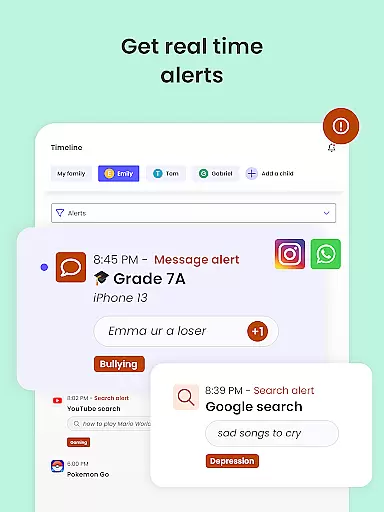
One of the key innovations is the AI-powered message and search alerts system. This technology monitors browsing activity and social messages, immediately alerting parents to any suspicious or potentially harmful content. Additionally, the app offers robust social media monitoring capabilities, covering platforms like WhatsApp, Instagram, and Line.
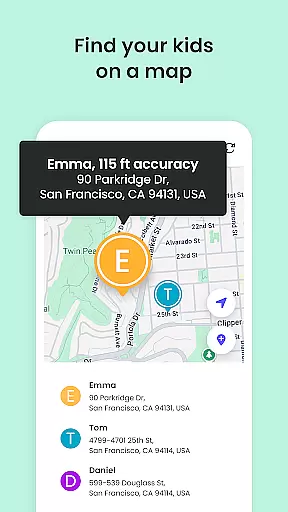
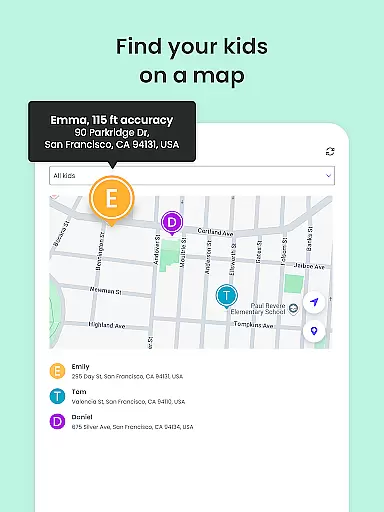
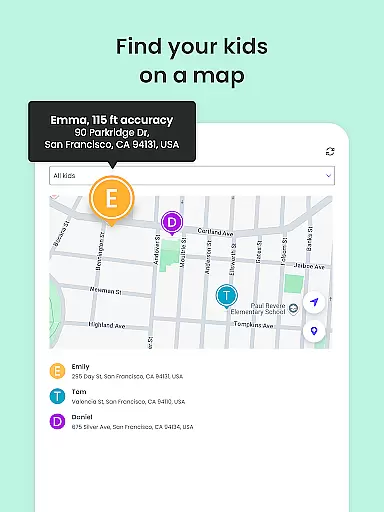
The Family Locator feature provides real-time GPS tracking of children's devices, allowing parents to monitor their whereabouts and save favorite locations. The app also includes a panic button for emergency situations. With cross-platform support for Android, iOS, Windows, Mac, and Kindle devices, Qustodio delivers comprehensive protection across all major operating systems.
When it comes to parenting apps, the credibility of content and expert validation are paramount. Qustodio Parental Control App excels in these areas by providing features that are designed and endorsed by child safety experts. The app's functionalities, such as AI-powered message alerts and search monitoring, are crafted based on extensive research into online child safety.
The app offers a comprehensive suite of tools including screen time management, location tracking, and social media monitoring. These features are not only robust but also align with recommendations from parenting experts worldwide. For instance, the ability to filter harmful content like porn and gambling sites is backed by insights from digital safety specialists.
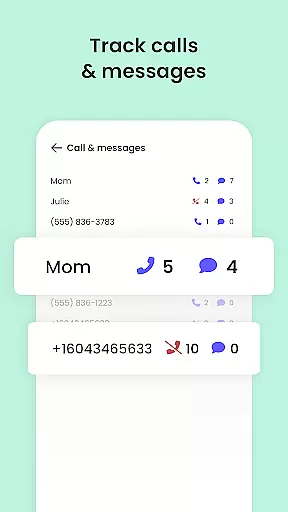
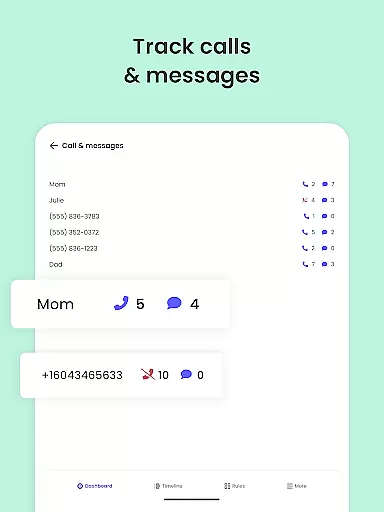
Parents using Qustodio can trust that the app's features are regularly updated to address emerging online threats. This commitment to staying current ensures that children are protected against new risks as they arise. Additionally, the app provides detailed activity reports, giving parents full visibility into their child's digital life.
Ultimately, Qustodio's dedication to expert-validated features delivers peace of mind to parents. By combining cutting-edge technology with expert-backed strategies, the app empowers parents to create a safer digital environment for their children while nurturing healthy tech habits.
Growth tracking in parenting apps refers to the ability to monitor a child's development across various metrics, including digital behavior and physical location. Qustodio Parental Control App stands out in this area by offering precise tracking mechanisms that provide accurate data about a child's online activities and real-world movements.
The app employs advanced GPS tracking to offer real-time location updates, ensuring parents always know where their children are. This feature is complemented by app usage statistics and web activity reports, which together paint a detailed picture of a child's growth patterns in the digital space. Such data is crucial for identifying potential behavioral issues early.
Qustodio goes beyond simple tracking by incorporating AI-driven alerts for suspicious activities. Whether it's a concerning search query or an inappropriate social media interaction, parents receive immediate notifications. This proactive approach allows for timely interventions, helping guide children towards healthier digital habits.
By delivering accurate and actionable growth tracking data, Qustodio enables parents to make informed decisions about their child's development. The combination of precise location tracking, detailed activity reports, and intelligent alerts creates a comprehensive system that supports both physical and digital growth monitoring.
Advanced AI monitoring
Cross-platform support
Comprehensive reporting
Real-time location tracking
Robust content filtering
Premium features costly
Complex initial setup
Limited free version
Requires companion app
Resource intensive

Happiest Baby App replaces the SNOO App (the mobile companion to SNOO & SNOObie)
 3.20
3.20
Sleep better with white noise app! Discover rain sounds, fan noise and more.
4.70
Family GPS locator app — child location tracker. GPS kids tracker, family safety
4.70
A simple way to track your baby’s breastfeeding, diaper changes, sleep patterns.
4.90
Track your labor contractions
4.90
Track pregnancy health and wellness with pregnant tracker from healthcare advice
4.4
GeoLog - Real-Time Location Tracker
4.40
Pregnancy+ App has helped 80m moms track their pregnancy with info & support!
4.80
Advanced baby tracking, expert sleep help & parenting support for every stage.
4.80
3D Baby size, Fruit comparisons, Smart Checklist, Trending Names & Training.
4.90
GPS tracker app: Simple GPS phone tracker for fast family location tracking
4.60
Block apps, set screen time limits, and customize usage schedules
4.50
Reliable phone tracker by number & locate phone app. Protect your family.
4.50
With BabyCam you can monitor your baby using your mobile phone, tablet, PC or TV
4.40
All-in-one pregnancy app, contraction timer, kick counter & due date calculator
4.40
Join over 1MM parents & professionals who've used OFW to navigate co-parenting
4.40
Babysitting video camera - Turn your two phones or tablets into a single nanny.
4.40
Free symptom & med tracker with expert-reviewed tips.
4.30
Fake call application designed for parents and adults to discipline their children through the children's police.
4.20


User Reviews