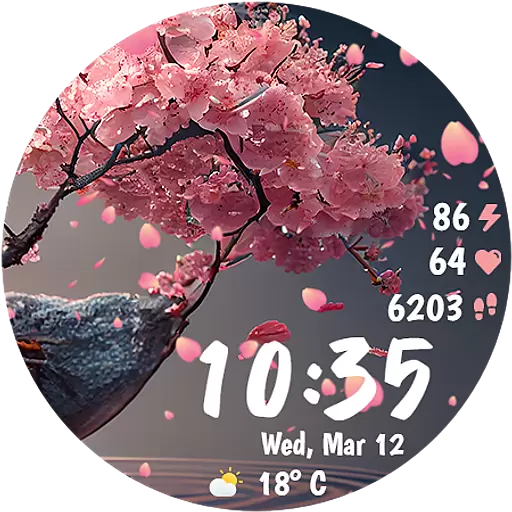
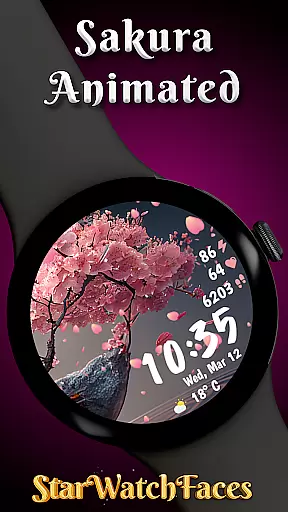
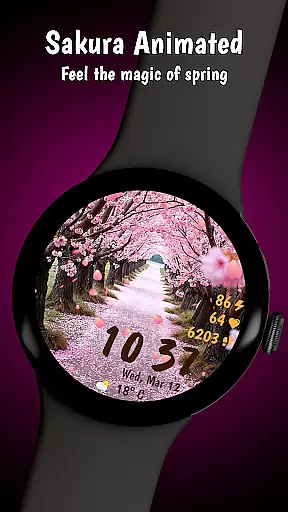
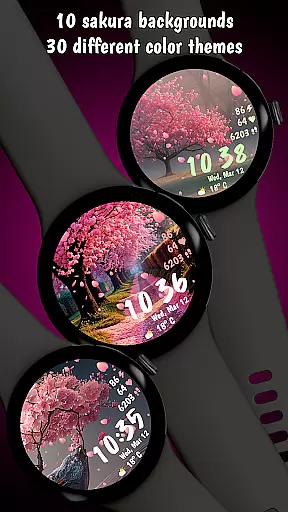
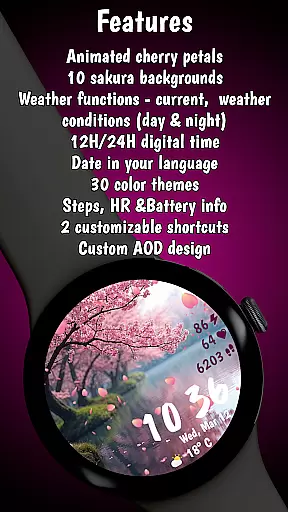

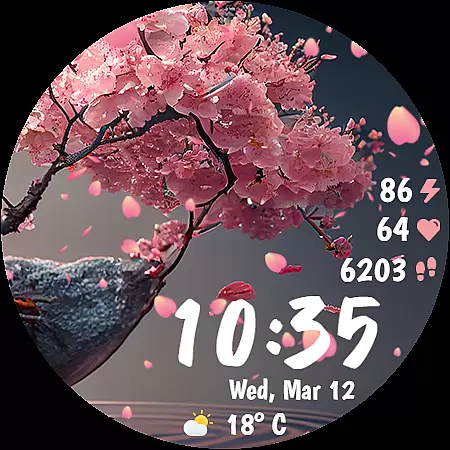
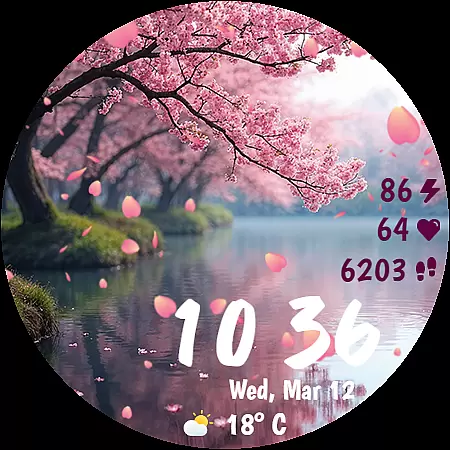
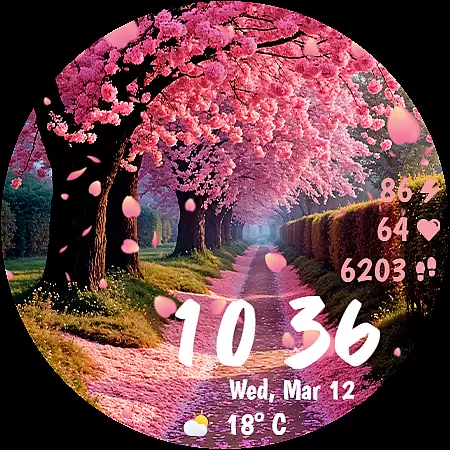
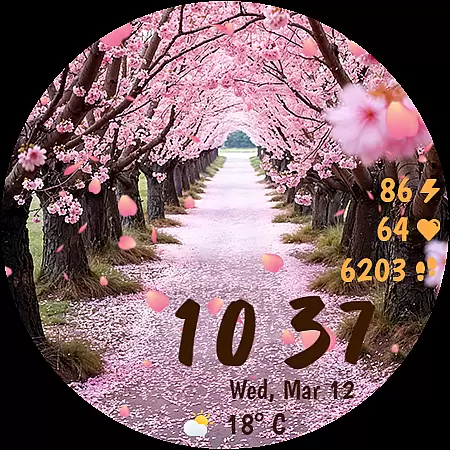
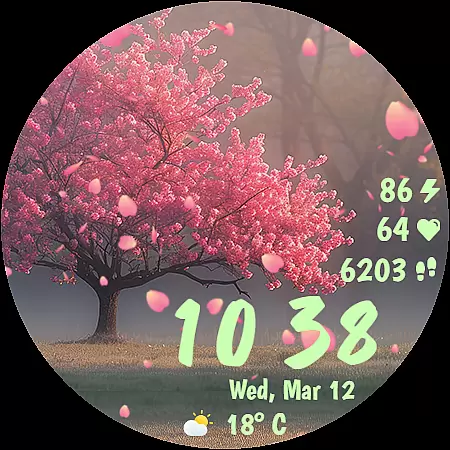
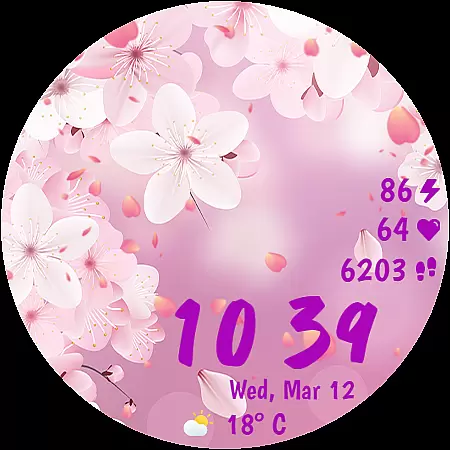
Sakura Animated is a premium Wear OS watch face that brings the serene beauty of cherry blossoms to your smartwatch. Featuring stunning animations of falling petals, this app offers an elegant and functional design with 10 unique backgrounds and 30 customizable color themes.
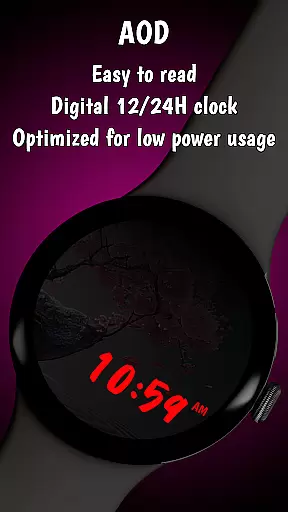
Designed for both aesthetics and performance, Sakura Animated includes essential features like heart rate monitoring, step tracking, weather updates, and battery percentage display. The Always-On Display (AOD) mode ensures optimal power consumption while maintaining visual appeal.
Perfect for nature lovers and those seeking a relaxing yet informative watch experience, Sakura Animated transforms your smartwatch into a blooming masterpiece that seamlessly blends style with practicality.
Sakura Animated stands out with its mesmerizing animation of gently falling cherry petals, creating a calming and immersive experience on your wrist. The app provides 10 breathtaking Sakura-inspired backgrounds, each offering a unique landscape that captures the essence of cherry blossoms in full bloom.
With 30 carefully crafted color themes, users can personalize their watch face to match their mood or style preferences. The digital clock supports both 12h and 24h formats and displays the date in the user's device language, ensuring seamless localization and easy time reading.
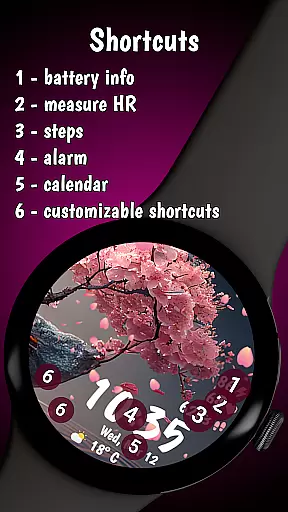
Beyond its beauty, Sakura Animated delivers practical functionality through real-time data monitoring. Users can track their heart rate, monitor daily steps, view live weather updates in °C or °F, and check their watch's battery level. Two customizable complications allow quick access to favorite apps or features, making this watch face both visually stunning and highly practical.
Sakura Animated offers a comprehensive lifestyle experience by integrating essential features into an elegant cherry blossom-themed watch face. The app goes beyond mere aesthetics, providing users with practical functionalities that cater to various aspects of daily life.
With real-time heart rate monitoring, step tracking, and live weather updates, this Wear OS watch face ensures users stay informed about their health and environment. The inclusion of customizable complications allows quick access to favorite apps or features, enhancing productivity while maintaining the serene beauty of falling cherry blossoms.
The availability of 10 unique backgrounds and 30 color themes demonstrates the app's commitment to personalization. Users can tailor the watch face to match their mood or style preferences, creating a truly individualized experience. This level of customization ensures the app remains relevant throughout different seasons and personal growth.
Furthermore, Sakura Animated supports multiple language date displays and temperature formats, making it suitable for international users. The battery-friendly Always-On Display mode exemplifies how the app balances functionality with power efficiency, ensuring extended usability without compromising on features.
The Sakura Animated watch face stands out through its authentic representation of cherry blossom themes and landscapes. Each of the 10 background options has been carefully designed to capture the essence of Sakura-inspired environments, providing users with genuine cultural references rather than generic floral patterns.
The animation quality of falling petals showcases expert-level design work, achieving a natural and relaxing effect that enhances the overall wearing experience. The smooth performance of these animations, combined with low battery consumption, demonstrates advanced technical expertise in Wear OS optimization.
Through its detailed attention to user interface elements, including precise time display and accurate health metrics, the app establishes credibility in both design and functionality. The implementation of real-time data such as heart rate and weather conditions reflects a commitment to providing trustworthy and up-to-date information.
Additionally, the app's optimization for different device languages and measurement units shows consideration for global users' needs. This international approach, combined with professional execution of visual elements, reinforces the authenticity and reliability of the content presented in Sakura Animated.
Beautiful animations
Customizable themes
Battery efficient
Real-time data
Unique designs
Limited to Wear OS
Premium cost
Few extra features
No analog clock
Backgrounds fixed

Fly your Solo like a boss.
 4.10
4.10
Easily manage your child's playtime, spending messaging and more.
3.50
Bring the warm colors of fall directly to your wrist with Autumn Leaves!
4.0
Discover the "To Be a Christian" App: Your Guide to Deepening Faith!
5.00
See wait times and check into a hair salon ahead of time with Online Check-In.
4.80
SmartHQ: Your Connected Home Command Center
4.10
Wear your favorite memories, loved ones, pets or travel photos on your watch
4.3
Redecor your home with Home AI interior design, room planner and home designer.
4.50
No more juggling multiple apps, now you can control everything in one place!
4.60
Discover your Nationality, Family Origin, and Ancestry from one selfie
4.50
Premium floor cleaning robots
4.50
The Work of Byron Katie— the mobile app for inner peace.
4.40
Chat, meet genuine singles in your area. Real connections start with being real.
4.30
Your home in your hand
3.80
Unique informative Dial with Live Moon Phase at a glance!
3.60
BILT interactive 3D instructions help you get the job done right
3.50
Take Hobby Lobby with you wherever you go!
3.40
Unique Dual Colors with 6 Custom Complications for Wear OS watches!
3.40
Turn your watch into a key fob for your Tesla
2.90


User Reviews