
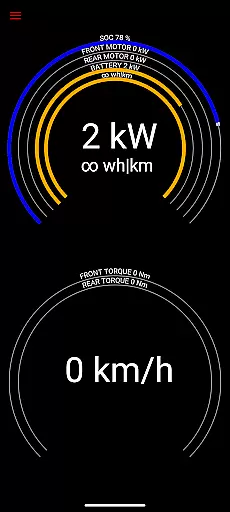
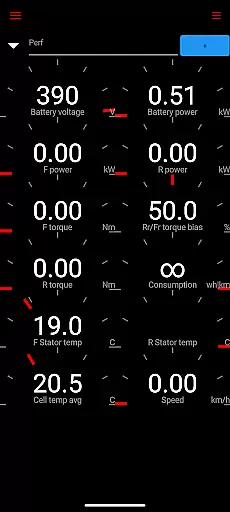
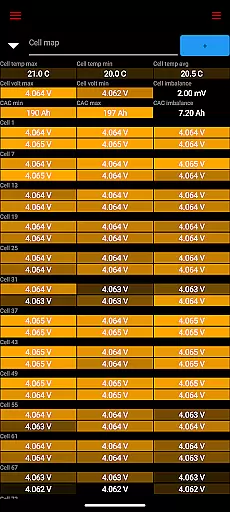
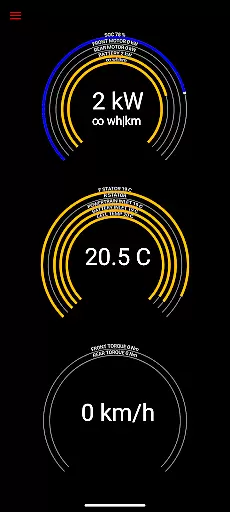
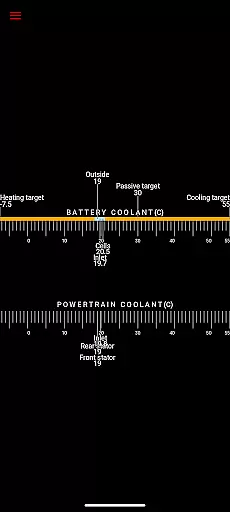
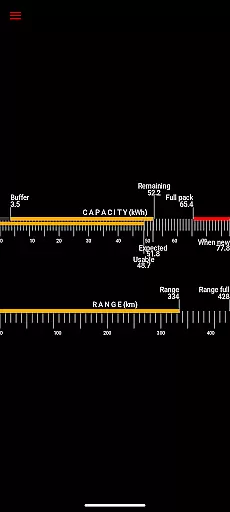
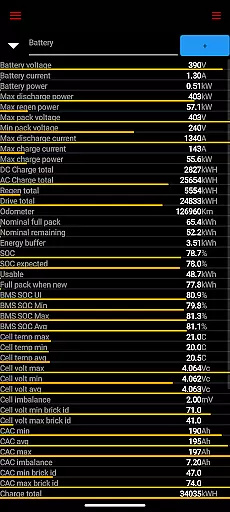
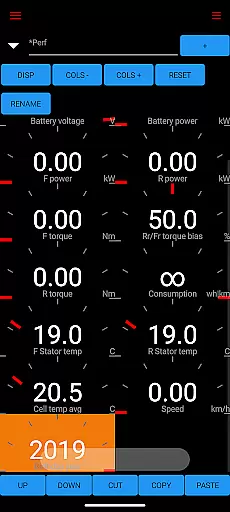
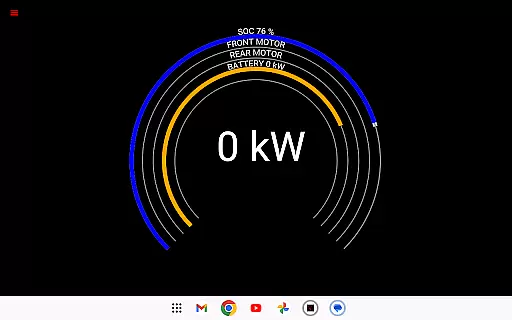
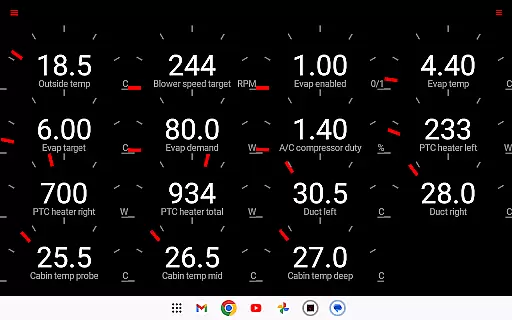
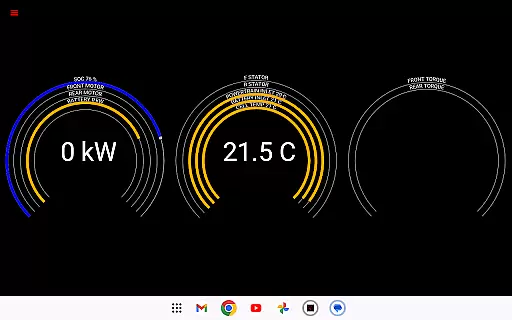
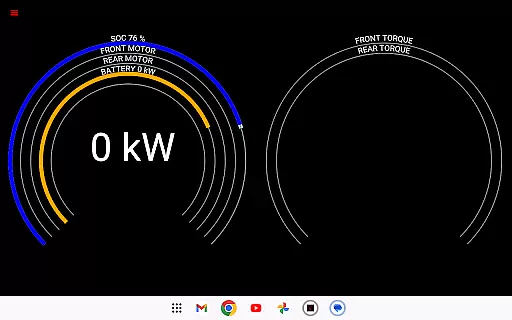
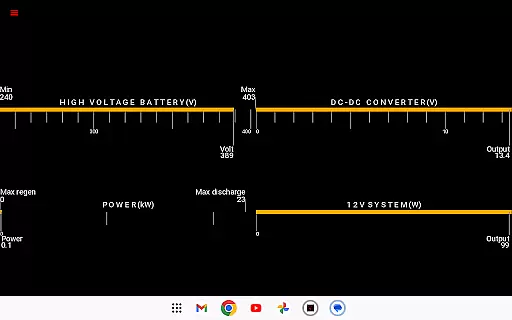
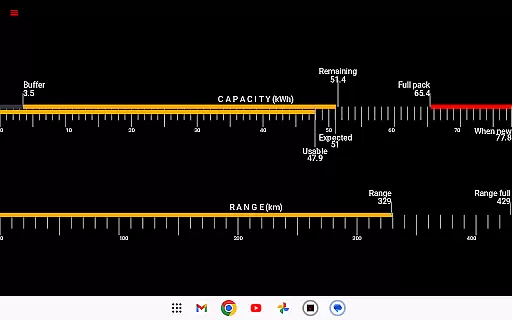
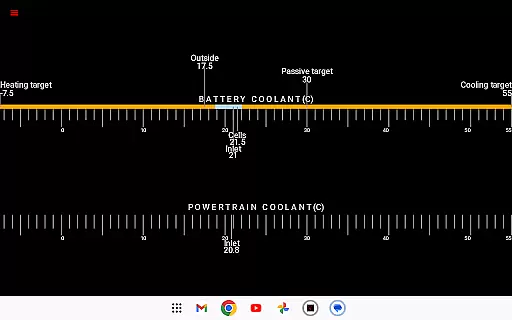
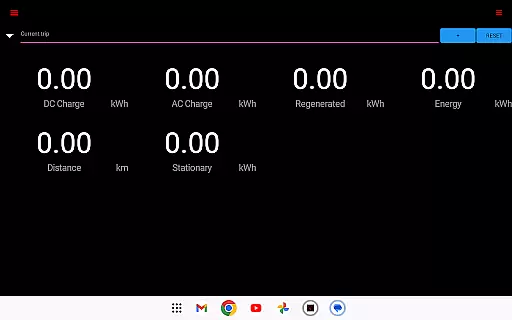
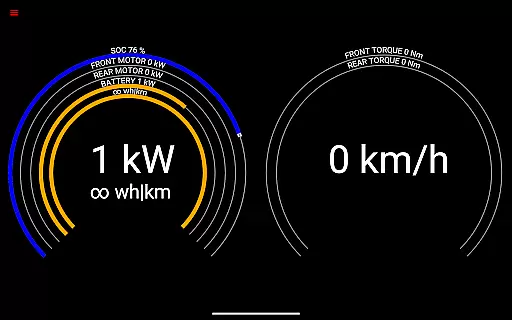
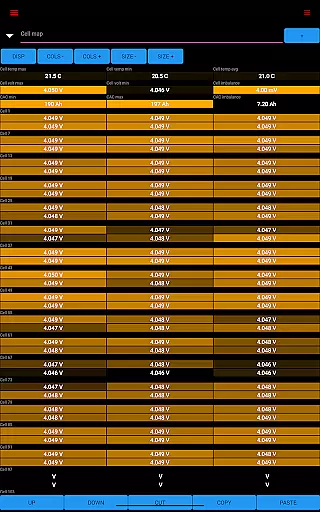
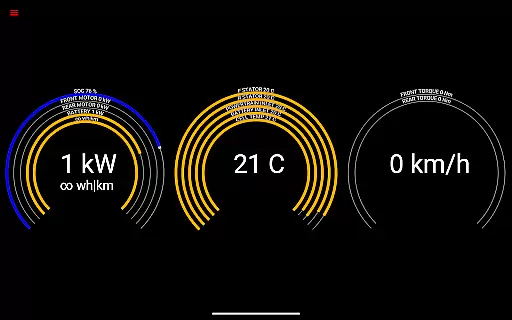
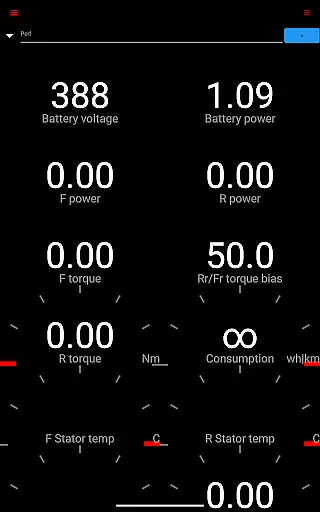
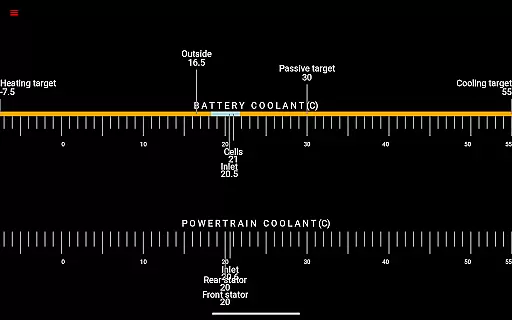
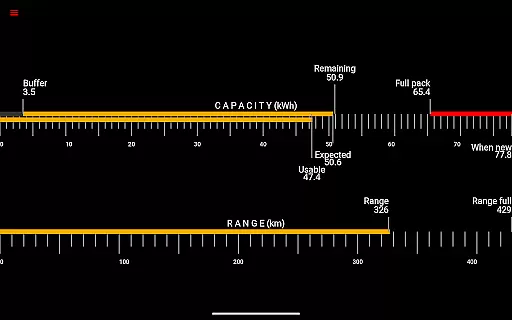
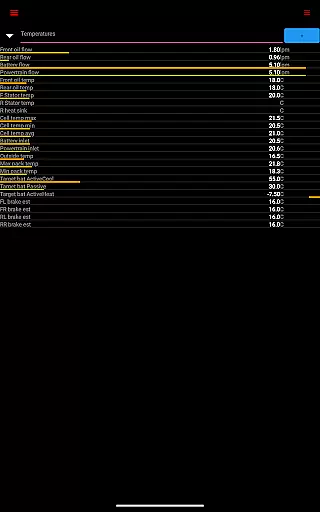
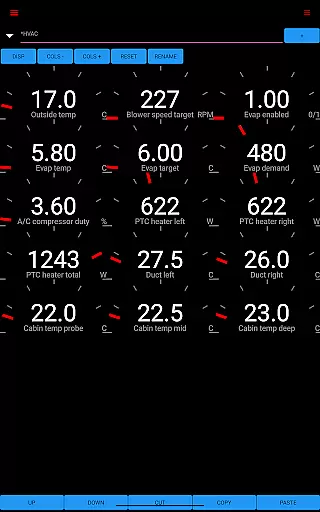
Scan My Tesla is a specialized diagnostic tool designed exclusively for Tesla Model S, 3, X, and Y owners. This application provides real-time readings from the vehicle's diagnostics port, offering users an in-depth look at their car's performance metrics. With functionalities ranging from battery power monitoring to detailed trip statistics, it serves as an essential utility for Tesla enthusiasts seeking greater insight into their vehicle's operations.
The app's core feature lies in its ability to display numerous live statistics. Users can monitor critical parameters such as battery voltage, drive unit torque, 12V system status, and more. These insights not only help in understanding current vehicle conditions but also enable proactive maintenance by tracking battery lifetime stats and capacity estimates. Whether you're a tech-savvy Tesla owner or a professional technician, Scan My Tesla delivers valuable data that enhances your understanding of these advanced electric vehicles.
A key scenario where this app proves invaluable is during long trips or when experiencing unexpected vehicle behavior. By providing detailed analytics on battery usage, temperature variations, and energy regeneration, it empowers users to optimize their driving habits and maintain peak vehicle performance. The information gathered through Scan My Tesla can be crucial for both everyday drivers and those interested in the technical aspects of their Tesla vehicles.
Scan My Tesla stands out with its comprehensive feature set tailored specifically for Tesla vehicles. The application decodes complex CANBUS packets to present users with easily understandable real-time data. This includes detailed battery information such as power, voltage, current, and temperature readings, giving users unprecedented insight into their vehicle's energy management systems.
One of the most impressive aspects of Scan My Tesla is its ability to log and visually present various performance metrics. The app tracks crucial parameters like drive unit horsepower (where applicable), RPM, and thermal conditions across different vehicle components. Additionally, it offers advanced features including trip recording capabilities, which document regenerated and charged energy statistics. These features are particularly useful for analyzing driving patterns and optimizing energy consumption.
What sets Scan My Tesla apart from generic OBD2 scanners is its specialized focus on Tesla vehicles. The application incorporates decoding algorithms developed by prominent figures in the Tesla community, ensuring accurate interpretation of manufacturer-specific data. Furthermore, its integration with Model 3 diagnostic protocols demonstrates the developer's commitment to supporting all Tesla models. This level of specialization makes Scan My Tesla an indispensable tool for serious Tesla owners and technicians alike.
Scan My Tesla provides comprehensive real-time data about your Tesla Model S, 3, or X. This includes crucial metrics such as battery power, voltage, current, and temperatures, which are essential for monitoring the health and performance of your vehicle.
In addition to battery statistics, the app also delivers live readings from the drive unit, presenting valuable information like electric power output, torque, RPM, and temperature levels. These insights allow owners to understand their vehicle's operational status and driving efficiency better.
The app goes beyond basic diagnostics by offering battery lifetime stats, capacity estimates, and mileage tracking. It even monitors the 12V system's current, voltage, and temperature, ensuring all electrical systems are functioning optimally. Such detailed analytics empowers users to maintain their cars proactively.
By logging this wealth of information, Scan My Tesla enables users to track trends over time, helping them make informed decisions regarding maintenance and energy usage. This level of detail transforms complex diagnostic data into actionable insights for Tesla owners.
While Scan My Tesla itself is a powerful diagnostic tool, it's important to note that its functionality requires specific hardware components - an adapter cable and a compatible OBD2 adapter. The app's description clearly states this requirement and directs users to https://www.scanmytesla.com/adapters for more information.
This upfront disclosure about necessary additional equipment demonstrates the app's commitment to price transparency. Users can research and prepare for these extra costs before committing to using the application, avoiding unexpected expenses.
The app also maintains transparency about its development background and community contributions. By acknowledging various developers and resources, it shows there are no hidden proprietary elements being misrepresented in its presentation.
Furthermore, Scan My Tesla provides clear disclaimers about its unofficial status and potential limitations due to software updates. This honesty about the app's capabilities and possible future changes ensures users have realistic expectations about their investment in the required hardware and the app itself.
User-friendly interface
Comprehensive data logging
Real-time monitoring
Specialized Tesla support
Active community development
Requires additional hardware
Model 3 limitations
Complex setup process
Potential compatibility issues
No official Tesla endorsement

Taximeter; the professional's choice
 4.30
4.30
The Smarter Way Forward
3.30
Launcher for use in the car
4.40
1M+ high-quality auto parts at your fingertips. Fitment guaranteed.
4.70
Shop cars & see your financing
4.60
Trip computer+car diagnostic tool with widest variety of features and dashboard!
4.70
7-Day Returns on All Cars
4.80
Marathon ARCO Rewards members earn rewards & apply the rewards for fuel savings!
4.80
Autotrader is your online solution for buying and selling new and used cars.
4.40
Car Values, Research and More
4.80
View your car’s service records and find out when maintenance is due.
4.70
Find, search, and browse 40,000+ used cars, SUVs, and trucks.
4.50
Get price alerts, vehicle history details and more for cars near you!
4.50
Your car is talking. Start listening.
4.30
Car Sounds Engine Sounds app welcomes Auto Lovers to feel Car Simulator Sound
4.20
myAudi offers users services and Audi connect services for Audi drivers
4.10
Control maps, media and messaging, with the Google Assistant while you drive
4.10
OBD diagnostics, Live Data, DPF regeneration for BMW
4.00
DIY Vehicle Wheel Alignment
4.2


User Reviews