
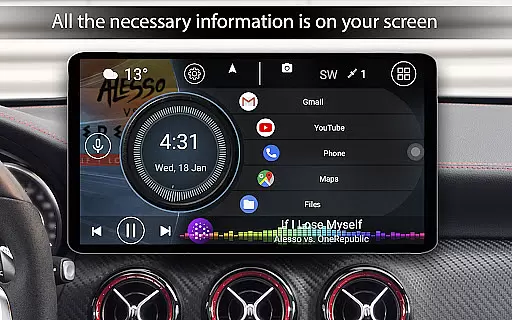
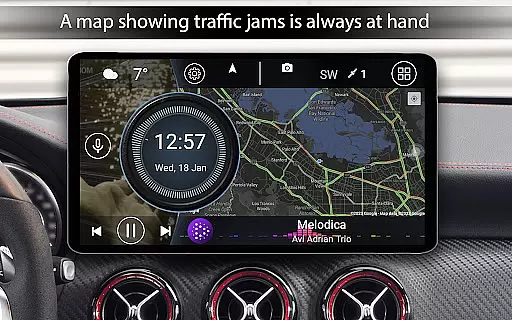
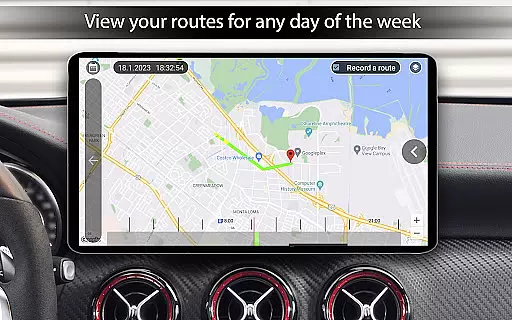
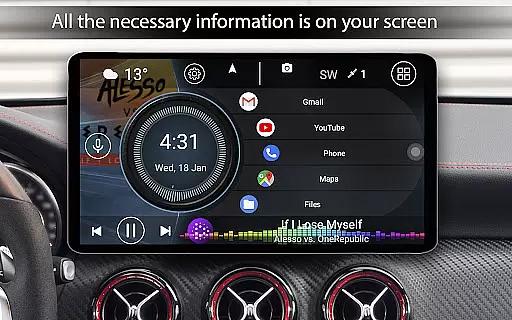

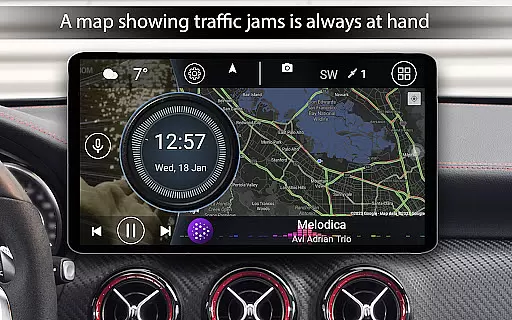
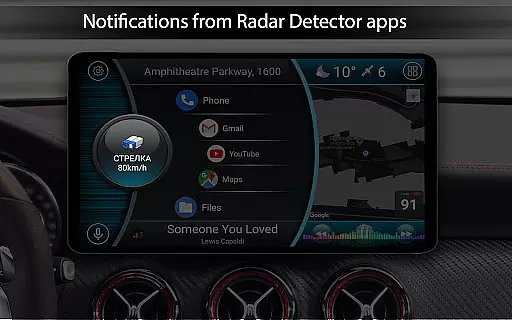
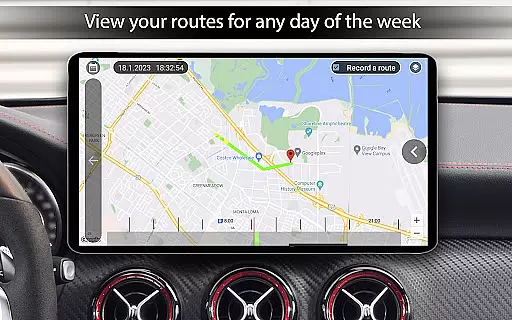
Car Launcher Pro is a specialized application designed for in-car use, offering both Android device users and radio recorder operators an efficient way to manage apps while driving. The app combines easy access to frequently used programs with an onboard computer that tracks travel distance using GPS data.
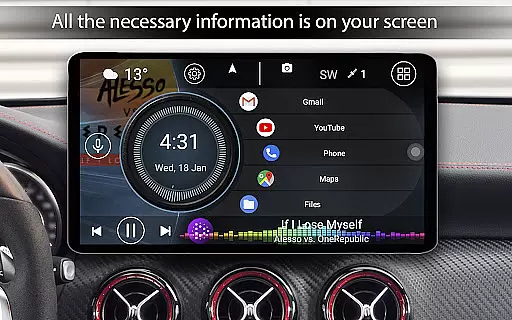
Key features include the ability to customize the home screen with various applications, display current speed on the status bar, and quickly access all installed apps with sorting options. Additionally, it offers a sliding menu with detailed trip information such as average speed, total travel time, and acceleration metrics.
This app is ideal for drivers who need quick access to navigation tools, music controls, and vehicle statistics without taking their eyes off the road for too long. By integrating essential functions into one intuitive interface, Car Launcher Pro enhances the driving experience through technology.
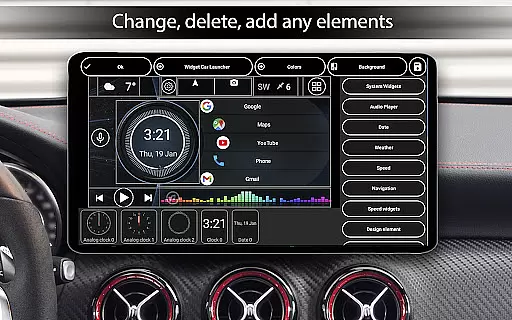
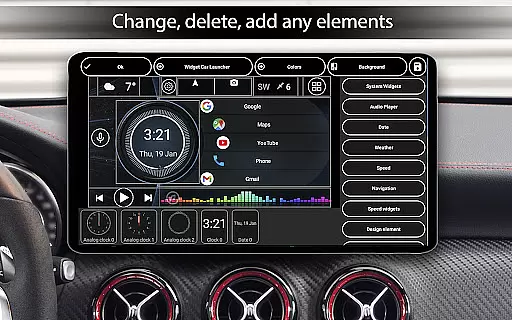
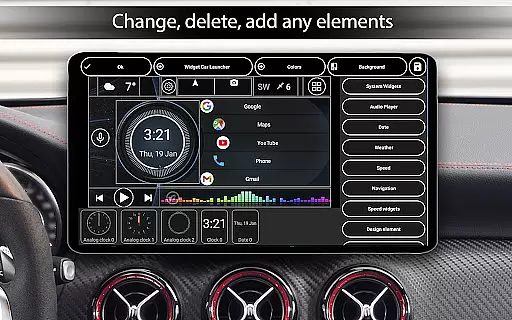
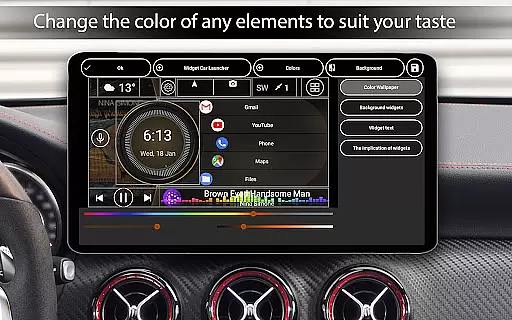
Car Launcher Pro stands out with its comprehensive feature set tailored for automotive environments. One of its main highlights is the customizable home screen, which allows users to add unlimited applications and organize them into folders for easy access (PRO version).
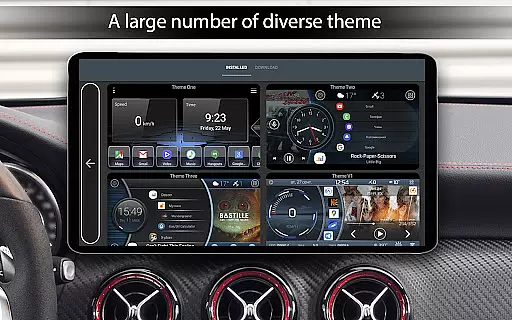
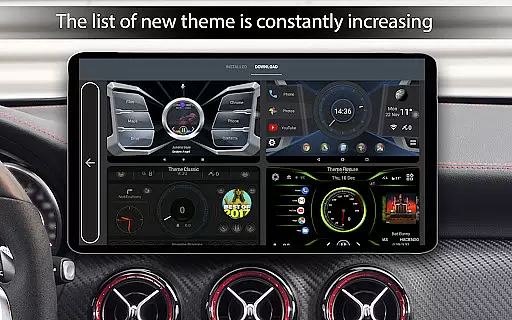
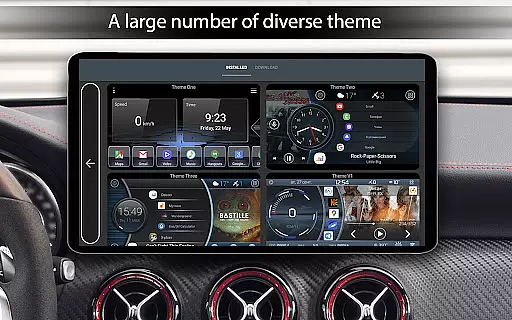
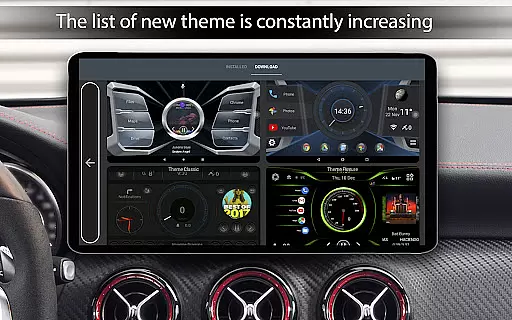
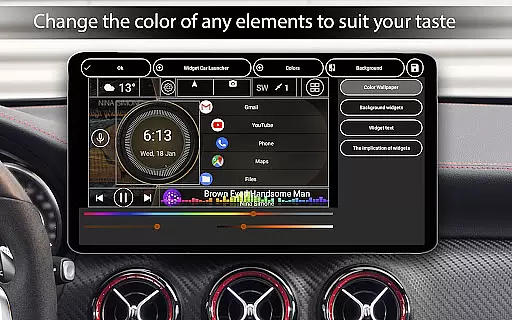
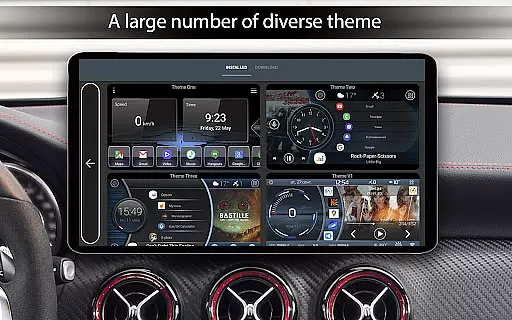
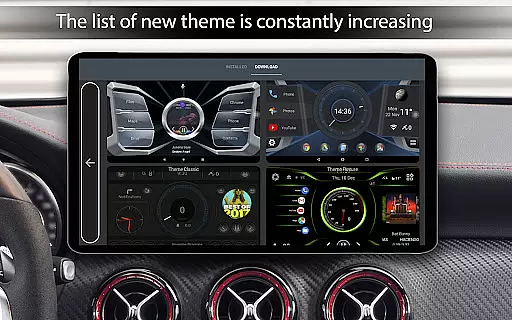
The app also includes an onboard computer function that displays real-time speed, distance traveled, and other trip-related statistics. Users can configure these metrics to show data over different periods and switch between kilometers or miles. Furthermore, the app supports third-party themes, weather updates based on location, and even system widgets for additional functionality.
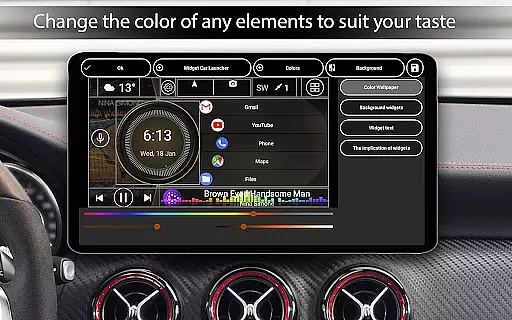
Additional notable features include automatic brightness adjustment, a screensaver mode with extensive customization options, and expanded widget settings. These capabilities ensure that Car Launcher Pro not only meets but exceeds user expectations for convenience and personalization while driving.
Car Launcher Pro provides comprehensive vehicle data through its advanced onboard computer system. This feature goes beyond basic app launching by integrating real-time vehicle performance metrics.
The application utilizes GPS data to display current speed, distance traveled, average speed, and maximum velocity. It also calculates acceleration times for various speed intervals, from 0 to 60 km/h, up to 0 to 150 km/h, giving drivers precise performance measurements.
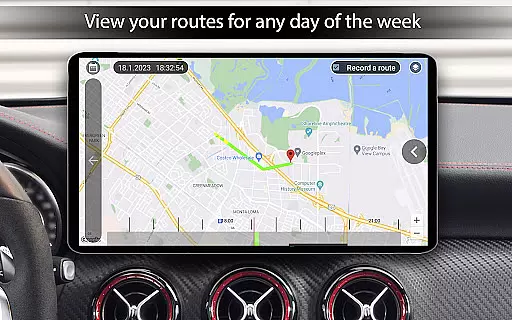
Users can access detailed trip statistics including total operating time, best quarter-mile times, and speed records. The system allows customization of these metrics across different time periods - trip duration, daily, weekly, monthly, or overall usage.
This detailed vehicle information helps drivers monitor their driving patterns, optimize fuel consumption, and maintain accurate records of their vehicle's performance over time.
Car Launcher Pro offers clear and straightforward pricing through its free and PRO versions. The basic version provides essential launcher functions without any hidden costs or in-app purchases.
In the PRO version, users gain access to advanced features like unlimited application folders and enhanced customization options. These premium features are clearly marked and explained within the application settings.
The application maintains complete transparency about its monetization model. Users can preview all PRO features before making a purchase decision, with detailed descriptions of each enhanced capability.
This transparent approach allows car owners to make informed decisions about which features best suit their needs, ensuring they only pay for the functionalities that add genuine value to their driving experience.
User-friendly interface
Customizable home screen
Real-time speed tracking
Extensive widget options
Supports third-party themes
Limited free version
Background GPS required
Pro features cost extra
Complex setup process
High battery consumption

ODB2 based monitoring application for the Chevy Bolt (2017-2021)
 4.00
4.00
OBDII - ELM327 Terminal tool for 96-00 Volvos
4.50
* This app needs an adapter cable and a certain OBD2 adapter to work *
4.20
AlfaOBD software for Fiat Group cars native diagnostic
3.70
A full featured, real-time transit locator system
4.30
Autolist - The Largest Selection of Local Used Cars and Trucks
4.50
myAudi offers users services and Audi connect services for Audi drivers
4.10
Lexus app currently supports 2010 or newer vehicles (2018 or newer for Hawaii).
4.80
Car Sounds Engine Sounds app welcomes Auto Lovers to feel Car Simulator Sound
4.20
The Texaco App allows you to pay for fuel from the comfort of your car!
4.80
Instant diesel savings. No credit checks or fees. Nationwide growing network.
4.40
Autotrader is your online solution for buying and selling new and used cars.
4.40
Ultimate OBD2 Car Scanner: Diagnostics, Service and Modification Tool
4.30
Simplify your drive
3.90
Blink Charging Mobile app makes finding an EV charger an intuitive experience.
3.80
PayByPhone: A quick and easy way to pay for parking.
3.80
Monitor specific TOYOTA parameters by adding this plugin to Torque Pro.
2.00
Attention! This is the theme for the Car Launcher app
4.0
DIY Vehicle Wheel Alignment
4.3


User Reviews