
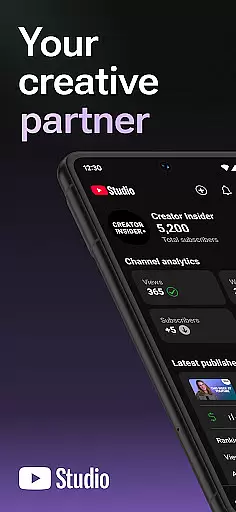
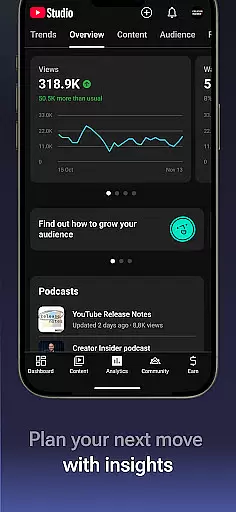
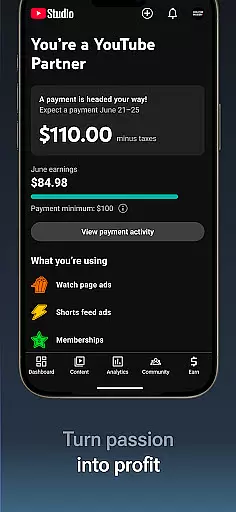
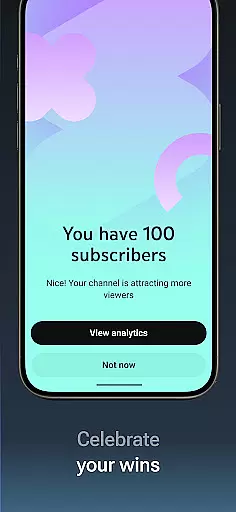
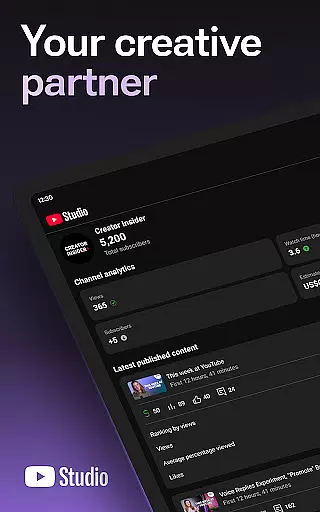

YouTube Studio is the official mobile app designed specifically for content creators to manage their YouTube channels effectively. The application provides a comprehensive suite of tools that empower creators to monitor channel performance, engage with their audience, and customize content directly from their mobile devices.
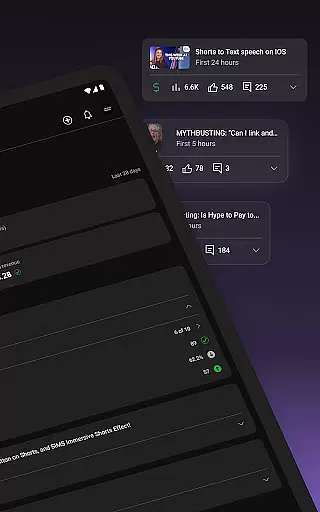
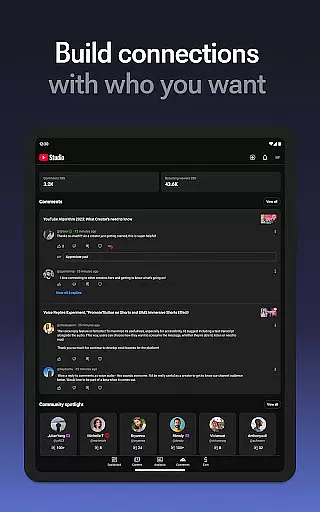
One of the standout features is the Channel Dashboard, which offers a quick snapshot of key metrics. Creators can dive deeper into analytics to understand how different types of content are performing. Additionally, the app allows users to moderate comments, giving them better control over community interactions. This ensures that creators can maintain a positive environment while building stronger relationships with their viewers.
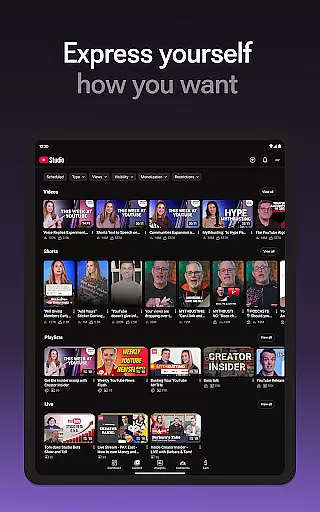
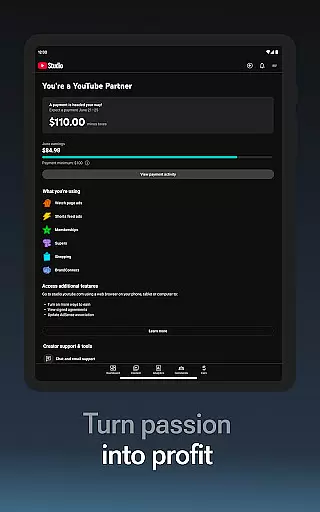
The app also enables users to make real-time updates to their channel's appearance and individual video settings. Whether it's adjusting video details or customizing channel layout, YouTube Studio makes it easy to keep everything up-to-date on the go. For those looking to monetize their content, the app streamlines the process of applying for the YouTube Partner Program, helping creators turn their passion into a business.
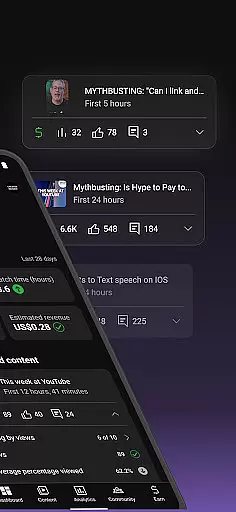
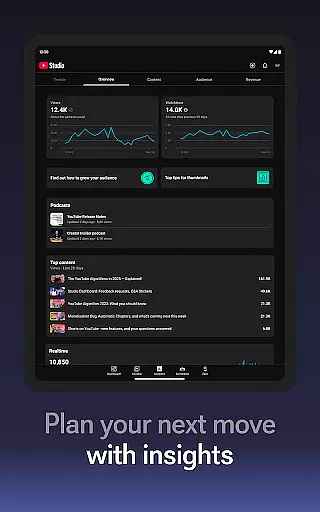
YouTube Studio stands out with its robust set of features tailored for content creators. At the core of the app is the detailed Analytics dashboard, providing insights into how videos, shorts, and livestreams perform across various metrics such as views, watch time, and audience retention. This data-driven approach helps creators optimize their content strategy.
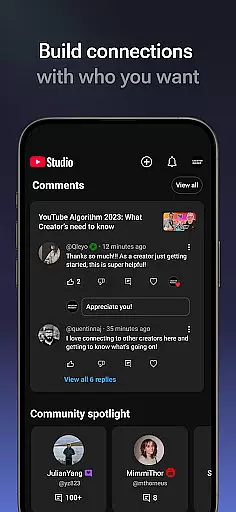
Beyond analytics, the app excels in community management. Users can sort and filter comments to prioritize important conversations, ensuring they never miss an opportunity to engage with their audience. The ability to respond to comments directly from the app enhances interaction and fosters a sense of community.
Customization is another key aspect of YouTube Studio. Creators have full control over their channel’s look and feel, including updating video titles, descriptions, and tags. The app also supports essential tasks like managing monetization settings and applying for the YouTube Partner Program, making it a one-stop solution for creators who want to grow and monetize their channels efficiently.
Video format compatibility is a crucial feature for any video player and editor, including YouTube Studio. This app supports a wide range of video formats, ensuring that creators can upload and manage content without worrying about format restrictions.
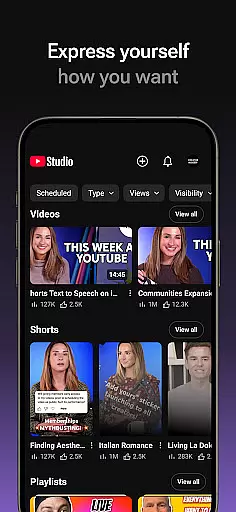
YouTube Studio allows users to update video information, manage shorts, and handle livestreams seamlessly. The flexibility in format compatibility means that whether you're uploading high-definition videos or shorter clips, the process remains smooth and efficient.
For content creators, this means more time spent on creating and engaging with their audience rather than dealing with technical limitations. The app's robust support for various formats ensures that all videos maintain their quality and originality upon upload.
Ultimately, YouTube Studio's comprehensive format compatibility empowers creators to focus on storytelling and community building, providing a seamless experience from content creation to publication.
AI-powered editing features are revolutionizing how content creators manage and enhance their videos. YouTube Studio incorporates advanced AI tools that help streamline the editing process, making it easier for creators to produce high-quality content efficiently.
With AI-driven analytics, creators can gain insights into how different types of content perform. These analytics assist in identifying trends and viewer preferences, allowing for data-driven decisions when editing and optimizing videos.
Additionally, AI helps in sorting and filtering comments, enabling creators to engage more meaningfully with their audience. By highlighting important conversations, creators can foster deeper connections within their community.
In summary, YouTube Studio's AI-powered editing features not only simplify the technical aspects of video management but also enhance the overall creative process, empowering creators to deliver compelling content while nurturing their communities effectively.
User-friendly interface
Comprehensive analytics
Real-time updates
Effective comment management
Monetization support
Limited advanced editing
Occasional bugs
Basic video trimming
No offline mode
Restricted customization

IPTV-Smarters Player Pro M3U - Watch Live Stream TV Channels with Chromecast
 4.00
4.00
Search & download videos from net with all video downloader, auto-detect & safe.
4.60
HD video maker with no watermark, no ads & vlog maker with music, PIP, text
4.50
AirMirror Receiver - Screen mirroring/cast web videos to Android TV by AirPlay.
4.40
Fast & easy HD video downloader for all formats, support 4K playback & download.
4.60
Web Browser for LG TV to stream webvideos, online movies and livestreams in HD
4.20
Photo editor & video maker with music and slideshows.
4.10
Make videos you’re proud to share with Edits, a video editor for creators.
4.70
Capture the moment and Cut
3.40
Screen recorder with audio to take live videos & Screenshot in high quality!
4.70
Movie maker & video editing app with AI effects and green screen
4.30
Video player, file manager for all formats, 4K/HD media player supports subtitle
4.30
Video Downloader is an utility that can save videos and music from web sites
4.20
Your media, on your terms.
4.10
1)AirPlay/DLNA Mirroring/Streaming, up to 4 connections; 2)Samba/NAS/DMS Player.
4.00
IPTV Player - Watch live TV from m3m & m3u8 playlist, stream IPTV on mobile
3.30
Browser for Sony TV to stream web videos, online movies and live tv
3.20
Client application for NextPVR software
3.00
Powerful HD video player with support for all formats & subtitles.
4.4


User Reviews