
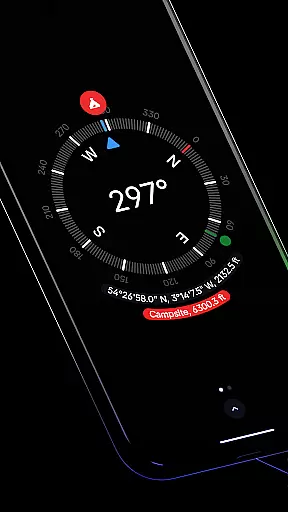
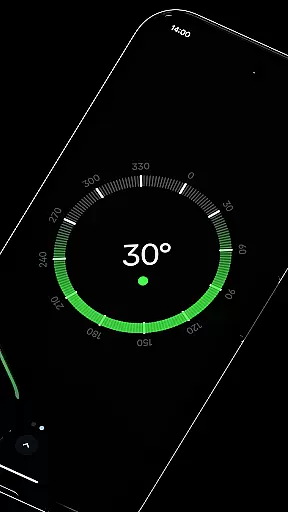
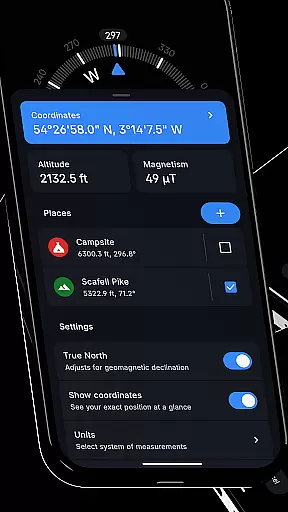
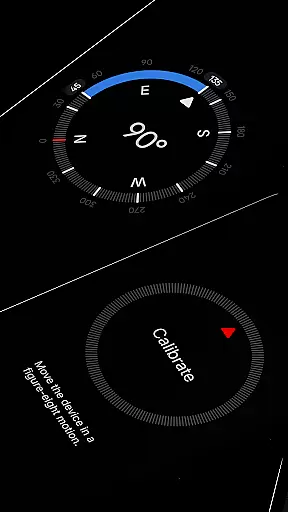
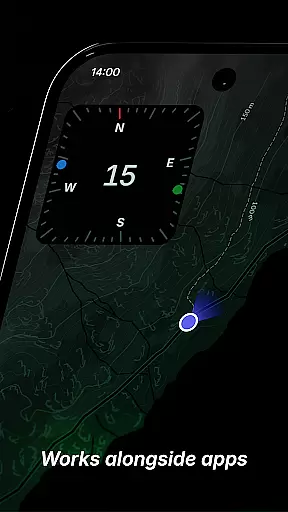
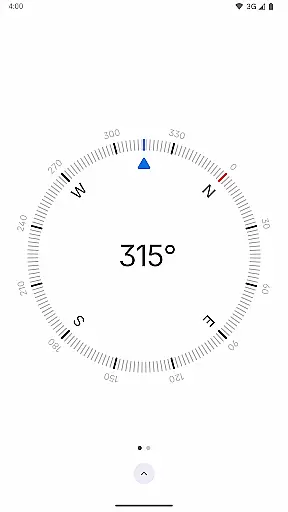
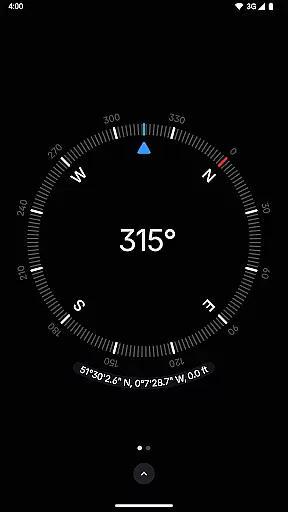
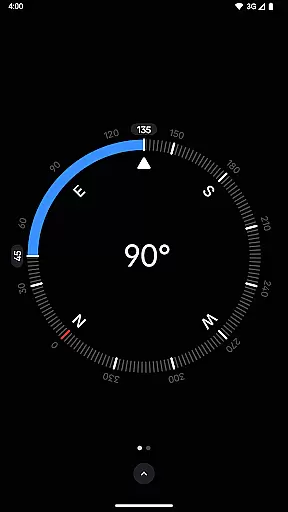
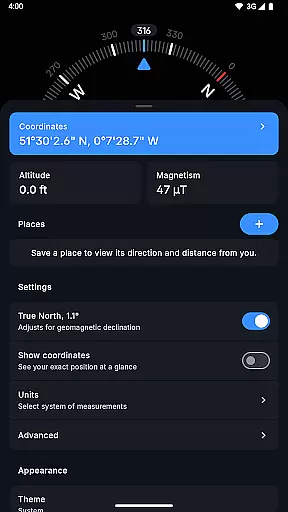
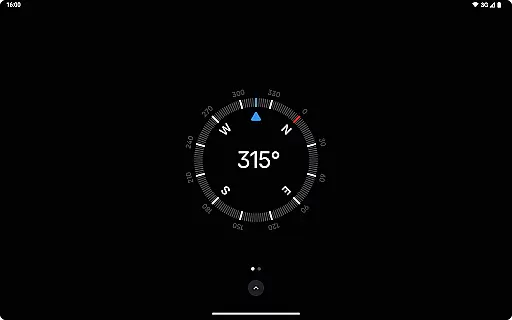
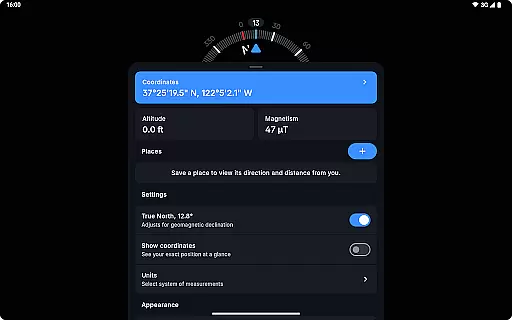
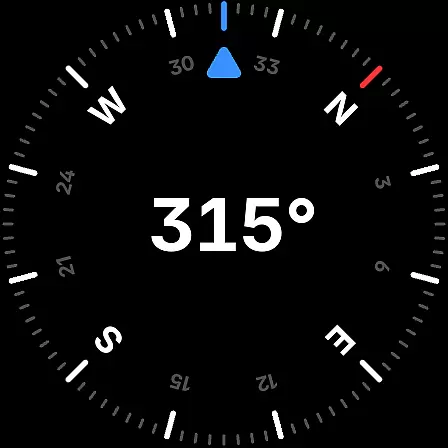
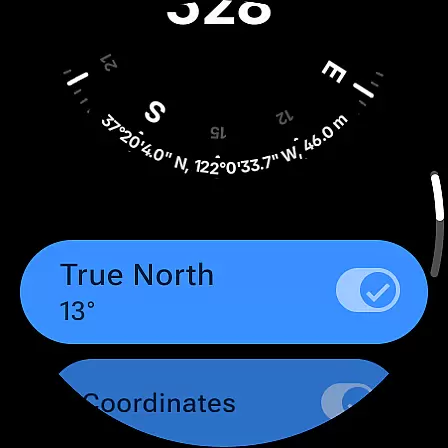
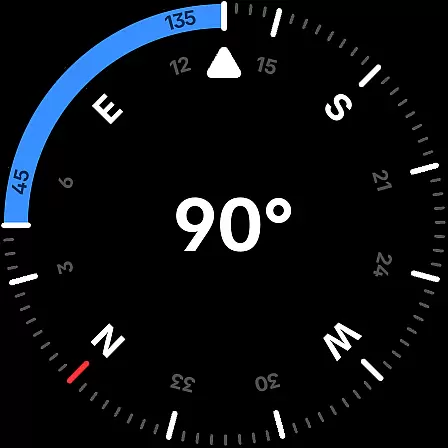
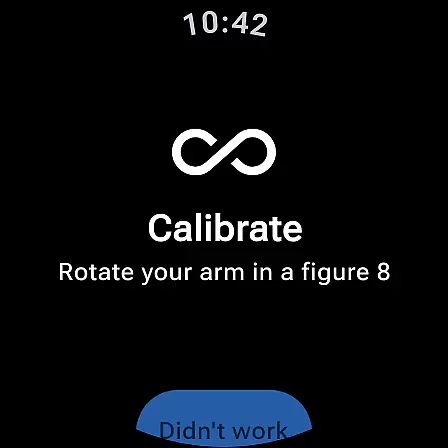
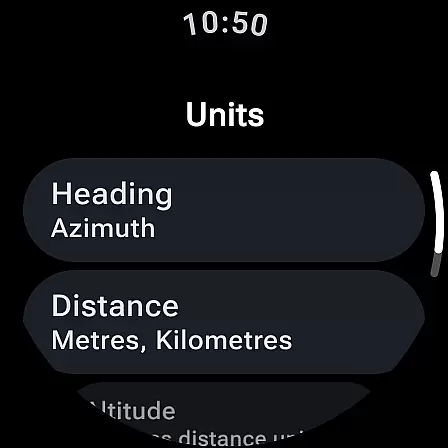
Compass is a sleek and minimalistic navigation app that combines simplicity with elegance, offering users precise direction and multiple practical features. Designed for both Android phones and select Wear OS smartwatches, it provides an intuitive dark-themed interface for effortless navigation. The app displays exact location coordinates in various formats, includes altitude information, and offers advanced functionalities like geomagnetic declination adjustment and true north alignment.
One of the standout features of Compass is its ability to save places, allowing users to quickly check the direction and distance to their saved locations. Additionally, the app supports multitasking by enabling users to dock the compass to the edge of the screen while using other apps. With tools like a bubble level, angle difference measurement, and rich haptic feedback, Compass ensures accuracy and ease of use in diverse scenarios. Whether you're hiking, exploring, or working on DIY projects, this app proves to be an essential tool for anyone who values functionality and privacy.
Compass stands out with its modern design and comprehensive feature set tailored for precision and convenience. One of its key strengths is the support for multiple coordinate formats such as DMS, DDM, DD, UTM, MGRS, and OLC (Plus Codes), catering to users with varying preferences. The app also allows customization of units for angles, distances, and coordinates, including options like Azimuth or Quadrant Bearing for angles and Metric, Imperial, or Nautical Miles for distance.
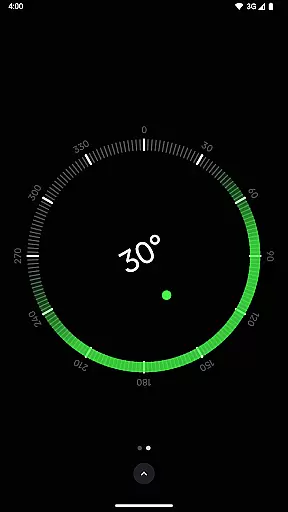
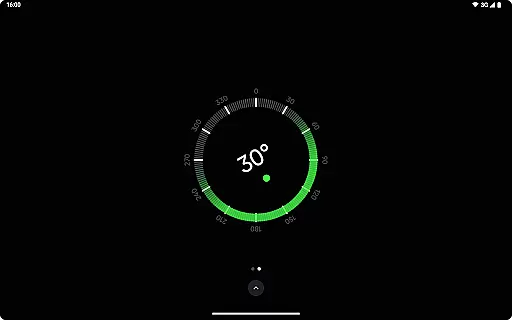
For enhanced usability, Compass includes practical tools like a bubble level for checking surface levels, a high-contrast display mode, and a red screen filter for better visibility at night. Privacy-conscious users will appreciate that the app functions fully offline without any trackers or analytics, ensuring complete data security. Moreover, the absence of ads creates an uninterrupted user experience. With additional features like dynamic color personalization, magnetic field magnitude display, and an anomaly detector, Compass delivers both innovation and reliability for all navigation needs.
Compass stands out for its precision and reliability in delivering accurate navigation data. The app provides users with exact location coordinates, including altitude, supporting multiple formats such as DMS, DDM, DD, UTM, MGRS, and OLC (Plus Codes). This versatility ensures that users can access geographic information in the format most useful to them.
The application's ability to adjust for geomagnetic declination by aligning with true north enhances its navigational accuracy. This feature is crucial for explorers, hikers, and travelers who depend on precise direction readings in environments where every degree matters.
Additionally, Compass offers practical tools like a bubble level for checking surface levels and an angle difference measurement feature for orientations. These functions not only expand the utility of the app beyond basic navigation but also cater to professionals such as carpenters and DIY enthusiasts who require exact measurements for their projects.
The interface of Compass is designed with simplicity and user-friendliness in mind, ensuring ease of use without compromising functionality. Its modern, dark-themed design provides a clear and intuitive display, making it easy for users to read and interpret data at a glance.
Customization options further enhance the user experience. Users can switch between dark and light themes, change units for angles, distances, and coordinates, and even personalize the appearance using Android 12's dynamic colours feature. These options allow individuals to tailor the app to their preferences or specific lighting conditions.
Moreover, features like rich haptic feedback and a high contrast display option ensure that users feel every turn and maintain visibility in various environments. Such thoughtful design elements contribute to an engaging yet straightforward interaction with the app, accommodating both casual users and professionals seeking efficient navigation solutions.
User-friendly interface
Offline functionality
Customizable units
No ads or trackers
Multi-device support
Limited Wear OS compatibility
No voice guidance
Advanced features may overwhelm beginners
Redundant for casual use
Occasional calibration needed

Transfer Files, APK from Phone to Watch & Install.
 4.0
4.0
This app unlocks the Pro features of the Central for DayZ app
3.60
Enjoy smooth gameplay with Game Booster
4.90
Create your own live wallpaper or check out thousands already made presets
3.90
A non-root local ADB shell client. READ BELOW!
3.40
Excellent scientific calculator with symbolic algebra, integrals, derivatives
4.80
The Ultimate Flex Drivers Utility App - Convenient Tapping & Block Filters
4.70
Game Booster, GFX Tool is now compatible with newer game update
4.50
Pro Emulator is an easy to use game console emulator for a range of consoles.
4.40
Easily install aab(Android App Bundle) files on your Android device with our app
4.80
Monitor car performance in real time and troubleshoot malfunctions.
4.80
Fast Video Downloader, Movie Downloader, Torrent Downloader & Adblock Browser
4.70
HD Camera captures every special moment.
4.60 4.50
4.50
eXtended Permission Manager - a small app to manage permissions and AppOps
4.50
VESC Tool can monitor and configure VESC-compatible devices over BLE and Wifi
4.20
Screen Mirroring with sound for Samsung TV, LG TV, Sony TV, Smart TV and Browser
4.20
A powerful, easy-to-use flight computer on your phone or tablet!
3.80
Safely recover deleted photos, videos, and files with a single easy tap.
3.70


User Reviews