
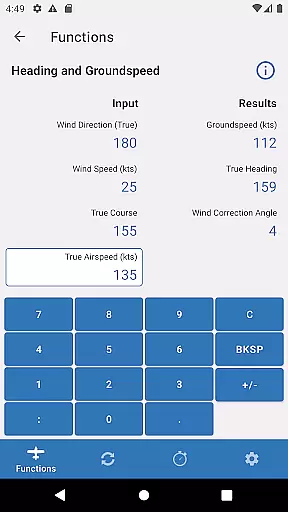
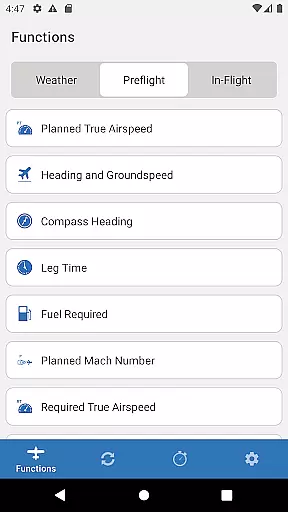
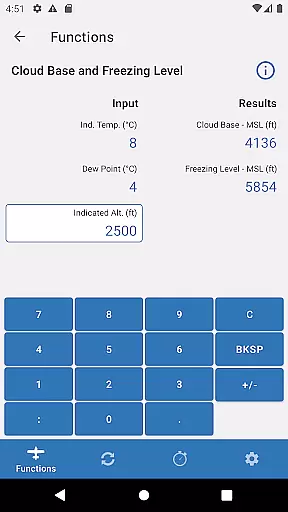
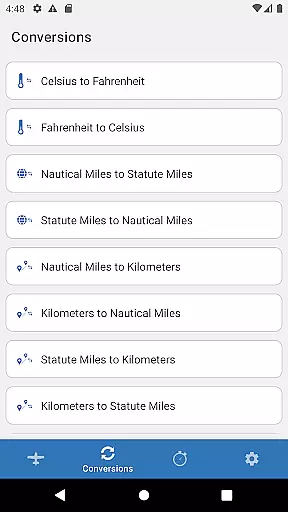
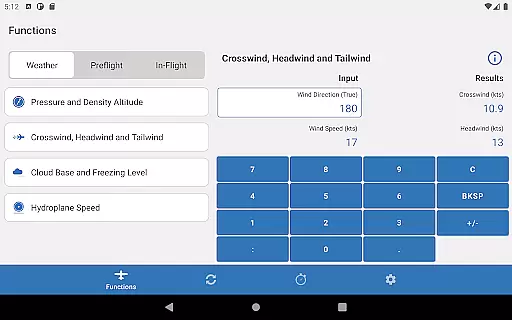
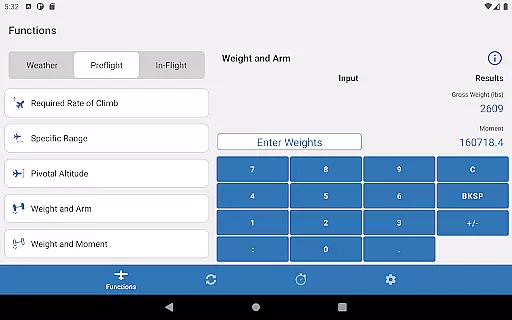
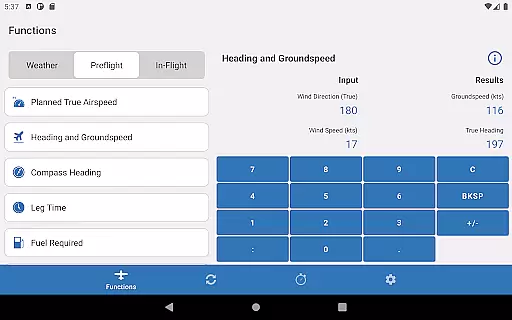
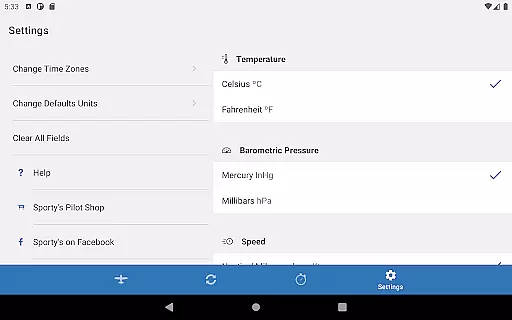
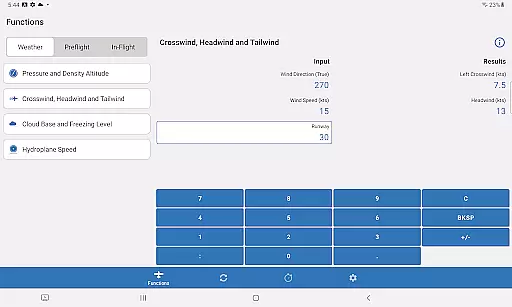
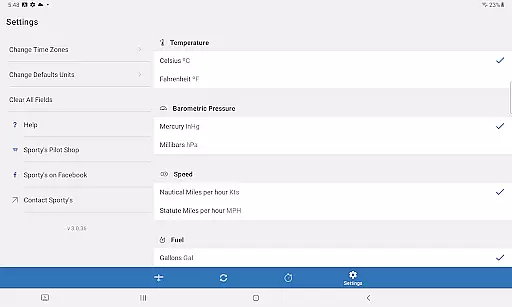
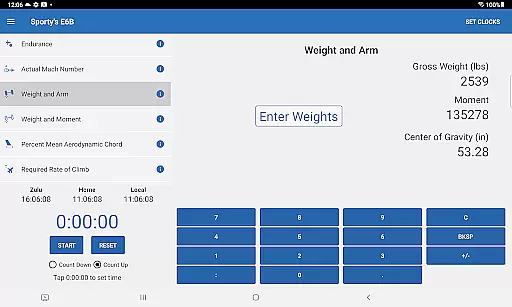
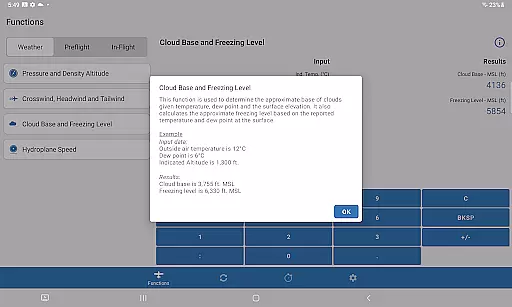
Sporty's E6B Flight Computer is a powerful aviation tool designed for both Android phones and tablets. This app encompasses all the essential features of a traditional E6B flight computer, making it an indispensable resource for pilots. With 23 aviation functions, 18 conversion tools, and comprehensive timer features, Sporty's E6B provides everything needed for accurate flight planning and calculations.
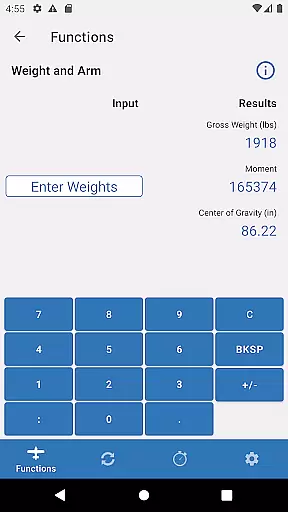
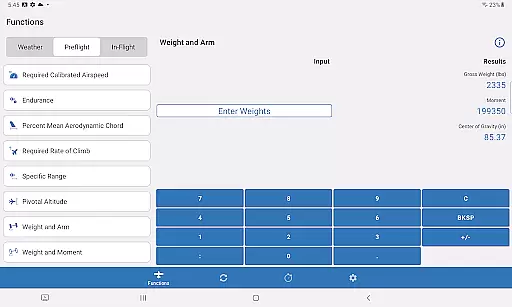
The user-friendly interface allows pilots to perform complex calculations with ease. The app saves previous entries, eliminating the need for repetitive data input, and includes a dedicated section for weight and balance calculations. Whether you're a student pilot or an experienced aviator, this app offers valuable tools such as Top of Descent, Specific Range, and Planned Mach #, enhancing your flight operations.
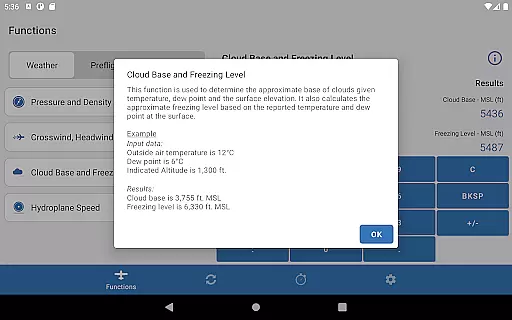
Sporty's E6B app stands out with its extensive range of features tailored for aviation enthusiasts. It includes 23 aviation-specific functions that cover navigational, weight and balance, and fuel calculations. Each function is accessible through a straightforward English menu, ensuring ease of use even during complex operations.
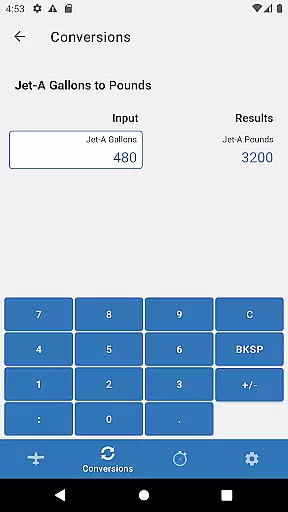
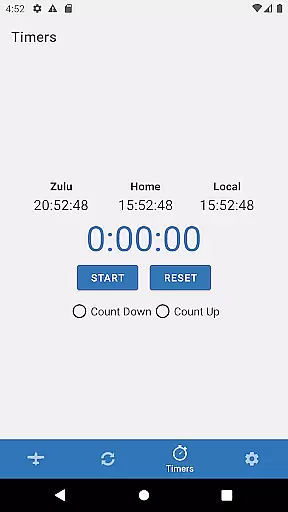
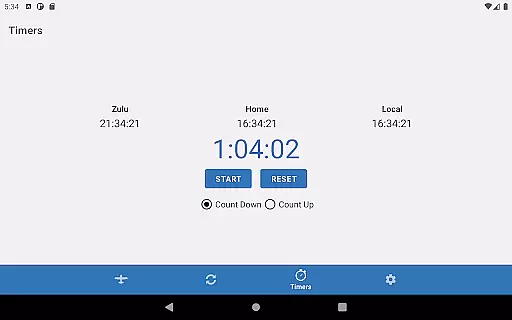
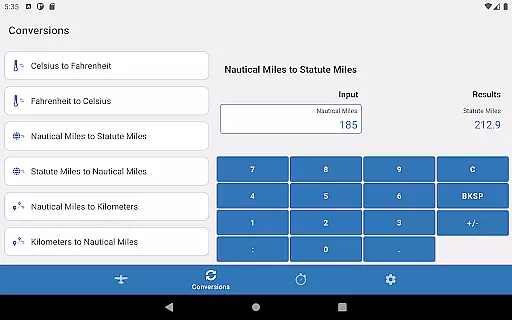
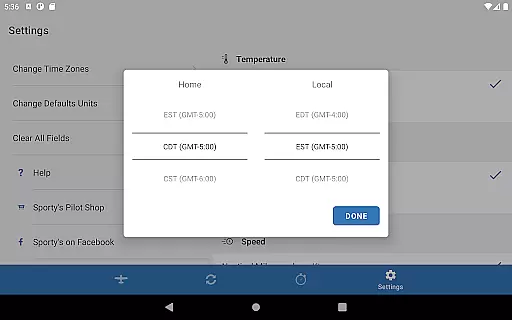
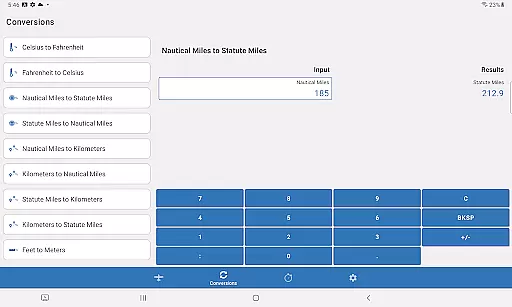
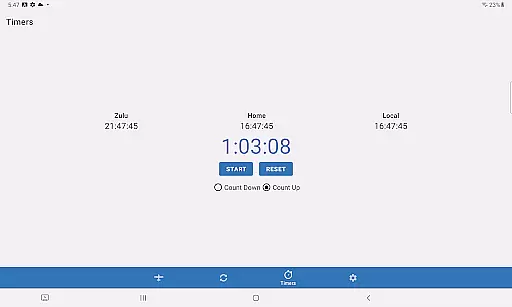
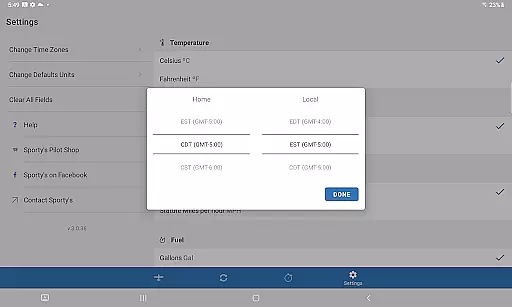
In addition to its core functionalities, the app offers 18 conversion tools that simplify unit conversions commonly required in aviation. The built-in timer can be configured to count up or down, making it ideal for timing approaches, holds, or fuel tank switches. Furthermore, the app displays Home, Local, and Zulu time, providing pilots with all necessary time references at a glance.
One of the standout features is the ability to save previous entries, which streamlines repeated calculations. This functionality is particularly useful for weight and balance computations, where new passengers, fuel, or baggage can be added effortlessly. Overall, Sporty's E6B combines powerful tools with an intuitive design, catering to both novice and seasoned pilots.
In the realm of aviation, precision and reliability are paramount. Sporty's E6B Flight Computer app excels in delivering accurate and effective core functions that pilots depend on. With 23 aviation functions and 18 conversion tools, this app covers a wide array of calculations necessary for flight planning and execution.
The app ensures effectiveness by streamlining complex computations into manageable steps, prompting users with clear instructions throughout the process. This intuitive approach not only saves time but also reduces the potential for human error, making it an invaluable tool for both novice and experienced pilots.
Furthermore, the app's ability to save previous entries means that repetitive tasks such as weight and balance calculations become significantly faster, allowing pilots to focus more on the mission at hand rather than getting bogged down by manual computations.
A user-friendly interface is crucial for any tool used in high-stakes environments like aviation. Sporty's E6B app boasts an intuitive design that allows users to select functions from a straightforward English list, eliminating confusion and ensuring quick access to needed features.
This simplicity extends to its input method; the app guides users through each step of data entry, which is particularly beneficial when performing intricate calculations. By removing the necessity to remember complex formulas or procedures, the app makes sophisticated computations accessible even to student pilots.
Moreover, dedicated pages for specific tasksu2014such as adding new passengers or fuelu2014enhance the overall user experience. These thoughtful design elements contribute to an interface that feels natural and easy to navigate, ultimately supporting safer and more efficient flight operations.
Comprehensive aviation functions
User-friendly interface
Time-saving data entry
Dedicated weight and balance page
Versatile timer functionality
Limited to aviation use
No offline support mentioned
Interface may feel dated
Specific to Android platform
Advanced features require learning

1-Click close all background apps on Android TV
 3.90
3.90
Create your own live wallpaper or check out thousands already made presets
3.90
Monitor car performance in real time and troubleshoot malfunctions.
4.80
Powerful collection of electronics tools and reference.A must for any enthusiast
4.90
The ultimate tool for network analysis, wifi scanning and problem detection.
4.90
A simple app to back up and restore SMS & MMS messages and call logs.
4.10
Button mapper, mouse toggle, sleep timer and a lot of another features
4.50
Protect your device with antivirus, storage cleanup, and system monitoring
4.70
fast and easy mp3 music downloader
4.80
Creation, Learning, Entertainment & More — The All-in-One AI Search Engine
4.70
With videos, electrical calculators, and built-in ebook, Ugly’s has your answer.
4.50
Mirror your screen to Fire TV - Super fast and simple
4.40
VESC Tool can monitor and configure VESC-compatible devices over BLE and Wifi
4.20
Detect hidden spy camera with advanced scanning {{ Premium version }}
4.00
Family Locator, Share location, StayConnect with your family in real time
3.90
Smart and comfortable browsing experience.
3.80
Clean the junk files on your device
3.40
A non-root local ADB shell client. READ BELOW!
3.40
card-reader app
2.20


User Reviews