
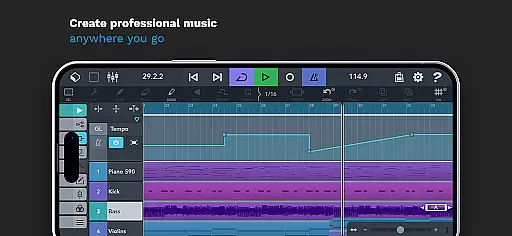
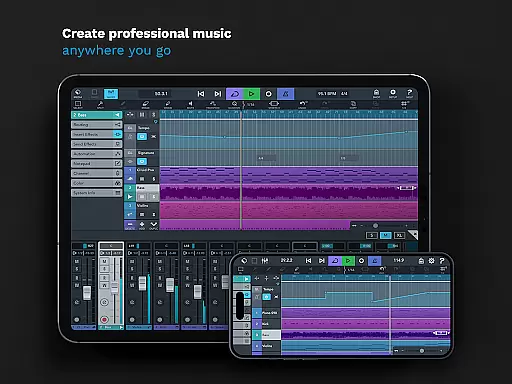
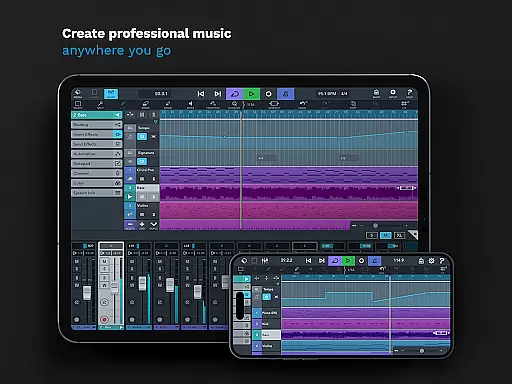
Cubasis 3 is a multi-award winning mobile DAW and full music production studio that allows musicians to capture their ideas and turn them into professional-sounding songs. The app provides an intuitive interface for recording, mixing, editing audio, and creating beats & loops directly on Android devices or Chromebooks.
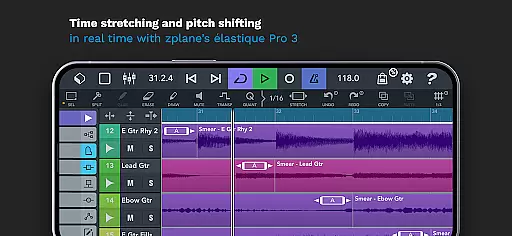
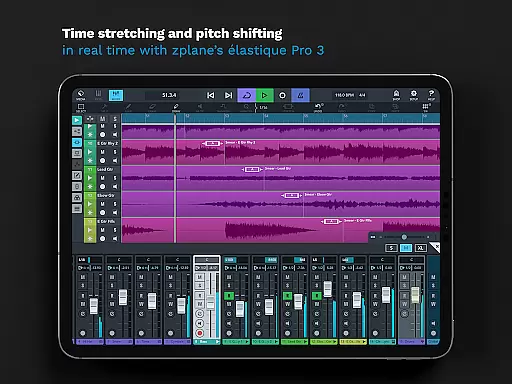
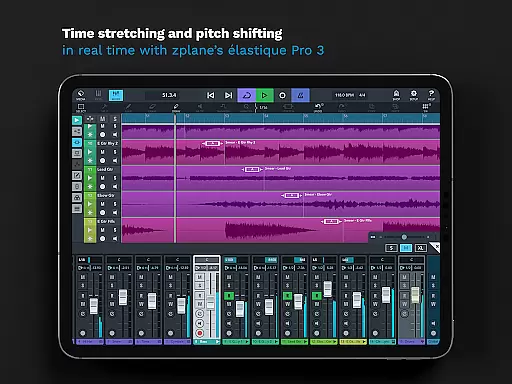
With its powerful 32-bit floating-point audio engine and support for high-quality 24-bit/48 kHz audio resolution, Cubasis 3 offers advanced features such as real-time time-stretching and pitch-shifting, unlimited audio and MIDI tracks, and a suite of virtual instruments and effects. These tools make it suitable for both beginners who need ease of use and professionals seeking deep control over their music production process.
Whether you're sketching song ideas on the go or producing complex tracks with studio-level precision, Cubasis 3 delivers exceptional performance and flexibility. Its compatibility with external gear and third-party apps further expands creative possibilities, making it one of the most complete solutions available today for mobile music creation.
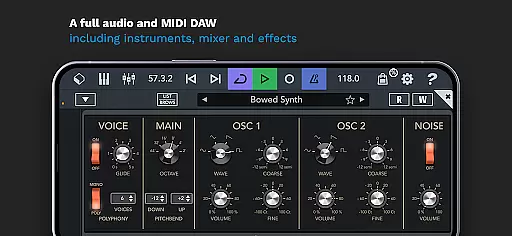
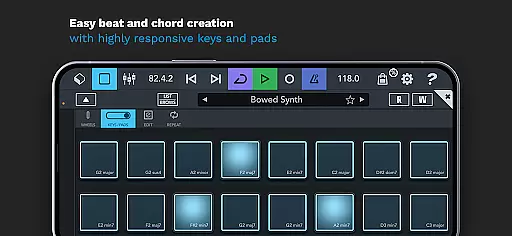
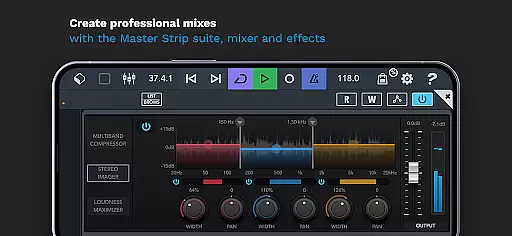
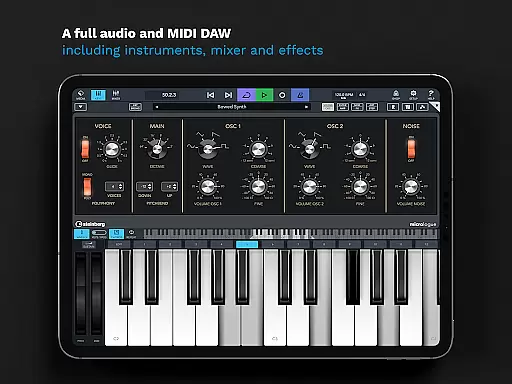
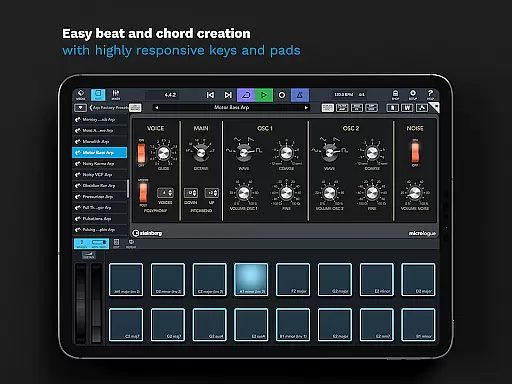
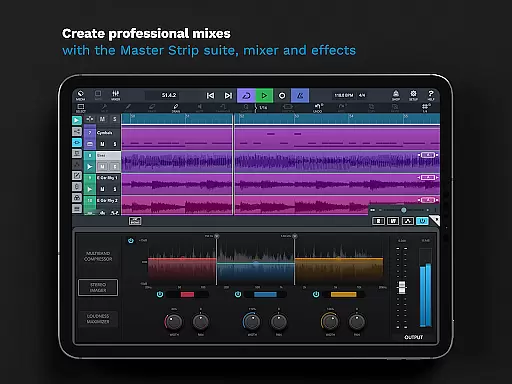
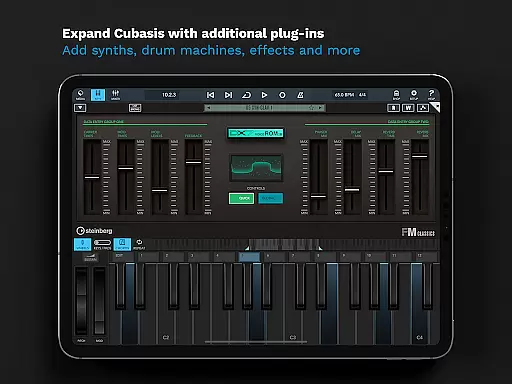
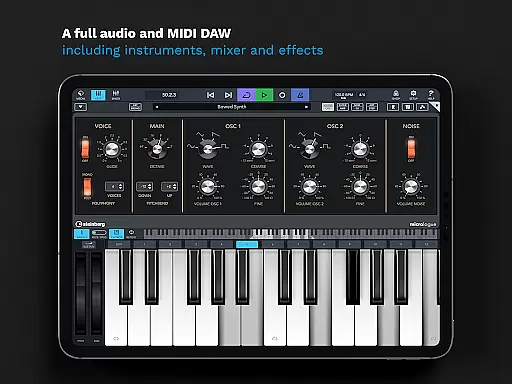
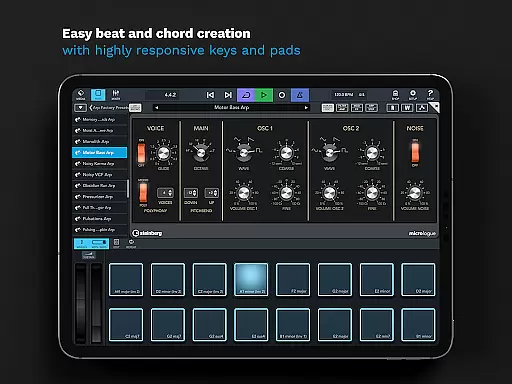
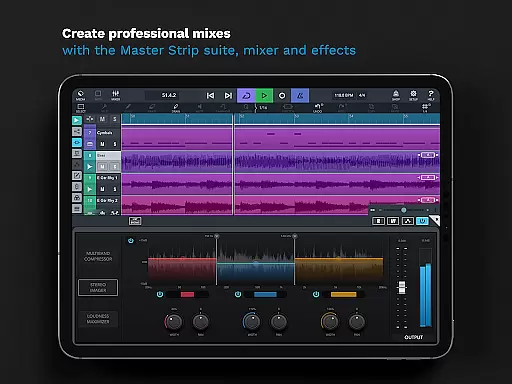
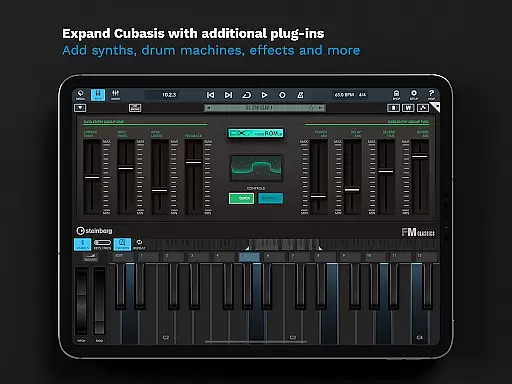
Cubasis 3 stands out with its comprehensive set of features designed for every step of music production. It includes a robust mixer with studio-grade channel strips, sidechain support, and a Master Strip plug-in suite for achieving polished mixes. The built-in Micrologue virtual analog synthesizer and MicroSonic library provide rich sound options, while the MiniSampler lets users create custom instruments.
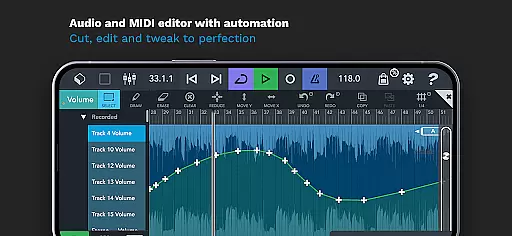
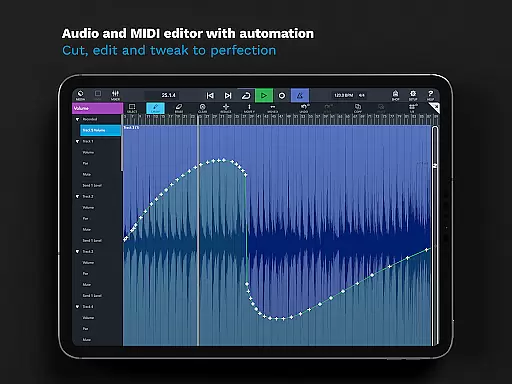
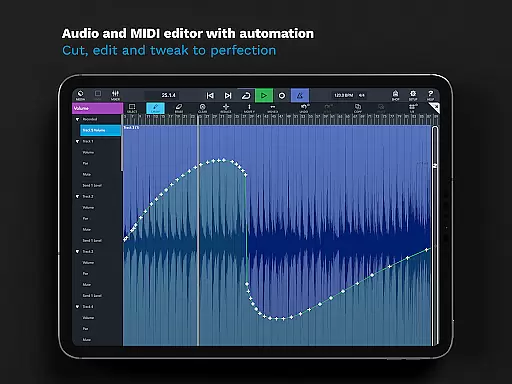
The app also excels in MIDI functionality, offering automation, program change, aftertouch support, and more. With over 550 timestretch-capable loops and a fully automatable Spin FX effect, creativity knows no bounds. Advanced editing capabilities like track duplication, undo history lists, and precise event editing ensure efficient workflow management.
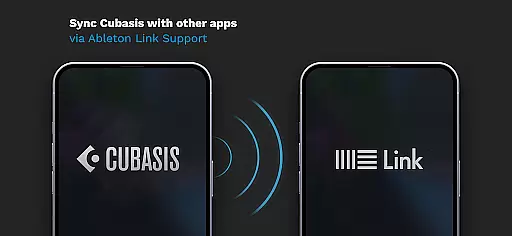
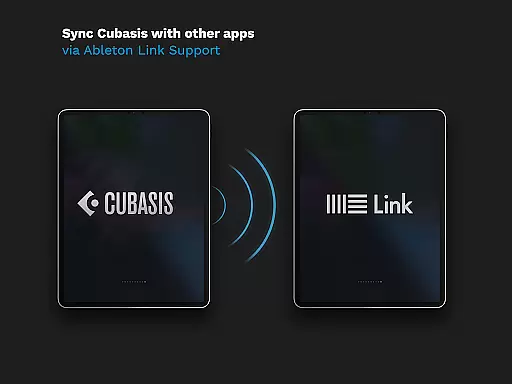
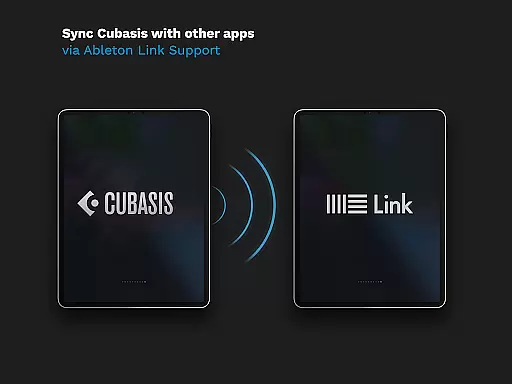
For those looking to integrate hardware, Cubasis supports various protocols including MIDI clock, Ableton Link, and MCU/HUI control surfaces. Export options are versatile too, allowing seamless transfer to platforms like Google Drive, Dropbox, or even direct export to Cubase for further refinement. This combination of depth and accessibility makes Cubasis 3 a top choice for mobile music producers.
When evaluating a music production app like Cubasis 3, the size and authenticity of its music library are crucial factors. This app offers an extensive library with over 120 virtual instrument sounds, including acoustic piano and various drum kits. These sounds are not only diverse but also fully licensed, ensuring users can create music without legal concerns.
Cubasis 3 goes beyond just providing a large sound library. It includes advanced features such as the Micrologue virtual analog synthesizer with 126 ready-to-use presets. The app's MiniSampler allows users to create custom instruments, adding another layer of creative possibilities. These features demonstrate the depth and quality of the included music content.
The benefit to users is significant. With access to such a comprehensive and legally sound library, musicians can focus on their creativity without worrying about copyright issues. The professional-grade sounds enable users to produce high-quality tracks that rival studio productions.
This combination of quantity and quality in its music library makes Cubasis 3 stand out in the Music & Audio category. Users can trust that they're working with authentic, high-quality sounds that will elevate their musical projects.
Audio quality is paramount in music production apps, and Cubasis 3 excels in this area. The app features a 32-bit floating-point audio engine with support for audio I/O resolution up to 24-bit/48 kHz. This professional-level audio processing ensures that recordings maintain exceptional clarity and fidelity throughout the production process.
The app's real-time time-stretching and pitch-shifting capabilities, powered by zplaneu2019s u00e9lastique 3 technology, allow users to manipulate audio without compromising quality. Additionally, the mixer provides studio-grade channel strips and 17 effects processors per track, enabling precise control over the final sound output.
For users, these features translate to professional-sounding results regardless of their experience level. The high audio resolution and advanced processing tools ensure that even subtle nuances in performances are captured accurately.
By offering such comprehensive audio quality options, Cubasis 3 positions itself as a serious tool for both amateur and professional music producers. The ability to achieve studio-quality results on mobile devices represents a significant advancement in mobile music production technology.
Intuitive user interface
High-quality audio processing
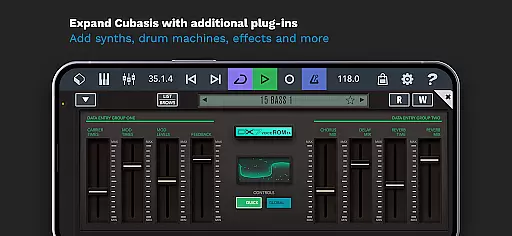
Extensive plugin support
Versatile export options
Real-time collaboration tools
Limited hardware integration
Steep learning curve
Subscription pricing model
Occasional performance issues
No cloud saving feature

 4.70
4.70
Over 100 million tracks available for high quality streaming and download
4.60
JBL PartyBox APP works with 110/310/710/120/320/520/Encore/Encore 2/Encore Ess 2
4.80
Ultimate Sonos Controller
4.70
Bass Booster Pro takes auto-equalizing to the next level!
4.30
Enjoy singing any song, no matter how high or low it is
4.30
Simple mp3 and mp4 player with advanced features.
3.40
MilkDrop for Android TV
3.00
Uninterrupted Tunes, Unmatched Vibes
3.90
Full-featured, High-Quality Groovebox Workstation, perfect for Live Performance!
4.80
The best music and audio player, with beautiful UI, music search and equalizer.
4.60
Bass Booster & Volume Equalizer Pro improves your music and video sound quality
4.60
Guzheng Master supports many playing techniques as an acoustic Guzheng
4.50
Advanced 10-Band Audio Graphic Equalizer Sound Booster Pro
4.30
Time Trainer: accurate metronome w tools to help you develop your internal time!
4.20
PowerAudio is a powerful offline music player.
4.20
USB audio recording and playback finally possible on Android 3.1 or higher!
3.90
The Minimalistic Premium Music Player. Handmade with passion for music
2.20
Make music anywhere. Turn your device into an instrument.
4.3


User Reviews