

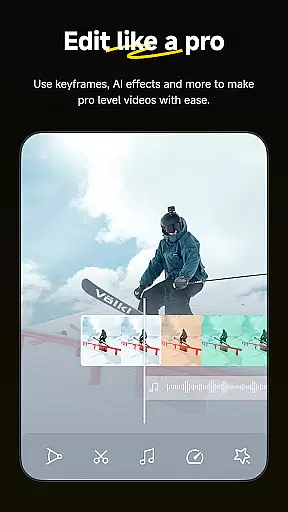

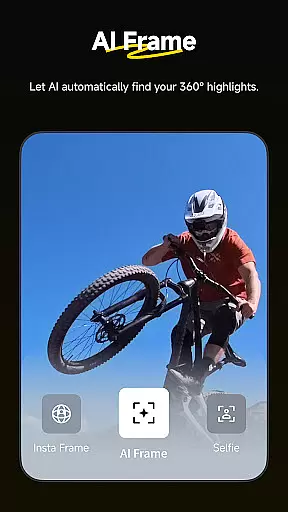
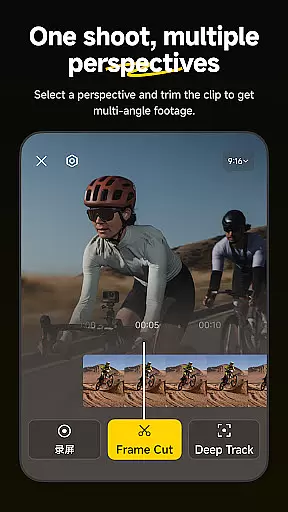
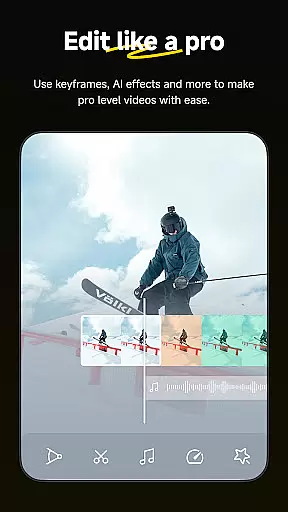

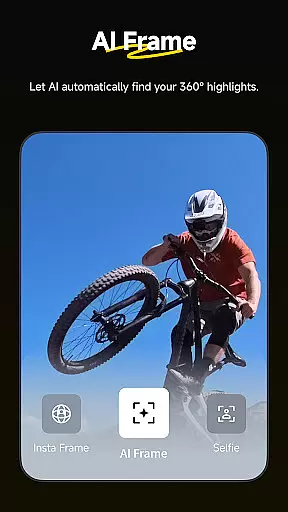
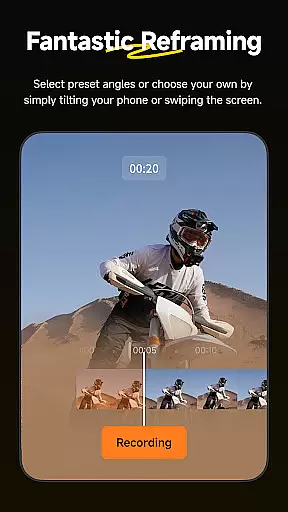
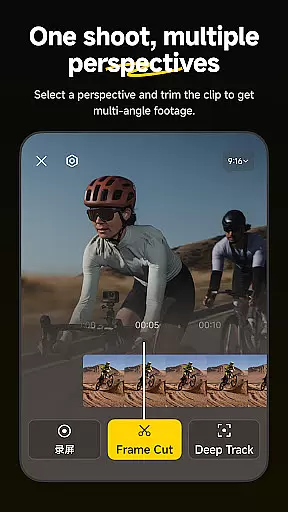
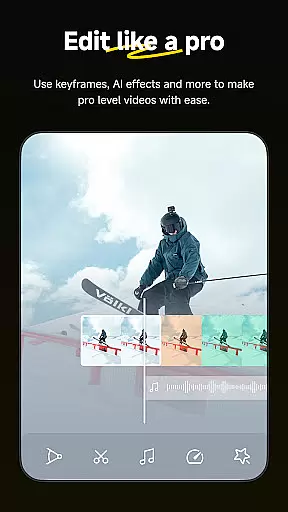
Insta360 is a powerful video editing and camera companion app designed for creators, athletes, and adventurers. It offers advanced AI-powered tools to streamline the editing process while providing creative freedom. The app supports seamless integration with Insta360 cameras and handheld gimbals, enabling users to capture, edit, and share high-quality 360-degree content directly from their mobile devices.
Key features include AI-driven auto-editing, reframing tools, hyperlapses, and download-free editing capabilities. Whether you're creating viral clips or professional-grade videos, Insta360 ensures an intuitive and efficient workflow. Its innovative tools like Deep Track and Shot Lab make it easier than ever to produce visually stunning content tailored to social media platforms.
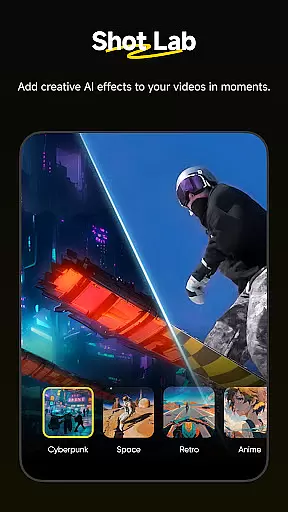
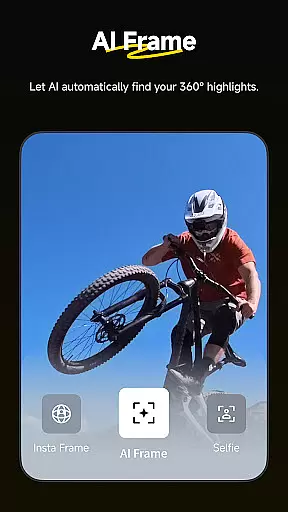
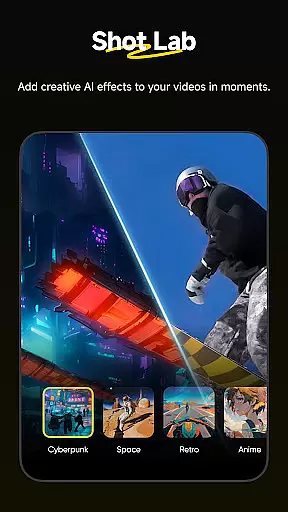
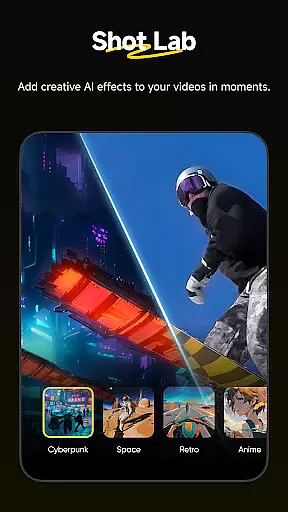
Insta360 stands out with its robust suite of AI-powered editing tools that cater to both beginners and professionals. The AI Edit feature automates the reframing process, detecting subjects and action highlights with precision. This saves time while maintaining creative control over your edits. Additionally, the Shot Lab provides over 25 customizable templates such as Nose Mode, Sky Swap, and Clone Trail, allowing users to create unique effects effortlessly.
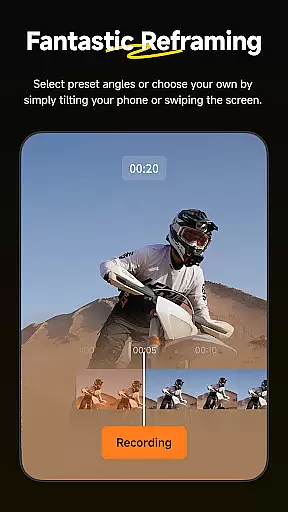
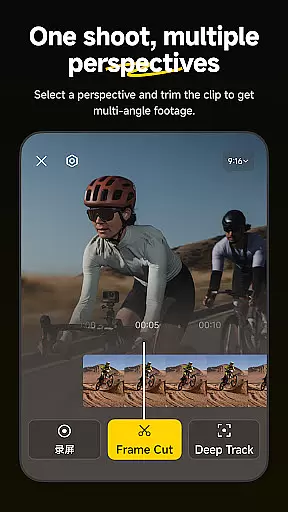
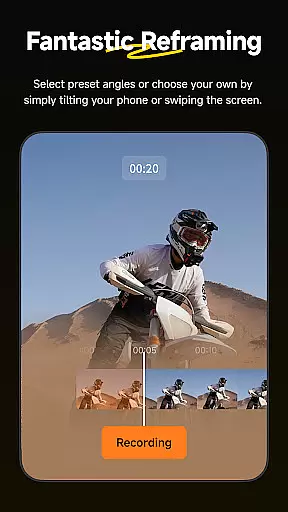
The Reframing tool lets users adjust perspectives dynamically by adding keyframes, ensuring smooth transitions between angles. With Deep Track, users can keep moving subjects centered in the frame with just one tap. Other notable features include hyperlapse creation, which stabilizes footage while speeding it up, and Download-Free Editing, which allows users to edit files without consuming phone storage space. These innovations make Insta360 a versatile choice for modern content creators.
Insta360 supports a wide range of video formats, ensuring that creators can work with their preferred file types without any hassle. The app is designed to handle everything from standard MP4 files to more specialized 360-degree video formats, providing flexibility and convenience.
With the rise of diverse video creation needs, Insta360 ensures that users are not limited by format restrictions. Whether you're editing regular footage or immersive 360 content, the app provides seamless compatibility, allowing for an uninterrupted creative process.
The benefit to users is significant; there's no need to convert files before editing, which saves time and preserves video quality. This compatibility empowers creators, athletes, and adventurers to focus on their content rather than technical limitations.
Insta360 leverages advanced AI technology to revolutionize video editing. With features like AI Edit, Shot Lab, and Deep Track, the app automates complex editing tasks, making professional-quality edits accessible to everyone. These tools utilize machine learning to detect subjects, apply effects, and reframe shots automatically.
Creators can choose from over 25 AI-powered templates in Shot Lab, such as Nose Mode and Clone Trail, to produce viral clips effortlessly. Meanwhile, Deep Track ensures that the subject remains centered, even in motion, with just a single tap, enhancing the storytelling aspect of videos.
This integration of AI not only simplifies the editing process but also opens up new creative possibilities. Users can experiment with different styles and techniques without needing extensive technical knowledge, resulting in unique and engaging content that stands out on social media platforms.
User-friendly interface
Advanced AI editing
Versatile templates
Real-time tracking
Efficient workflow
Requires learning curve
Premium features locked
Occasional bugs
Limited offline help
Subscription costs

Online Videos Player
 3.90
3.90
KineMaster, Your Ultimate Video Editor!
4.40
Live TV, anywhere in your home
3.80
AirMirror is Receiver for Screen Mirroring and Casting from Apple Devices.
3.60
AirMirror Receiver - Screen mirroring/cast web videos to Android TV by AirPlay.
4.40
Download website videos fast&privacy
4.40
Play and download HD videos from all sources — fast, simple, and all-in-one.
4.0
Cast to Smart TV, Fire TV. Cast video, photo - Fast & Stable!
3.90
#1 Torrent App on Android ** No Ads Ever + Battery Saver **
4.80
A Simple app to download Video & Music from the Internet.
4.70
GENRAL PRO - General Pro is the best video player that fully supports all formats.
4.70
HD Video player all format, HD Videos, Cast & Subtitle. No annoying ads.
4.60
Watch IPTV on your Android device
4.60
Fast video downloader & private browser. Save HD clips to watch offline.
4.40
Video player, file manager for all formats, 4K/HD media player supports subtitle
4.30
Turn your phone into a wireless camera!
4.20
Video player with 4K & 1080P support, popup play, background play and subtitle.
4.20
Explore the largest library of free GIFs, Stickers & Memes - or create your own!
3.90
Powerful HD video player with support for all formats & subtitles.
4.3


User Reviews