
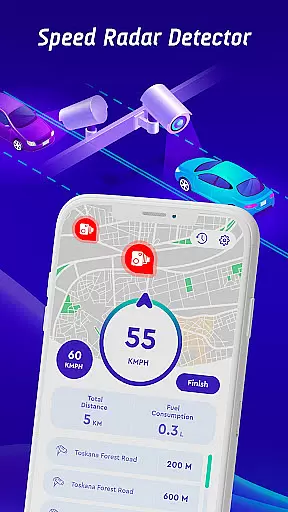

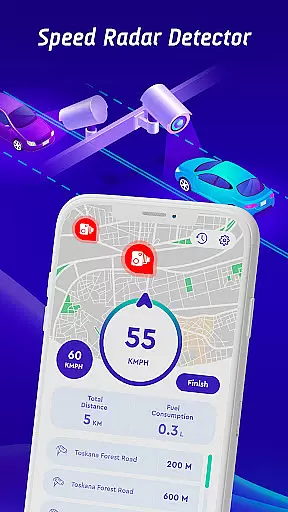
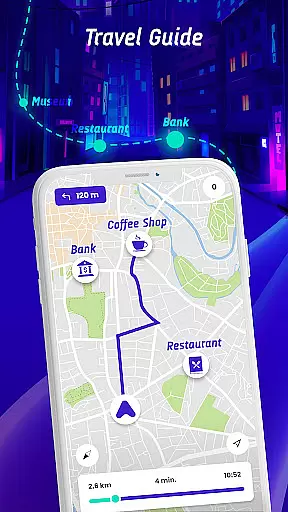
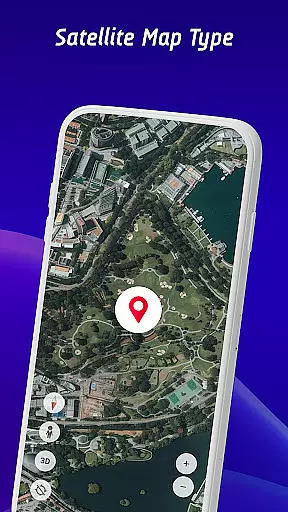
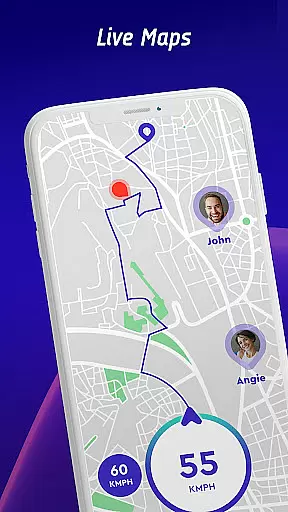
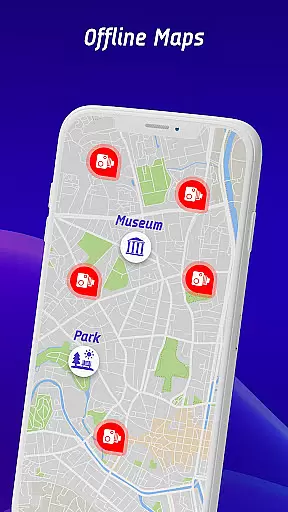
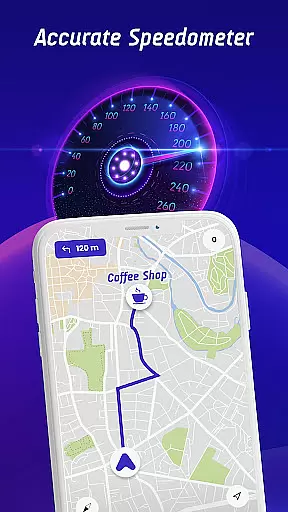

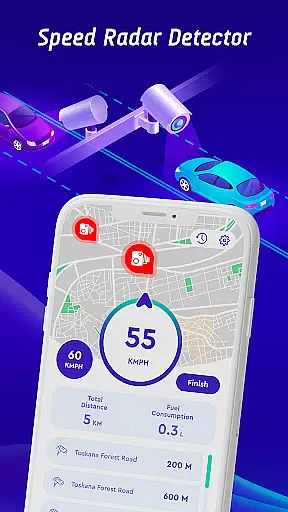
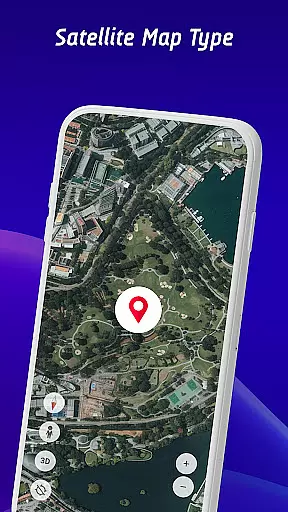
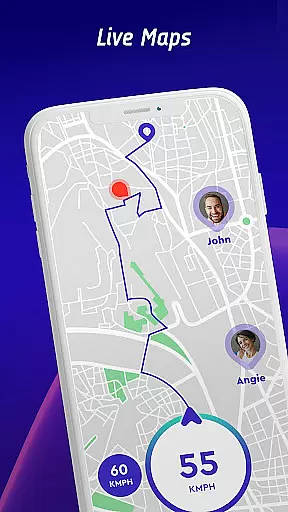
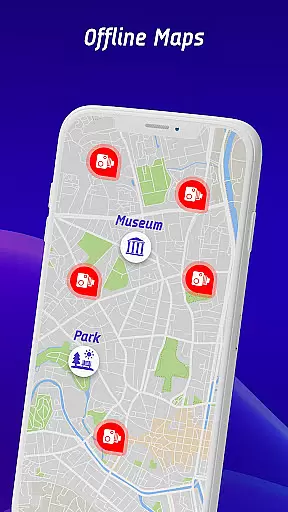
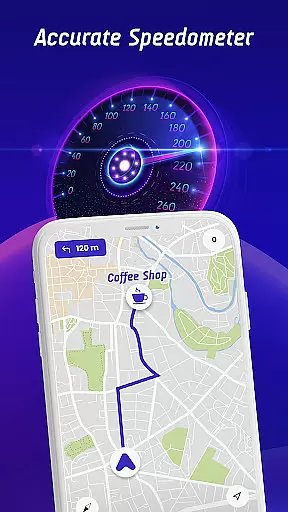

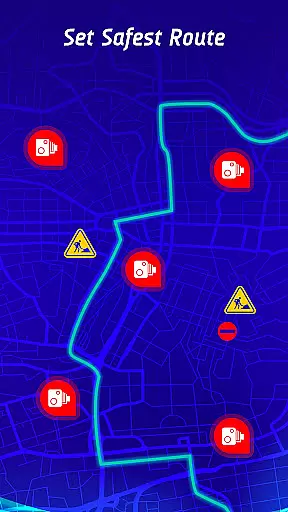
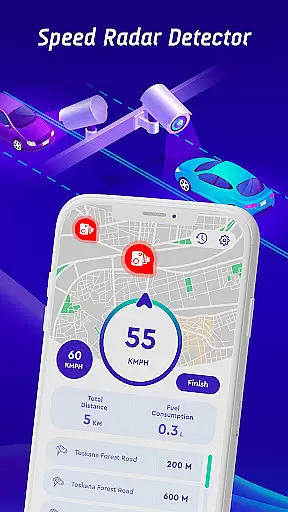
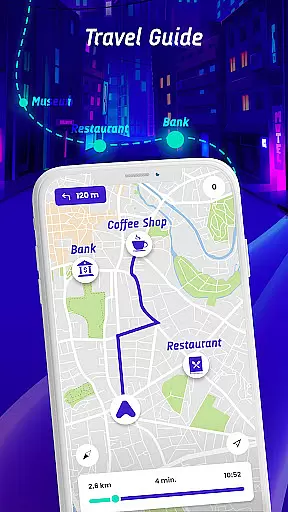
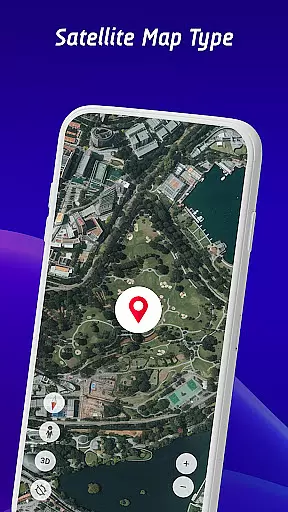
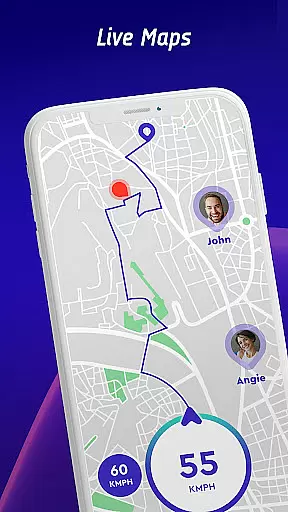
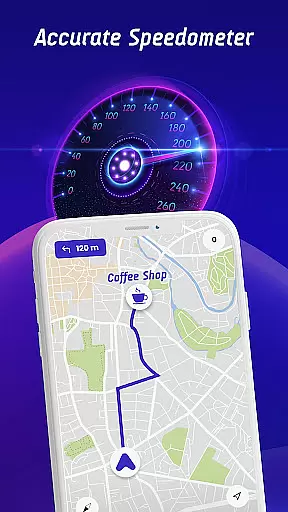

Speed Camera Detector is a comprehensive driving companion app that combines multiple essential features for safe and informed navigation. The app's core functionality revolves around real-time speed camera detection, including fixed radars, traffic lights, and police speed checks. It goes beyond basic alerts by providing vehicle-specific speed limit warnings for cars, bikes, and trucks.
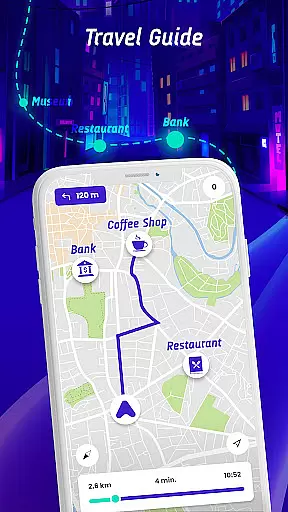
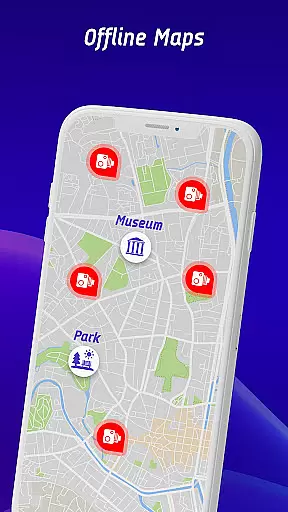
In addition to its radar detection capabilities, the app offers advanced GPS navigation with offline map support, head-up display (HUD) for windshield projection of crucial information, and a unique live world camera feature showing real-time video streams from global landmarks. These features work together to create a complete driving solution that enhances both safety and convenience.
The app proves particularly valuable during long road trips or in unfamiliar territories, where drivers can benefit from its comprehensive hazard warning system and community-driven data reporting. By delivering timely alerts and detailed driving statistics, it helps maintain safe driving practices while providing peace of mind through continuous environmental awareness.
The app distinguishes itself through several innovative features designed to enhance driver safety and convenience. Its crowdsourced speed camera database stands out as a key differentiator, allowing users to contribute real-time information about newly discovered speed checks and hazards. This community-driven approach ensures the most up-to-date coverage of potential driving risks.
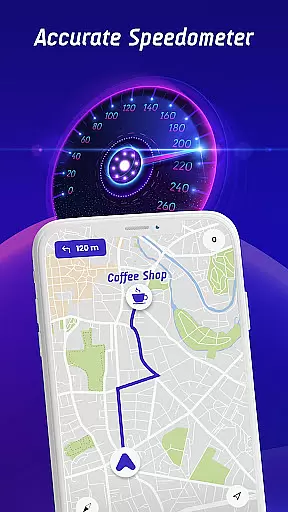
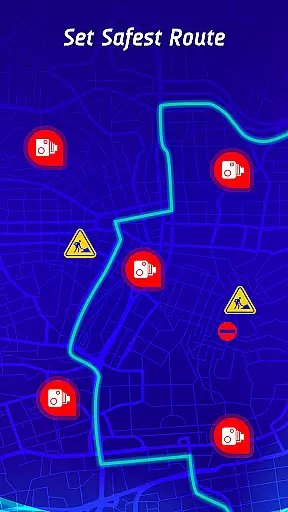
Another remarkable feature is the head-up display (HUD) system, which projects essential driving information directly onto the windshield. This includes real-time speedometer readings, traffic alerts, and radar warnings, all positioned to minimize driver distraction. The inclusion of offline map functionality addresses connectivity concerns, while the safest route calculation considers multiple factors including traffic patterns and known hazard locations.
The recently added live world camera feature provides an extra dimension of utility, allowing users to view current conditions at famous landmarks worldwide. When combined with traditional navigation tools and the comprehensive travel history tracking system, these features create a robust platform for both everyday commuting and long-distance travel planning.
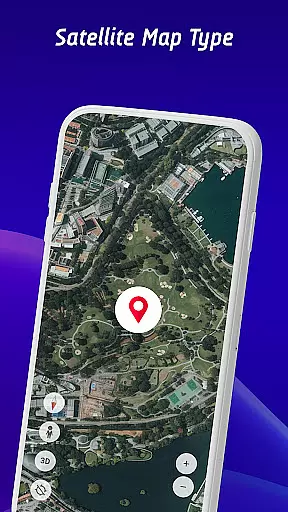
Map accuracy is essential for any navigation app, and the Offline Maps, GPS, Speedometer app excels in this area. The app provides real-time video streams from iconic locations worldwide, ensuring that users have access to current and precise visual data about their destinations.
The integration of GPS navigation with an extensive database of speed cameras, traffic lights, and potential hazards ensures that drivers receive the most accurate and up-to-date information. This feature allows users to make informed decisions while driving, avoiding areas with heavy traffic or known speed checks.
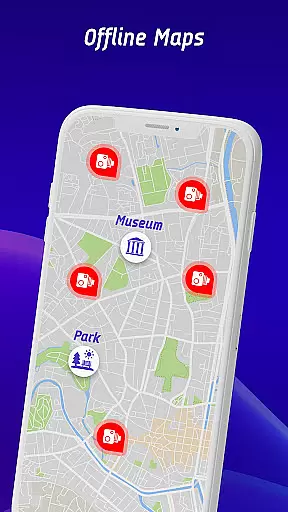
Additionally, the app's offline maps navigation mode guarantees that even without an internet connection, users can rely on meticulously detailed maps. This functionality is crucial for travelers venturing into areas with poor connectivity, ensuring they maintain precise route information at all times.
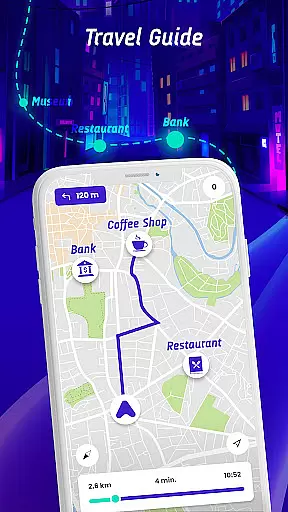
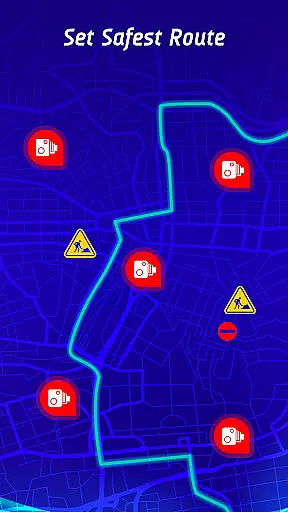
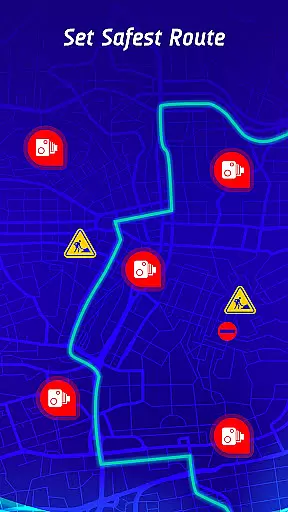
Route planning in the Offline Maps, GPS, Speedometer app is designed to offer the safest and fastest routes to any destination. By factoring in real-time traffic conditions, speed camera locations, and reported active hazards, the app provides optimal route suggestions tailored to minimize travel time and ensure safety.
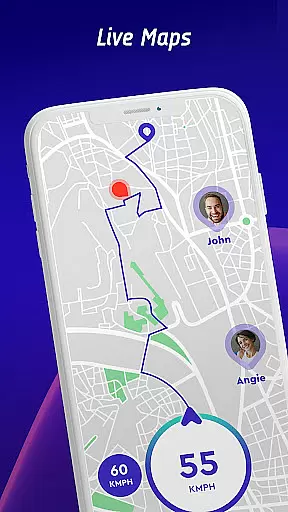
The inclusion of a travel history feature further enhances route planning capabilities. Users can review past routes, speed statistics, and encounters with speed checks, allowing them to identify patterns and make necessary adjustments to their driving habits.
Moreover, the app's ability to recommend routes based on different vehicle types adds another layer of customization. Whether driving a car, riding a bike, or operating a truck, users receive personalized route suggestions that consider specific speed limits and regulations applicable to their vehicle, ensuring both safety and compliance.
Comprehensive speed check alerts
Offline map functionality
Vehicle-specific warnings
Crowdsourced data updates
Head-up display integration
Premium feature limitations
Occasional false alerts
Battery consumption rate
Subscription pricing model
Interface complexity

This app is military GPS coordinate systems helper. (MGRS, UTM & DMS Maps)
 4.80
4.80
Your guide to the recreational opportunities of the Bureau of Land Management!
3.40
Route tracker, Speedometer, Odometer, Fuel, HUD mode, save route as .GPX
4.40
Instant diesel discounts - save big with each fill up!
4.40
Bolt is a ride-hailing app for requesting fast, safe, and affordable transport
4.80
GPS navigation offers route finder, compass, translator, currency converter, etc
4.30
Simple & easy to use a compass app. Get accurate directions.
4.20
GPS phone tracker, family locator, secure location sharing app
4.20
Rideshare, taxi cabs, and more for your airport travels and everyday trips.
4.50
Airport parking, with airport shuttle (TPS shuttle), reservations, and Spot Club
4.80
Affordable rides and food delivery with incredible discounts in just one app.
4.50
Plan routes, share locations, and set custom alert zones
4.40
Find radar maps, GPS coordinates, altitude, offline maps, location, travel route
4.40
Navigate seamlessly with Real-Time Traffic, Offline Maps, and Voice Navigation.
4.10
Avoid delays. Get real-time GPS navigation, safety alerts and live traffic.
4.10
Easy, Moderate and difficult offroad adventures.
4.00
MapQuest is your go-to app for maps, GPS, voice navigation & live traffic.
3.80
Play in the outdoors with Android as your Handheld GPS and offline topo maps!
3.50
Offline maps for phone and smart watch: topographic maps, satellite images...
3.30


User Reviews