
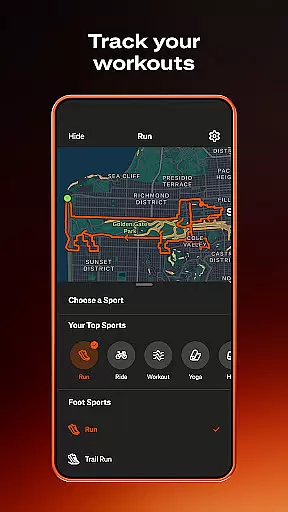
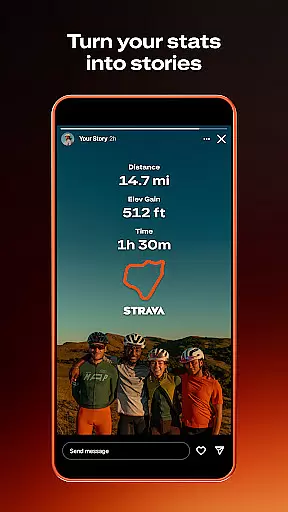
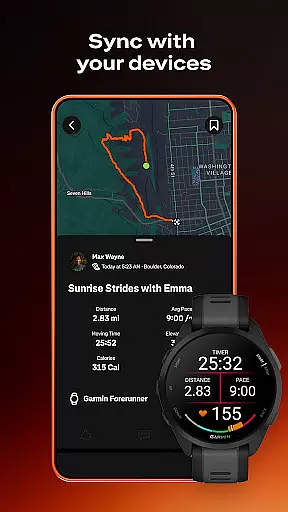
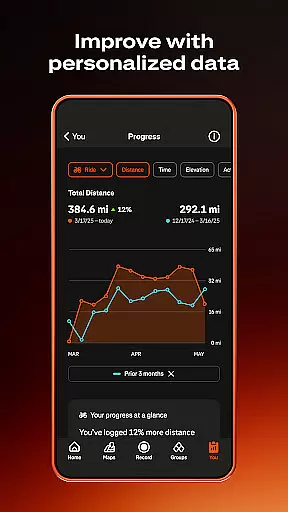
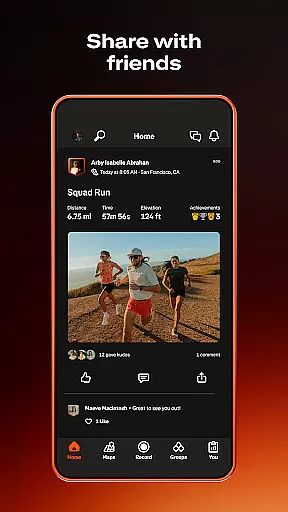
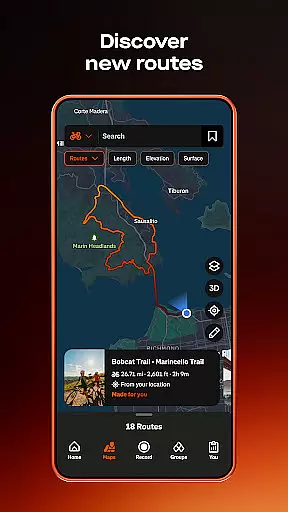
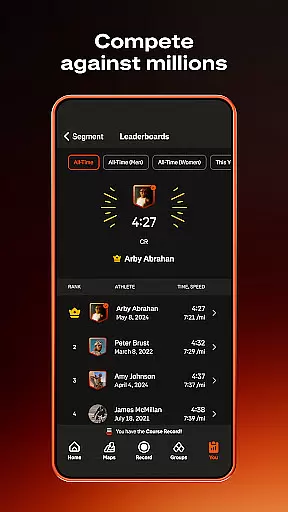
Strava is the ultimate fitness tracking app that combines community building with performance monitoring, designed specifically for athletes and fitness enthusiasts. With over 180 million active users, Strava supports a wide range of activities including running, cycling, walking, hiking, and yoga, along with over 40 other sport types. The app allows you to track your progress through detailed data insights, compete on segments to climb leaderboards, and even sync with thousands of devices such as Apple Watch, Garmin, Fitbit, and Peloton.
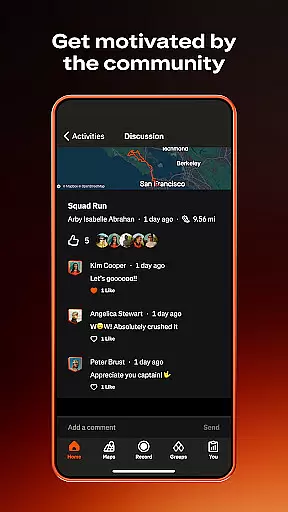
Beyond just tracking, Strava helps you connect with a global community of like-minded individuals. You can join local clubs, participate in monthly challenges, and follow friends or favorite athletes to stay motivated. Safety features like Beacon allow you to share your real-time location with loved ones during activities, while customizable privacy settings ensure you have control over your personal data. Whether you're a beginner or a seasoned athlete, Strava offers tools to help you achieve your fitness goals while fostering a supportive community environment.
Strava stands out with its comprehensive tracking capabilities and advanced social features tailored for fitness enthusiasts. The app records a variety of activities, from running and cycling to yoga and hiking, offering over 40 sport types to choose from. By syncing with popular devices like Apple Watch, Garmin, and Fitbit, Strava provides seamless integration and accurate data collection. Its intelligent route recommendations and segment competitions add a competitive edge, allowing users to compare their performance against others and strive for new personal records.
One of Strava's key strengths is its vibrant community aspect. Through Clubs and Challenges, users can engage with local groups or create their own communities, fostering motivation and accountability. The app also includes safety features like Beacon, which shares your real-time location with trusted contacts, and customizable privacy controls that let you manage who sees your activity data. For those seeking more advanced insights, Strava's subscription offers AI-driven analytics, personalized training logs, and access to exclusive deals from partner brands, making it a versatile tool for anyone serious about their fitness journey.
Companion app integration is essential for users who want a seamless experience across multiple devices. Strava excels in this area by offering robust companion app support.
The app syncs effortlessly with thousands of devices, including popular options like Apple Watch, Garmin, Fitbit, and Peloton. This ensures that no matter what device you're using, your activities are recorded accurately and comprehensively.
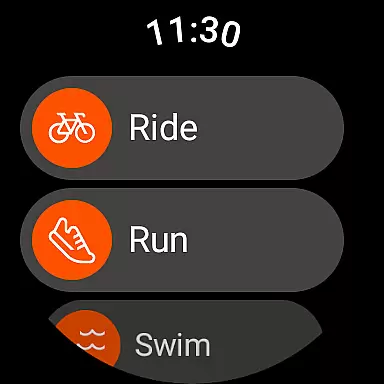
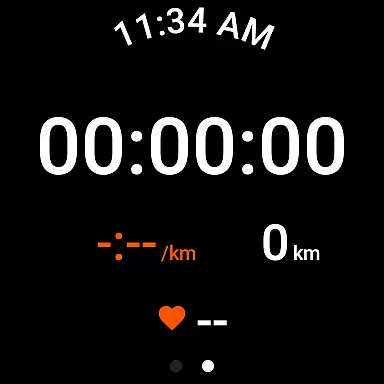
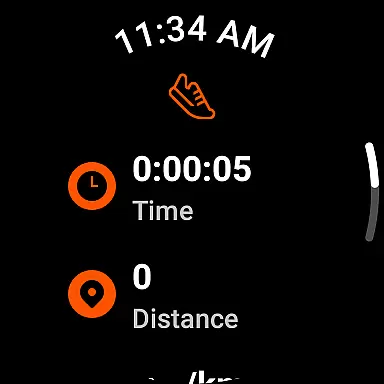
For users of Wear OS, Strava provides a dedicated tile and complication. These features allow you to quickly launch activities directly from your wearable device, making it easier than ever to track your workouts without needing to reach for your phone.
This level of integration means that whether you're cycling, running, or engaging in yoga, your data is consistently updated across all platforms, giving you a complete picture of your fitness journey.
Device compatibility is crucial for ensuring that your fitness tracking app works well with your existing tech setup. Strava offers extensive support for Wear OS and a wide range of devices.
Strava's compatibility extends to numerous devices such as Apple Watch, Garmin, Fitbit, and Peloton. This broad compatibility ensures that users can choose the device that best suits their needs while still benefiting from Strava's comprehensive tracking features.
In addition to supporting various devices, Strava also provides specific functionalities for Wear OS users. The inclusion of a tile and complication within the Wear OS ecosystem allows for quick access and activity launches, enhancing the overall user experience.
By prioritizing compatibility and offering tailored features for different devices, Strava ensures that users can focus on their fitness goals without worrying about technical limitations or device restrictions.
User-friendly interface
Extensive device compatibility
Robust community features
Detailed performance tracking
Advanced safety options
Premium subscription required
Limited free features
Occasional GPS issues
High battery consumption
Complex for beginners

Highly customizable hybrid watch face for Wear OS, perfect for everyday use.
 4.60
4.60
A heartwarming Christmas scene featuring a cute image of Santa and Rudolf
4.0
Kia Access makes getting your vehicle information easier than ever
4.60
Reliable phone calls with spam protection, caller ID and more helpful features
4.40
Real-time results, stats, schedules and player profiles for all leagues
4.60
Hybrid watch face for Wear OS with customizable complications by Matteo Dini MD
4.70
Your local weather forecast, storm tracker, radar maps & live weather news
3.40
Want to take charge of your health? Let Google Fit help you reach your goals.
3.50
Start and succeed with PAP
4.10
Diet tracker for weight loss - track calories, food and macros. Simple and easy!
4.70
Be an elegant and classy secret agent, with this carefully detailed watch face
4.70
MyNISSAN® lets you remotely control your car from your phone.*
4.50
Watch face for Wear OS.
4.20
Watch face designed for Thanksgiving Day. 7 Background Styles included.
3.20
Christmas and New Year - Themed Watchface
4.2
Precision analog watch face with 7 complications and style options
4.5
Analog watch face with 8 complications and expedition styling
4.0
Artistic Digital Watchface
4.5
Minimalistic design modern digital watch face.
4.5


User Reviews