
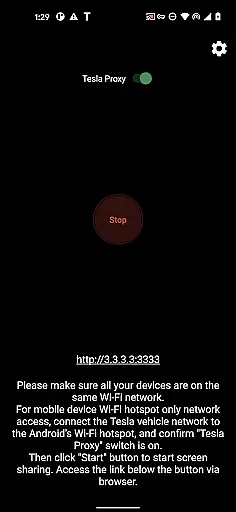
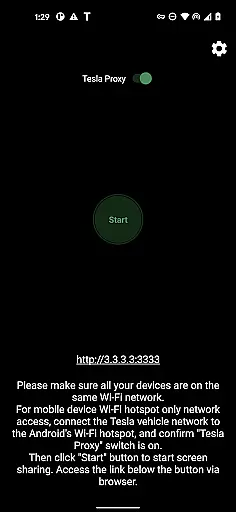
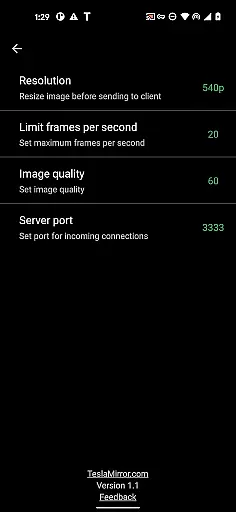
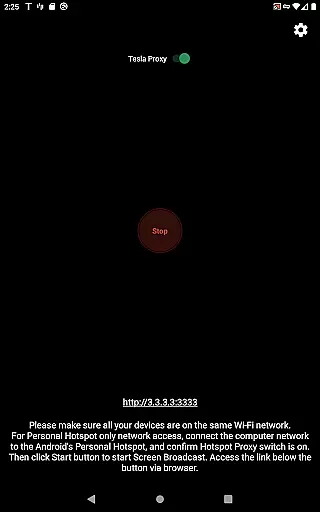
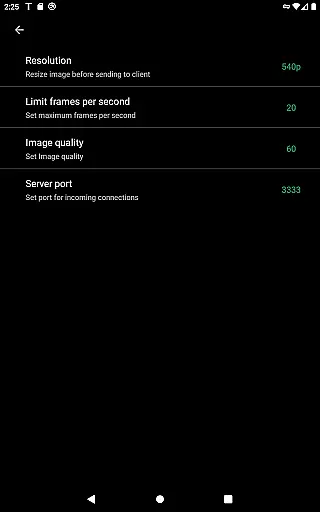
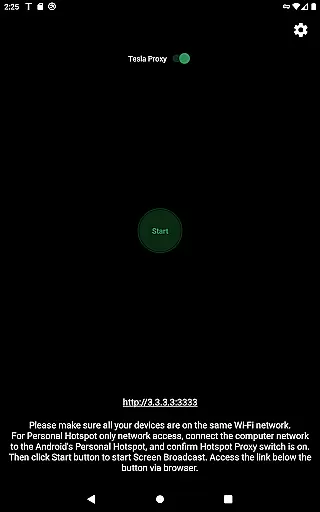
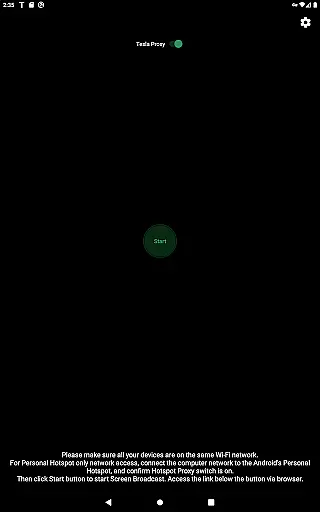
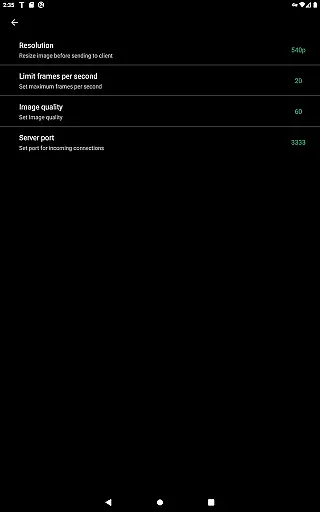
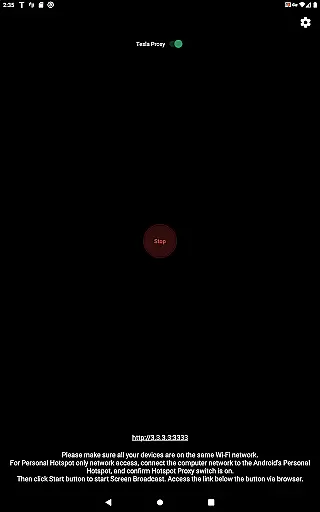
TeslaMirror is an innovative Android application that allows users to mirror their mobile device screens directly onto Tesla vehicle displays. Designed for Tesla models with MCU2/3 hardware, this app supports a 144-hour free trial and offers advanced streaming options like H.264/H.265 codecs for optimal video quality. The app ensures secure, private connections through a local VPN tunnel, making it the first of its kind on Google Play to support Tesla app mirroring.
With TeslaMirror, users can enjoy lossless audio streaming, remote control functionality, and seamless screen sharing, all while parked. This makes it ideal for enhancing in-car entertainment or productivity during stationary periods. Its compatibility with various Tesla models and user-friendly setup process provides a reliable solution for those seeking extended device functionality within their vehicles.
TeslaMirror stands out with its cutting-edge features tailored for Tesla owners. The app supports multiple streaming modes, including H.264/H.265 for high-quality video playback and MJPEG mode for basic screen mirroring. For Tesla MCU3 hardware, H.265 at 720p@60fps is recommended, while MCU2 users can utilize H.264 at 540p@30fps. Lossless audio streaming is available for Android 10+, delivering superior sound quality compared to Bluetooth alternatives.
Another key feature is Remote Control, which allows users to interact with their Android devices via the Tesla touchscreen or a connected mouse. Additionally, TeslaMirror employs a secure virtual IP and VPN tunnel to bypass Tesla browser restrictions, ensuring privacy and eliminating public server access. These functionalities collectively provide a versatile and safe solution for extending smartphone capabilities into compatible Tesla vehicles.
Detailed vehicle information is crucial for users who want to maximize their Tesla's capabilities. TeslaMirror provides comprehensive data about your vehicle's infotainment system version and compatibility, ensuring you have the latest features and security updates.
The app specifies the exact hardware requirements, such as MCU2/3 systems found in Model 3, Model Y, and newer Model S/X vehicles. This clarity helps users understand whether their vehicle supports advanced functionalities like H.265 video playback at 1080p resolution.
By detailing network recommendations, such as using a 5 GHz hotspot and avoiding Wi-Fi 6 routers, TeslaMirror ensures optimal connectivity. These insights empower users to configure their mobile hotspots correctly, enhancing the overall mirroring experience.
With clear guidance on video and audio settings, users can tailor the streaming quality to their vehicle's hardware. Whether choosing H.264 for MCU2 or H.265 for MCU3, TeslaMirror enables an unmatched level of customization that directly impacts user satisfaction.
Price transparency is essential for users making informed purchasing decisions. TeslaMirror offers a generous 144-hour trial period, allowing potential buyers to test all features without immediate financial commitment.
The app clearly outlines the refund process, requiring only the order email or Google Play order number to request a refund within the trial window. This straightforward policy builds trust and reduces the perceived risk of purchase.
By providing all necessary pricing and trial details upfront, TeslaMirror eliminates hidden fees or surprises. Users know exactly what they are getting and how long they have to evaluate the product before committing financially.
This transparent approach extends to outlining the technical limitations, such as the inability to mirror DRM-protected content. By setting clear expectations, TeslaMirror fosters a trustworthy relationship with its users, enhancing both satisfaction and long-term retention.
First app for Tesla mirroring
Supports H.265 codec
Lossless audio streaming
Remote control function
Secure private connection
No Netflix support
Requires parking
Complex setup
Needs hotspot
MCU2 limited resolution

On the CarShield app, you can view contracts, make payments, & request roadside.
 4.40
4.40
Take Control of Your Car
4.80
Monitor specific TOYOTA parameters by adding this plugin to Torque Pro.
2.00
Buy and sell your boat
4.70
Control maps, media and messaging, with the Google Assistant while you drive
4.10
Blink Charging Mobile app makes finding an EV charger an intuitive experience.
3.80
Automotive Electrical Wiring Diagrams
4.40
Your Path to Driving Licensing Success Begins Here! Develop your driving skills.
4.40
Secure mobile payments & fuel savings at Phillips 66®, Conoco® and 76® stations
4.40
The Texaco App allows you to pay for fuel from the comfort of your car!
4.80
Lexus app currently supports 2010 or newer vehicles (2018 or newer for Hawaii).
4.80
View your car’s service records and find out when maintenance is due.
4.70
MySubaru: Download. Connect. Love.
4.70
Find Your Local Store or Shop Online for the Car, Truck, or SUV Parts You Need
4.70
Listings of Tesla's with FSD - Included package
4.60
Autotrader is your online solution for buying and selling new and used cars.
4.40
* This app needs an adapter cable and a certain OBD2 adapter to work *
4.20
myAudi offers users services and Audi connect services for Audi drivers
4.10
Read and delete OBD codes with any ELM327 OBD scanner. Coding functions included
3.40


User Reviews