



OPlayer is a professional-grade media playback application designed for both Android tablets and smartphones, offering support for an extensive range of video and audio formats. With over a decade of development, it stands out as one of the premier choices for HD and 4K video playback, ensuring users can enjoy their multimedia content without format compatibility concerns.
Among its standout features are hardware acceleration for smooth performance, Chromecast support for casting videos to TV, and advanced security measures like gesture unlock to keep your media safe. Additionally, OPlayer provides versatile playback options such as pop-up window mode, split-screen viewing, and background play, making it an indispensable tool for multimedia enthusiasts who demand flexibility and high-quality playback.
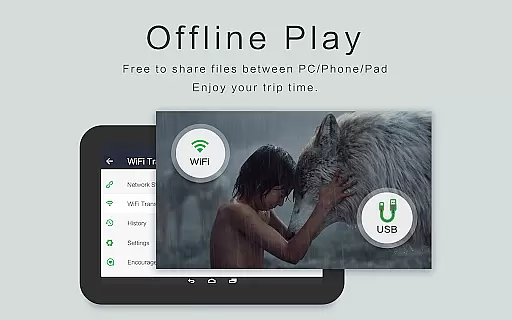
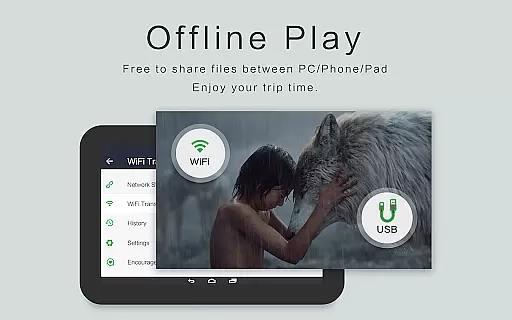
Whether you're commuting or relaxing at home, OPlayer's comprehensive feature set, including night mode, quick mute, and adjustable playback speed, ensures an optimal viewing experience in any scenario. Its intuitive file management capabilities further enhance user convenience by automatically identifying all video files on your device and SD card, allowing for easy organization and sharing.
OPlayer distinguishes itself through its robust feature set tailored for diverse multimedia needs. It supports virtually every video format imaginable, including MKV, MP4, AVI, and more, while also excelling as an audio player with compatibility for WMA, FLAC, and other formats. This versatility makes it an all-in-one solution for media playback.
The app leverages hardware acceleration to deliver Ultra HD and 4K video smoothly, even on older devices. Users can cast their favorite videos to a TV using Chromecast, enhancing the viewing experience on a larger screen. Moreover, OPlayer's floating video player allows multitasking by enabling resizable, movable video windows that overlay other applications, perfect for productivity or entertainment.
Beyond its core functionalities, OPlayer offers practical utilities such as a full-featured file manager, automatic video file identification, and customizable playback settings. These include options for screen rotation, aspect ratio adjustment, and screen locking, providing users with complete control over their media consumption experience.
Video format compatibility is a crucial feature for any video player application, determining its ability to support a wide range of video file types. OPlayer excels in this area by supporting almost all media formats, including but not limited to MKV, MP4, M4V, AVI, MOV, 3GP, FLV, WMV, RMVB, and TS.
The app's ultra HD video player capabilities ensure smooth playback even for 4K videos, thanks to hardware acceleration that optimizes performance on your device. This means users can enjoy high-quality content without worrying about format restrictions or playback issues.
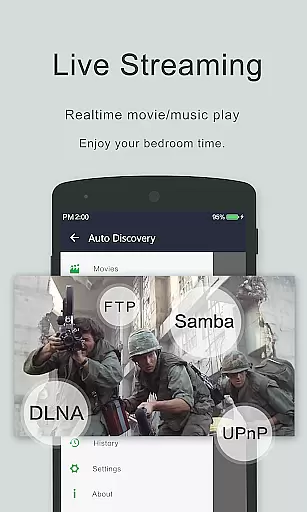
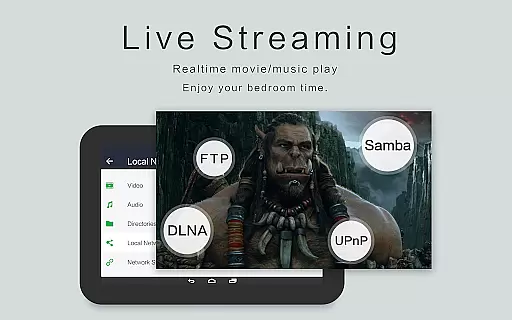
OPlayer also offers advanced features like casting videos to TV with Chromecast, playing video in pop-up window, split screen, or background. These functionalities enhance user experience by providing flexibility in how and where they consume their media content.
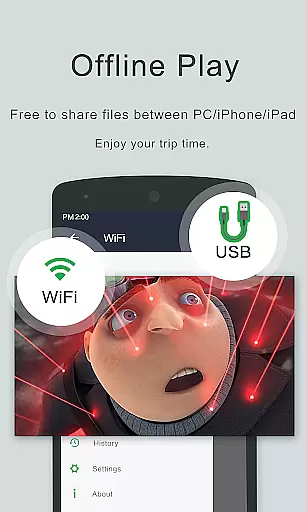
With comprehensive file management tools integrated into the app, users can easily identify all video files on their device and SD Card automatically. The full-featured file manager allows operations such as move, cut, paste, making it convenient to organize and share videos effortlessly.
While OPlayer positions itself primarily as a versatile video player, it also incorporates AI-powered editing features that add significant value for users looking to enhance their viewing experience. Although not traditionally an editor-centric app, OPlayer leverages intelligent algorithms to optimize playback settings dynamically based on content type.
One notable feature is the automatic subtitle downloader which enhances accessibility and convenience. By intelligently fetching relevant subtitles from online databases, OPlayer ensures viewers have accurate language options at hand without manual intervention.
Night Mode, Quick Mute & Playback Speed adjustments are other smart functionalities powered by AI within OPlayer. These adaptive controls allow users to tailor their environment according to personal preferences while maintaining optimal audiovisual quality throughout different scenarios.
Additionally, gesture unlock keeps your video safe yet easily accessible through intuitive touch commandsu2014a testament to thoughtful design aimed at simplifying interaction while safeguarding privacy. Overall, these enhancements make OPlayer not just a robust player but also a savvy companion for modern digital entertainment needs.
Extensive format support
Smooth 4K playback
Chromecast integration
Floating video window
Advanced file management
Interface may feel dated
Occasional codec issues
Limited editing tools
No cloud integration
Premium version required

Your media, on your terms.
 4.10
4.10
Live TV, anywhere in your home
3.80
AirMirror Receiver - Screen mirroring/cast web videos to Android TV by AirPlay.
4.40
Make your own Animations, Video and Photo Edits, Visual Effects, and more!
4.00
Cast movies, tv shows and live streams to Chromecast, Roku, DLNA, Fire TV & more
4.60
Screen recorder with audio to take live videos & Screenshot in high quality!
4.70
Fast private browser with secure, seamless access & supported video downloads!
4.00
Create, Publish & Maximize
4.70
Make videos you’re proud to share with Edits, a video editor for creators.
4.70
#1 Torrent App on Android ** No Ads Ever + Battery Saver **
4.80
Cast Videos from Web Browser, IPTV to Roku, Chromecast, DLNA, Smart TV +more
4.60
Search & download videos from net with all video downloader, auto-detect & safe.
4.60
VLC Remote lets you control your VLC Media Player on Mac, PC or Linux.
4.60
Browser + Remote for Roku to stream webvideos, online movies and livestreams
4.60
Fast video downloader & private browser. Save HD clips to watch offline.
4.40
LumaFusion: The Ultimate Storytelling Experience for Video Editing
4.10
Online Videos Player
3.90
Browser for Sony TV to stream web videos, online movies and live tv
3.20
Video player with powerful streaming playback and various convenient features.
2.10


User Reviews