
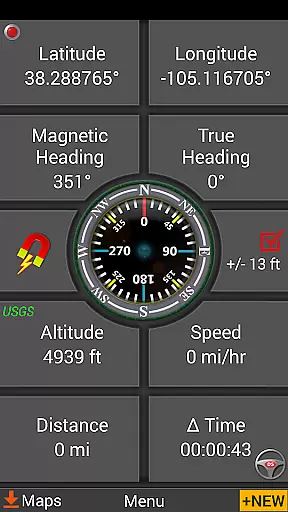
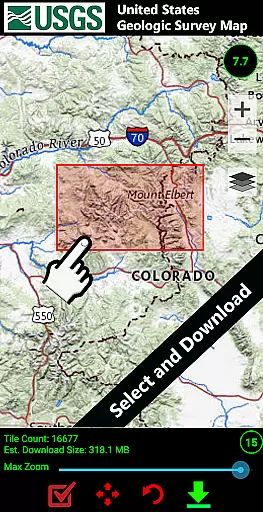
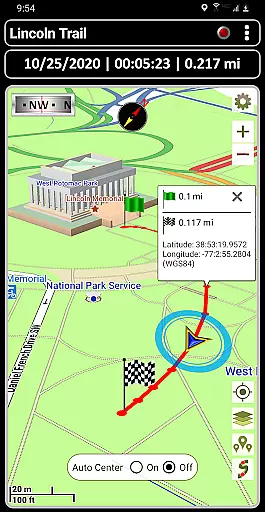
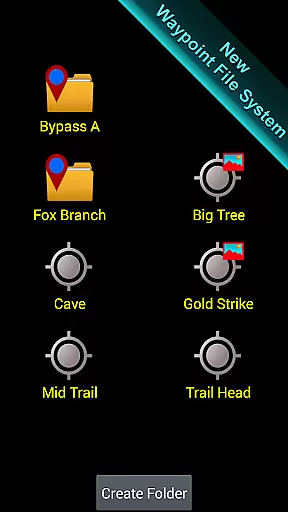
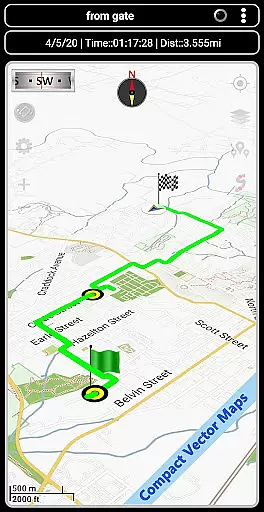
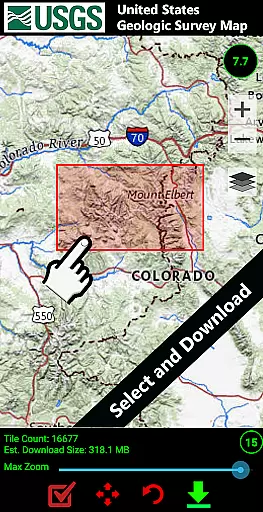
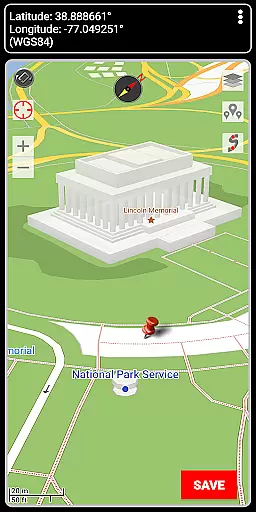

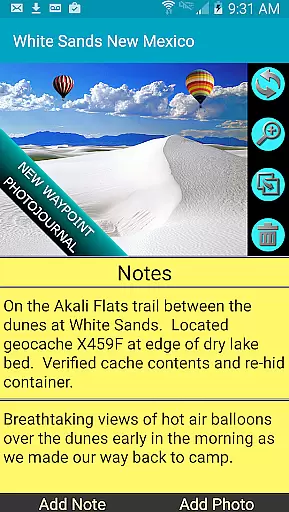
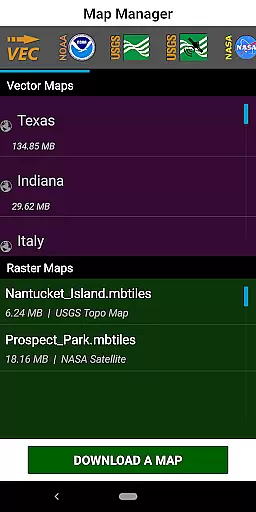
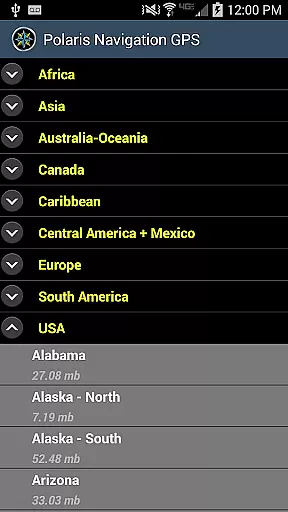
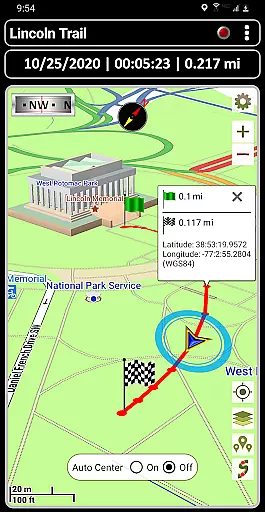
GPS Waypoints Navigator is a comprehensive navigation app that transforms your phone into a powerful GPS tool. It offers offline maps and tools for use in areas without network coverage, making it ideal for wilderness exploration, maritime navigation, and urban adventures. The app provides access to over 400 maps in its 3D vector map library, which can be downloaded for offline use and transferred to an SD card to save internal memory.
With features like searchable waypoint management, trail recording, and photo-tagging capabilities, users can efficiently organize and share location data. Whether you're hiking trails, navigating off-road, or engaging in geocaching, this app supports multiple coordinate formats and includes specialized tools such as military coordinate finders and navigational compasses. Its integration with Google Earth and support for KML, GPX, and KMZ file importing/exporting further enhance its utility for outdoor enthusiasts and professionals alike.
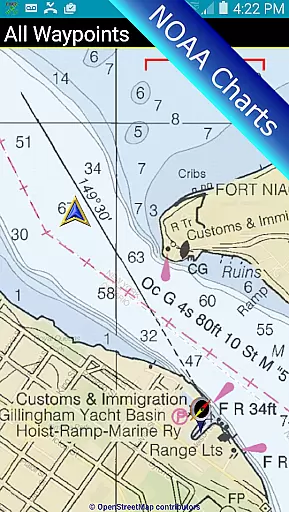
One of the standout features of GPS Waypoints Navigator is its extensive map options. Users can choose from various sources including Topo Maps, Satellite Maps, OpenStreetMaps, Cycling Maps, and more. This versatility allows for customized navigation experiences tailored to specific activities like trail hiking, cycling, or maritime navigation using NOAA Nautical Charts.
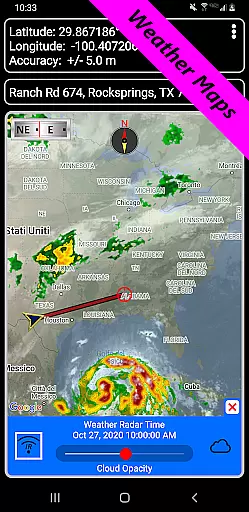
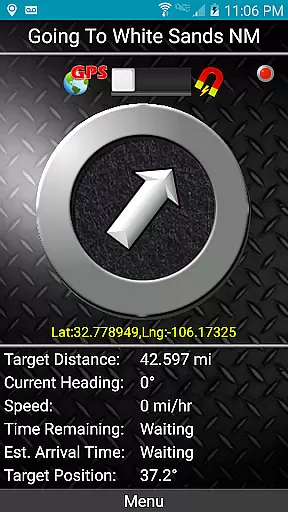
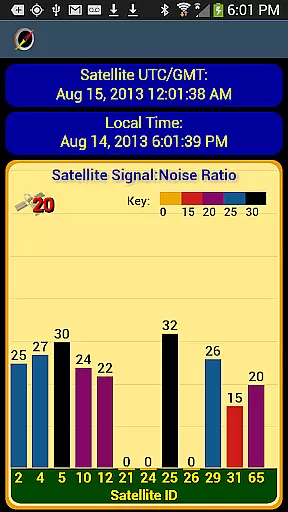
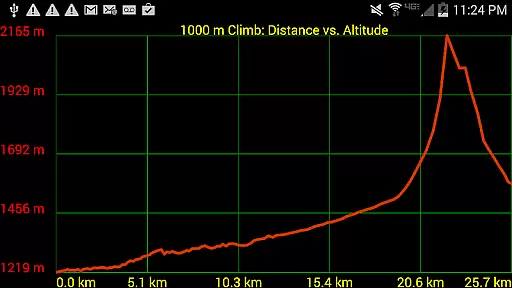
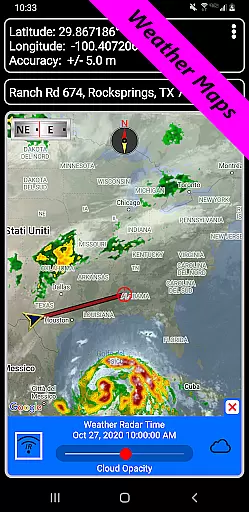
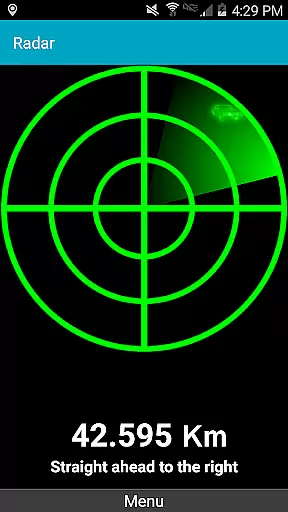
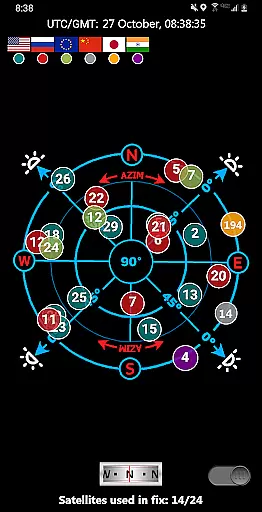
The app also includes advanced waypoint guidance systems, a dynamic waypoint compass, and GPS Reflected Pseudo-Radar. These tools ensure accurate navigation by providing precise directions to waypoints. Additionally, the inclusion of weather maps with live Doppler radar and cloud patterns helps users stay informed about environmental conditions that could impact their journey. Proximity alerts and altitude profiles further enhance safety and planning capabilities, ensuring that every trip is well-prepared and executed with confidence.
Map accuracy is a critical feature for any navigation app, and GPS Waypoints Navigator excels in this area. The application provides users with access to over 400 maps in its 3D vector map library, ensuring comprehensive coverage across diverse terrains and regions. These maps are downloadable for offline use, which means that even when you're out of network reach, you can still rely on precise mapping data.
The app supports multiple map sources including Topo Maps, Google Maps, Satellite Maps, OpenStreetMaps, Cycling Maps, and more. This variety ensures that whether you're hiking through wilderness, navigating waterways, or exploring urban landscapes, the map data you receive is both relevant and accurate. Additionally, the inclusion of specialized maps like NOAA Nautical Charts and USGS Topo Maps caters to specific activities such as maritime navigation and surveying.
Users benefit from not only the breadth of map options but also the ability to transfer maps to an SD card. This feature helps free up internal memory without compromising the quality or availability of map data. As a result, users can store and access large volumes of detailed maps, enhancing their navigational accuracy regardless of location.
In summary, GPS Waypoints Navigator offers unparalleled map accuracy by providing extensive, high-quality map data that is accessible even offline. This ensures that users can confidently navigate various environments with precise and reliable mapping information at their fingertips.
Route planning is an essential aspect of navigation, allowing users to efficiently chart their course before embarking on a journey. GPS Waypoints Navigator offers robust route planning features that cater to different types of travel, whether it's trail hiking, off-road adventures, or maritime expeditions. With tools like searchable waypoint and trail management systems, users can organize and manage their routes effectively.
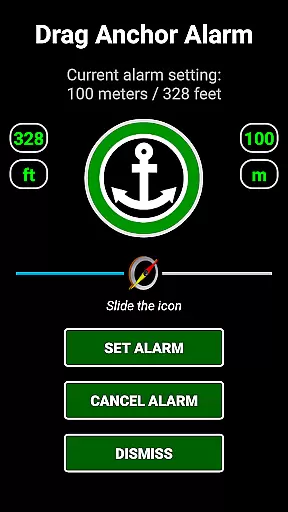
The app includes advanced functionalities such as KML, GPX, and KMZ file importing and exporting. This allows users to share location data with friends or view planned routes in platforms like Google Earth. Additionally, the drag anchor alert feature enables users to set a drift radius, which is particularly useful for marine navigation where maintaining position within a certain area is crucial.
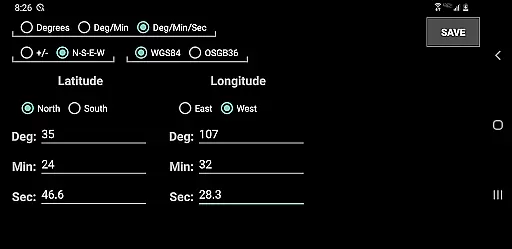
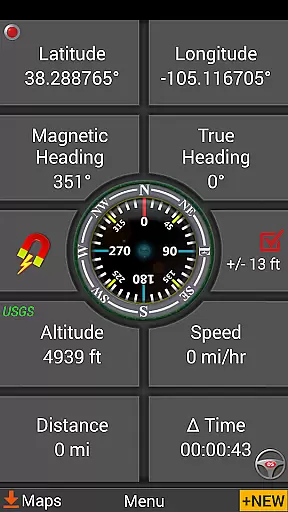
For those who require detailed guidance, GPS Waypoints Navigator provides two waypoint guidance systems. One includes a dynamic waypoint compass that always points towards your target, while the other offers GPS Refiled Pseudo-Radar. These tools ensure that users stay on track and reach their destinations accurately. Moreover, the map search functionality supports various coordinate formats, making it versatile for international use.
Overall, GPS Waypoints Navigator enhances route planning by offering a suite of powerful tools designed to make navigation seamless and efficient. Users can plan their journeys with confidence, knowing they have access to accurate and flexible routing options tailored to their specific needs.
User-friendly interface
Offline map availability
Comprehensive feature set
Multi-language support
Excellent customer service
High battery consumption
Complex for beginners
Limited free maps
Occasional bugs
Heavy app size

GPX Viewer PRO shows tracks, routes and waypoints from gpx and kml files.
 4.60
4.60
Navigate with your watch and keep the phone in your pocket!
4.60
Voice GPS with driving directions, offline maps navigation GPS for safe travel
4.50
Get directions, Maps, GPS navigation & GPS Maps using GPS App
4.10
Explore with GPS Navigation with GPS offline, voice GPS, speed camera radar
4.60
Bolt is a ride-hailing app for requesting fast, safe, and affordable transport
4.80
Gas Station & Fuel Rewards Points
3.70
Neshan: map & navigation app with 20M+ monthly active users
4.50
Rideshare, taxi cabs, and more for your airport travels and everyday trips.
4.50
Route tracker, Speedometer, Odometer, Fuel, HUD mode, save route as .GPX
4.40
Plan routes, share locations, and set custom alert zones
4.40
Use GPS maps or search by property owner, address or parcel to view parcel data
4.30
Route schedules, maps, and real-time tracking of MTA buses in New York City.
4.20
Simple & easy to use a compass app. Get accurate directions.
4.20
Find radar, speed camera, flight tracker. Use hud, location tracker, speedometer
4.20
Navigate seamlessly with Real-Time Traffic, Offline Maps, and Voice Navigation.
4.10
OpenCPN is a full featured ChartPlotter and Navigator for Android.
3.60
Offline maps for phone and smart watch: topographic maps, satellite images...
3.30
Ride CTA, Metra & Pace: Manage your fares, buy Metra tickets, get arrivals.
3.00


User Reviews