
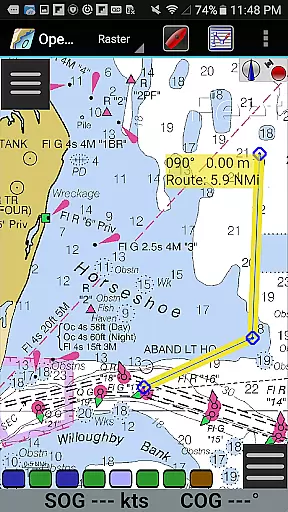
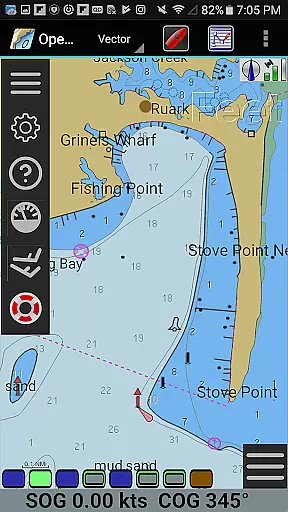
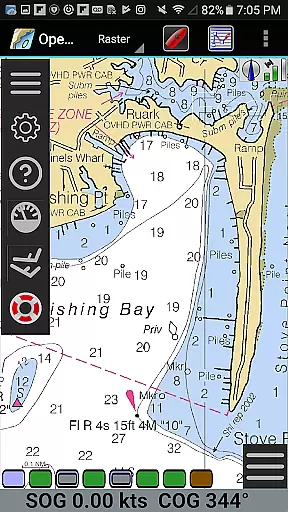
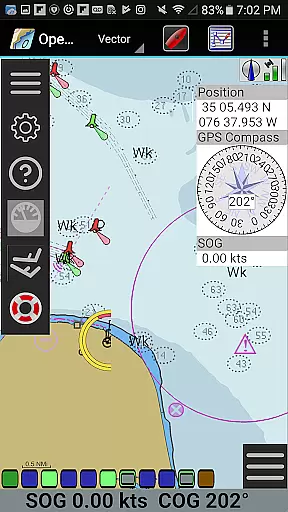
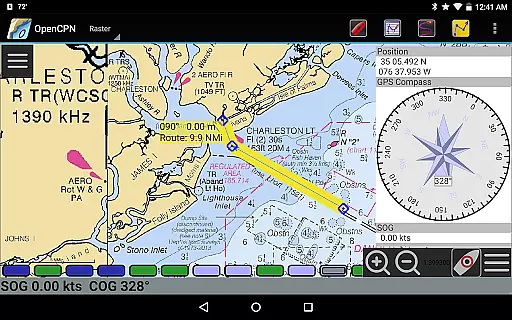
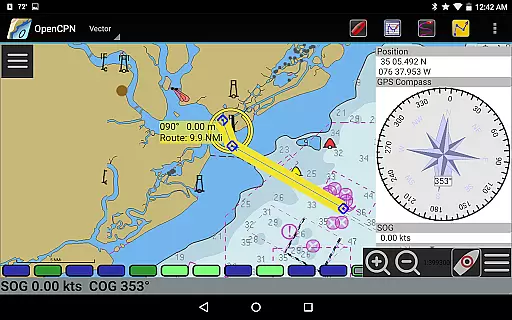
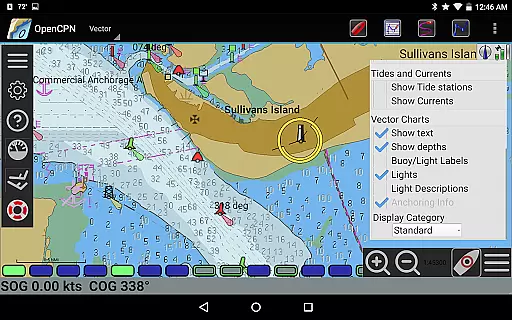
OpenCPN is a comprehensive chart plotter and navigation application designed for both desktop and mobile platforms. This versatile app brings professional-grade navigation tools to your fingertips, making it an essential companion for marine enthusiasts. With support for various chart formats including BSB v3 raster charts, S57 vector charts, and CM93 vector charts, OpenCPN ensures accurate and detailed mapping capabilities.
The application offers advanced GPS functionalities, supporting device-integrated GPS, Bluetooth remote GPS, and networked GPS devices. Its route planning features, coupled with tidal support and great-circle routing, provide users with precise navigation tools. Additionally, the app includes AIS input with full target tracking, anchor watch functions, and autopilot output support, ensuring a complete navigation solution for both recreational and professional use.
Whether you're cruising, racing, or working on the water, OpenCPN enhances safety and performance. The app's integration with Google Maps and its support for GPX files allow for seamless chart annotation and route management. By joining the OpenCPN community, users gain access to a wealth of resources and support, making their marine adventures more enjoyable and secure.
OpenCPN stands out with its extensive feature set tailored for marine navigation. The app supports multiple chart formats such as BSB v3 raster charts (RNC), S57 vector charts (ENC), and CM93 vector charts, providing flexible and detailed mapping options. Its IHO S52 compliant display ensures that vector charts are presented accurately and clearly, enhancing the user's situational awareness on the water.
One of OpenCPN's key strengths is its robust GPS support. The app works seamlessly with device-integrated GPS systems, Bluetooth remote GPS, and networked GPS devices using TCP/UDP protocols. It also features a standard NMEA 0183 GPS interface and an advanced NMEA message handling structure with a built-in multiplexer. These capabilities ensure reliable and precise location tracking, crucial for safe navigation.
Additional notable features include AIS input with full target tracking and collision alerting, which significantly improves maritime safety. The app also supports SART, DSC, and GPSGate Buddies, along with anchor watch functions and GPX file support for waypoints, tracks, and routes. Users can plan routes with tidal support, utilize great-circle routing, and annotate charts with GPX layers. With various display themes and Google Maps integration, OpenCPN provides a customizable and user-friendly navigation experience.
Map accuracy is a critical feature for any navigation application, and OpenCPN excels in this area. The app supports multiple chart formats including BSB v3 raster charts, S57 vector charts, and CM93 vector charts with per-cell offset corrections. This ensures that users have access to highly detailed and precise maritime maps regardless of their location.
OpenCPN's support for IHO S52 compliant display of S57 vector charts means that the app adheres to international standards for electronic navigational charts. This guarantees that all symbols, colors, and other chart elements are displayed consistently and accurately, providing mariners with reliable information for safe navigation.
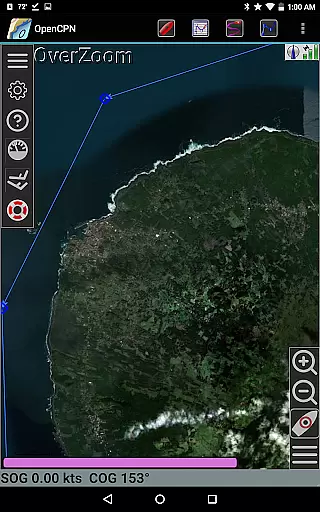
The inclusion of MBTiles chart overlay support adds another layer of accuracy and customization. Users can download and integrate additional chart data through the integrated Chart Downloader, ensuring they always have the most up-to-date and relevant maps for their voyages. This comprehensive approach to map accuracy makes OpenCPN an indispensable tool for both recreational and professional mariners.
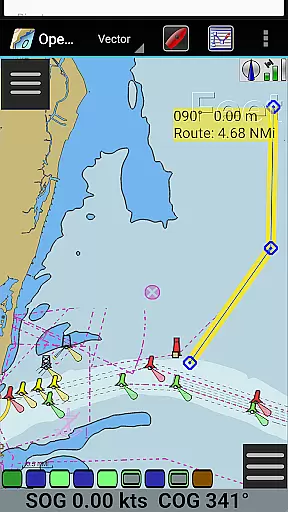
Effective route planning is essential for safe and efficient maritime travel, and OpenCPN offers robust features to assist with this task. The app provides various display modes such as North-up, Course-up, and Chart-up, allowing users to view their routes from different perspectives. These options enhance situational awareness and help in making informed navigational decisions.
OpenCPN supports advanced route navigation with ship tracking functions, enabling users to plot and follow complex courses with ease. Waypoint navigation further simplifies the process by allowing sailors to set specific points along their journey, ensuring they stay on course and reach their destination safely.
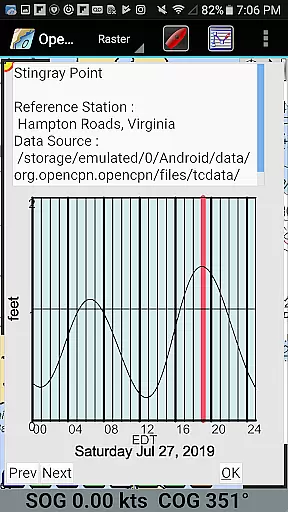
In addition to basic route planning, OpenCPN includes tidal support and great-circle routing capabilities. These features allow users to account for tidal conditions when planning their trips and calculate the shortest possible routes over long distances. By integrating these sophisticated tools, OpenCPN empowers mariners to plan their journeys with confidence and precision.
User-friendly interface
Extensive chart support
Advanced GPS features
Comprehensive AIS tools
Active community support
Steep learning curve
Resource-intensive
Limited offline maps
Occasional bugs
Complex setup

Explore a light pollution map to find suitable dark sky locations for observing.
 4.30
4.30
Route tracker, Speedometer, Odometer, Fuel, HUD mode, save route as .GPX
4.40
America’s largest public fast charging network, with over 500 charging stations.
4.50
"Balad" is a map and navigator with a Persian voice assistant and a complete city guide
4.40
Get directions, Maps, GPS navigation & GPS Maps using GPS App
4.10
LIRR and Metro-North tickets and trips
4.80
Live Satellite view app for find GPS navigation Direction and live location map
3.70
Track friends in real-time and explore worldwide live cameras.
4.60
Lets explore the world's famous places by using Live Cams, GPS & Satellite View.
4.20
Get there with the Waymo Driver — The World’s Most Experienced Driver™
4.90
Navigate MTA, NJ Transit, MBTA, SEPTA, BART, MARTA, CTA & 900+ cities
4.60
Affordable rides and food delivery with incredible discounts in just one app.
4.50
ParkWhiz, an Arrive Mobility brand, part of the Arrive Network
4.30
Number locator, real connection map
4.10
TACNAV-X: Precision MGRS navigation, built specifically for the military.
4.00
Route Planner is travel map to get turn by turn navigation & driving directions
3.90
Navigate via GPS Maps of GPS Voice Navigation, driving directions to find routes
3.60
Explore offline maps with radar, satellite view, and real-time alerts.
3.60
Play in the outdoors with Android as your Handheld GPS and offline topo maps!
3.50


User Reviews