

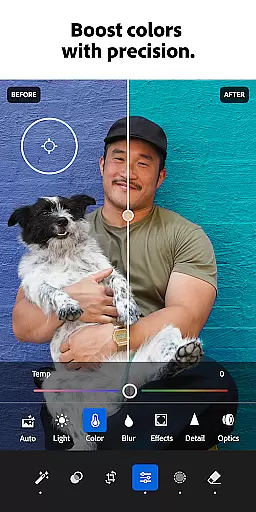


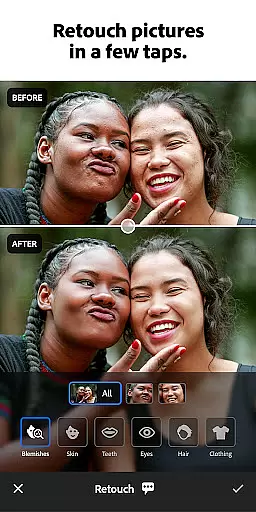
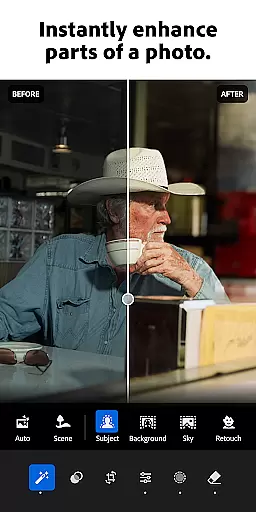
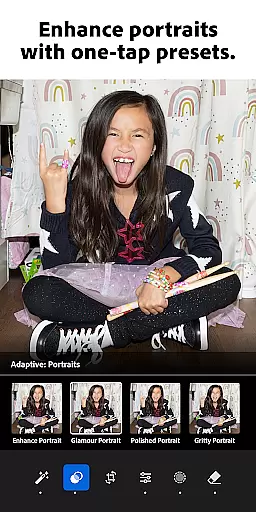

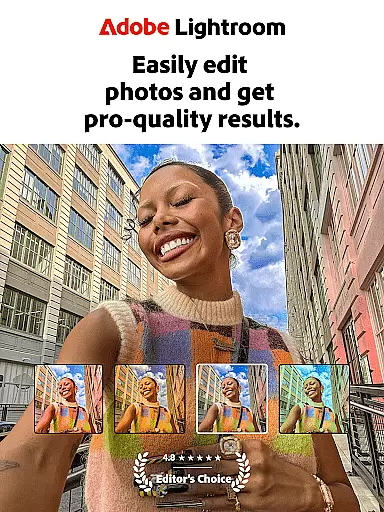
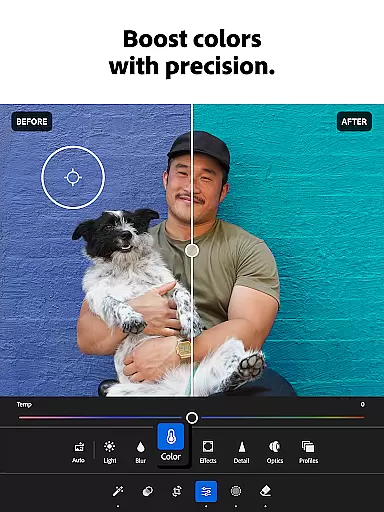
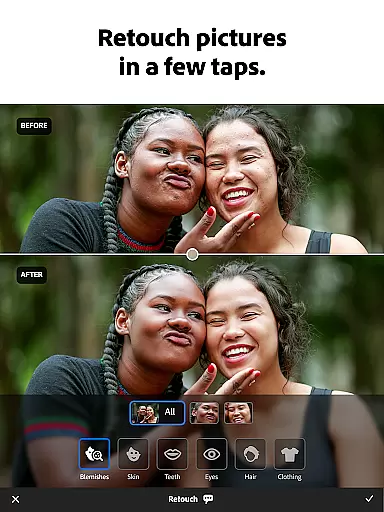
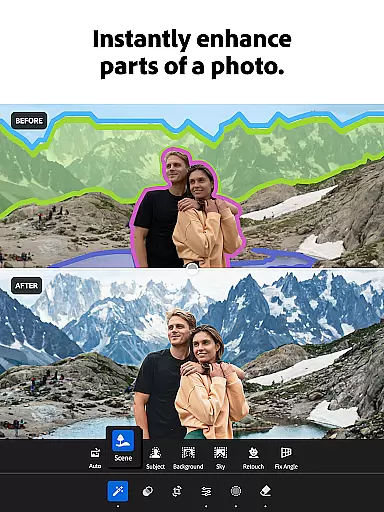
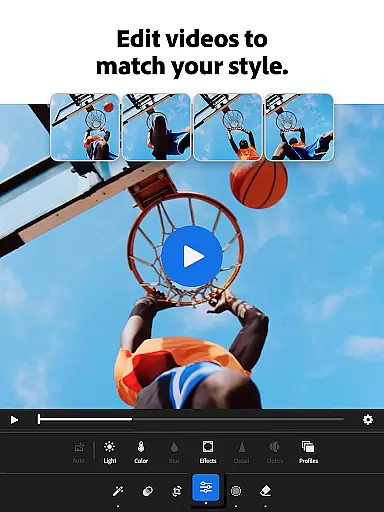
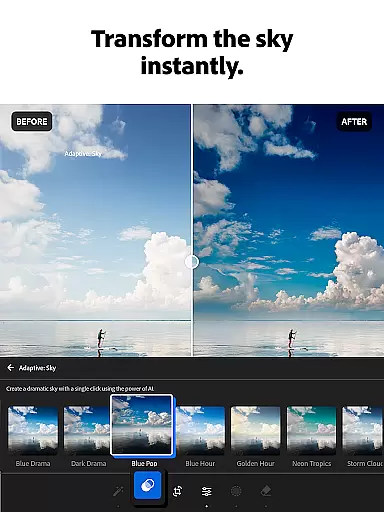
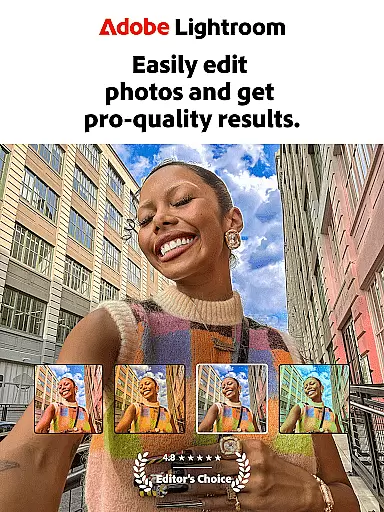
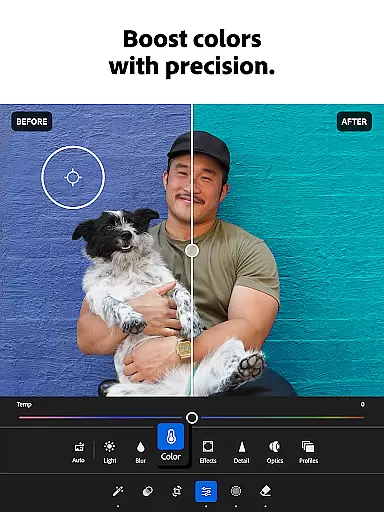
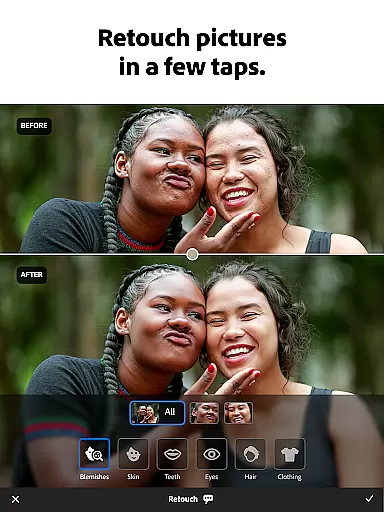
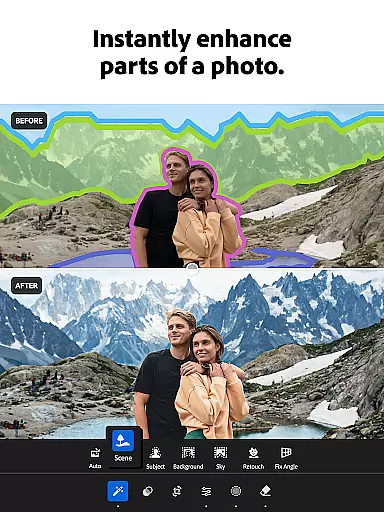
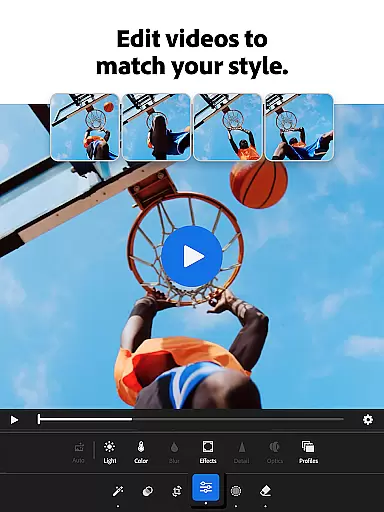
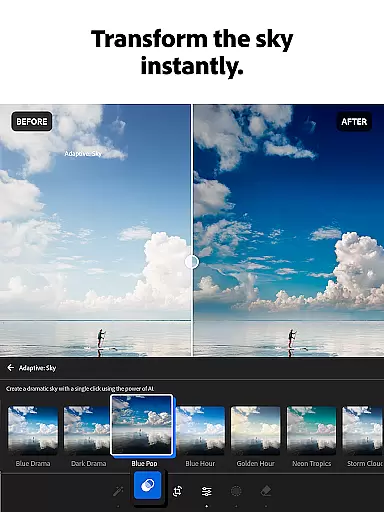
Adobe Lightroom is a powerful photo and video editor designed to help users create stunning visuals with ease. This mobile application offers professional-grade editing tools that allow you to retouch photos, enhance image quality, and even edit videos. With features like one-tap enhancements, custom presets, and advanced light control, Lightroom makes photo editing accessible to everyone.
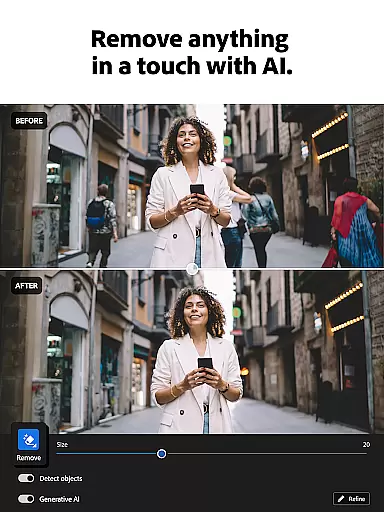
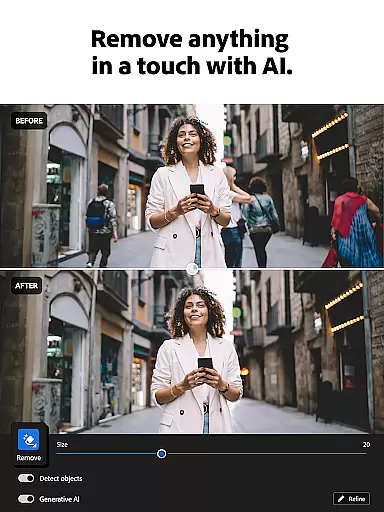
The app stands out with its AI-powered editing capabilities and intuitive interface. Whether you're adjusting exposure, applying creative color grading, or removing unwanted objects from your photos, Lightroom provides the tools you need to achieve professional results. It's perfect for photographers who want to curate their social media feeds or simply capture life's special moments in stunning detail.
Lightroom is more than just an editor; it's a creative community. Users can browse and apply presets shared by photo enthusiasts worldwide, find inspiration, and develop their unique style. The app also supports batch editing, making it easy to apply consistent edits across multiple photos. Available on both iOS and Android, this versatile tool empowers creatives to produce share-worthy content anytime, anywhere.
Lightroom offers an impressive array of features that cater to both amateur and professional photographers. The app's Quick Actions and Adaptive Presets provide instant enhancements with just one tap, while advanced users can dive deeper into precise controls for exposure, highlights, shadows, and color grading. Its innovative Generative Remove tool allows you to seamlessly erase unwanted elements from your photos.
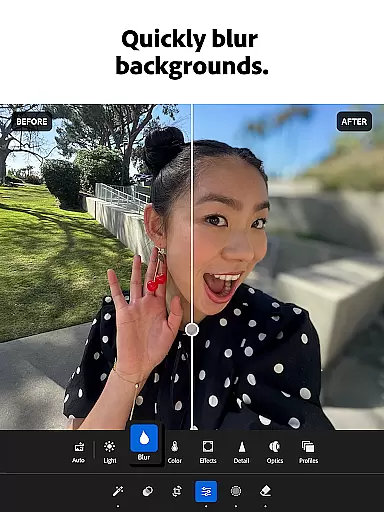
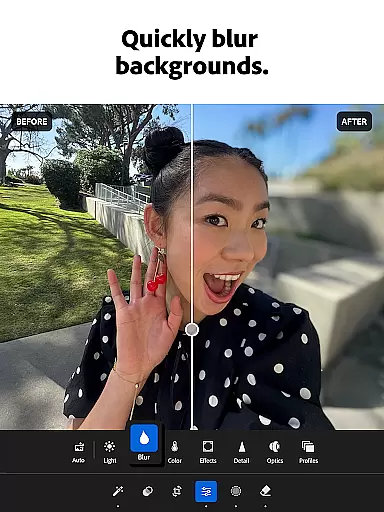
Video editing capabilities are equally robust, enabling users to apply the same sophisticated adjustments to their video footage as they do to still images. The background blur feature creates professional-looking depth-of-field effects, while the comprehensive set of retouching tools ensures every detail is perfected. Lightroom's AI-powered suggestions help optimize your edits without requiring extensive technical knowledge.
What truly sets Lightroom apart is its community-driven approach to creativity. The app facilitates sharing and discovering presets created by fellow photographers worldwide. This collaborative environment, combined with features like batch editing and cross-device synchronization, makes Lightroom an indispensable tool for anyone serious about mobile photography and videography.
Real-time capture and preview functionality is essential for photographers who need to ensure their shots are perfect before they even leave the camera app. With Lightroom Photo & Video Editor, users can see exactly how their adjustments will look in the moment, allowing them to make precise edits on the fly.
This feature provides a live view of changes made to exposure, contrast, highlights, shadows, and other critical settings. The immediacy of feedback empowers creators to experiment with confidence, knowing that what they see on-screen is an accurate representation of the final image or video output.
Photographers benefit from this capability by being able to fine-tune their work without delay, ensuring that every photo captures the intended mood and atmosphere. Whether shooting a vibrant sunset or capturing candid family moments, real-time previews help achieve professional-quality results with minimal effort.
The AI Beauty & Enhancement Naturalness feature within Lightroom leverages advanced algorithms to enhance photos while maintaining a natural appearance. This tool intelligently applies enhancements such as skin smoothing, blemish removal, and color correction, all tailored to preserve authenticity in portraits and landscapes alike.
Unlike traditional filters that may distort reality, Lightroom's approach ensures subtlety and realism. Users have control over intensity levels, enabling them to strike the perfect balance between enhancement and originality. From refining facial features to enriching landscape details, these intelligent adjustments elevate images without compromising their genuine essence.
By offering non-intrusive yet effective enhancements, this feature allows photographers at any skill level to produce stunning visuals effortlessly. It democratizes high-quality photo editing, making it accessible for everyoneu2014from casual snappers looking to improve social media posts to professionals seeking efficient post-production workflows.
User-friendly interface
Powerful AI editing tools
Extensive preset library
Professional-grade features
Cross-platform compatibility
Premium features require subscription
Steep learning curve for beginners
Some tools are computationally intensive
Limited free storage space
Advanced features may overwhelm casual users

How would you look like with a differently shaped nose, chin or lips?
 3.90
3.90
1M influencer's special filter
4.60
Photo editor: AI filters, photo enhancer, pic collage maker, AI art generator.
4.80
Transform photos into videos! Create realistic or anime-style images easily!
4.50
Light-weight Media Gallery app for Android made with Jetpack Compose
4.60
The #1 app for B&W film developing featuring an advanced darkroom timer.
4.10
GCamera allows all GCam features on all phone models! Better photos with GCamera
3.30
Easily create custom gifts, cards, photo books & more on the Shutterfly app!
4.60
Discover & download millions of art for The Frame TV or Hisense CanvasTV
4.60
Create funny photos and videos with the popular Time Warp Scan filter.
4.90
Your personal guide to the sun and moon. Plan ahead, visualize and predict!
4.70
The original Rarevision VHS look seen everywhere!
4.70
Unblur, enhance & restore photos with powerful AI photo enhancer tools.
4.60
AI photo editor with hair editor, retouch tools, hair color changer & filters!
4.50
AI photo enhancer with Sora 2! Enhance, descratch, and colorize your old photos.
4.50
Search, tag and rate your way to an organized image gallery
4.40
All-in-One Editor & AI Photo Enhancer, Collage, Cartoonify, Funny Stickers & BGS
4.10
Professional quality photo edits with the new Snapseed.
4.00
live datamoshing
4.00


User Reviews