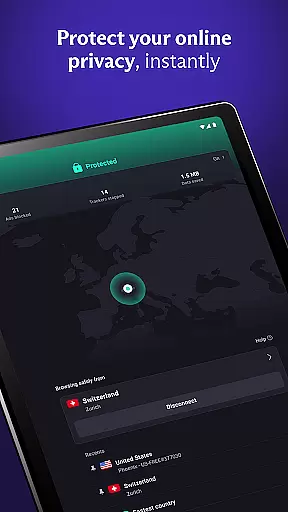
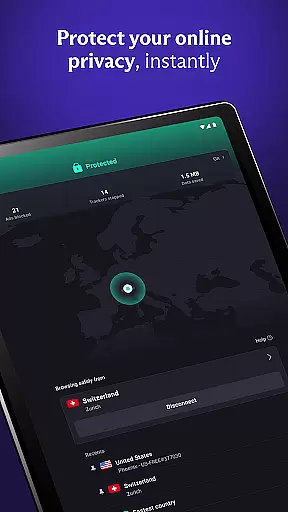
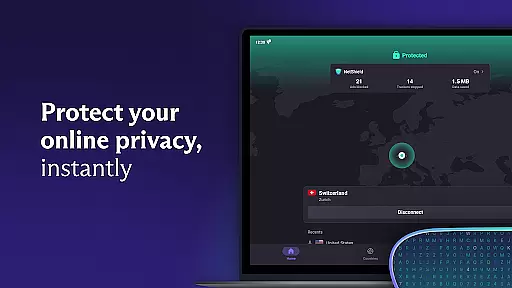
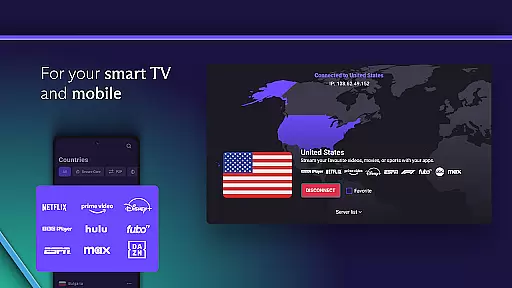
Proton VPN is a privacy-focused virtual private network application developed by the team behind Proton Mail, the world's largest encrypted email service. This free and secure VPN solution offers unlimited data access with no bandwidth or speed restrictions, ensuring users can bypass geo-restrictions while maintaining complete online anonymity. The app features advanced security protocols including OpenVPN and WireGuard, perfect forward secrecy, and DNS leak protection.
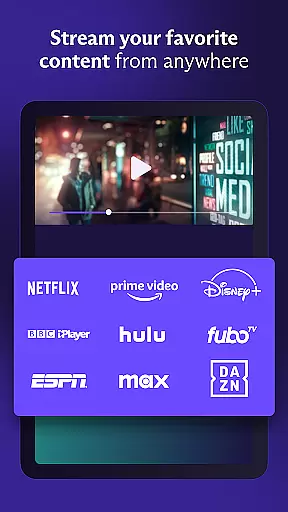
What sets Proton VPN apart is its strict no-logs policy combined with independently audited open-source code. Users can connect up to 10 devices simultaneously and benefit from specialized features like NetShield (built-in ad blocker), Secure Core architecture for enhanced protection, and support for P2P file sharing. Whether you're looking to protect your connection on public Wi-Fi or stream geo-blocked content on platforms like Netflix, Proton VPN provides a comprehensive suite of tools to ensure fast, unrestricted, and private internet access across Android, iOS, Windows, macOS, and Linux devices.
Proton VPN distinguishes itself through several key features designed to maximize both security and usability. One standout feature is its unique VPN Accelerator technology, which boosts connection speeds by up to 400%, making it ideal for streaming high-definition videos or downloading large files without interruptions. Additionally, the always-on VPN functionality acts as a kill switch, preventing accidental exposure of your IP address if the connection drops unexpectedly.
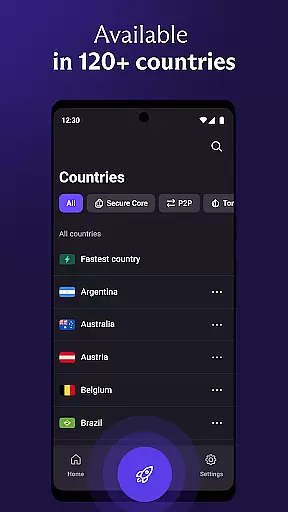
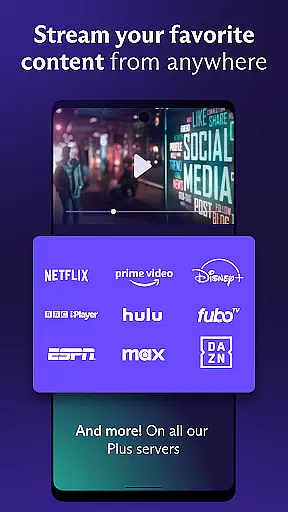
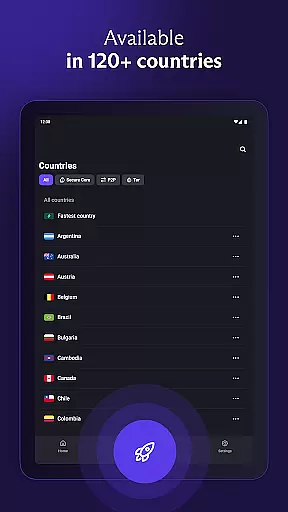
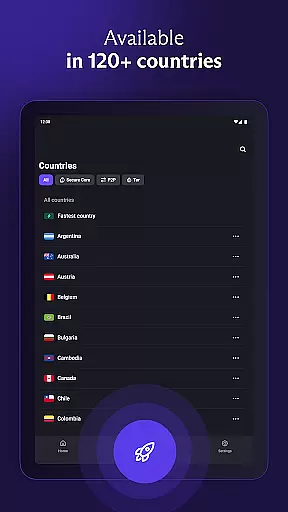
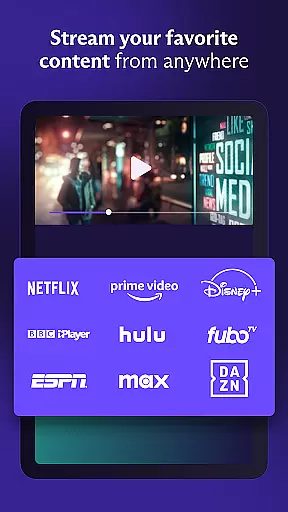
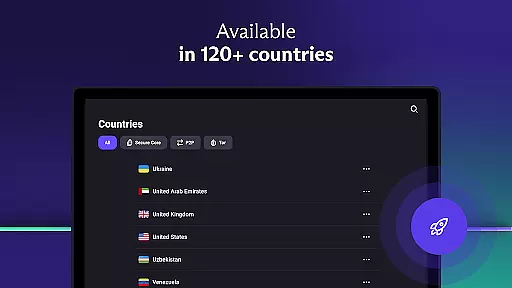
The premium version unlocks access to over 15,000 servers in 126 countries, enabling users to unblock restricted content globally. With support for multi-hop connections via Secure Core servers, Proton VPN ensures an additional layer of encryption that protects against network-based attacks. Other notable features include split tunneling, discreet app icons for privacy-conscious users, and full compatibility with popular streaming services such as Netflix, Hulu, and BBC iPlayer. These capabilities make Proton VPN not just a tool for privacy but also a versatile utility for everyday internet use.
Proton VPN excels in delivering core functions with precision and effectiveness, ensuring users experience secure and private internet access. The app employs advanced protocols like OpenVPN and WireGuard, which are proven to be secure, guaranteeing that your connection is protected with the highest strength encryption standards.
The implementation of Perfect Forward Secrecy ensures that encrypted traffic remains confidential and cannot be captured and decrypted later, providing an additional layer of security. Proton VPN's strict no-logs policy means that your browsing history is not recorded, thus respecting your privacy at all times. This feature is crucial for users who require anonymity and confidentiality while navigating the web.
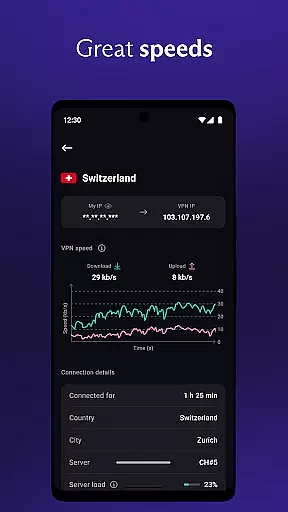
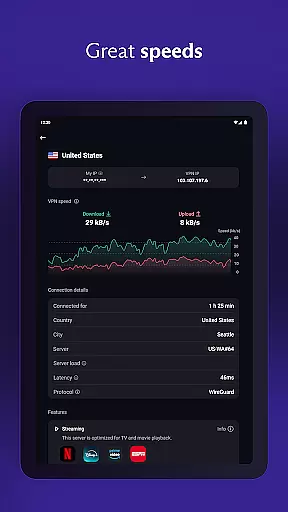
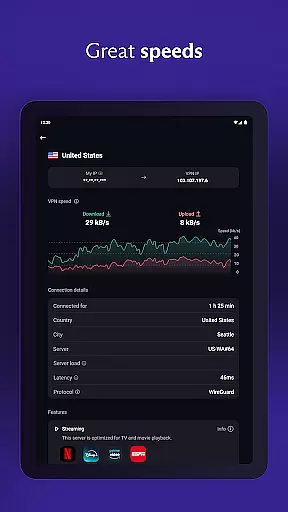
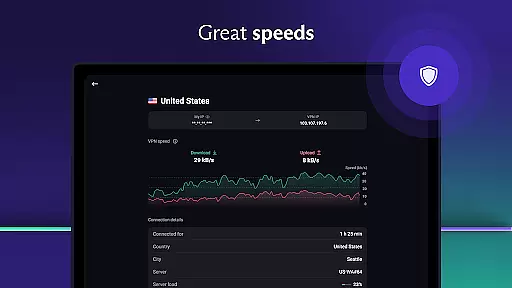
Furthermore, the app offers unlimited data access without bandwidth or speed restrictions, even in its free version. This ensures that users can browse, stream, and download without interruptions or limitations. With servers distributed globally and utilizing a high-speed server network with connections up to 10 Gbps, Proton VPN delivers fast and reliable service.
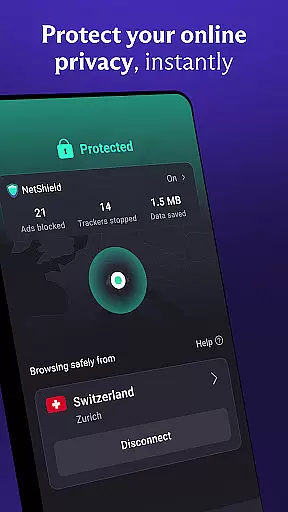
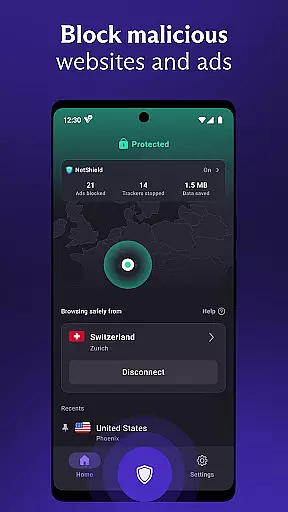
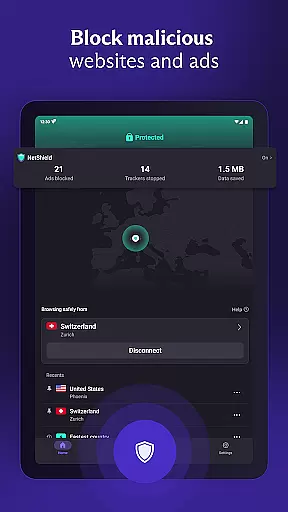
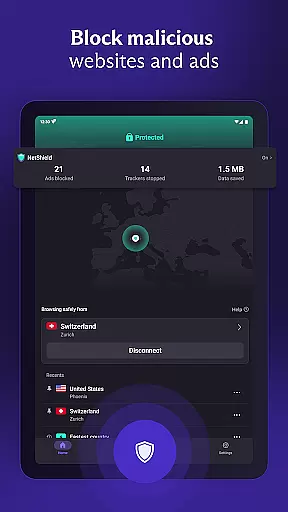
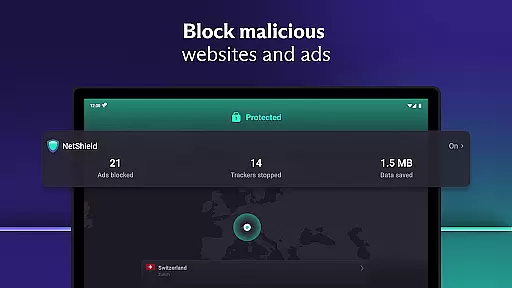
For those seeking more advanced features, Proton VPN includes NetShield, an ad blocker that protects against malware and prevents website trackers from following you across the web. Such comprehensive protection demonstrates Proton VPN's commitment to not only meeting but exceeding user expectations in terms of functionality and effectiveness.
Proton VPN stands out for its interface simplicity and intuitiveness, making it accessible even to those new to virtual private networks. Upon launching the app, users are greeted with a clean and straightforward layout that emphasizes ease of use without compromising on essential functionalities.
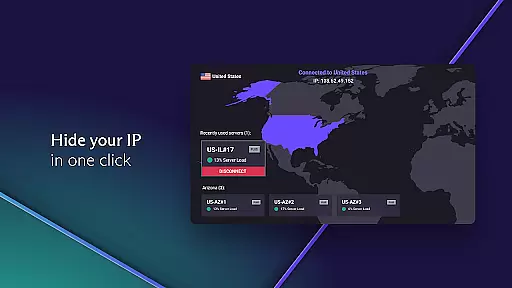
A notable feature is the 'Quick Connect' button, which allows users to secure their internet connection with just one click. This is particularly useful when connecting to public Wi-Fi hotspots where security risks are prevalent. By reducing complex configurations into a single action, Proton VPN ensures that users can protect themselves swiftly and efficiently.
In addition to the streamlined interface, Proton VPN provides discreet app icon options that help disguise the presence of the VPN on your phone, catering to users who prioritize subtlety. The app also supports multi-platform usage across Android, Linux, Windows, macOS, iOS, and more, maintaining consistency and simplicity throughout all versions.
Overall, Proton VPN combines robust security features with an intuitive design philosophy, ensuring that users can enjoy safe, private, and unlimited internet access without needing extensive technical knowledge. Its dedication to offering a seamless user experience makes it a top choice for individuals seeking both power and simplicity in their digital privacy tools.
Free unlimited usage
No logs policy
Advanced security
Multi-device support
Open-source code
Limited free servers
Premium costs
Complex settings
Occasional slowdowns
Ads in free tier

Easily install aab(Android App Bundle) files on your Android device with our app
 4.80
4.80
HD Camera captures every special moment.
4.60
Just swipe the edge to do something!
4.40
Keep track of your Palia friendships, tasks, and inventory with Palia Notebook
4.60
An easy-to-use calculator designed to save time calculating and bending conduit
4.30
Best leveling tool for your Android device. Hang paintings like a pro.
4.90
Signal Strength, Mobile, Wifi, Speed Test, Bad Signals, Cellular, 5G, LTE, 4G
4.20
The one-and-only remote control for PC, Mac, and Linux
4.70
Download any file easily and quickly with Downloader
4.1
Navigate with Ease and Style
4.90
Learn the vast amount of system information about device and monitor it's state
4.70
Mirror your screen to Chromecast and Android TV - Super fast and simple
4.60
Fluid navigation gestures for all of us!
4.30
Just one-tap to easy translate in any language after calls within seconds.
4.20
App that Recover your pictures, videos or files after you delete them.
4.20
Screen Mirroring with sound for Samsung TV, LG TV, Sony TV, Smart TV and Browser
4.20
A convenient photo, video, and file recovery tool.
4.00
Introducing Smart Printer, your ultimate destination for printing solutions!
4.00
Create your own custom widget with endless possibilities
3.90


User Reviews