
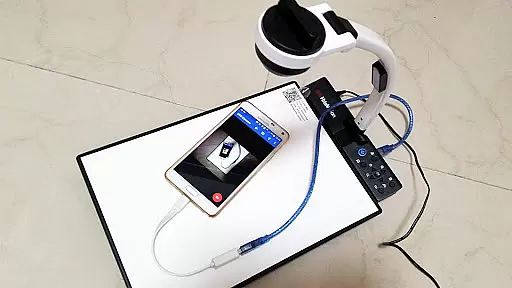
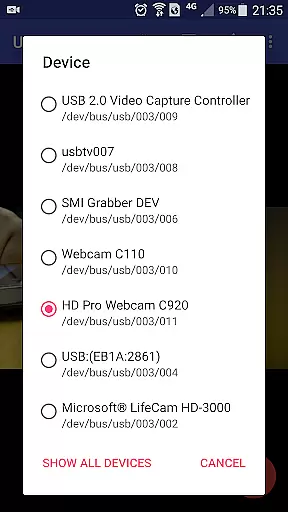
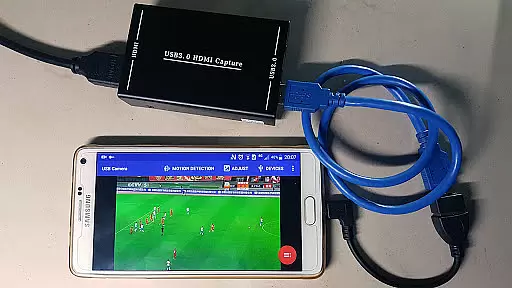
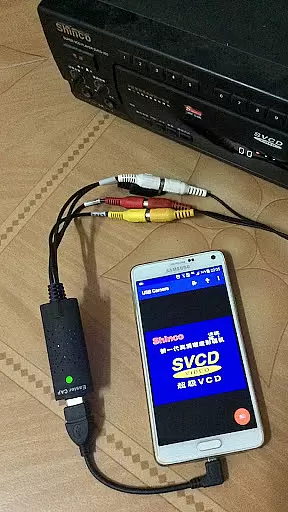
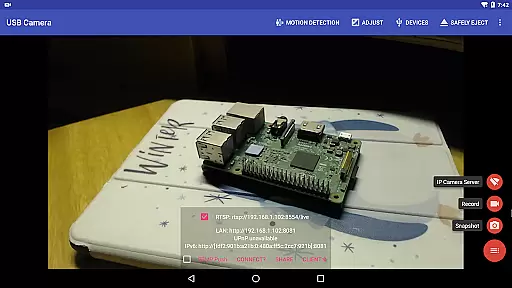
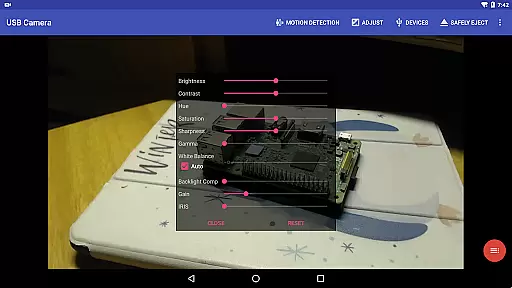
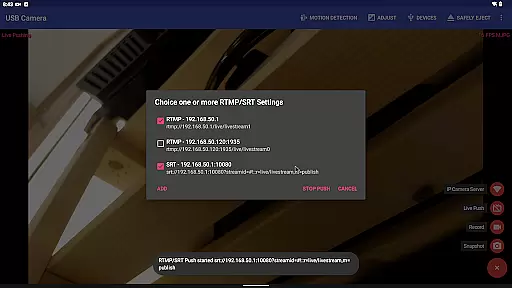
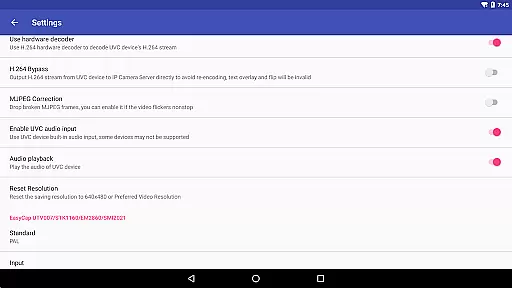
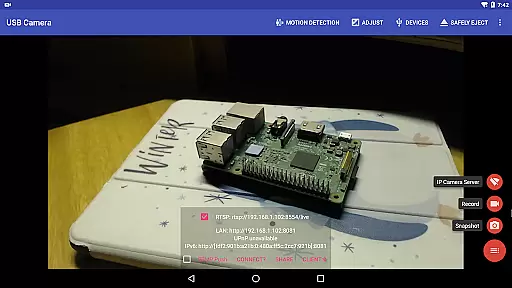
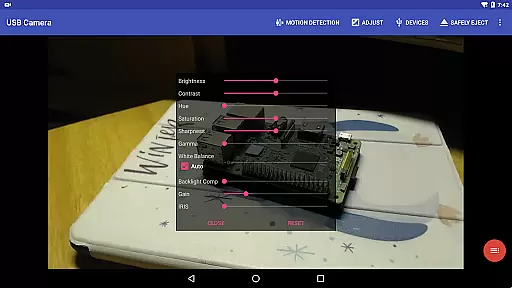
USB Camera Pro is a versatile application that transforms your Android device into a wireless IP camera using USB WebCam or video capture cards. It supports various devices including UVC WebCams, video grabbers, and non-UVC devices like USB Endoscopes. The app allows users to record videos, capture snapshots, and even stream content via RTSP and HTTP servers.
With advanced features such as bi-directional audio support, overlaying built-in camera video onto external sources, and pushing streams to live media servers, this app caters to both casual users and professionals. Whether you need it for security monitoring, FPV goggle compatibility, or network broadcasting, USB Camera Pro offers robust functionality.
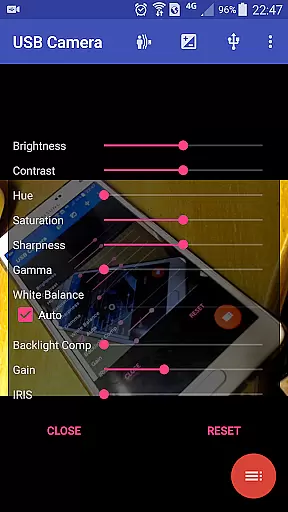
The app also includes practical tools like timestamp overlays, GPS data integration, loop-recording, and seamless background switching. These features make it suitable for use as a dashcam or automated surveillance system with motion detection capabilities.
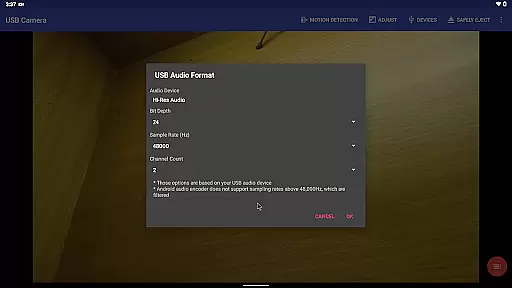
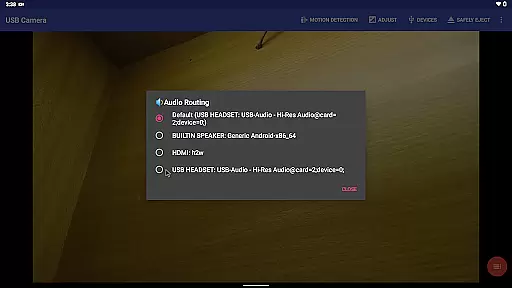
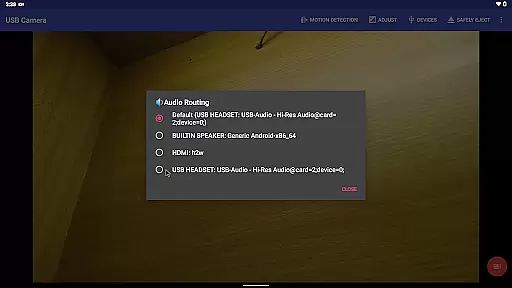
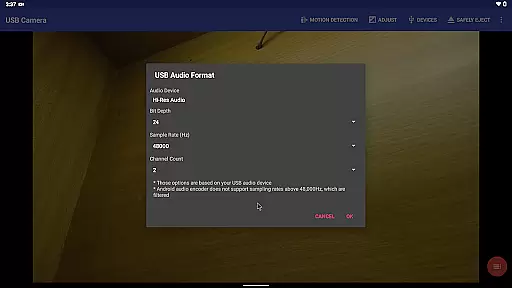
USB Camera Pro boasts an array of sophisticated features designed to enhance user experience. One standout feature is its ability to mix USB audio with built-in microphones or system audio, providing high-quality sound output. Additionally, the app supports Side by Side (SBS) view modes compatible with FPV goggles, making it ideal for drone enthusiasts.
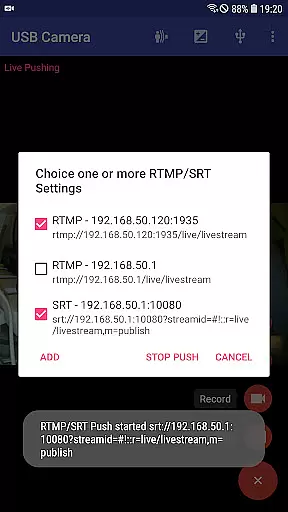
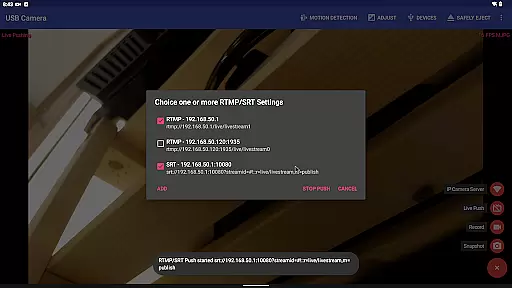
Another significant aspect is its support for multiple streaming protocols including RTMP, SRT, HEVC, and AV1. This ensures broad compatibility across different platforms and devices while maintaining top-notch video quality. Users can push their streams to several media servers simultaneously, enhancing distribution options.
Furthermore, the app facilitates seamless transitions between foreground and background operations without interrupting recordings—a crucial feature for uninterrupted usage scenarios. With auto-segmented recording, FTP uploads, email notifications, and more, USB Camera Pro delivers comprehensive solutions tailored to diverse needs.
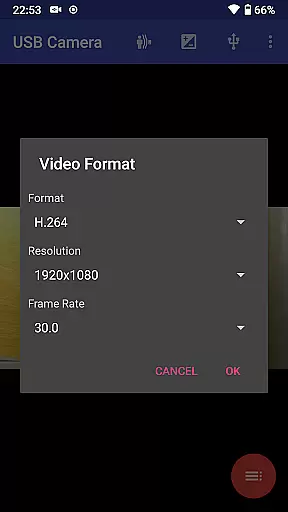
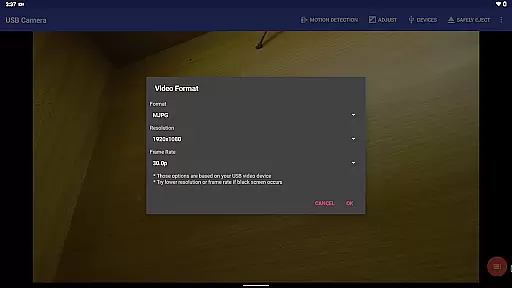
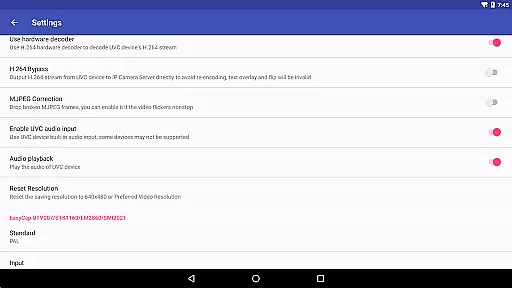
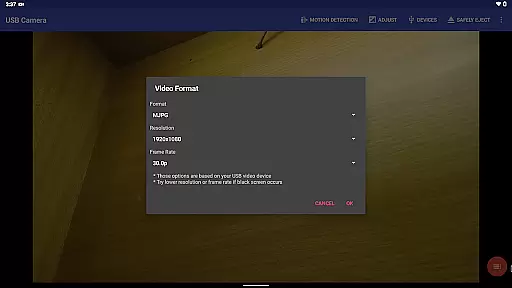
USB Camera Pro demonstrates exceptional versatility in video format compatibility, making it a powerful tool for both casual users and professionals. The application supports an extensive range of video formats including H.264, H.265, HEVC, MJPG, YUY2, P010, and NV12 among others. This broad spectrum allows users to connect various UVC WebCam devices with ease, ensuring that regardless of the source format, seamless integration is guaranteed.
The app's ability to handle progressive and interlaced video up to 4K resolution via HDMI makes it ideal for high-quality video capture and streaming. Whether you're using a Windows Hello Camera, IR Camera, or even non-UVC devices like USB Endoscopes, the app ensures optimal performance. Additionally, support for specialized chipsets found in EasyCap devices further expands its utility, catering to users who require specific hardware configurations for their projects.
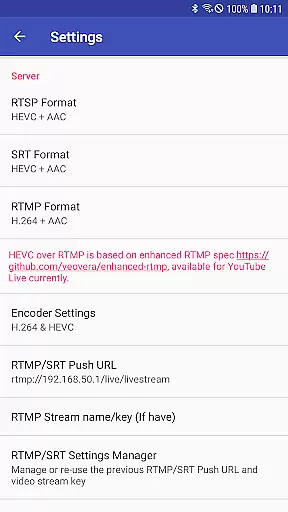
For advanced users, USB Camera Pro facilitates HEVC video recording and streaming on Android 5.0 or newer, provided the connected device supports the HEVC codec. Similarly, AV1 video streaming becomes possible on Android 10 or later, offering cutting-edge compression efficiency for live broadcasts. These features not only future-proof the application but also ensure that users can take full advantage of modern video technologies without worrying about format limitations.
While USB Camera Pro primarily focuses on video capture and streaming capabilities, it incorporates several AI-powered features that enhance the overall user experience. One notable aspect is its intelligent motion detection system, which enables automated video recording based on detected movements. This feature proves invaluable for security monitoring applications, as it ensures critical moments are captured without manual intervention.
The application takes automation a step further by supporting automatic video uploads to FTP servers following recording sessions. Users receive email notifications once uploads complete, streamlining workflow processes and ensuring important footage is securely stored off-device. Although not traditional editing tools, these smart functionalities significantly reduce post-production workload by organizing and managing recorded content efficiently.
Additionally, USB Camera Pro offers innovative overlay options that allow users to mix USB audio with built-in microphones or system audio outputs. This capability extends to video overlays too, enabling the combination of external camera feeds with internal camera/screen visuals. Such features provide creative flexibility during live broadcasts or presentations, effectively serving as dynamic editing tools within the context of real-time content creation.
Wide Device Compatibility
Advanced Streaming Options
Bi-directional Audio Support
Seamless Background Switching
Motion Detection Recording
Requires Good OTG Cable
Complex Setup Process
Limited Third-party App Integration
High Power Consumption
Premium Version Needed for Full Features

The smartest M3U IPTV Player your playlists have ever seen.
 4.4
4.4
Snaptubè Video Downloader app allows to download videos and music in Snaptube. .
4.60
Create & edit videos with AI
4.30
VLC Remote lets you control your VLC Media Player on Mac, PC or Linux.
4.60
Pro video editor app for Instagram, edit video with song, AI, effect & slowmo.
4.80
Download videos easily & play them all in one smart, powerful video manager.
3.40
An easy-to-use and all-round screen recorder with audio
4.80
Download videos and play them offline
4.70
Browser + Remote for Roku to stream webvideos, online movies and livestreams
4.60
All in one HD video downloader & player for multiple formats with full privacy
4.70
KineMaster, Your Ultimate Video Editor!
4.40
KMPlayer Plus (Divx Codec) officially support Divx codec.
4.30
Turn your phone into a wireless camera!
4.20
Video player with 4K & 1080P support, popup play, background play and subtitle.
4.20
Livestream, news, & gaming content. Watch, chat, and upload. Join Rumble today!
3.80
A full editing room to accompany your Insta360 cameras and handheld gimbals.
3.30
IPTV Player - Watch live TV from m3m & m3u8 playlist, stream IPTV on mobile
3.30
Video player with powerful streaming playback and various convenient features.
2.10
Powerful HD video player with support for all formats & subtitles.
4.1


User Reviews