
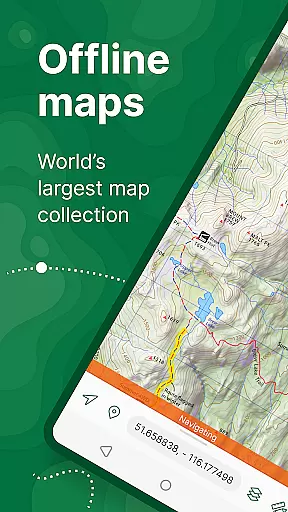
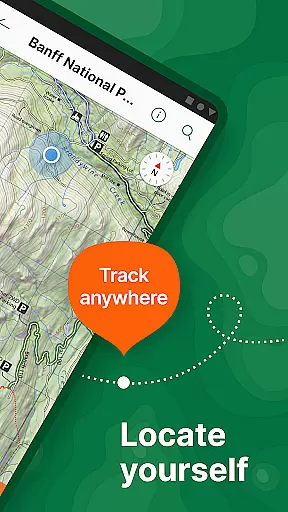
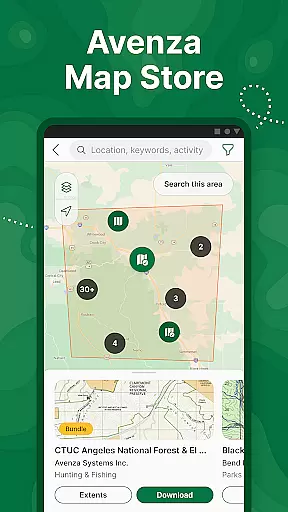
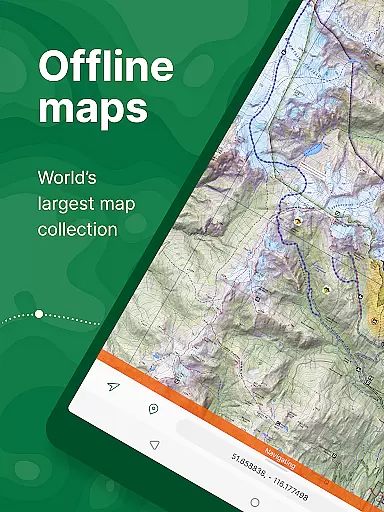
Avenza Maps is a premier offline mapping application designed for outdoor enthusiasts and professionals alike. This app provides access to an extensive library of maps from top publishers, including National Geographic and the National Park Service, making it ideal for hiking, biking, and exploring off-grid locations. Users can download maps for offline use, ensuring reliable navigation even without internet connectivity.
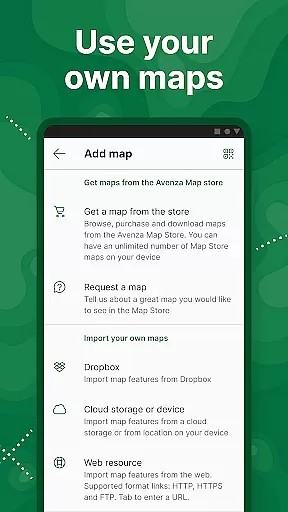
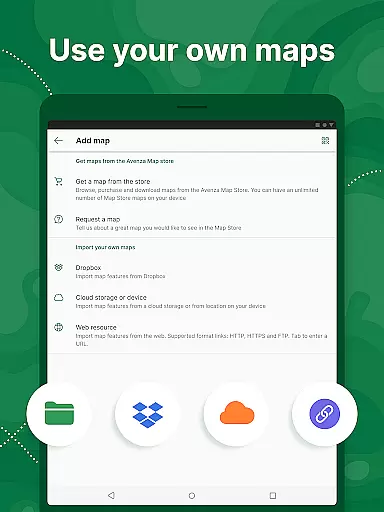
One of the standout features of Avenza Maps is its ability to support custom map imports, allowing users to upload their own geospatial PDFs or GeoTIFF files. The app also offers advanced GPS tools such as real-time location tracking, track recording, and distance measurement. Whether you're planning your next adventure or managing fieldwork, Avenza Maps delivers precise location data and comprehensive mapping capabilities to keep you on course.
The app caters to both recreational users and professionals through its tiered subscription model. While casual users can enjoy free access to thousands of maps, power users can opt for the Plus or Pro subscriptions to unlock unlimited custom map imports and advanced GIS tools. With its versatile feature set, Avenza Maps is suitable for anyone needing reliable offline navigation and detailed mapping resources.
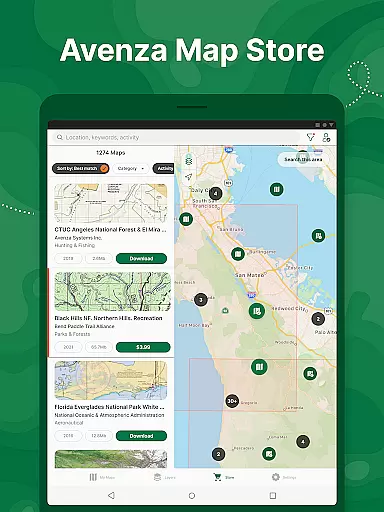
Avenza Maps boasts a robust set of features tailored for both recreational and professional use. At its core, the app provides access to a vast Map Store containing over 1 million maps from renowned publishers like National Geographic, Michelin, and the US Geological Survey. These maps cover a wide range of activities, including hiking, cycling, and nautical navigation, ensuring that users can find the perfect map for their needs.
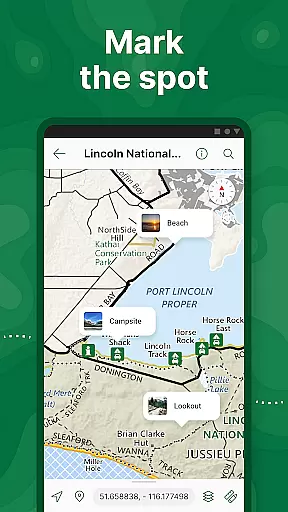
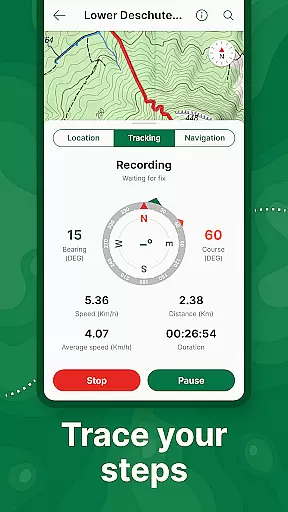
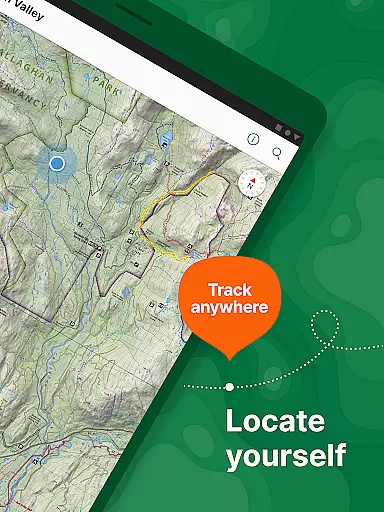
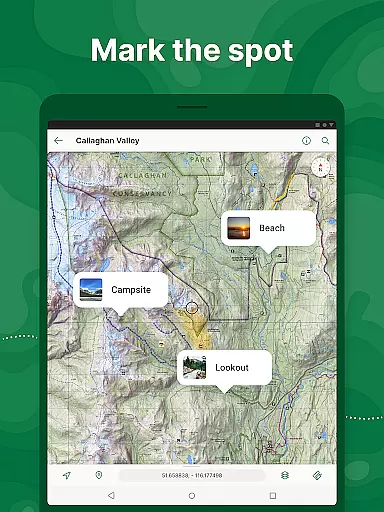
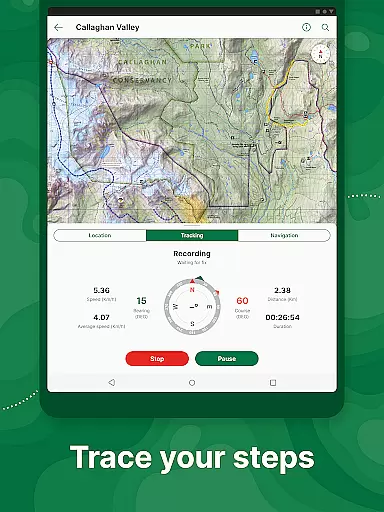
In addition to its extensive map library, Avenza Maps supports advanced GPS functionalities. Users can track their location in real time, even without an internet connection, thanks to offline map support. The app allows users to record GPS tracks, add placemarks with photos and notes, and measure distances directly on the map. For those who require more precision, the Pro subscription unlocks features such as GPS averaging, custom symbol sets, and integration with high-accuracy GPS devices via Bluetooth.
Customization and flexibility are key aspects of Avenza Maps. The app enables users to import their own geospatial PDFs, GeoPDFs, and GeoTIFF files, making it a powerful tool for professionals conducting fieldwork. Furthermore, the Pro subscription includes advanced GIS tools like Esri Shapefile support and global geofence notifications. These features ensure that Avenza Maps remains a versatile solution for both personal adventures and professional projects.
Map accuracy is a cornerstone of Avenza Maps, ensuring users can navigate with confidence. The app offers offline maps sourced from professional publishers like National Geographic and the US Forest Service, guaranteeing reliable geographic data even without an internet connection.
Avenza Maps provides access to topographic, trail, and nautical maps that are meticulously crafted for precision. These maps support GPS functionality, allowing users to pinpoint their exact location using advanced tools such as what3words integration. This ensures that adventurers can precisely track their whereabouts in remote areas.
The app's Map Store features thousands of premium maps, regularly updated and verified by experts. Users can download maps tailored to specific activities, ensuring they have the most accurate and relevant geographic information for hiking, biking, or off-roading trips.
By prioritizing map accuracy, Avenza Maps empowers outdoor enthusiasts to explore safely and efficiently. Whether navigating dense forests or vast oceans, users can rely on the app's precise mapping technology to stay on course and avoid potential hazards.
Route planning is a standout feature of Avenza Maps, designed to enhance navigation for outdoor adventures. The app allows users to create detailed routes using imported maps and GPS tools, making it easier to prepare for hikes, bike rides, or off-road journeys.
With Avenza Maps, users can measure distances, estimate travel times, and mark key locations with placemarks. These features help adventurers plan efficient routes while accounting for terrain and points of interest. Additionally, the app supports formats like KML and GPX, enabling seamless integration with other mapping platforms.
The route planning tools are complemented by real-time GPS tracking, which records tracks during activities. This allows users to adjust their paths dynamically based on current progress or unexpected obstacles. Compass tools further assist in orienting users toward their next destination.
Whether planning a casual day hike or a complex backcountry expedition, Avenza Maps' route planning capabilities ensure users can prepare thoroughly and execute their plans with confidence. This functionality makes the app indispensable for explorers seeking both convenience and reliability.
User-friendly interface
Extensive map library
Offline functionality
Advanced GPS tools
Custom map support
Free version limitations
Paid subscription required
Occasional bugs
High cost for Pro
Learning curve for new users

Turn your Android device into a real off-road GPS using off-line topo maps!
 4.40
4.40
GPX Viewer PRO shows tracks, routes and waypoints from gpx and kml files.
4.60
TACNAV-X: Precision MGRS navigation, built specifically for the military.
4.00
Parcel map, property lines, owner, acres, land use, zoning and more from Regrid.
4.60
Your real-time window to the world. Explore anywhere, anytime.
3.30
NJ TRANSIT information and ticketing at your fingertips
3.70
Explore with GPS Navigation with GPS offline, voice GPS, speed camera radar
4.60
Bolt is a ride-hailing app for requesting fast, safe, and affordable transport
4.80
Get real-time bus and train schedules for easy, hassle-free city transportation.
3.90
Track accurate speed & distance with GPS Speedometer. Check speed limit & time.
4.50
Rideshare, taxi cabs, and more for your airport travels and everyday trips.
4.50
The fastest and most convenient way to pay for parking on our lots.
4.40
Route schedules, maps, and real-time tracking of MTA buses in New York City.
4.20
Get route map navigation with 3D satellite view, and live earth camera streaming
3.70
Play in the outdoors with Android as your Handheld GPS and offline topo maps!
3.50
Your guide to the recreational opportunities of the Bureau of Land Management!
3.40
Turn your tablet or Android powered unit into a full blow Android Auto headunit.
2.30
Compass is an accurate compass and a great tool for any outdoor activities
4.4
Find 93 Octane Gas: Locate Gasoline Stations Selling Premium 93 Octane or Higher
4.4


User Reviews