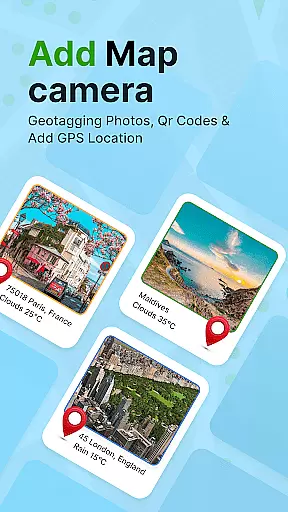
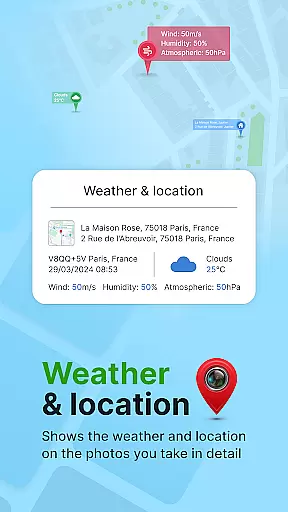
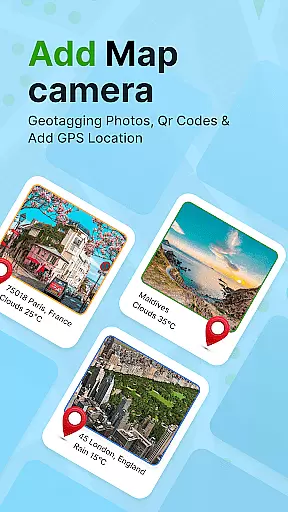
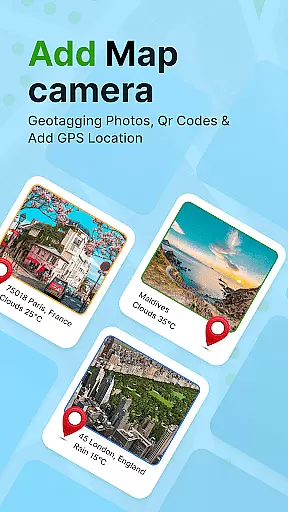
GPS Geotag Photos & Camera Map is a powerful photography app designed to enhance your photo management by embedding precise location data into your images. The core functionality revolves around geotagging, allowing users to automatically add GPS coordinates, altitude, and even weather information directly into the metadata of their photos.
Beyond basic geotagging, this app offers advanced customization options such as timestamp placement, font styles, and color adjustments, making it highly versatile for both casual photographers and professionals. Whether you're documenting travel adventures or organizing work-related imagery, the app ensures every photo tells a story through its embedded location details.
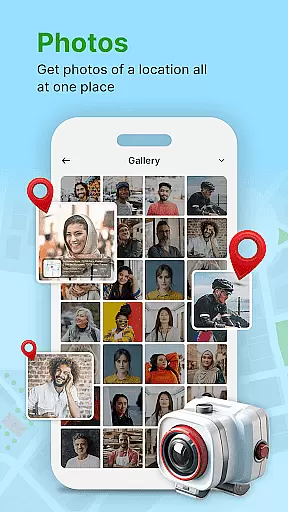
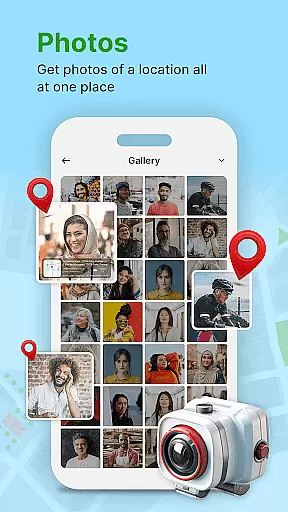
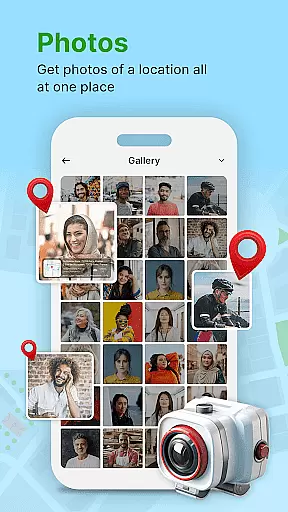
A key use case is for travelers who want to track their journeys visually. By using the app's live map feature, users can easily browse their geotagged photos on an interactive map, providing a seamless way to revisit memorable locations. This functionality not only improves photo organization but also adds significant contextual value to each image captured.
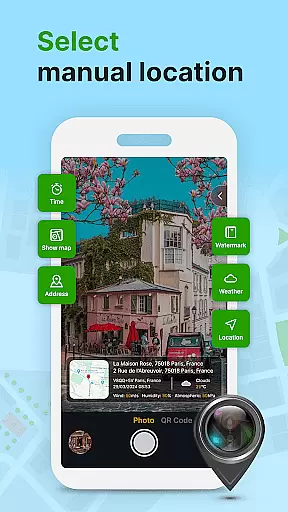
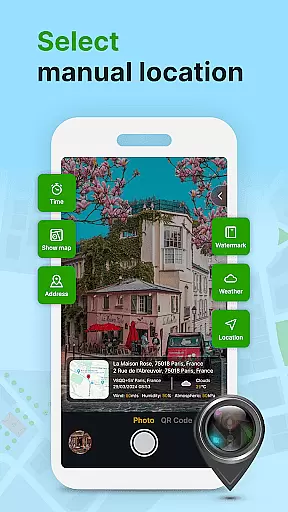
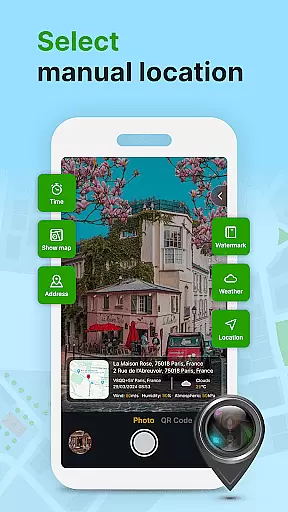
The app stands out with its comprehensive set of features tailored for modern photographers. One notable capability is the automatic addition of geolocation stamps, which eliminates the need for manual entry and ensures accuracy in location tagging. Additionally, users can fine-tune these tags by manually adjusting latitude and longitude values if needed.
Another standout feature is the built-in QR code scanner, enabling quick access to additional functionalities without cluttering the main interface. The app also supports customizing timestamps, letting users choose font sizes, colors, and positions to match their personal style. Furthermore, the inclusion of short location names on photos provides quick reference points without overwhelming the image itself.
These features collectively offer immense value by streamlining photo management tasks while enhancing creative control. The ability to share geotagged photos instantly with family and friends adds a social dimension that makes this app particularly appealing to those who value connectivity alongside functionality.
Real-time capture and preview functionality is essential for ensuring that each photo taken with GPS Geotag Photos & Camera Map app accurately reflects the desired composition. This feature allows users to see exactly what the camera sees, making it easier to frame shots perfectly.
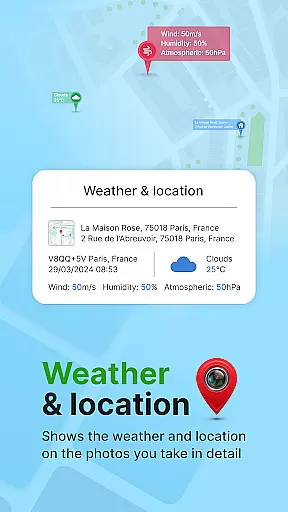
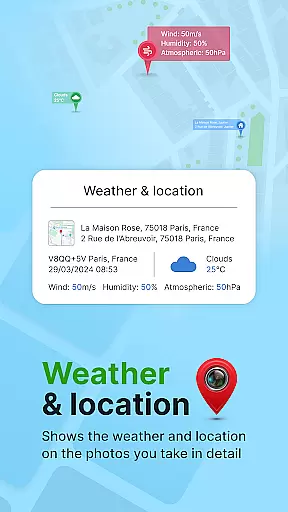
The app supports capturing stunning photos while automatically embedding GPS coordinates, altitude, and even the address into the image metadata. This means that as soon as you take a picture, all relevant location data is instantly saved with it, providing an invaluable reference for future use.
Users can also customize various aspects of their images, such as adding timestamps with specific fonts, sizes, colors, and positions. This level of customization ensures that every photo not only captures a moment but also records important details about that moment in time.
With real-time capture and preview, photographers can trust that their geotagged photos will be precisely where they expect them to be on a map, enhancing both personal memory-keeping and professional projects alike.
While primarily focused on geotagging, GPS Geotag Photos & Camera Map app also offers features related to AI beauty and enhancement, ensuring that your photos look their best without appearing unnatural. The app's ability to adjust various visual elements contributes to more appealing yet authentic-looking images.
One notable aspect is the auto-addition of short location names on photos, which subtly enhances the image by providing context without overwhelming the viewer. Additionally, manual adjustments to latitude and longitude allow for fine-tuning of the location data, ensuring accuracy and relevance.
Customization options extend to font, size, color, and position of any text or timestamp added to the photo. These controls enable users to maintain a natural aesthetic while still benefiting from enhanced information overlays that enrich the viewing experience.
Overall, these enhancements ensure that each photograph remains true to its original form while offering additional layers of information and subtle improvements that elevate the final product without compromising its authenticity.
User-friendly interface
Highly customizable settings
Accurate GPS tagging
Live map integration
Quick sharing options
Limited free features
Occasional GPS lag
Heavy battery usage
No offline mode
Ads in free version

AI portrait generator and polaroid AI selfie, fun AI generated AI photo creator!
 4.30
4.30
What celebrity do you look like? Celebs will find your celebrity match!
4.10
Over 800 film simulation recipes for Fujifilm. Black Friday Offer!
4.5
Automatically backup your photos and videos to computer, NAS and Cloud services
4.60
Luminar: Photo Editor - easy picture editing with AI
4.20
Collage your moments in one tap: 1000+ layouts, filters, stickers, and texts.
4.90
Easily view, share, delete photos with Gallery.
4.70
Fit multiple photos on one post. Create carousels & scroll layouts for Instagram
4.50
Solocator stamps photos you take with GPS location, Compass Direction, Date/Time
3.80
AI Photo Editor with 100+ Filters, Effects! Remove BG, Retouch & Photo Enhancer.
4.80
Gallery show photo, video, slideshow, is perfect 3D effect private photo albums.
4.80
Create Business Headshots, Polaroid Filter, Retake Photos,Profile Pics,AI Photos
4.50
Easily stitch panoramas from multiple photos or video.
4.40
All-in-One Editor & AI Photo Enhancer, Beautify & Retouch, Collage, Cartoonify
4.20
Photo editor: face & body editor, beauty cam, filters and quality enhancer.
4.00
Gallery Slideshow is slideshow maker app for slideshow from your gallery photos.
3.90
USB Storage Access for Photos, Videos, Music and Documents
3.80
Perfect photos with body shaping, BG changer and object remover.
3.70
Remote control the phone camera shutter from your smartwatch and take a picture
1.60


User Reviews