
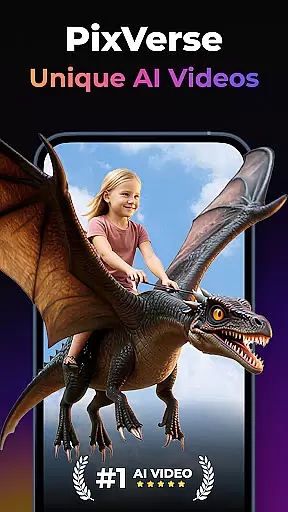
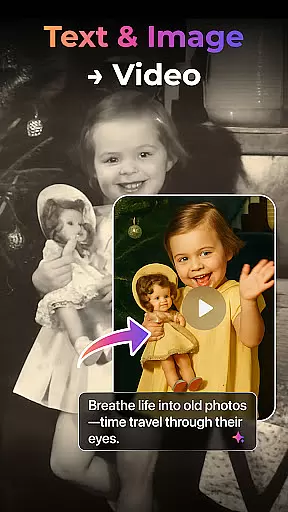

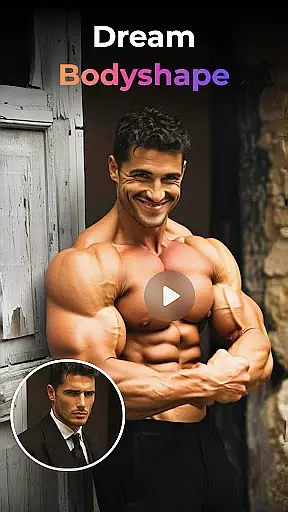
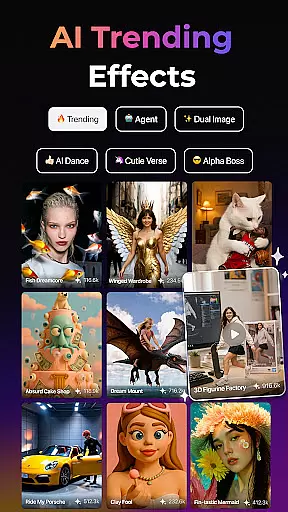
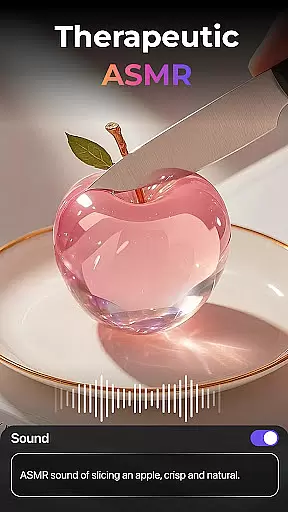
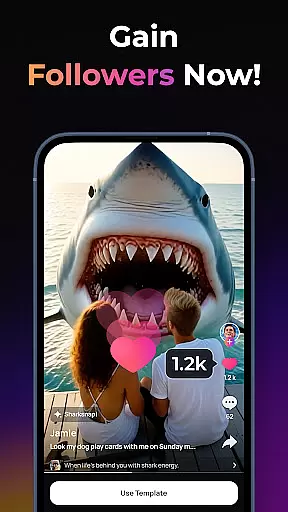
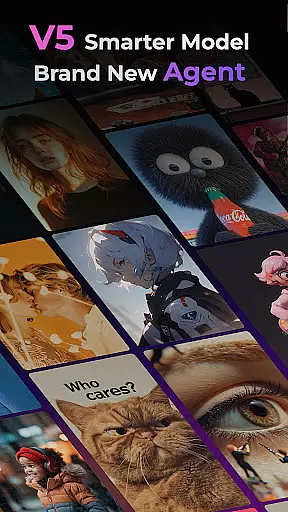
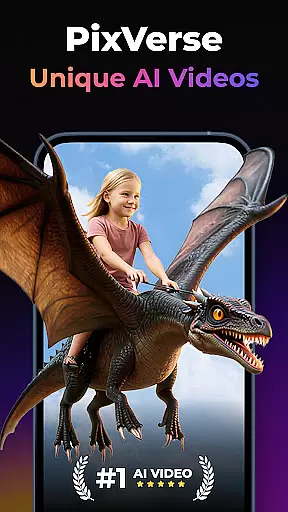
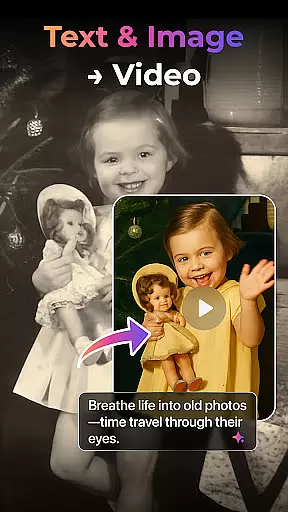

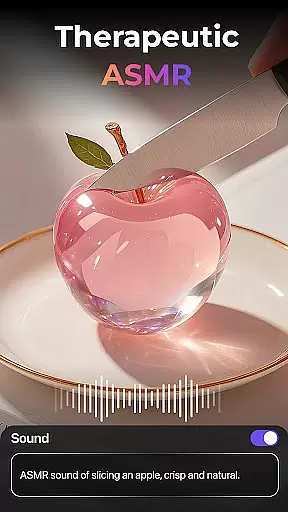
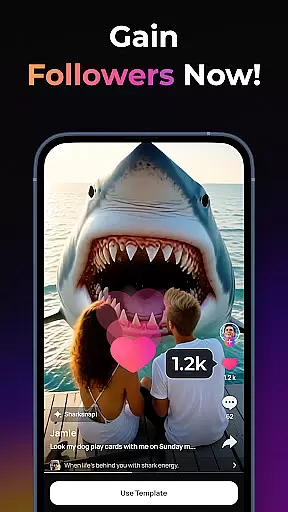
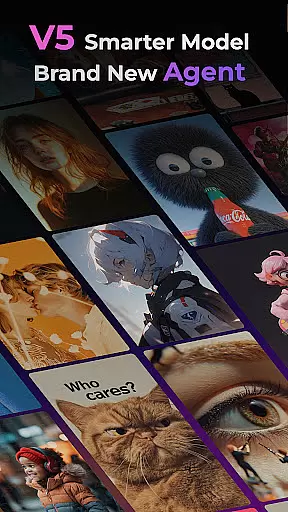
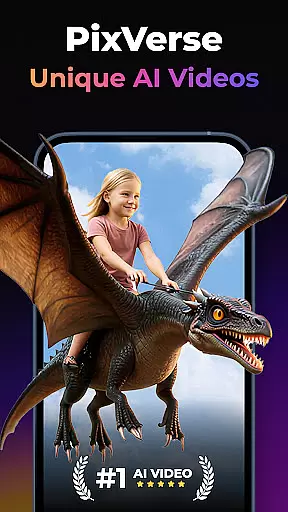

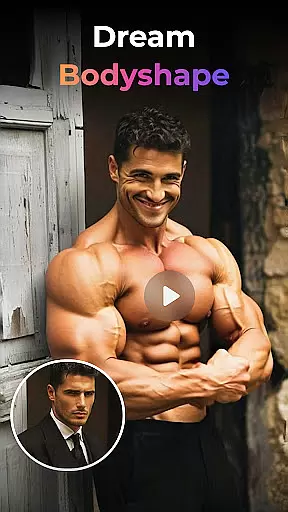
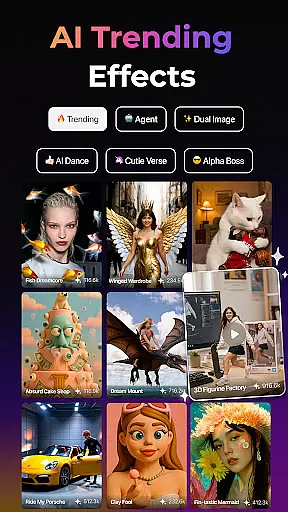
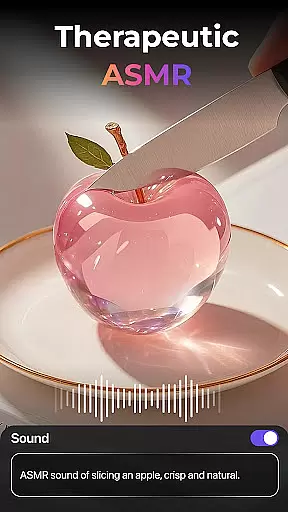
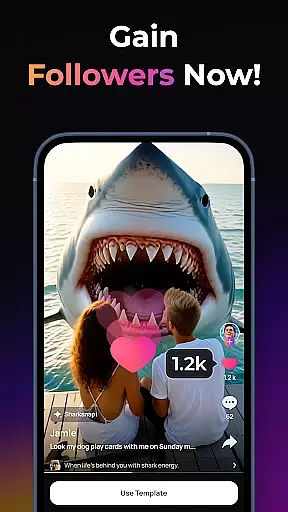
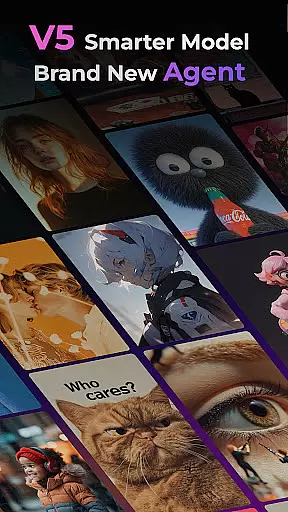
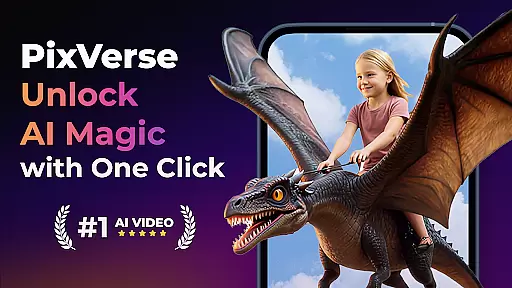
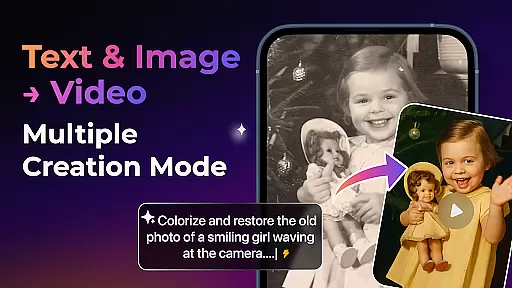

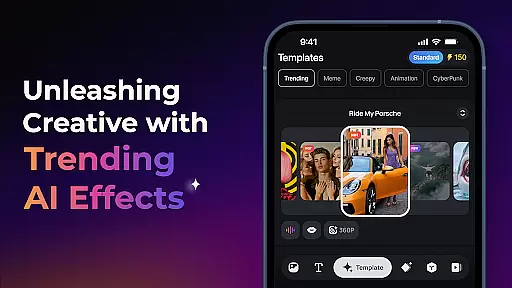
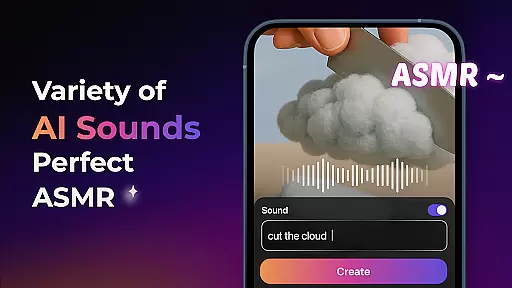
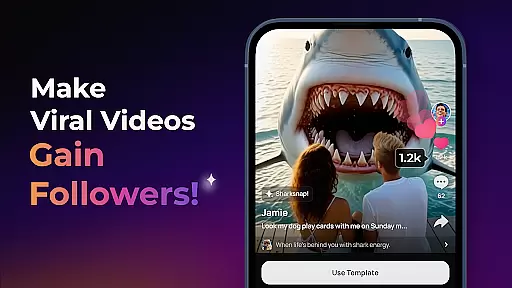
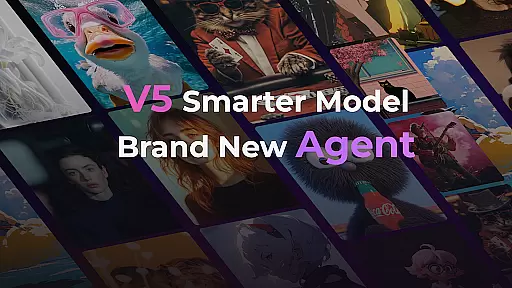
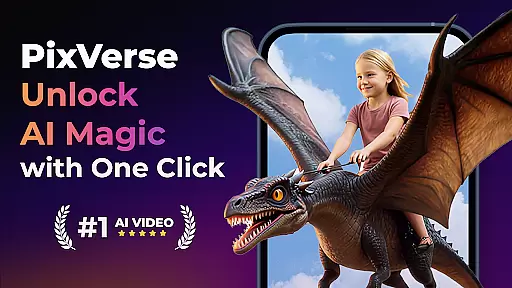
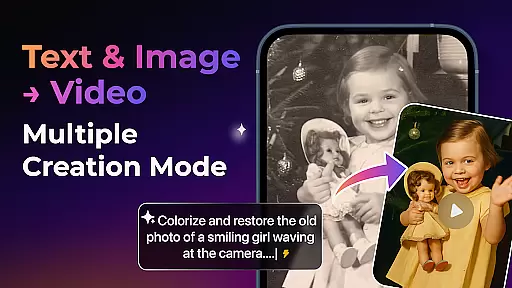

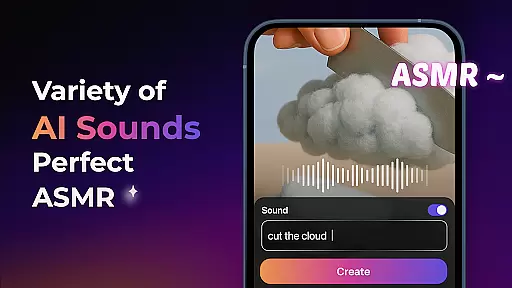
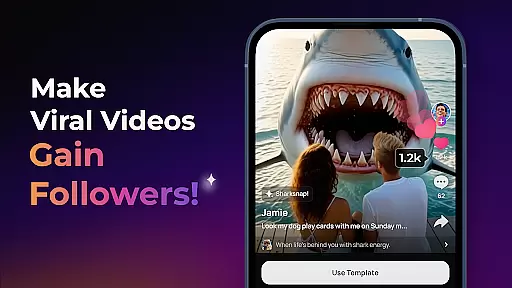
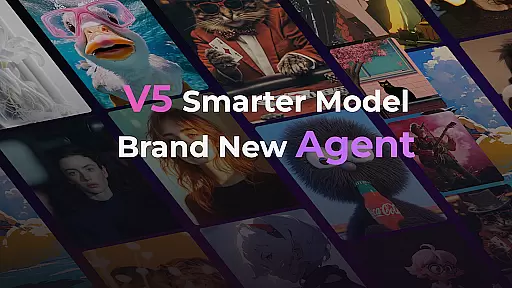
PixVerse is an advanced AI-powered video creation suite that empowers users to transform photos, text, and videos into stunning content within seconds. With its cutting-edge V5 model, the app ensures perfect prompt alignment, lifelike details, and smooth animations, making it a top choice for creators seeking professional-grade results. The Brand New Agent feature acts as your creative co-pilot, streamlining the process of bringing ideas to life with precision.
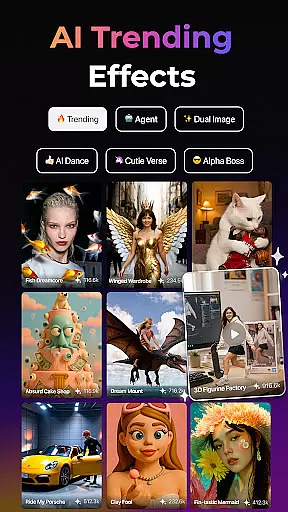
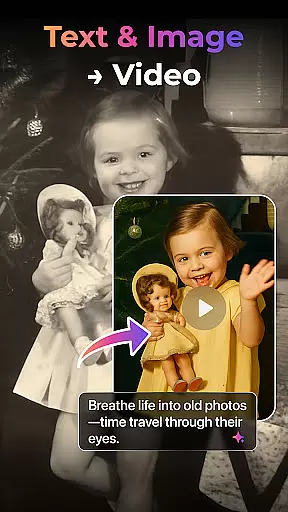
Designed for both casual users and professional creators, PixVerse offers versatile tools like Image to Video, Text to Video, and Video Extension, alongside unique AI effects such as Old Photo Revival and AI Dance Revolution. Whether you're reviving cherished memories or crafting viral content, PixVerse provides lightning-fast, high-quality outputs that cater to diverse creative needs.
PixVerse stands out with its innovative features tailored for next-level creativity. The Smarter V5 Model delivers unparalleled realism through advanced physics simulations and lifelike animations, ensuring every frame mirrors reality. Additionally, the Key Frame Control allows users to upload custom frames, enhancing creative stability and enabling seamless transitions between user-defined start and end points.
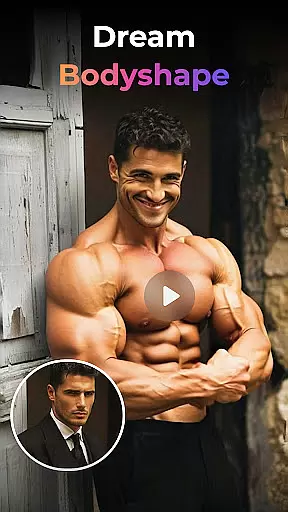
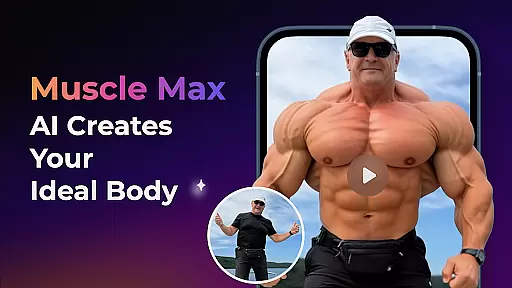
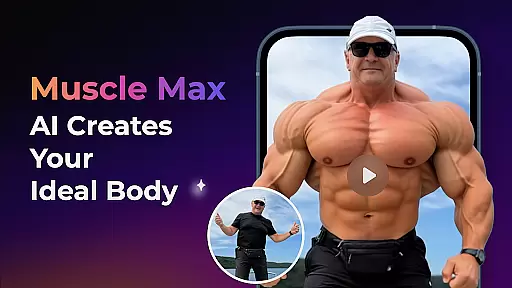
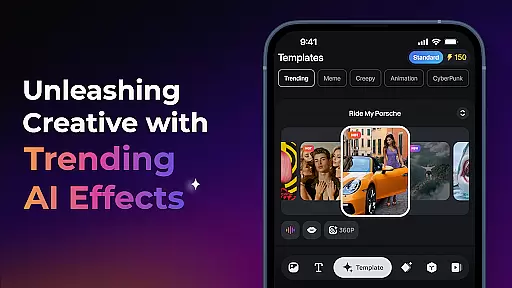
Another highlight is Fusion, which lets users combine up to three images in any style into one cohesive video with a single click. Paired with constant updates introducing trending AI effects like Earth Zoom Challenge and Muscle Max, PixVerse keeps creators ahead of the curve. Its cinematic HD output and hyper-realistic AI capabilities make it an indispensable tool for modern storytelling.
Real-time capture and preview functionality is essential for any photography app, allowing users to see exactly what their final output will look like before they commit to the shot. PixVerse offers this feature with an advanced twist.
The app leverages AI to provide not just a simple preview but an enhanced visualization of what your photos or videos could become. With features like Old Photo Revival and Earth Zoom Challenge, users can anticipate how their static images will transform into dynamic visual stories.
This immediate feedback loop empowers creators by giving them control over the creative process, ensuring that the composition, lighting, and subject matter are all in harmony before capturing the moment. It saves time and elevates the quality of content produced.
By integrating real-time AI effects, PixVerse ensures that photographers and videographers can experiment with confidence, knowing that what they see in the preview is what they'll get in the final output, thus streamlining the workflow from concept to creation.
In the realm of photo editing, achieving natural-looking enhancements is key. PixVerse addresses this need through its sophisticated AI beauty and enhancement features, which ensure edits are both impactful and believable.
With tools such as Muscle Max: Bodybuilder Champion and Embrace Warmth, users can apply transformations that respect the authenticity of the original image while adding a touch of magic. These AI-driven adjustments are designed to enhance features without making them appear artificial or over-processed.
The app's commitment to hyper-real AI means that even when drastic changes are applied, like those seen in AI Dance Revolution, the results maintain a level of realism that respects the integrity of the source material. This balance between creativity and truthfulness is crucial for professional-grade outputs.
Photographers using PixVerse can trust that their edited works will retain a natural aesthetic, pleasing clients who seek polished yet genuine representations in their visual storytelling endeavors.
Fast rendering speeds
High-definition output
User-friendly interface
Versatile creation modes
Innovative AI effects
Limited free features
Subscription costs may add up
Requires internet connection
Learning curve for beginners
Occasional bugs in new updates

Gallery show photo, video, slideshow, is perfect 3D effect private photo albums.
 4.80
4.80
All-in-One Editor & AI Photo Enhancer, Beautify & Retouch, Collage, Cartoonify
4.20
HD Photo gallery and photo manager to edit, hide private photos, videos & albums
4.0
What celebrity do you look like? Celebs will find your celebrity match!
4.10
Create Business Headshots, Polaroid Filter, Retake Photos,Profile Pics,AI Photos
4.50
Turn your phone into a professional camera - full DSLR manual photography
4.30
Photo Exif Editor allows to view, add and modify EXIF data of multiple photos
4.50
A must-have app for landscape photographers
4.60
Pro version: AR sun/moon tracker for any date. Tool for photographers & planners
4.90
Easily view, share, delete photos with Gallery.
4.70
Unblur, enhance & restore photos with powerful AI photo enhancer tools.
4.60
Search, tag and rate your way to an organized image gallery
4.40
Future baby face generator: AI kids generator, kid face! What my baby look like?
4.40
The #1 app for B&W film developing featuring an advanced darkroom timer.
4.10
Catch sunlight, sunrise sunset times and sun phases with the AR sun tracker.
4.10
How old age camera Gender Swap App Face Shape Hairstyle App Hair Styler App fun!
4.00
Hair color changer, AI haircut app, fun hair editor and buzz cut filter for all!
3.80
Remote control the phone camera shutter from your smartwatch and take a picture
1.60
Snap photos remotely using your Garmin watch as the camera trigger
4.1


User Reviews