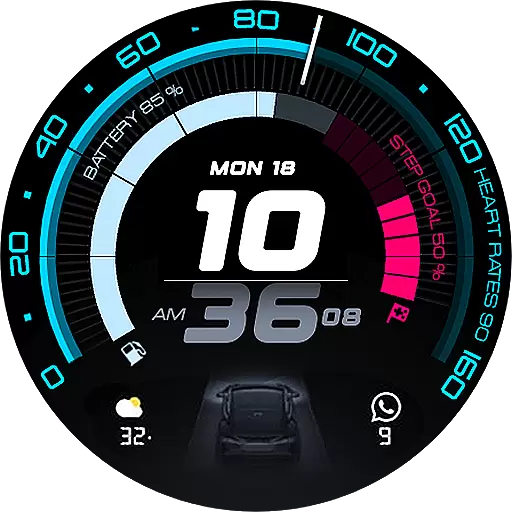
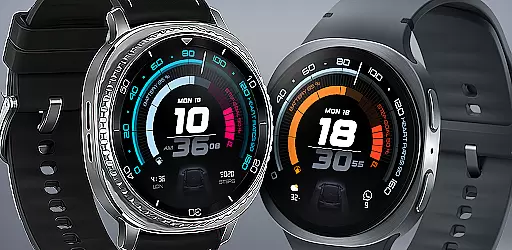
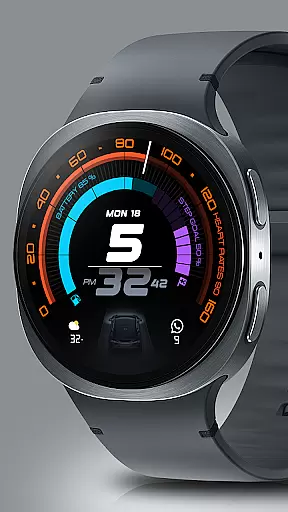
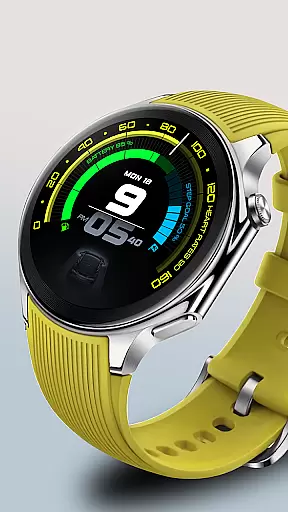
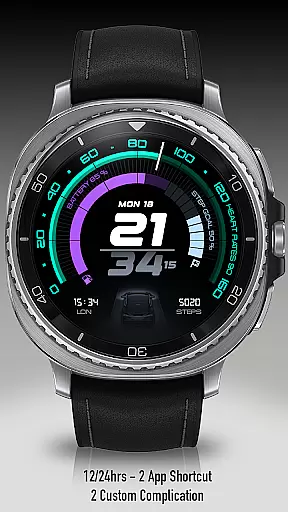
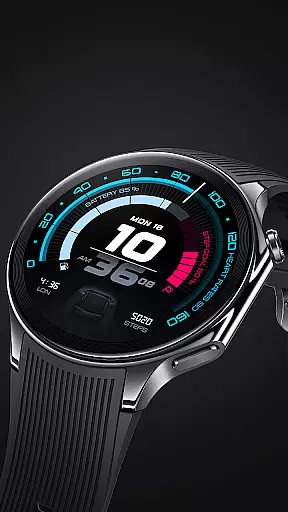
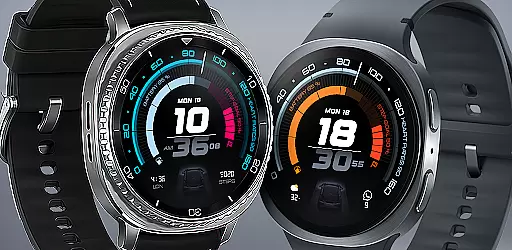
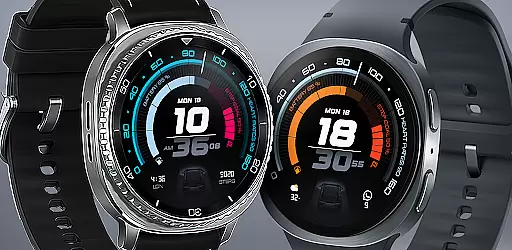
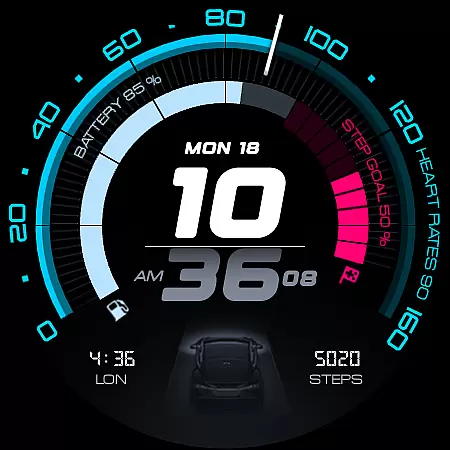
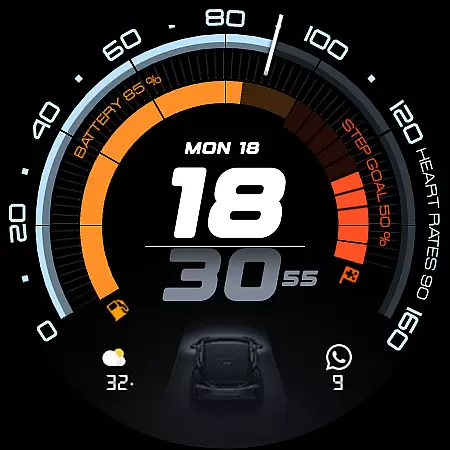
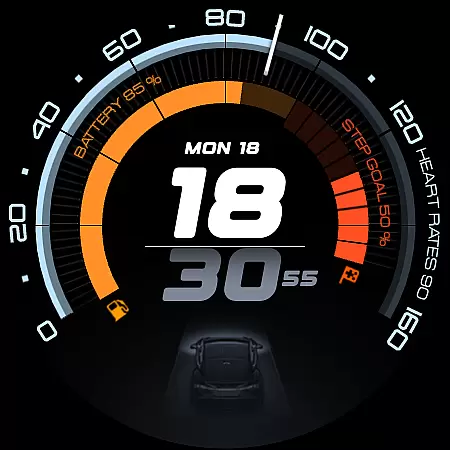
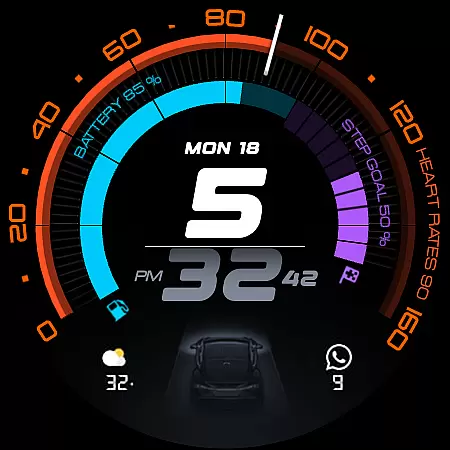
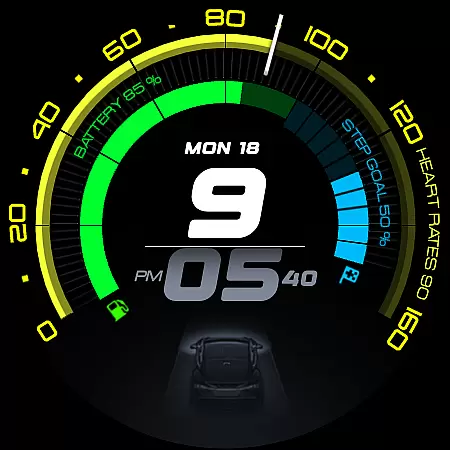
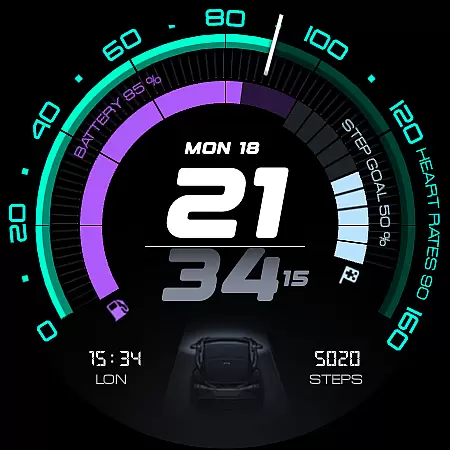
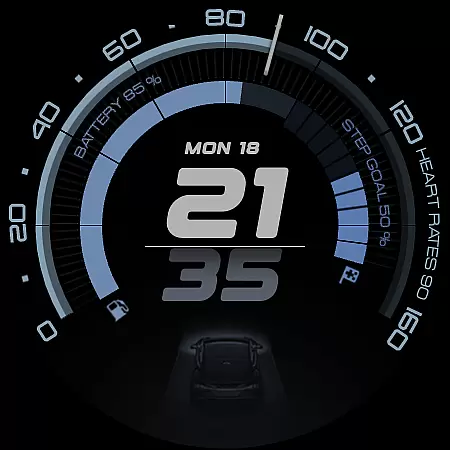
ARS Acceleration is a high-performance watch face designed for users who value both style and functionality. It features a bold digital time display, vibrant activity arcs, and essential health metrics like heart rate, step count, and battery level. The design draws inspiration from sports dials, offering an automotive-inspired aesthetic that adapts to both day and night use.
This watch face provides real-time updates on weather and fitness tracking while supporting customizable complications and dual app shortcuts. Whether you're monitoring your daily activity or simply appreciating sleek design, ARS Acceleration transforms your smartwatch into a precision instrument tailored for everyday performance.
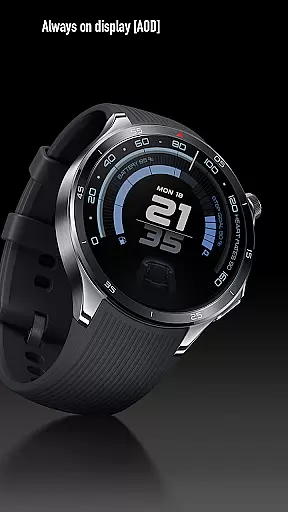
ARS Acceleration stands out with its vibrant color-coded activity arcs and dynamic interface. The watch face supports both 12/24-hour time formats and offers Always-On Display functionality, ensuring visibility in any lighting condition. Its customizable complications allow users to personalize their experience by selecting preferred metrics or shortcuts.
In addition to its stylish appearance, the watch face integrates essential features such as real-time heart rate monitoring, step counting, and weather updates. These elements are elegantly displayed within a sleek, automotive-inspired layout, making it not only visually appealing but also highly functional for those focused on health and productivity.
Companion app integration is essential for a seamless smartwatch experience. ARS Acceleration excels in this area by offering users the ability to sync and control their watch face directly from their smartphone. This ensures that all vital information, such as health metrics and notifications, are consistently up-to-date.
The app provides an intuitive interface where users can customize complications, set dual app shortcuts, and toggle between 12/24-hour time formats effortlessly. These features allow for a personalized and efficient user experience, catering to individual preferences and needs.
Furthermore, real-time updates on heart rate, battery level, step count, and weather conditions are made possible through tight integration with the companion app. This connectivity ensures that users have access to accurate and timely data, enhancing both functionality and convenience.
Ensuring broad compatibility across various Wear OS devices is crucial for any watch face application. ARS Acceleration supports a wide range of smartwatches running on Wear OS, providing users with a consistent and reliable performance regardless of their device model.
The design of ARS Acceleration takes full advantage of the capabilities offered by Wear OS, delivering a dynamic and modern interface. With bold digital time display, vibrant color-coded activity arcs, and essential health tracking features, it transforms any compatible smartwatch into a high-performance tool.
In addition to its visual appeal, ARS Acceleration maintains optimal functionality across different devices. Users can enjoy customizable elements like complications and app shortcuts without worrying about performance issues, making it a versatile choice for those seeking both style and utility in their wearable technology.
Stylish Design
Customizable Features
Real-Time Health Tracking
Vibrant Activity Arcs
Always-On Display
Limited Compatibility
Battery Intensive
Premium Price
Complex Setup
Few Customization Options

Precision analog watch face with 7 complications and style options
 4.2
4.2
Easy Voice Recorder is your everyday companion to record important moments.
4.70
Digital, flexibly customizable watch face. For Wear OS 5.0, API 34+ and later.
5.00
3 Complications. All shadow on/off. 30 Themes color palette...
4.1
Your second brain for organizing your life: to-do, calendar, reminder.
4.70
Period, ovulation & pregnancy tracker. Fertility insights & menstrual calendar.
4.90
Bold weather Digital watchface with forecast & optional animated background
4.40
Fast and smart typing with Emojis, GIFs, and more
4.50
Start and succeed with PAP
4.10
Be an elegant and classy secret agent, with this carefully detailed watch face
4.70
Walking app for weight loss: walk & step tracker, pedometer, indoor treadmill
4.60
A realistic hybrid watch face with many customization options.
4.60
Ideal for surviving in the wasteland left after nuclear fallout
4.50
Digital watch face. For Wear OS devices.
4.40
Calming & relaxing sounds for sleeping and stress relief. Stay focused all day!
4.20
Viewer for Wyze/Yi/Eufy/Arlo/ONVIF/RTSP/P2P IP cams w/ adv. features & DIY DVR
4.00
Stay in touch with your friends and family using LINE!
3.40
Christmas and New Year - Themed Watchface
4.4
Fitness interactive virtual pet super fighter boy watch face
4.4


User Reviews