

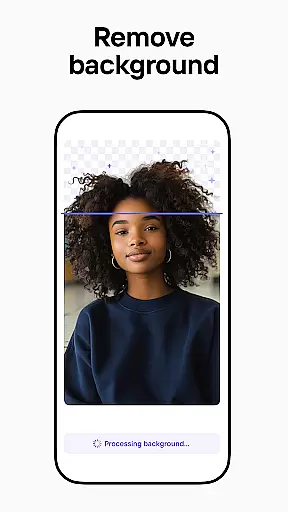

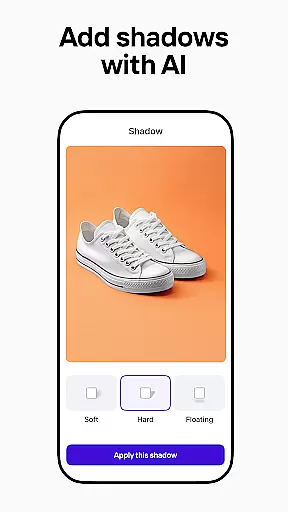
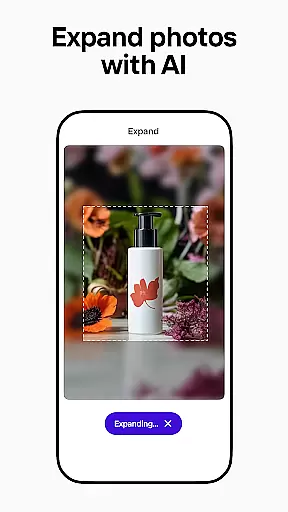
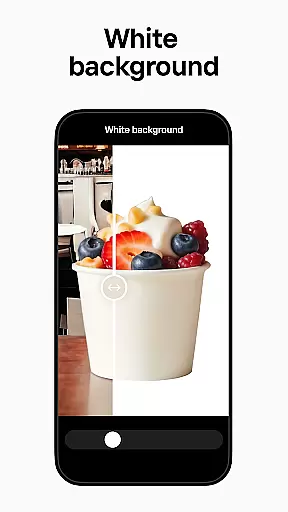
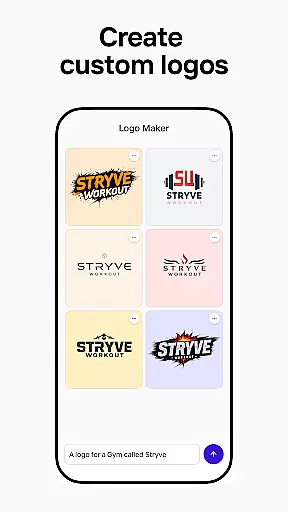
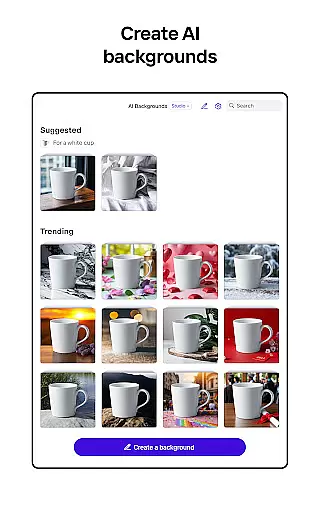
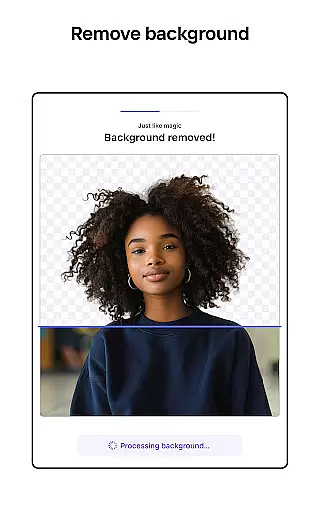
Photoroom AI Photo Editor is a powerful mobile application designed to help users create professional-quality images with ease. Leveraging advanced AI technology, the app allows users to design, edit, and enhance photos by removing or replacing backgrounds, erasing unwanted objects, and adjusting lighting and shadows. Whether you're an e-commerce seller, content creator, or social media manager, Photoroom provides the tools needed to elevate your brand and engage your audience.
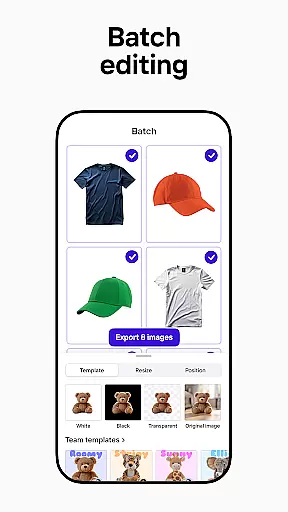
The app offers features such as AI-powered design assistance, batch editing for multiple images, and customizable templates for various platforms like Instagram, Facebook, and Amazon. With its intuitive interface and time-saving capabilities, Photoroom is suitable for both beginners and professionals looking to produce polished visuals without extensive design experience.
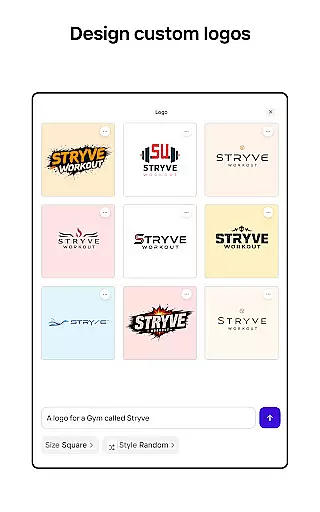
Photoroom stands out with its comprehensive suite of AI-driven photo editing tools. The app's AI-powered design feature enables users to generate backgrounds, logos, and social media assets simply by describing their ideas. This eliminates the need for prior design knowledge while delivering professional results in seconds.
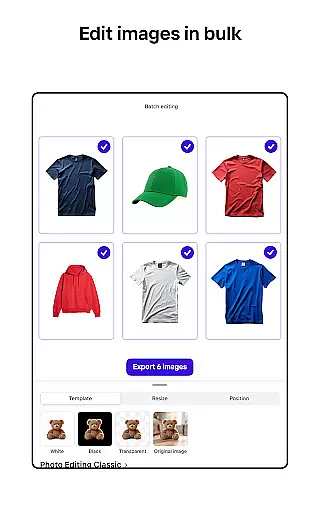
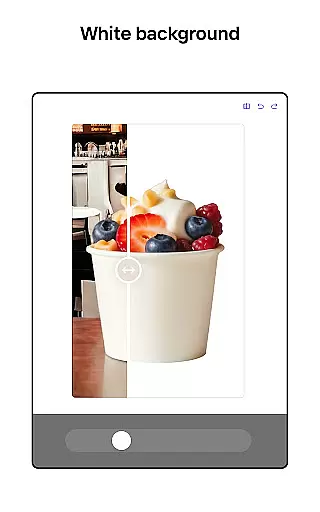
Another key feature is the background removal and replacement tool, which uses smart erasing technology to clean up distractions and polish product photos. Users can also take advantage of batch editing to process multiple images simultaneously, making it ideal for e-commerce sellers who require consistent branding across product listings. Additionally, Photoroom includes collaboration tools that allow teams to work together in real-time, ensuring efficient workflows and cohesive designs.
Real-time capture and preview functionality is essential for ensuring that every photo taken meets professional standards. With Photoroom AI Photo Editor, users can instantly see the results of their edits as they make them, providing immediate feedback on changes to backgrounds or object removals.
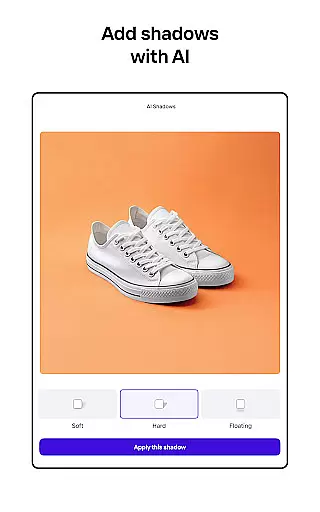
This feature allows photographers and e-commerce sellers to adjust lighting, shadows, and sharpness with precision, ensuring that product photos are optimized before publishing. The real-time preview ensures that any imperfections are corrected on the spot, saving valuable time in post-production.
For content creators who need to produce engaging posts across multiple platforms, this tool offers a seamless experience. Whether you're designing images for Instagram, Facebook, or YouTube, the ability to preview your work in real-time guarantees that your visuals will look polished and professional on any platform.
Ultimately, real-time capture and preview empower users to create high-quality images efficiently. By offering an intuitive interface combined with powerful AI technology, Photoroom enables anyone to achieve pro-level results without requiring extensive design skills.
AI beauty and enhancement features have revolutionized the way we edit photos by providing natural-looking improvements without manual intervention. Photoroom's AI technology specializes in enhancing images while maintaining authenticity, making it ideal for creating lifelike virtual models and stunning staged scenes.
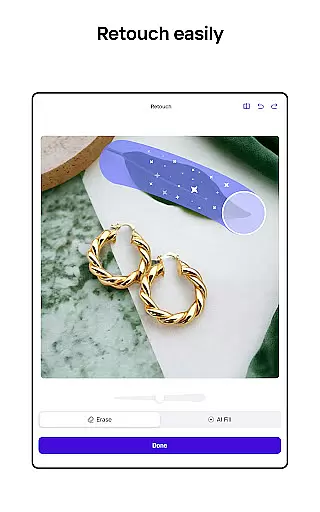
The smart eraser tool within Photoroom allows users to clean up details or erase distractions effortlessly. This ensures that product shots remain focused on the item being sold, free from unwanted objects that could detract from its appeal. Additionally, the AI-powered beautification tools help refine portraits by smoothing skin tones and enhancing facial features naturally.
For social media managers and freelancers, these enhancements mean delivering professional designs quickly and efficiently. The AI algorithms ensure that all edits appear organic, preserving the original essence of the photograph while elevating its overall quality.
By leveraging advanced AI capabilities, Photoroom provides users with the means to transform ordinary images into extraordinary ones. This not only boosts engagement but also drives sales by presenting products in the best possible light, all while keeping the enhancements subtle and true to life.
Easy-to-use interface
AI-powered design tools
Batch editing capability
Real-time collaboration
Pro-level photo editing
Premium features locked
Subscription required
Limited free exports
Advanced tools costly
Occasional glitches

Find time and duration of different sunlight phases at any location
 4.90
4.90
Create funny photos and videos with the popular Time Warp Scan filter.
4.90
Professional video recording application with manual controls for filmmakers!
2.80
Pet Camera
3.70
Transform photos into videos! Create realistic or anime-style images easily!
4.50
A reflected light meter with spot metering and incident light metering.
4.40
Fit multiple photos on one post. Create carousels & scroll layouts for Instagram
4.50
A light meter for true photographers.
4.20
Welcome to ProShot, the most powerful camera app on Android.
4.20
Amazing Photo Effects - The most fun you can have with your photos!
4.70
Unblur, enhance & restore photos with powerful AI photo enhancer tools.
4.60
AI photo editor with hair editor, retouch tools, hair color changer & filters!
4.50
Effortlessly organize, view and share your photos & videos with Gallery app!
4.40
Search, tag and rate your way to an organized image gallery
4.40
Future baby face generator: AI kids generator, kid face! What my baby look like?
4.40
Astrophotography with your smartphone, photo live stacking and much more!
3.90
Create amazing frames with up to five photos. Rounded corners, effects and more!
3.60
Photo Album Watch Face shows your favorite pictures as a Watchface.
1.90
Over 800 film simulation recipes for Fujifilm. Black Friday Offer!
4.0


User Reviews